

Migrating to a new version of Windows is essential for staying up-to-date with the latest features, security updates, and performance improvements. However, the process is not without its challenges. In this blog, we’ll explore the top challenges in Windows migration and how specialized Windows Migration Software can address these issues for a seamless transition.
Understanding the Challenges in Windows Migration

1. Data Loss Risks
One of the most significant concerns during a Windows migration is the risk of losing critical files. Improper backups, manual errors, or corrupted transfers can result in missing essential data, causing disruptions in both personal and professional workflows.
2. Compatibility Issues
Older software or hardware might not be compatible with the latest Windows version. This can lead to application crashes, driver errors, or the need for costly hardware upgrades.
3. Downtime and Productivity Impact
Migrating systems often leads to downtime, affecting business operations and reducing productivity. Employees or personal users may be unable to access their devices while the migration is underway.
4. Complex Configurations
Migrating user profiles, applications, and custom settings can be a daunting task. Ensuring everything works as expected on the new system requires meticulous planning and execution.
5. Security Concerns
During a migration, data is at risk of being intercepted or lost. Ensuring a secure transfer is paramount, especially for businesses handling sensitive information.
6. Lack of Technical Expertise
Not everyone has the technical know-how to perform a migration successfully. Manual processes increase the likelihood of errors, resulting in prolonged migration times and frustration.
How Windows Migration Software Addresses These Challenges
1. Streamlined Data Transfer
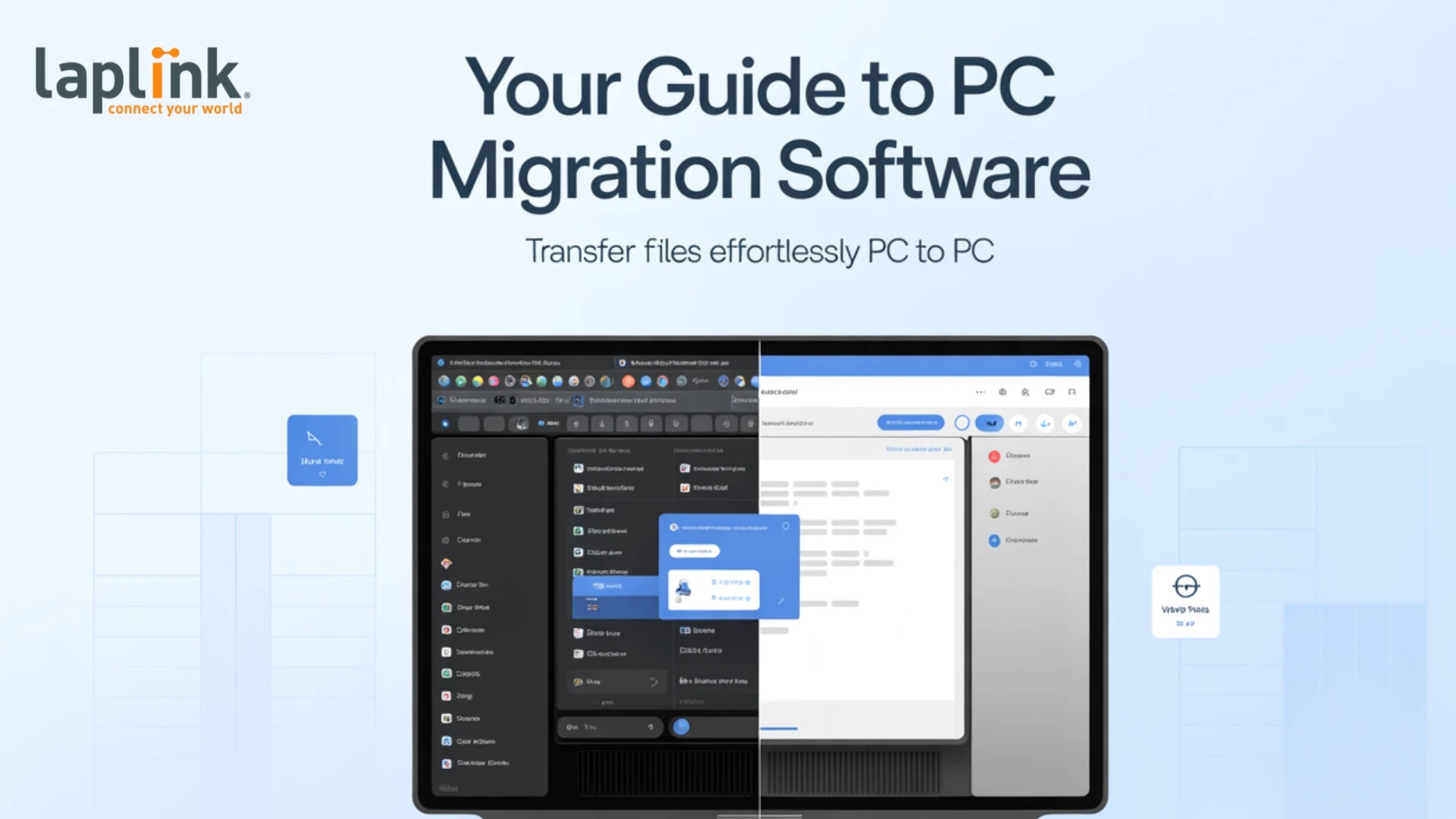
Windows Migration Software automates the data transfer process, ensuring that files, applications, and settings are migrated without errors. By using automated tools, you reduce the risk of manual mistakes and ensure a complete migration.
2. Built-In Compatibility Checks
Advanced tools perform pre-migration compatibility scans to identify potential issues with software or hardware. These scans help address problems before the migration begins, saving time and resources.
3. Minimizing Downtime
Windows migration software offers features like batch processing and scheduling, allowing businesses to perform migrations during non-working hours. Real-time progress tracking also helps ensure timely completion.
4. Simplifying Complex Configurations
Automated solutions migrate user profiles, applications, and settings seamlessly. This ensures that users experience a familiar environment on their new system, reducing the learning curve and frustration.
5. Enhanced Security Features
Encryption during data transfers ensures that sensitive information remains protected. Many tools also comply with data protection regulations, providing peace of mind for businesses.
6. User-Friendly Interfaces
Even non-technical users can navigate the migration process thanks to step-by-step wizards and intuitive interfaces. Comprehensive support options further assist users in overcoming any challenges.
Case Studies and Success Stories
Organizations across industries have successfully tackled migration challenges using the right tools. For example, businesses leveraging Windows Migration Software report faster migrations, reduced downtime, and enhanced security measures.
Another real-world application is PC Migration, where individuals or IT teams move entire systems, including user profiles and applications, from one device to another. This process has become more efficient with advanced tools that streamline data transfer and setup.
Tips for Choosing the Right Windows Migration Software
- Assess Your Needs: Determine whether you need migration tools for personal or business use.
- Prioritize Features: Look for automation, compatibility checks, and security features.
- Consider Scalability: Ensure the software can handle multiple devices if needed.
- Budget Appropriately: Balance cost with the features you require.
Conclusion
Windows migration doesn’t have to be a daunting task. By understanding the common challenges and leveraging specialized tools like Windows Migration Software, you can ensure a seamless, secure, and efficient transition. Whether you’re a business upgrading systems or an individual moving to a new PC, the right software makes all the difference. Start exploring your options today and experience the benefits of stress-free migration!


















Sign in to leave a comment.