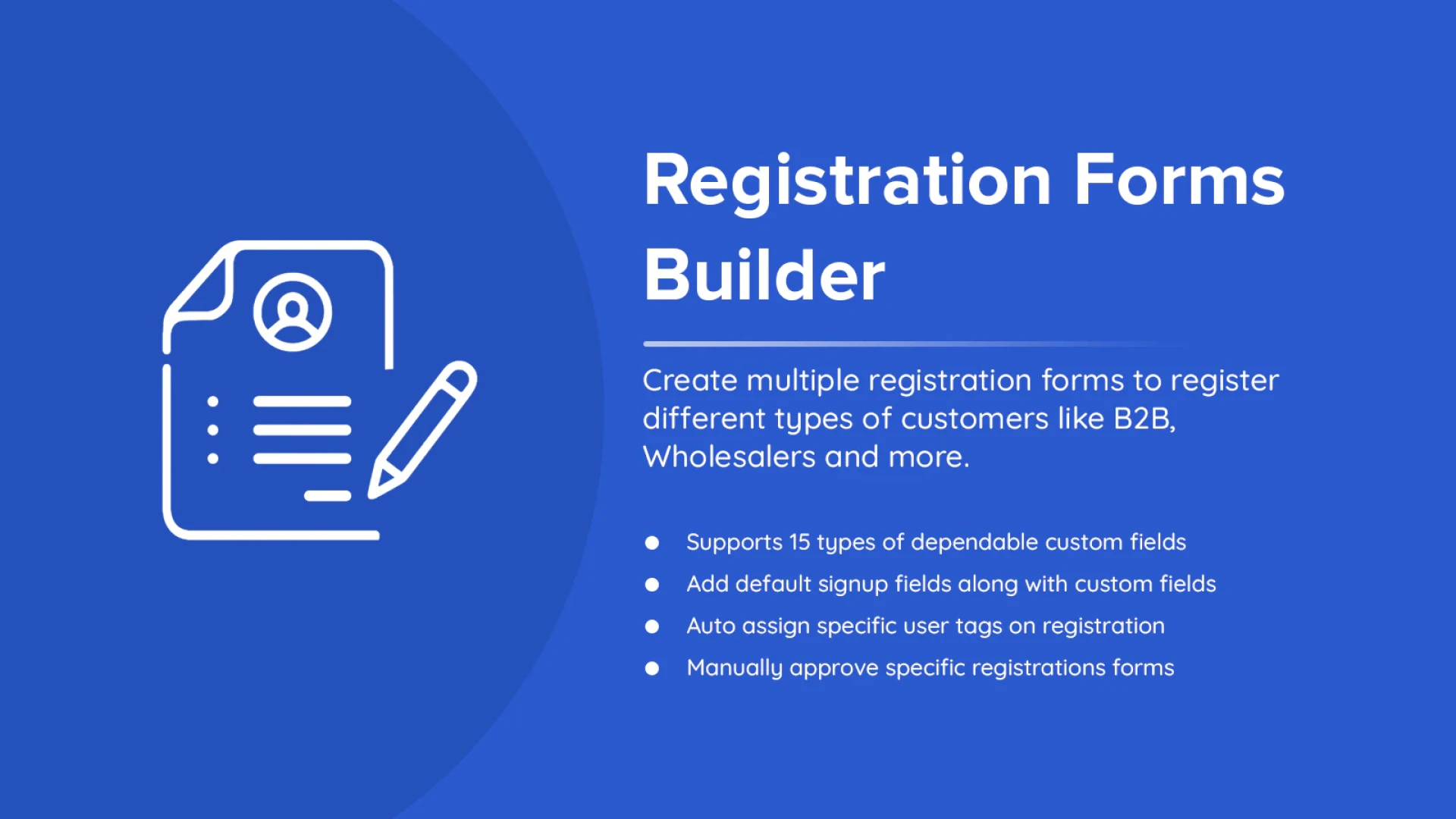

It is crucial to have tools that streamline processes and enhance client interaction. One such tool is the Shopify Registration Form, which provides feature-rich, customizable forms to meet a variety of business requirements. This app provides all the features you need to improve your store's effectiveness and user experience, whether you're handling event sign-ups, processing custom orders, or gathering consumer feedback.
Take a closer look at its top features and why you should start using it today.
1. Easy Customization for Any Purpose
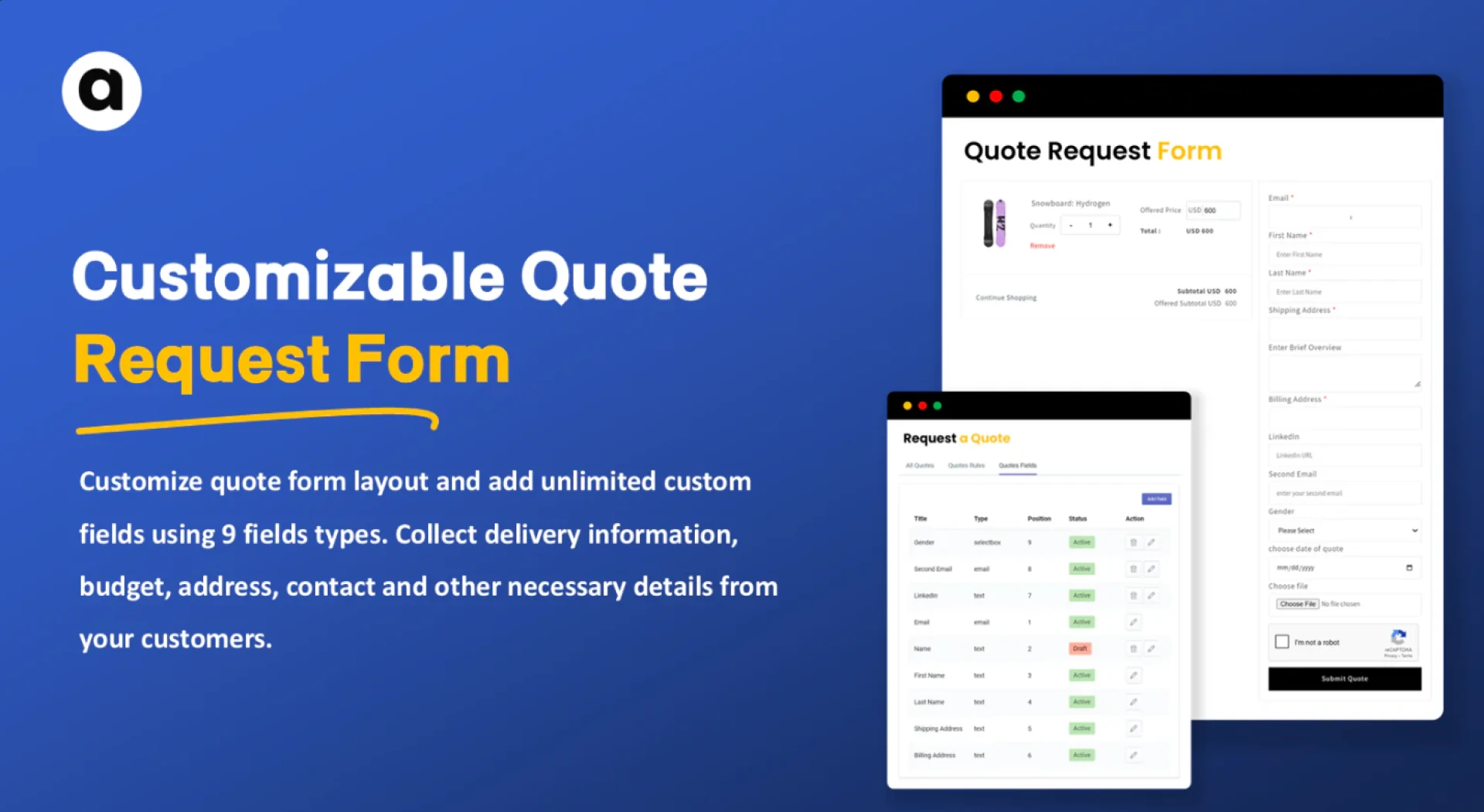
Shopify Registration Form allows you to create forms tailored to your specific business requirements. Its drag-and-drop interface makes it simple to add and arrange fields, even if you’re not tech-savvy.
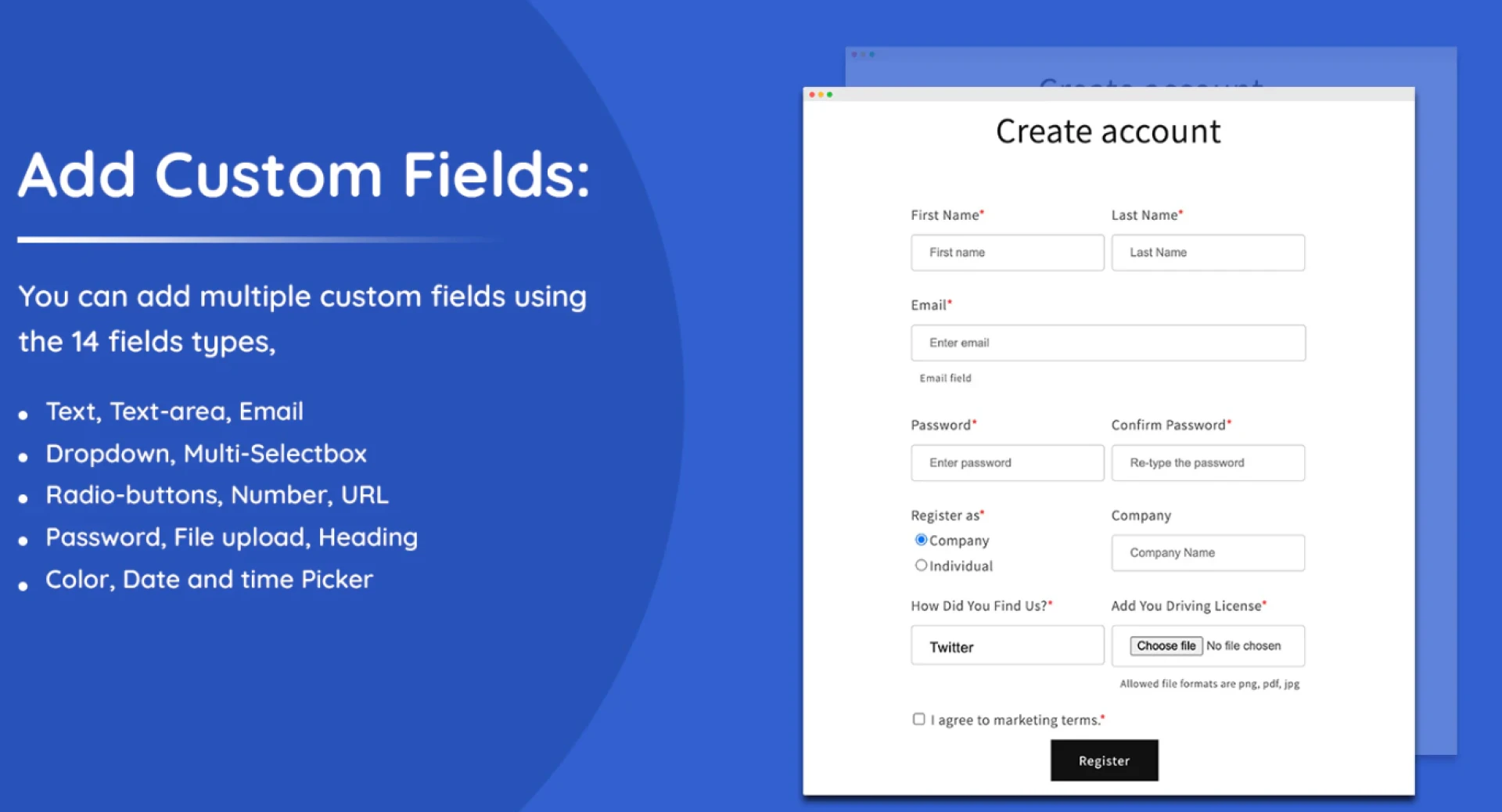
You can choose from a wide variety of field types, such as text boxes, dropdown menus, checkboxes, and file upload options. Whether you need a contact form, survey, or product inquiry form, Shopify Form Builder gives you the flexibility to design forms that align with your goals.
2. Conditional Logic for Smarter Forms
One standout feature is conditional logic, which dynamically displays fields based on a user’s responses. This keeps your forms concise and relevant, reducing confusion and increasing the likelihood of completion.
For example, if a customer selects "Return Request" as a query type, additional fields like "Order Number" or "Reason for Return" can appear automatically. This makes the process intuitive while ensuring you collect all necessary details.
3. Seamless Branding and Design
Your forms should match the look and feel of your online store. Shopify Form Builder provides extensive customization options, allowing you to adjust colors, fonts, and layouts to reflect your brand’s identity.
By creating visually appealing and consistent forms, you build trust with customers and ensure a professional experience from start to finish.
4. Mobile-Friendly and Responsive Design
With the majority of online shoppers using mobile devices, your forms must be optimized for smaller screens. Shopify Form Builder automatically creates responsive forms that look and function perfectly across all devices.
A mobile-friendly design ensures that customers can easily complete forms when shopping on a desktop, tablet, or smartphone.
5. Integration with Third-Party Tools
Shopify Form Builder integrates seamlessly with other tools, including email marketing platforms, CRMs, and payment gateways. This allows you to automate workflows and maximize the data you collect.
For instance, you can automatically add new leads to your email list or notify your support team when a customer submits a request. These integrations save time and help streamline your operations.
6. Enhanced Security and Data Protection
Data security is a top priority for any e-commerce business. Shopify custom registration form ensures that all submissions are encrypted, keeping customer information secure.
Additionally, features like CAPTCHA and spam filters protect your forms from bots and unwanted submissions, maintaining the integrity of your data.
7. Analytics for Performance Tracking
To optimize your forms, you need to understand how they’re performing. Shopify Form Builder provides analytics that show submission rates, user behavior, and other key metrics.
By analyzing this data, you can identify areas for improvement, such as simplifying fields or adjusting form design. Continuous optimization helps increase completion rates and customer satisfaction.
8. Versatility for All Business Types
Whether you’re running a small boutique or a large enterprise, Shopify Form Builder is versatile enough to meet your needs. Its scalability ensures that you can create forms for various purposes, from simple contact forms to complex order requests.
This adaptability makes it a valuable tool for businesses of all sizes.
Conclusion
Shopify Form Builder is a must-have for any e-commerce store looking to improve operations and customer engagement. Its easy customization, advanced features like conditional logic, and seamless integrations make it a powerful tool for streamlining processes and enhancing user experience.
By using Shopify Form Builder, you can create professional, secure, and responsive forms that cater to your customers’ needs. Start using it today to unlock its full potential and take your online store to the next level.


























Sign in to leave a comment.