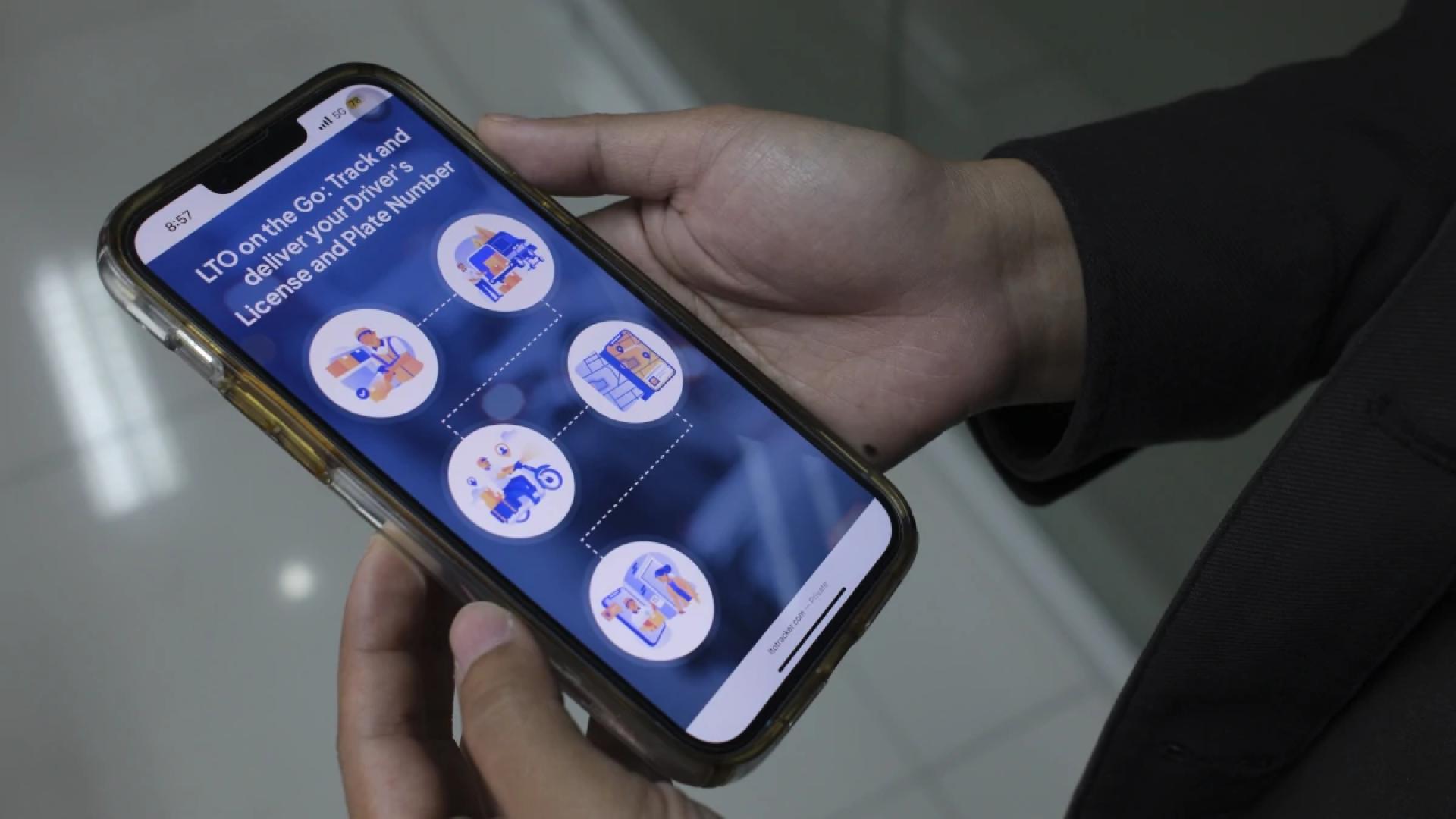
Keeping up with your driver license application—or checking whether a renewed license is on its way—can feel confusing if you don’t know where to begin. Fortunately, most licensing agencies across the United States now provide convenient online tools, SMS updates, and customer-service options that make monitoring your license status easier than ever.
Whether you applied for your first license, requested a duplicate, or renewed an expiring ID, this comprehensive guide explains how to track your driver license, what each status means, and how to fix common delays.
Understanding Who Manages Driver Licenses
In the U.S., driver licensing is handled at the state level, most commonly through a Department of Motor Vehicles (DMV) or a similar agency such as the
- Texas Department of Public Safety,
- Florida Department of Highway Safety and Motor Vehicles, or
- California Department of Motor Vehicles.
While names vary, the process for tracking your license is broadly similar. Most states now offer a driver license tracking system, allowing you to review where your card is in the production or shipping process.
Why You May Need to Track Your Driver License
Tracking your license is essential when:
1. You’re waiting for your first license
After passing your knowledge and road tests, it can take several days to weeks for your license card to be printed and mailed.
2. You renewed your license
Many people submit renewals online, and tracking lets you confirm that the renewal was processed successfully.
3. You ordered a replacement
If your license was lost, stolen, or damaged, tracking helps ensure your replacement is on its way.
4. You’re preparing for travel or employment
Many employers require a valid license, and you may need it for domestic flights if you don’t have another compliant ID. Tracking helps you avoid last-minute issues.
How to Track Your Driver License (Step-by-Step Guide)
While each state offers its own process, the steps below apply broadly to most U.S. licensing agencies.
Step 1: Visit Your State’s DMV Website
Nearly every state provides a dedicated “Track Your License” or “Check License Status” tool.
For example:
- Residents of Florida would visit the official website of the Florida Department of Highway Safety and Motor Vehicles.
- Residents of California would check the California Department of Motor Vehicles website.
Once on your state's site, search for:
- “Track license”
- “Where’s my driver license?”
- “Card status”
These tools are usually located under the Driver License or Customer Service sections.
Step 2: Enter Your Personal Information
You may be asked to enter:
- Your driver license or permit number
- Your date of birth
- The last four digits of your Social Security number
- Your application ID (if provided during your visit)
Some states require fewer details, especially for basic status checks.
Step 3: Review Your License Status
Once logged in, you will typically see one of the following statuses:
• Application Received
Your licensing agency has your documents and is reviewing them.
• In Processing / Pending Verification
Your identity, photo, or eligibility is being verified.
• In Production
Your license card is being printed.
• Shipped / Mailed
Your physical driver license has been sent out. Many states partner with the United States Postal Service for delivery, so your card will arrive via standard mail.
• Delivered
Some states display delivery confirmations when USPS tracking is integrated.
Step 4: Track Delivery (If Available)
Not all states offer USPS tracking, but some provide a tracking number once the card ships.
If your state does, you can track your license directly through the United States Postal Service website.
Alternative Ways to Track Your Driver License
Even if you can't find an online tracking portal, you still have options.
1. Call the DMV or State Licensing Agency
Most DMVs offer automated systems or live support.
When calling, have your:
- Full name
- Date of birth
- License/permit number
- Application receipt
This ensures faster service.
2. Visit a DMV Office in Person
If your license is significantly delayed (more than 30 days in most states), visiting a physical office can help resolve issues like:
- Signature mismatches
- Photo errors
- Undelivered mail
- Failed identity verification
Bring your application receipt and a secondary ID just in case.
3. Sign Up for Email or SMS Alerts
Many states allow you to opt into:
- Processing notifications
- Shipping alerts
- Renewal reminders
This ensures you never miss an update.
Common Reasons for Driver License Delays
If your license hasn’t arrived within the expected timeframe, one of the following may be to blame.
1. Incomplete or Incorrect Documentation
Missing signatures, unverified addresses, or mismatched records often cause delays.
2. Photo or Image Issues
If your image did not meet state requirements, your application may need manual review.
3. Failed Identity Verification
States use national databases to verify:
- Identity
- Legal presence
- Social Security number
If something doesn’t match, processing may pause.
4. High Application Volume
Seasonal surges—especially before holidays or school seasons—can slow down production.
5. Mail Delivery Problems
Sometimes the issue lies not with the DMV but with the delivery service. The United States Postal Service may experience delays or misdeliveries.
How Long Does It Take to Receive a Driver License?
Typical timelines include:
- Standard licenses: 7–21 days
- Renewals: 5–15 days
- Replacements: 7–14 days
- Real IDs: 10–30 days depending on verification needs
These vary by state, so checking your specific DMV timeline is recommended.
What to Do If Your Driver License Is Lost or Not Delivered
If tracking shows your license was delivered but you never received it, or if it’s been more than 30 days, take these steps:
1. Contact Your State DMV or Licensing Agency Immediately
They can investigate any errors or reissue the card.
2. File a Missing Mail Report with USPS
The United States Postal Service offers online and in-person forms to help track missing items.
3. Consider Applying for a Replacement License
Most states allow online duplicate requests if your card is lost or stolen.
Tips to Avoid Future License Tracking Issues
1. Confirm Your Mailing Address Every Time
Even a small typo can cause major delays.
2. Opt for Email/SMS Notifications
This ensures you stay updated through every stage.
3. Keep Your Application Receipt Safe
Many states require the receipt number for tracking.
4. Renew Early
Start the renewal process 60–90 days before expiration to prevent gaps.
Final Thoughts: Tracking Your Driver License Has Never Been Easier
In today’s digital world, monitoring your driver license status is straightforward and convenient. Whether you're working with the California Department of Motor Vehicles, the Texas Department of Public Safety, or another state agency, online portals and mailing systems ensure you always know where your license is.
By understanding each step—from application processing to USPS delivery—you can take control of the process, avoid delays, and ensure you receive your driver license on time.

















Sign in to leave a comment.