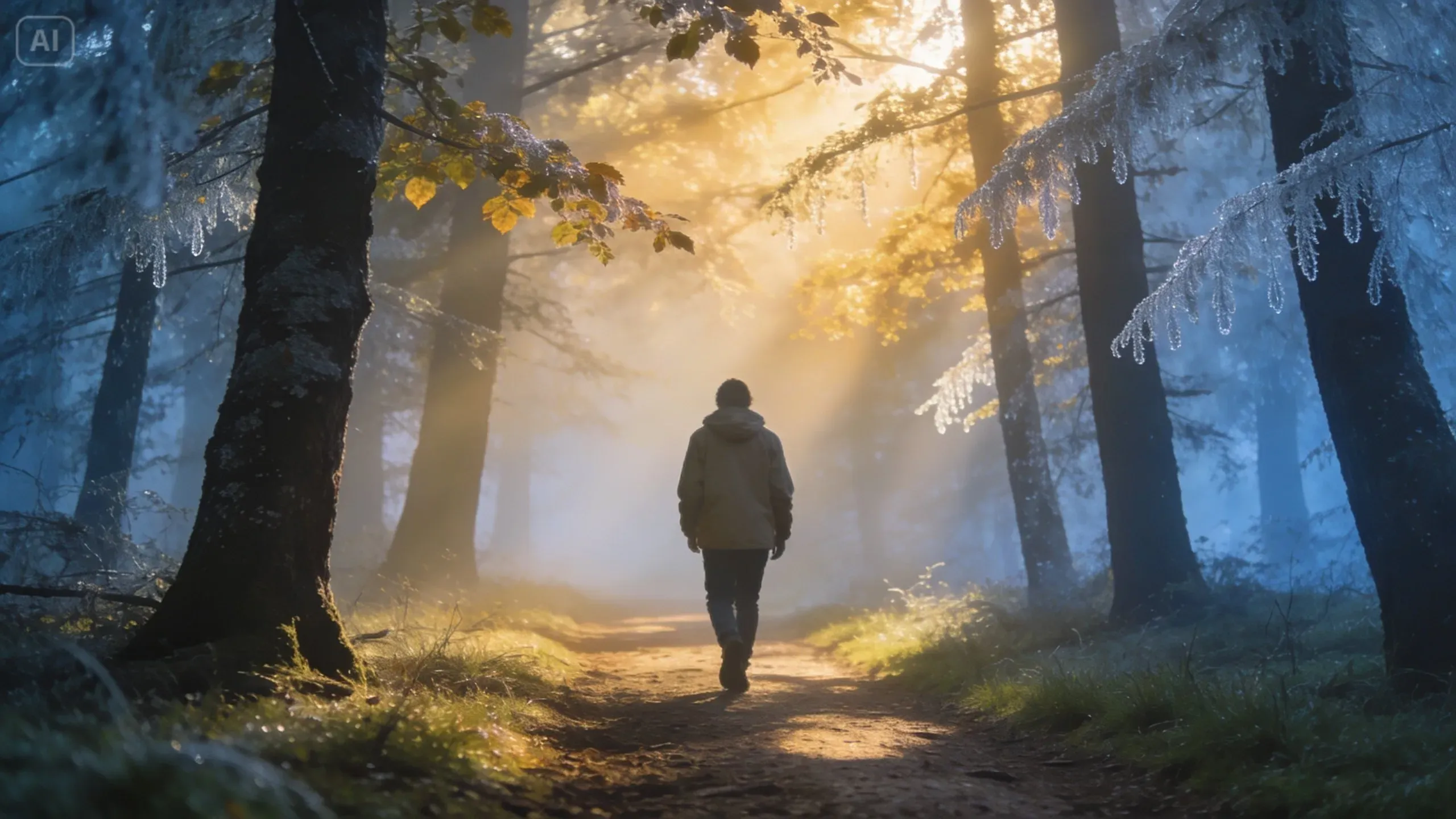

Making movie-like videos used to involve cameras, actors, editing software, and hours upon hours. Today, that is not necessarily true. With Dreamina AI video generator, it is possible to make visually interesting videos from any script in less than a minute!
This tool will open new horizons for any content creator, storyteller, and marketer willing to try something new. Below, we will discover how it is possible to give any script a cinematic look thanks to the power of AI technology.
Why should scripts be your point of departure?
No film is made without a story, but scripts are what give life to that story. Using a script means that you already have a certain narrative, dialogue, and direction of the movie, which AI can help to visualize.
Instead of spending hours on making intricate editing timelapses, today you only need to consider:
- Descriptive scenes
- Characters and setting
- Tone and mood
Once your scripts are prepared, you're ready for AI to do its magic – transform your words into images that match your vision.
What makes a video look cinematic
All videos aren't cinematic – it depends on your contribution. A cinematic clip isn't only about visuals but also about atmosphere and a certain sense of narrative depth.
To make your AI-generated videos more cinematic:
- Pay special attention to lighting details (glow effect, dramatic shadows, neon accents)
- Add camera angles (close-ups, aerial shots)
- Give an emotional state of mind (tension, joy, mystery)
- Provide a rich description of the environment
For instance, rather than saying "a person walking," say "a solo traveler walking in a misty forest at dawn, golden rays peeking through tree branches." Such an approach will give your scene cinematic quality.
3 creative approaches to develop your story using AI
It's time to go from simple video generation to something more complex and creative.
1. Break down the story into several visual scenes
Rather than creating one whole video, divide your script into scenes. Each scene should be devoted to a certain point of your story.
For example:
- Scene 1: Introduction of the setting
- Scene 2: Appearance of the character
- Scene 3: Conflict or action
- Scene 4: Solution
By doing this, you provide structure to your video and make it simpler to direct its visual flow.
2. Use character references to create compelling stories
A narrative is made up of individuals, whether there are several of them or only one of them. It would be best if you gave them a uniform appearance because you have included people in your script.
Experimenting with different character creation techniques, such as using a random anime character generator, can be beneficial. You can use the generated images as inspiration and develop your unique characters.
It will aid you in:
- Rapid visualization of character design
- Maintaining consistency within scenes
- Bringing personality into your videos
The more detailed your characters become, the more captivating your movies get.
3. Improve visuals by incorporating stylistic images
Before translating your script into a movie, you can produce beautiful reference pictures. In this case, you can benefit from the Dreamina AI art generator. Before making a video, creating a high-resolution image can help you define what you want the generator to produce.
It is similar to designing a blueprint of visuals:
- Design a fantasy scenery before making an animated film
- Design a character before animating it
- Set the colors and lighting
These references help give a finishing touch to the final video creation.
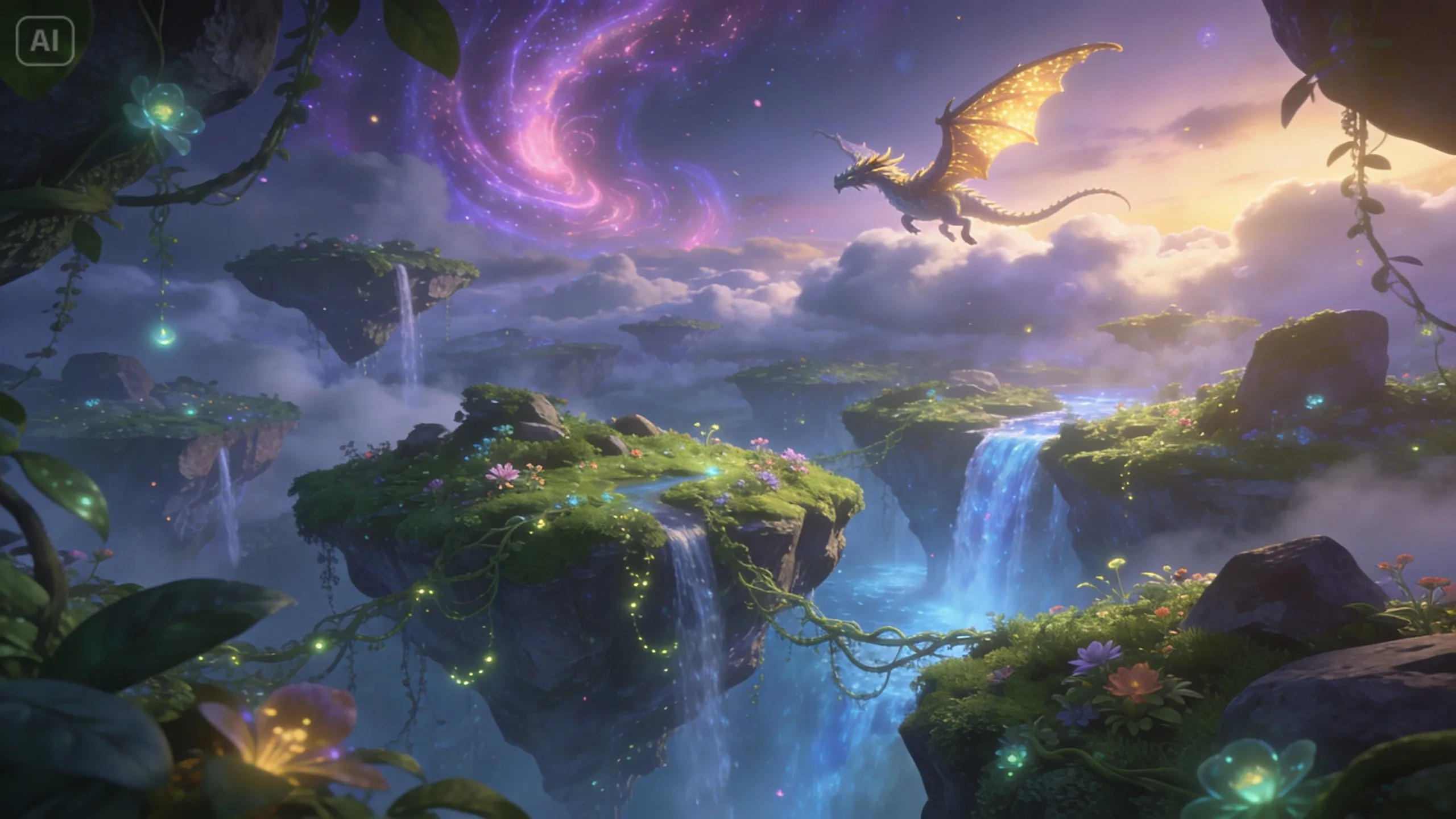
Lights, camera, AI: create cinematic videos with Dreamina
Step 1: Enter the prompt & upload image
Go to Dreamina and sign in. From the left sidebar menu, select the "AI Video" category. Select "Add reference image," which opens up the window to upload the photo. Afterward, input the prompt that describes the video you intend to create. If it is a text-to-video creation, then simply input your text without uploading a photo.
As an example: Create a cinematic animation of a young adventurer exploring a glowing forest at night. Soft blue bioluminescent lights illuminate the surroundings. Misty ambience with slow camera movement. High level of environmental details.
This will serve as a prompt for guiding the AI engine.
Step 2: Generate the video
Once you have prompted the generation, pick a model. Afterward, choose a length for the video, then an appropriate aspect ratio – choose 16:9 for YouTube, and 9:16 for TikTok. Lastly, select Dreamina's logo and give it some time.
Step 3: Improve & share the videos
Use Dreamina's AI tools to improve the video before exporting it. Use some sophisticated AI functions such as Upscale for higher resolution or Generate soundtrack for sound effects. Lastly, export the video and share it on social media sites.
Maintain visual continuity throughout your story
The main obstacle in creating videos with AI is continuity. Because every generation will be different, there is a possibility of inconsistency throughout your story.
Here are a few steps to maintain continuity in your videos:
- Utilize similar prompts for recurring components
- Consistency in lighting and color tones
- Use reference images if applicable
This guarantees that your final output becomes seamless instead of disjointed pieces of a story.
Infuse each shot with emotion
In addition to visual elements, cinematic narration requires emotion. Even with AI, make sure that the feelings that are going to be conveyed in the video are also expressed through prompts.
Along with objects in the frame, consider mentioning emotions:
- Tension before something happens,
- Calmness in an atmospheric place,
- Excitement during action sequences.
Such details will make your video more captivating and vivid.
Don't hesitate to experiment
One of the major benefits of using AI for videos is freedom of style. It means you're not tied to one specific look and have space to explore different variations.
You can test:
- Fantasy settings,
- Sci-fi landscapes,
- Minimalistic approach,
- Anime-style design.
Every style creates its atmosphere and allows you to tailor content to the target audience or particular platform.
Strike a balance between details and clarity
It may be challenging but try not to overload your prompt. Too many details may confuse AI and result in unpredictable outcomes.
Tip for effective use:
- Stick to one subject only
- Introduce additional details step-by-step
- Be precise when describing elements
Such approach will help you achieve desired outcomes both creatively and visually speaking.
Conclusion: give your ideas life with Dreamina
Nowadays, converting written scripts into cinematic videos is much easier than ever before due to Dreamina. It is possible for anyone to create video materials using the power of AI in only a few clicks!
With a wide variety of tools that include prompt creation, adjustment of your vision and even exporting of video materials ready for publishing, it is quite easy to have a lot of fun and creativity in AI-powered video creation.
So why wait? Take a script, play around with its content, and turn your imagination into life using Dreamina.

























Sign in to leave a comment.