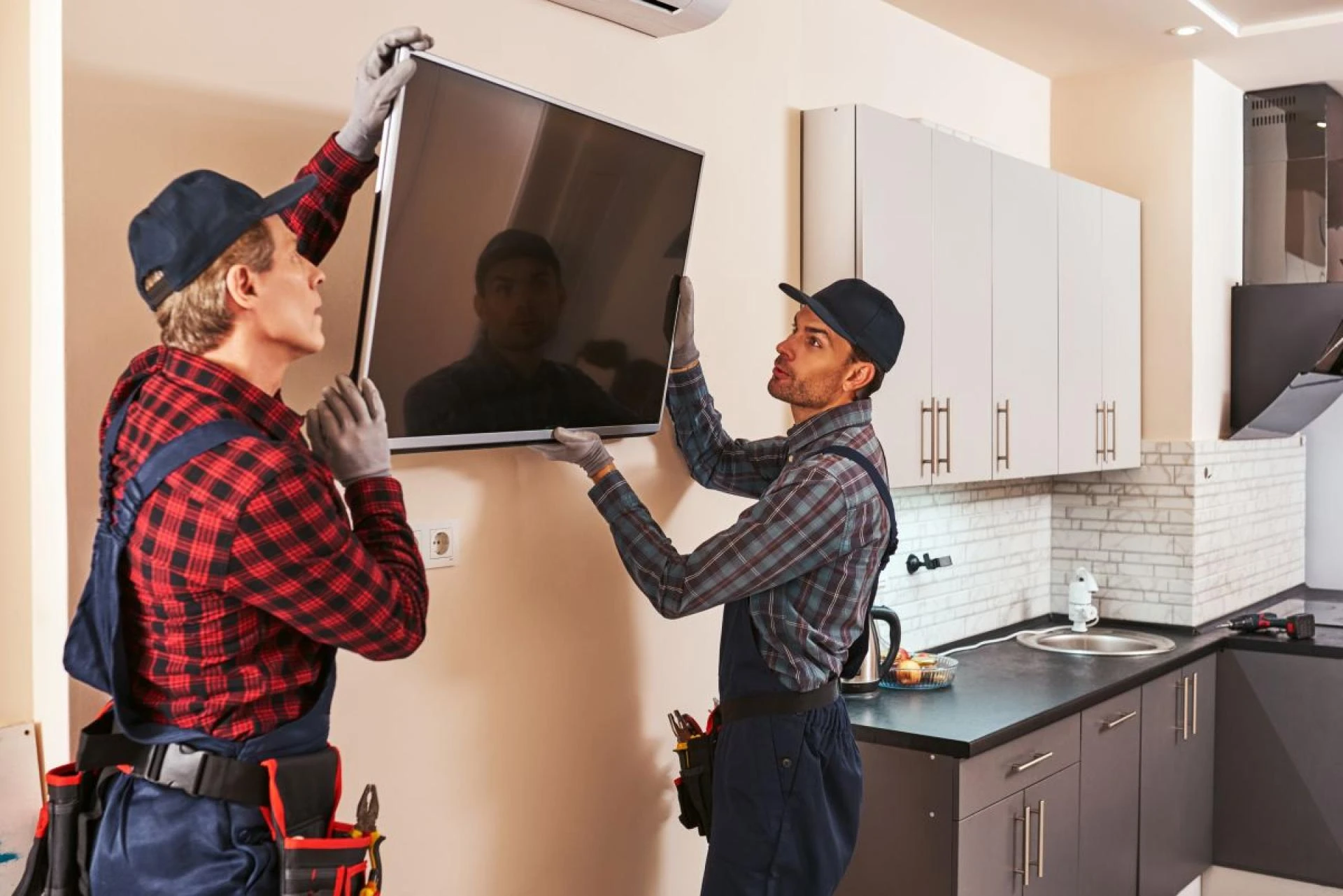

A television without sound can be just as frustrating as a broken screen. Whether you're trying to watch your favorite show, enjoy a movie, or catch up on the latest news, poor or no sound can make the experience less enjoyable. Fortunately, many common TV sound problems can be fixed easily without needing a professional. In this blog, we'll guide you through some simple steps to troubleshoot and fix common TV sound issues. If the problem persists, TV repair Mississauga services are available to help you get your TV back in top shape.
1. Check the Volume and Mute Settings
One of the simplest causes of sound issues is accidentally having the TV on mute or the volume set too low. Before diving into more complicated solutions, start by ensuring that your TV's volume is turned up and that it's not muted.
What to Do:
- Unmute the TV: Press the mute button on your remote or TV and ensure the audio isn’t muted.
- Adjust the Volume: Use the remote control or the buttons on your TV to increase the volume to a reasonable level.
- Check for External Speakers: If you're using a soundbar or external speaker system, ensure they are connected properly and turned on.
If the sound comes back after checking these settings, you’ve likely solved the issue.
2. Check Audio Output Settings
If you are using external audio devices, such as a soundbar, stereo system, or home theater setup, it's important to make sure the TV is sending audio to the correct output device. Sometimes, the TV will default to internal speakers even when external speakers are connected.
What to Do:
- Go to TV Settings: Access the audio or sound settings on your TV (usually found under the 'Sound' or 'Audio' section in the menu).
- Select the Right Audio Output: If you're using external speakers, make sure the audio output is set to 'External Speakers' or the correct connected device (e.g., 'Soundbar,' 'HDMI ARC').
- Check Cables and Connections: Ensure that all audio cables (HDMI, optical, RCA) are securely connected between the TV and external speakers.
Sometimes, simply switching the output to the correct source can resolve the sound issue.
3. Inspect the Audio Cables
If you're using external speakers, loose or damaged cables could be causing the sound problems. This is one of the easiest fixes, so it’s worth checking before moving on to more complex solutions.
What to Do:
- Secure the Connections: Ensure all audio cables are securely connected to both the TV and the external audio devices.
- Try Different Cables: If the cables appear worn out or damaged, try using a different set of audio cables to rule out faulty cables.
- Check for HDMI ARC Issues: If you're using HDMI ARC (Audio Return Channel) for your soundbar or home theater system, ensure that both the TV and the external device support ARC. You may also need to enable the ARC feature in your TV’s settings.
Replacing faulty cables or ensuring a tight connection can fix many audio problems.
4. Perform a System Reset
If your TV's sound issues persist despite checking the volume, mute settings, and audio output settings, it could be related to a software glitch or temporary bug. In many cases, performing a soft reset can fix this problem.
What to Do:
- Power Cycle Your TV: Unplug the TV from the wall outlet and wait for about 30 seconds. After that, plug the TV back in and power it on. This reset can help resolve many temporary issues.
- Reset TV Settings: Some TVs allow you to reset all settings to default, including the sound settings. This option can often be found in the TV’s menu under 'System' or 'Settings.' Be aware that resetting the TV will restore it to factory settings, so you may need to reconfigure other preferences after the reset.
A system reset can often solve persistent issues with sound by eliminating software glitches.
5. Update the TV’s Firmware
Outdated firmware can sometimes cause sound issues on your TV. Manufacturers regularly release firmware updates to fix bugs and improve performance. Updating the firmware on your TV can resolve many audio problems.
What to Do:
- Check for Updates: Go to the settings menu on your TV and check for software or firmware updates. This option is usually found under 'System' or 'About.'
- Install Updates: If an update is available, follow the on-screen instructions to download and install it. Be sure to keep the TV plugged in during the update process to avoid interruptions.
- Restart Your TV: After updating the firmware, restart your TV to ensure the update is fully applied and any sound issues are resolved.
Updating the TV’s firmware is a simple but effective way to keep your TV running smoothly.
6. Check for Interference from Other Devices
Sometimes, other devices in your home can interfere with your TV's sound output. Wireless routers, Bluetooth devices, and even nearby electronics can cause disruptions in sound quality.
What to Do:
- Turn Off Nearby Electronics: Temporarily turn off other electronics or wireless devices near your TV to see if the sound issue improves.
- Test with Different Inputs: Try switching to a different HDMI port or input source to rule out interference with a specific device.
If external devices are causing interference, moving them farther away or turning them off may resolve the issue.
7. Check for Faulty Speakers or Internal Issues
If none of the above solutions work, the problem could be with the TV's internal speakers or other hardware. A blown speaker, damaged wiring, or malfunctioning audio board could be the cause of the sound issue.
What to Do:
- Test with External Speakers: If your TV has external audio capabilities, try connecting a set of external speakers or headphones. If you hear sound through the external speakers but not the TV’s built-in speakers, it's likely an internal speaker problem.
- Call a Professional: If the issue seems to be related to internal components, it may require professional repair. TV Repair Mississauga services can help diagnose and fix hardware issues that are not easily resolved at home.
In cases of damaged internal components, professional assistance is the best way to ensure a proper fix.
Fixing TV Sound Issues – Get Expert Help Now
Dealing with sound issues on your TV can be frustrating, but many problems can be fixed with a bit of troubleshooting. By following the steps outlined above, you can resolve common TV sound problems without the need for professional repair. However, if the issue persists or seems to be related to internal components, don’t hesitate to contact TV Repair Mississauga. Professional technicians can diagnose and fix the problem efficiently, getting your TV back to perfect working order in no time. Whether it’s a minor software glitch or a more serious hardware problem, TV repair Mississauga services are just a call away!



























Sign in to leave a comment.