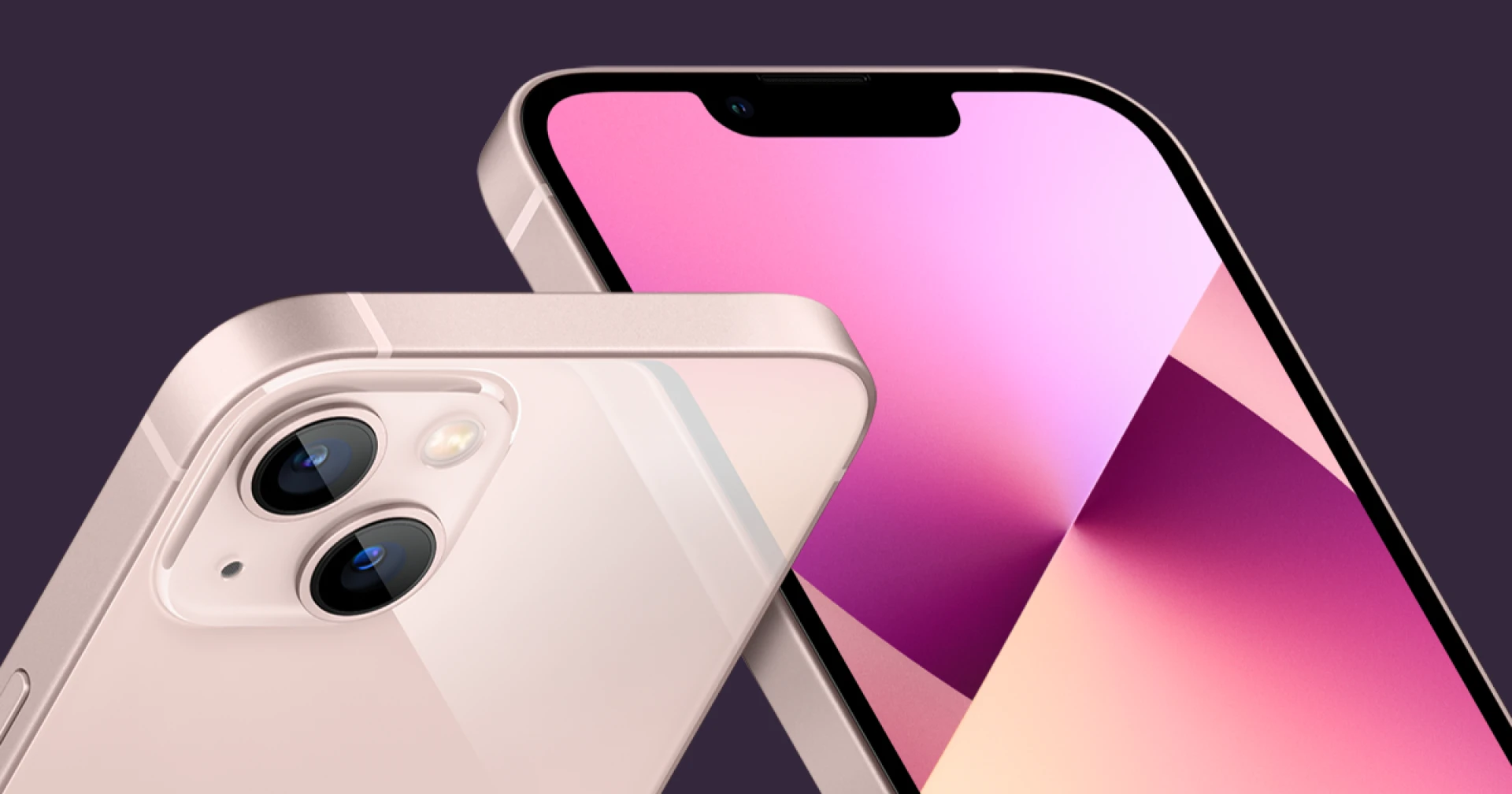

In the modern digital age, smartphones have become an indispensable part of our lives, and the iPhone stands as a paragon of innovation and user experience. However, even the most advanced devices can encounter issues, and one of the frustrating problems iPhone users may face is the malfunctioning of brightness controls. This comprehensive guide aims to shed light on the reasons behind iPhone brightness not working, potential solutions, and answers to frequently asked questions.
Understanding the Brightness Issue
The iPhone's display brightness control is a fundamental feature that allows users to customize their viewing experience according to lighting conditions and personal preferences. When this functionality malfunctions, it can significantly impact the usability and comfort of the device.
Possible Causes of iPhone Brightness Not Working:
Software Glitches: Sometimes, temporary software glitches or bugs can disrupt the normal functioning of the brightness controls.
iOS Updates: Updating the iOS version might occasionally lead to compatibility issues that affect the brightness settings.
Auto-Brightness Feature: The auto-brightness feature, designed to adjust screen brightness automatically based on ambient light, might encounter issues.
Display or Hardware Problems: Physical damage to the display or hardware components can lead to brightness problems.
Third-Party Apps: Certain third-party apps might interfere with the device's brightness controls, causing them to malfunction.
Troubleshooting iPhone Brightness Issues:
Restart the Device: Often, a simple restart can resolve minor software glitches that are affecting the brightness controls.
Adjust Brightness Manually: Try adjusting the brightness manually through the Settings app. If the auto-brightness feature is enabled, consider turning it off.
Disable True Tone: If you're using a model with True Tone, a feature that adapts the display's colors to ambient light, try disabling it temporarily to see if it affects the brightness.
Reset All Settings: This option resets all settings to their default values, which can sometimes help fix underlying software issues.
Check for iOS Updates: Ensure that your device is running the latest version of iOS, as updates often include bug fixes.
Check for App Compatibility: If the issue arises after installing a particular app, it might be causing conflicts. Delete the app to see if the problem persists.
Restore or Reset: As a last resort, you can restore your iPhone to factory settings or perform a complete reset. Be sure to back up your data before attempting this step.
Frequently Asked Questions (FAQs):
Q1: Why is my iPhone screen too dim even on maximum brightness?
A1: If your iPhone screen remains dim even when the brightness is set to maximum, it could be due to a malfunctioning display component. Consider seeking professional assistance for hardware inspection and repair.
Q2: Why does my iPhone's auto-brightness feature not work properly?
A2: The auto-brightness feature uses ambient light sensors to adjust the screen brightness. If it's not functioning correctly, it could be due to software glitches, interference from third-party apps, or a malfunctioning sensor. Try the troubleshooting steps mentioned earlier.
Q3: Will restoring my iPhone fix the brightness issue?
A3: Restoring your iPhone to factory settings might help if the issue is caused by software glitches. However, this should be considered a last resort, as it will erase all data on your device. Make sure to back up your data before proceeding.
Q4: Can a software update cause brightness problems?
A4: Yes, sometimes software updates can lead to compatibility issues or glitches that affect various features, including brightness controls. If you notice the issue shortly after updating your iOS version, it might be worth waiting for subsequent updates that could address the problem.
Q5: Can I replace the display myself to fix the brightness issue
A5: While some tech-savvy individuals might attempt DIY display replacements, it's recommended to have such repairs performed by professionals. Mishandling delicate components could lead to further damage.
Conclusion
The iPhone's brightness controls are an essential aspect of its user experience. If you find yourself facing issues with your iPhone's brightness, there are several troubleshooting steps you can take to rectify the problem. By understanding the potential causes and following the solutions provided, you can often resolve the issue and restore your device's functionality. Remember that seeking professional assistance is advisable for complex hardware issues or situations where the problem persists despite your efforts.

























Sign in to leave a comment.