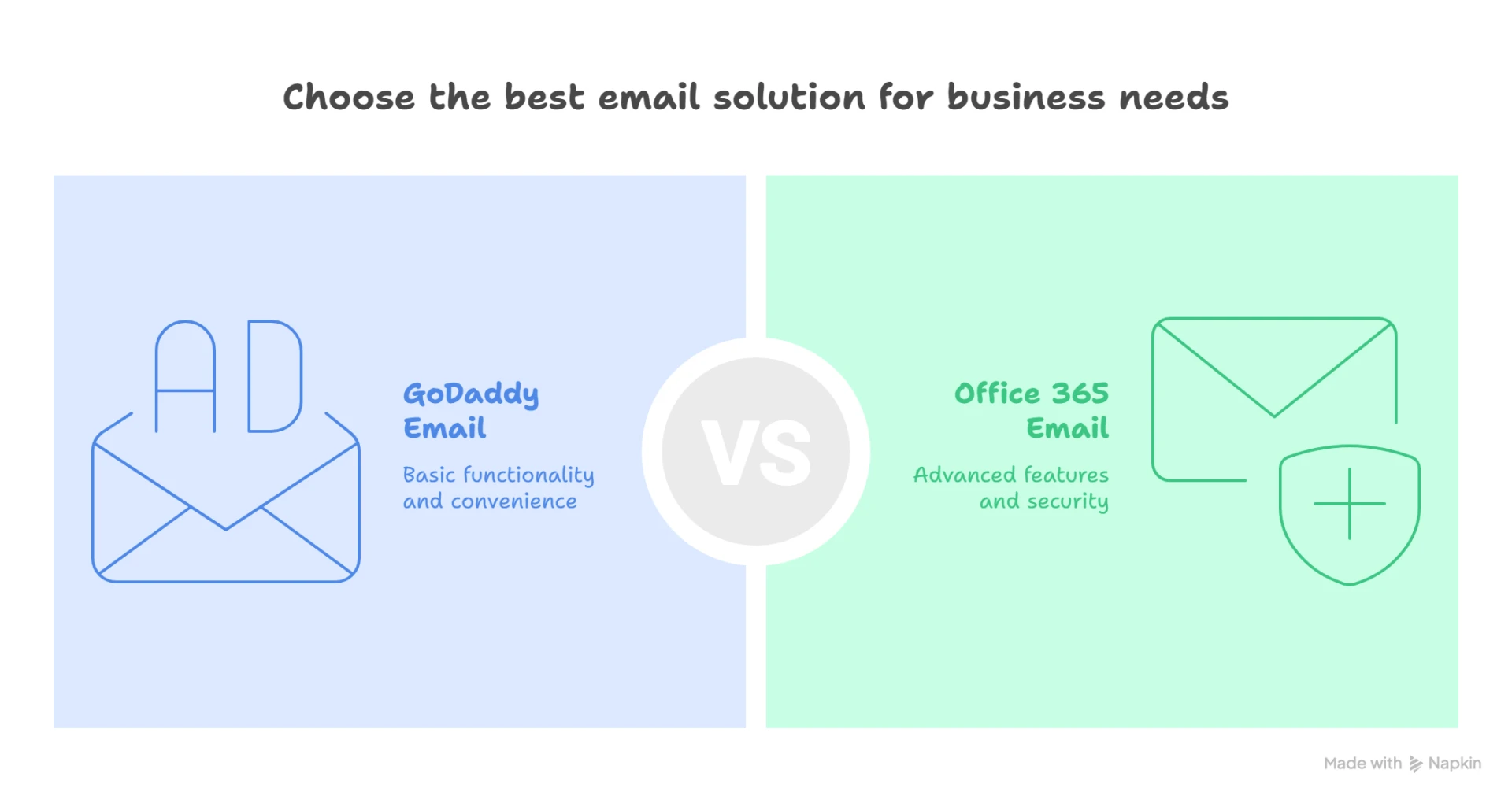

As your business grows, so do its communication and collaboration needs. If you're currently using GoDaddy's email service and finding it limiting—whether in terms of storage, integration, or features—it might be time to consider a move. Migrating from GoDaddy to Office 365 opens the door to a full suite of Microsoft productivity tools, enterprise-grade security, and a more professional email experience.
Why Migrate from GoDaddy to Office 365?
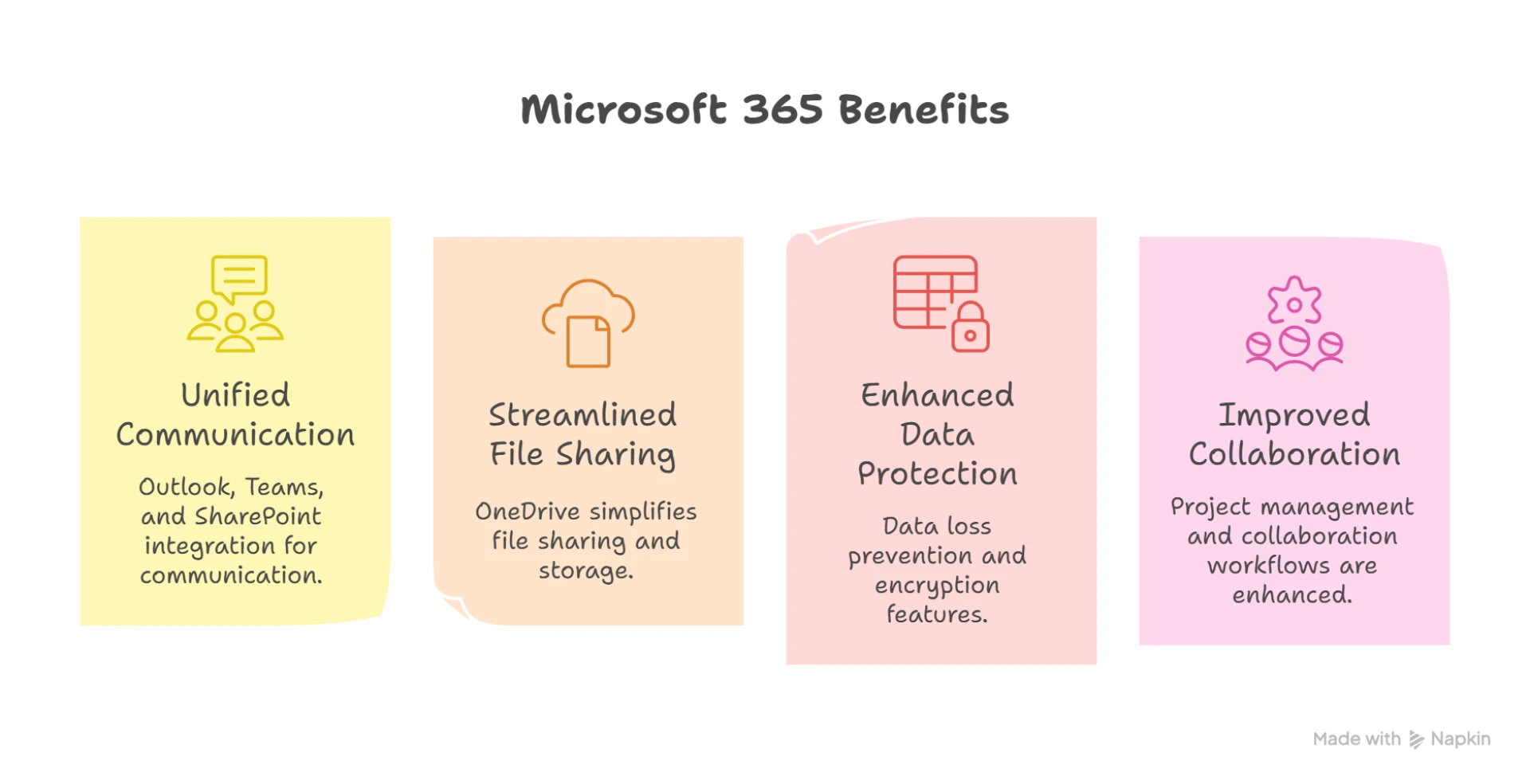
GoDaddy email plans, while convenient for small businesses and startups, often lack the advanced functionality that Office 365 offers. With Microsoft 365 (formerly Office 365), you get access to Outlook, Word, Excel, Teams, SharePoint, and OneDrive—all integrated into a single platform. This makes communication, file sharing, and collaboration far more efficient.
Migrating to Office 365 gives your team cloud-based access to professional email with a custom domain, real-time document collaboration, and better mobile accessibility. It also enhances security with advanced threat protection, multi-factor authentication, and compliance tools that GoDaddy simply doesn’t match.
The Migration Process
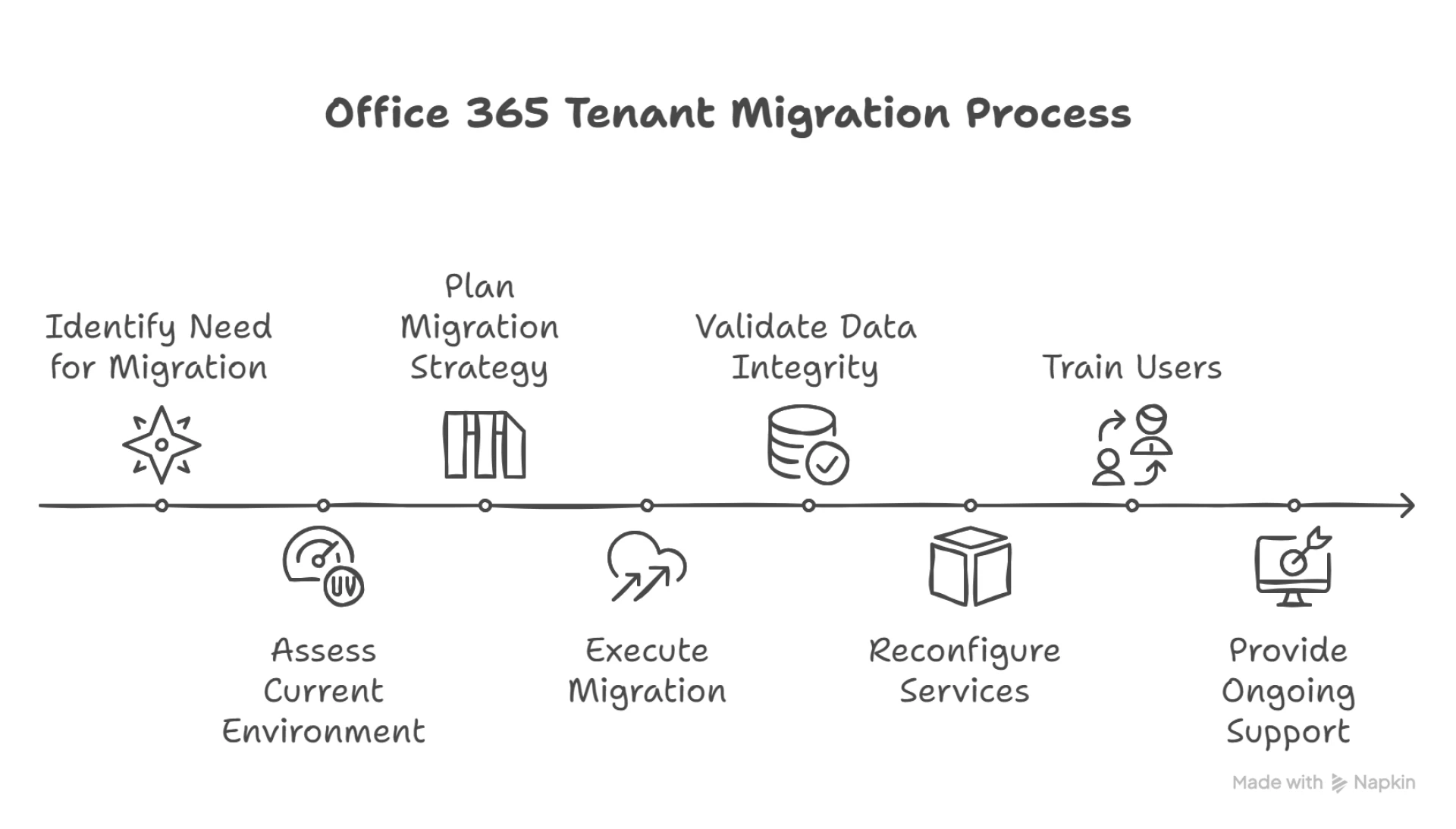
A typical GoDaddy to Office 365 migration involves a few critical steps:
1- Preparation – This includes backing up your existing email data, verifying domain ownership, and choosing the right Office 365 plan.
2- Account Setup – Office 365 user accounts are created, and mailbox configurations are matched to their GoDaddy equivalents.
3- Data Migration – Emails, contacts, and calendars are transferred using IMAP or a third-party tool. During this time, mail flow is monitored to ensure that no messages are lost.
4- DNS Update – Domain records such as MX, SPF, and DKIM are updated to point to Microsoft 365 servers.
5- Testing & Validation – Functionality is tested to ensure emails are flowing correctly and that users are supported during the transition.
Keep It Simple with Expert Help
While it’s possible to perform the migration manually, errors in DNS settings, data loss, or downtime can disrupt business operations. That’s why many businesses choose to work with professionals like Apps4Rent, who specialize in GoDaddy to Office 365 migrations. Their team ensures a seamless transfer, handling everything from pre-migration planning to post-migration support.
With Apps4Rent, you get more than just technical assistance—you gain a partner who understands the nuances of email platforms and ensures your business doesn't skip a beat during the transition.
Final Thoughts
Moving from GoDaddy to Office 365 is a smart move for businesses ready to scale up and streamline operations. The enhanced productivity, better collaboration tools, and increased email reliability make it a future-ready solution. With expert support from Apps4Rent, your GoDaddy to Office 365 migration can be fast, secure, and stress-free—so your team can keep doing what they do best.


























Sign in to leave a comment.