Introduction
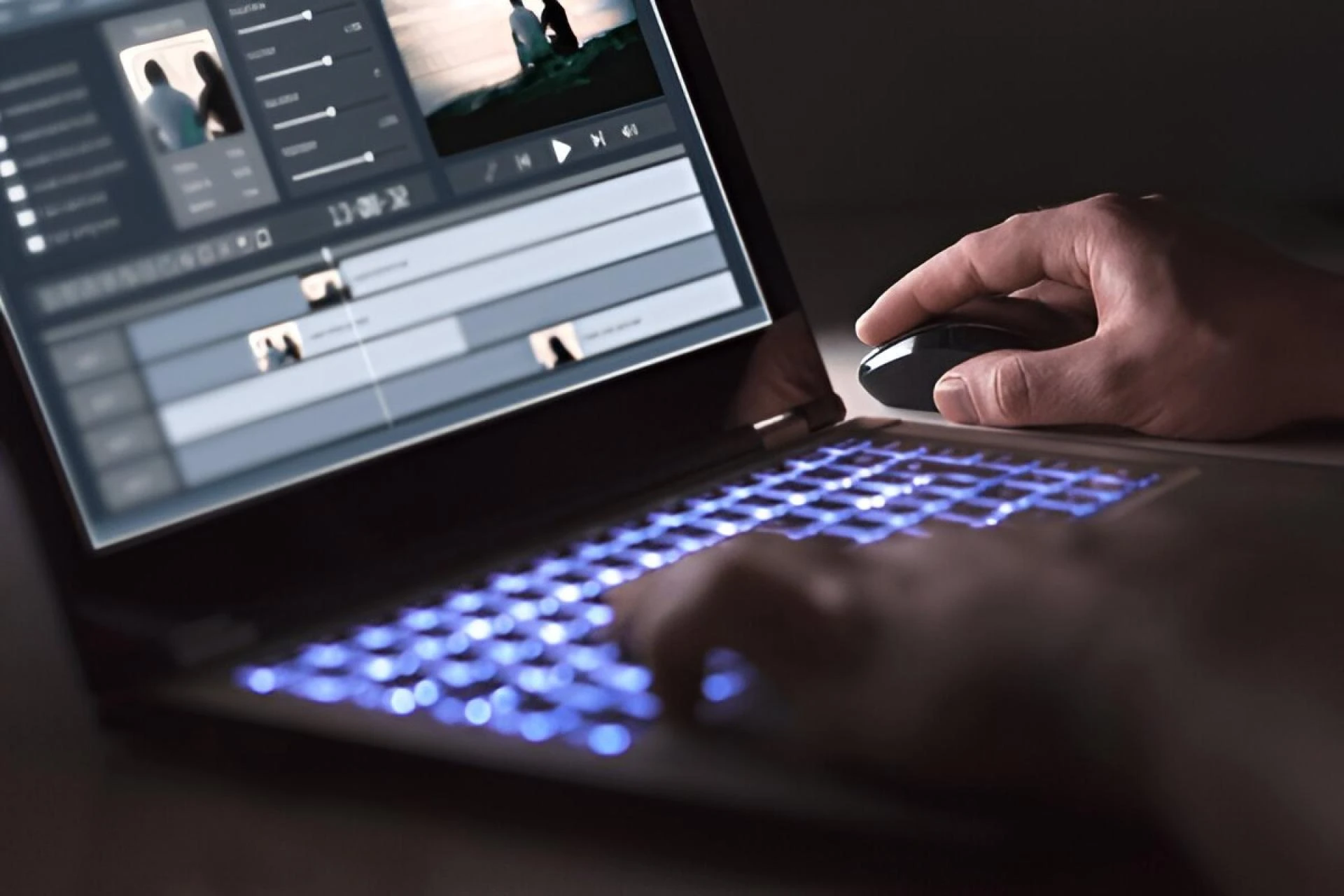
Video content dominates the digital world. From YouTube tutorials to corporate presentations, the demand for polished, professional videos has never been higher. Yet, for editors, the challenge isn’t just creativity, it’s time. Long hours, repeated mistakes, and lagging software can turn a simple project into a tedious marathon. The right workflow hacks can save you hours, allowing more time for creativity and less for frustration.
1. Organise Your Footage Before Editing
Chaos is the enemy of speed. Before diving into your timeline, take the time to organise your clips. Create clear folders by scene, camera angle, or type of shot. Name files descriptively, “Interview_John_CU” is far easier to locate than “clip_001.”
Pre-sorting footage reduces endless scrolling and prevents accidental use of the wrong clip. When every file has its place, editing becomes seamless, and your workflow instantly feels more professional.
2. Master Keyboard Shortcuts
Every second counts in editing, and using a mouse for every cut is a silent killer of efficiency. Learning keyboard shortcuts for tools like Premiere Pro, Final Cut, or DaVinci Resolve is a game-changer.
Shortcuts like ripple delete, trim forward/backwards, or zoom to sequence allow you to work faster and more intuitively. It’s like having a secret superpower, you execute complex actions in milliseconds rather than minutes.
3. Use Proxy Files for Large Projects
High-resolution footage can choke even the fastest systems. Proxy files are lower-resolution copies of your videos used during editing, while the original files remain untouched.
Working with proxies drastically reduces lag and allows for smooth scrubbing, cutting, and adding effects. Once editing is complete, you can switch back to full-resolution files for final export. This hack alone can save hours, especially on 4K or 8K projects.
4. Create Templates and Presets
Why reinvent the wheel? Create reusable templates for intros, lower-thirds, transitions, and colour grading. Most software allows you to save effect stacks and titles as presets.
Templates ensure consistency across projects and reduce repetitive work. Once your preset library grows, editing becomes a matter of dragging and dropping rather than painstakingly crafting every effect from scratch.
5. Batch Export and Render Smartly
Rendering each sequence individually wastes time. Modern editing software allows batch export, exporting multiple sequences or timelines simultaneously while continuing to work on another project.
Background rendering features are another lifesaver. They process edits in the background, letting you continue tweaking or organising while the system does the heavy lifting.
6. Utilise Adjustment Layers
Instead of applying colour correction or effects to each clip individually, use adjustment layers. These layers sit above your timeline, applying the same effect to multiple clips at once.
Adjustment layers are particularly helpful for global color correction or stabilisation. They minimise repetitive tasks, giving you a consistent look across your project in a fraction of the time.
7. Keep a Project Checklist
Even the most organised editors can overlook small details. Maintain a checklist: import media, sync audio, apply LUTs, add transitions, check for typos, and export in required formats.
A checklist ensures nothing falls through the cracks. It also speeds up the review process, reduces stress, and allows you to tackle multiple projects simultaneously without losing focus.
8. Leverage AI Tools and Plugins
Artificial intelligence has transformed video editing. Tools like auto-caption generators, scene detection plugins, and AI-based colour grading software can drastically reduce workload.
AI doesn’t replace creativity, it accelerates it. For example, automated stabilisation or smart background replacement can save hours of tedious manual work. These tools are invaluable for editors looking to maximise output without sacrificing quality.
Conclusion
Small workflow improvements can create massive time savings. From organising footage and mastering shortcuts to leveraging proxies, templates, adjustment layers, and AI tools, these hacks transform how you approach editing.
Efficiency isn’t just about speed, it’s about freeing your mind to focus on storytelling, creativity, and polishing your craft. The next time you sit in front of a timeline, implement these hacks, and watch how hours of tedious work become minutes of productive creativity.






















Sign in to leave a comment.