
Introduction
If you share links online — whether in emails, social media posts, ads, or QR codes — you’ve probably heard of Bitly. It’s one of the most widely used URL shorteners, trusted by marketers, agencies, and businesses worldwide.
But as digital marketing evolves, many users are starting to question whether Bitly still offers the flexibility and value they need — especially on free and mid-tier plans.
In this guide, we’ll explore what Bitly is, how it works, its key features, pricing in 2026, common limitations, and why many users are switching to alternatives like Linkkit.
What Is Bitly?
Bitly is a link management platform that converts long URLs into short, shareable links. These shortened links redirect users to the original destination while tracking performance data such as clicks, location, and devices.
Founded in 2008, Bitly has grown from a simple link shortener into a full link management and tracking platform.
Today, Bitly is commonly used for:
- Social media link sharing
- Email marketing campaigns
- QR code campaigns
- Brand tracking
- Digital advertising links
The primary advantage of Bitly is its ability to create clean, manageable links that are easy to share across multiple channels.
How Bitly Works
The process of using Bitly is simple and user-friendly.
Here’s how it works:
- You paste a long URL into Bitly.
- Bitly generates a shortened link using the bit.ly domain.
- Users click the short link.
- Bitly redirects them to the original destination.
- Bitly records click activity for reporting and analysis.
On paid plans, users can also connect a custom domain, allowing links to reflect their brand identity instead of the default bit.ly structure.
Key Features of Bitly
Over the years, Bitly has expanded its capabilities beyond simple URL shortening. Here are the major features offered by the platform.
1. URL Shortening
Bitly allows users to convert long URLs into compact links that are easier to share and track.
Benefits include:
- Cleaner links
- Better user experience
- Improved shareability
- Easier campaign tracking
2. Branded Links (Custom Domains)
Paid plans allow users to connect custom domains so links appear branded instead of generic.
Example:
- Generic: bit.ly/abcd123
- Branded: yourbrand.link/sale
Branded links improve trust and often increase click-through rates.
3. QR Code Generation
Bitly supports QR code creation for offline and print campaigns.
Common use cases:
- Product packaging
- Posters and billboards
- Restaurant menus
- Event promotions
QR codes bridge offline and online engagement.
4. Click Analytics
Bitly tracks user activity and link engagement.
Typical analytics include:
- Total clicks
- Referrer sources
- Geographic location
- Device types
- Campaign performance
However, the depth of analytics depends heavily on your subscription level.
5. Campaign Management
Users can organize multiple links into campaigns for better performance tracking and analysis.
This is especially useful for:
- Marketing teams
- Paid advertising campaigns
- Multi-channel promotions
6. API Access
Developers can integrate Bitly into applications and workflows using its API.
Typical API uses include:
- Automated link generation
- CRM integrations
- Marketing automation systems
Bitly Pricing (2026)
Bitly offers several pricing tiers, each with different capabilities.
Free Plan — $0/month
- 10 links per month
- Basic analytics
- No custom domain
- Limited QR codes
This plan is useful for testing but not for consistent campaigns.
Starter Plan — $8/month
- 50 links per month
- Custom domain support
- More analytics features
Still limited for frequent campaign use.
Business Plan — $29/month per user
- 500 links per month
- Advanced analytics
- Branded links
- Campaign management
Costs increase significantly for teams.
Enterprise Plan — Custom Pricing
Designed for large-scale operations requiring:
- High-volume links
- Advanced security
- Dedicated support
Limitations of Bitly
While Bitly remains a respected platform, users often encounter limitations — particularly on free and mid-tier plans.
1. Limited Free Plan
The free plan allows only 10 links per month.
For marketers running:
- Email campaigns
- Social media posts
- Paid ads
- A/B tests
This limit can be reached very quickly.
2. Costs Increase Quickly
Many users upgrade from Free to Starter, only to outgrow it rapidly.
The Business plan ($29/month per user) becomes expensive for:
- Teams
- Agencies
- Growing startups
Costs scale per user, making it less budget-friendly.
3. No Custom Domain on Free Plan
Branding is essential for credibility and trust.
Unfortunately:
- Free users cannot use custom domains
- All links remain under bit.ly
This reduces branding opportunities.
4. Advanced Analytics Are Paywalled
Detailed insights like:
- Device breakdown
- City-level tracking
- Full referral data
are available only on higher-tier plans.
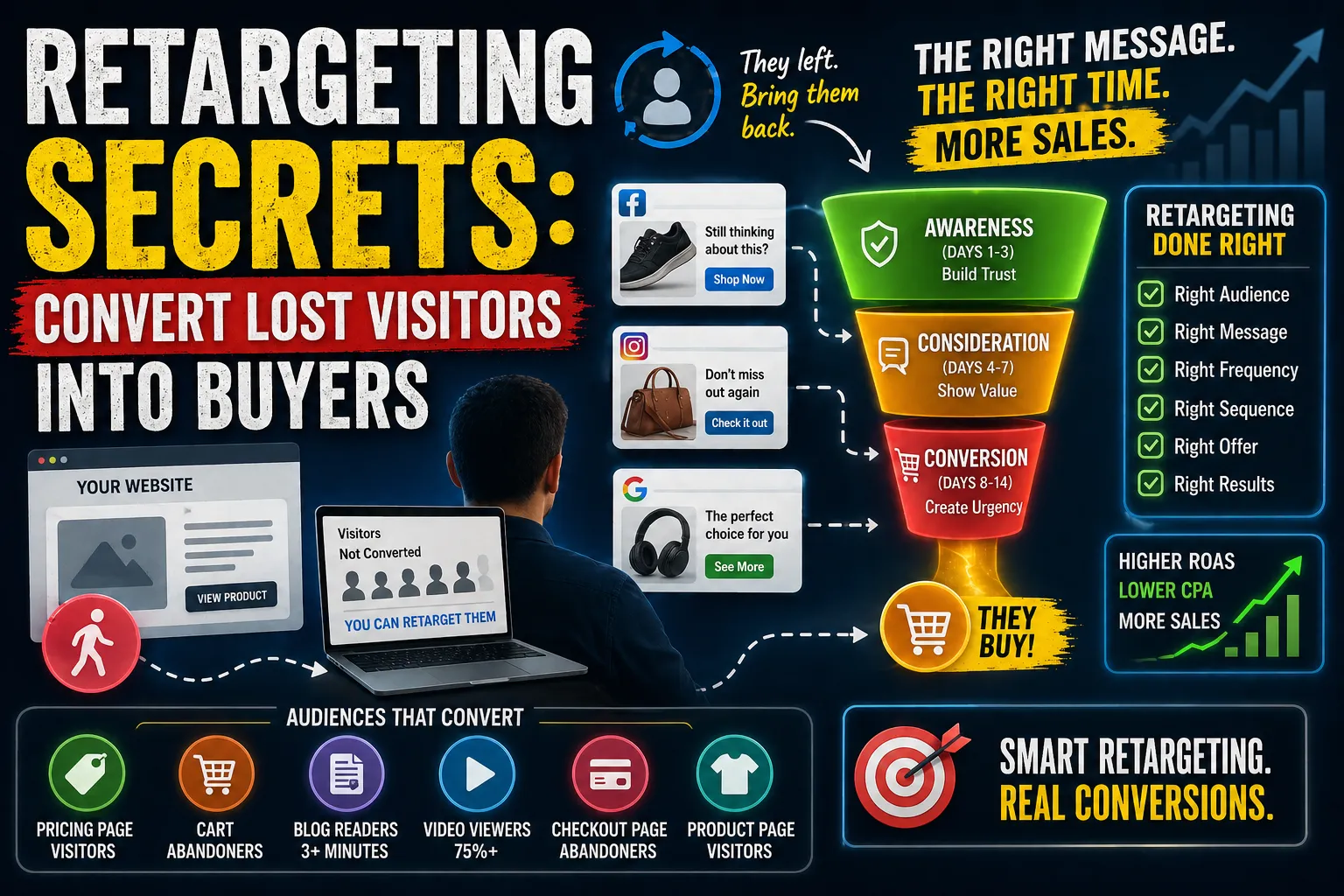
5. Missing Retargeting Pixel Support
Modern marketers rely heavily on retargeting tools.
However, Bitly does not support retargeting pixels such as:
- Meta Pixel
- Google Tag Manager
- TikTok Pixel
This can be a major limitation for performance marketing.
6. Interface Complexity
Bitly has added many features over time.
For beginners or small teams, this can lead to:
- Confusion
- Slower workflows
- Increased learning time
Bitly vs Traditional Long URLs
Using shortened links offers several advantages over standard URLs.
Long URLs
- Difficult to read
- Hard to share
- No tracking
- No branding
Shortened Links
- Easy to share
- Cleaner appearance
- Trackable
- Brandable (on paid plans)
This is why link shorteners remain an essential tool in digital marketing.
Is Bitly Right for You?
Bitly is a strong option if you:
- Need a widely recognized brand
- Require developer API integrations
- Have a budget for advanced plans
- Manage enterprise-level campaigns
However, smaller teams and independent marketers may find the pricing restrictive.
A Better Alternative to Bitly: Linkkit
Many users looking for simplicity and affordability are switching to Linkkit.
Linkkit is built to deliver essential link management features without complicated pricing structures.
Why Users Choose Linkkit
Key advantages include:
- Short links without strict limits
- Branded custom domains
- QR code generation
- Real-time click analytics
- Simple, fast dashboard
- Free entry-level access
Unlike traditional platforms, Linkkit focuses on usability and accessibility for everyday marketers.
Bitly vs Linkkit: Quick Comparison
| Feature | Bitly Free | Bitly Business | Linkkit |
|---|---|---|---|
| Short Links | Limited | Moderate | Flexible |
| Analytics | Basic | Advanced | Full |
| Custom Domains | No | Yes | Yes |
| QR Codes | Limited | Yes | Yes |
| Ease of Use | Moderate | Moderate | Simple |
| Free Plan | Very Limited | No | Available |
This makes Linkkit an appealing option for users who want simplicity without sacrificing capability.
Why Choosing the Right URL Shortener Matters
A URL shortener is more than a convenience tool.
It impacts:
- Campaign performance
- Brand visibility
- User trust
- Marketing ROI
- Data-driven decisions
Choosing the right platform ensures your campaigns remain scalable and measurable.
Conclusion
Bitly remains one of the most recognized names in link management, offering reliable performance and enterprise-level features.
However, its strict free plan limits and rapidly increasing pricing tiers can make it less practical for small teams, freelancers, and growing businesses.
For users seeking a simpler and more accessible solution, platforms like Linkkit provide a modern alternative focused on usability, affordability, and real-time insights.
If you rely on link tracking for marketing, analytics, or branding, exploring bitly alternatives can help you find a better long-term fit.

























Sign in to leave a comment.