
Introduction
You’ve probably seen the term Roku TV floating around, maybe on a smart TV box, maybe inside someone’s living room setup. At first glance, it looks like just another streaming platform. But it’s not just that. It’s an entire ecosystem, quietly powering how content moves from servers… to screens… to actual people sitting on couches at 11:47 p.m. deciding what to watch.
And somewhere in that chain, often overlooked, is something far more technical but absolutely critical, playout software.
Let’s break it down, properly.
What is Roku TV?
Understanding the Roku Ecosystem
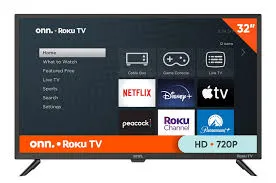
Roku TV is a smart TV platform that integrates streaming capabilities directly into televisions. Instead of plugging in external devices, the operating system is built right into the TV.
But here’s the thing, Roku isn’t just hardware. It’s a content distribution platform.
It connects users to:
- Streaming apps (Netflix, YouTube, etc.)
- Live TV channels
- Free ad-supported content (FAST channels)
- Custom-built streaming apps
The interface is simple. Almost aggressively simple. That’s intentional. The easier it is to browse, the longer people stay.
How Roku TV Works Behind the Scenes
When a user clicks on a channel, say a movie app, Roku doesn’t store the video itself. It pulls content from external servers through the internet.
That means:
- Content is hosted elsewhere
- Delivered via streaming protocols
- Played in real-time through the Roku interface
This is where things start getting interesting, because content doesn’t just “exist” online. It has to be organized, scheduled, encoded, and delivered properly.
That’s where playout software steps in.
What is Playout Software?
The Invisible Engine of Streaming
Playout software is the system responsible for managing and delivering video content in a structured way.
Think of it like a digital TV control room.
It handles:
- Content scheduling
- Video playback automation
- Ad insertion
- Live stream switching
- Channel programming
Without it, streaming platforms would feel chaotic. Random. Broken.
With it, everything feels… intentional.
How Playout Software Powers Roku TV Streaming
1. Content Scheduling and Linear Channels
Even in the streaming age, linear TV hasn’t disappeared. It’s evolved.
Playout software allows you to create:
- 24/7 live channels
- Scheduled programming blocks
- Themed content streams
So when someone opens a channel on Roku, they might be watching something that’s already “in progress”, just like traditional TV.
That illusion of continuity? That’s playout at work.
2. FAST Channels and Automated Broadcasting
FAST (Free Ad-Supported Streaming TV) channels are exploding right now.
These are:
- Free to watch
- Supported by ads
- Always streaming
Playout software automates these channels by:
- Looping content libraries
- Inserting ads dynamically
- Managing time slots
Without manual intervention.
Which is kind of wild when you think about it. Entire channels running 24/7, with no human sitting behind a switchboard.
3. Ad Insertion and Monetization
Streaming isn’t just about delivering content. It’s about making money from it.
Playout systems integrate with ad technologies to:
- Insert ads at specific time markers
- Replace ads dynamically based on viewer data
- Ensure smooth transitions
This is crucial for Roku, especially since many channels rely on ad-supported models.
4. Multi-Device Streaming Optimization
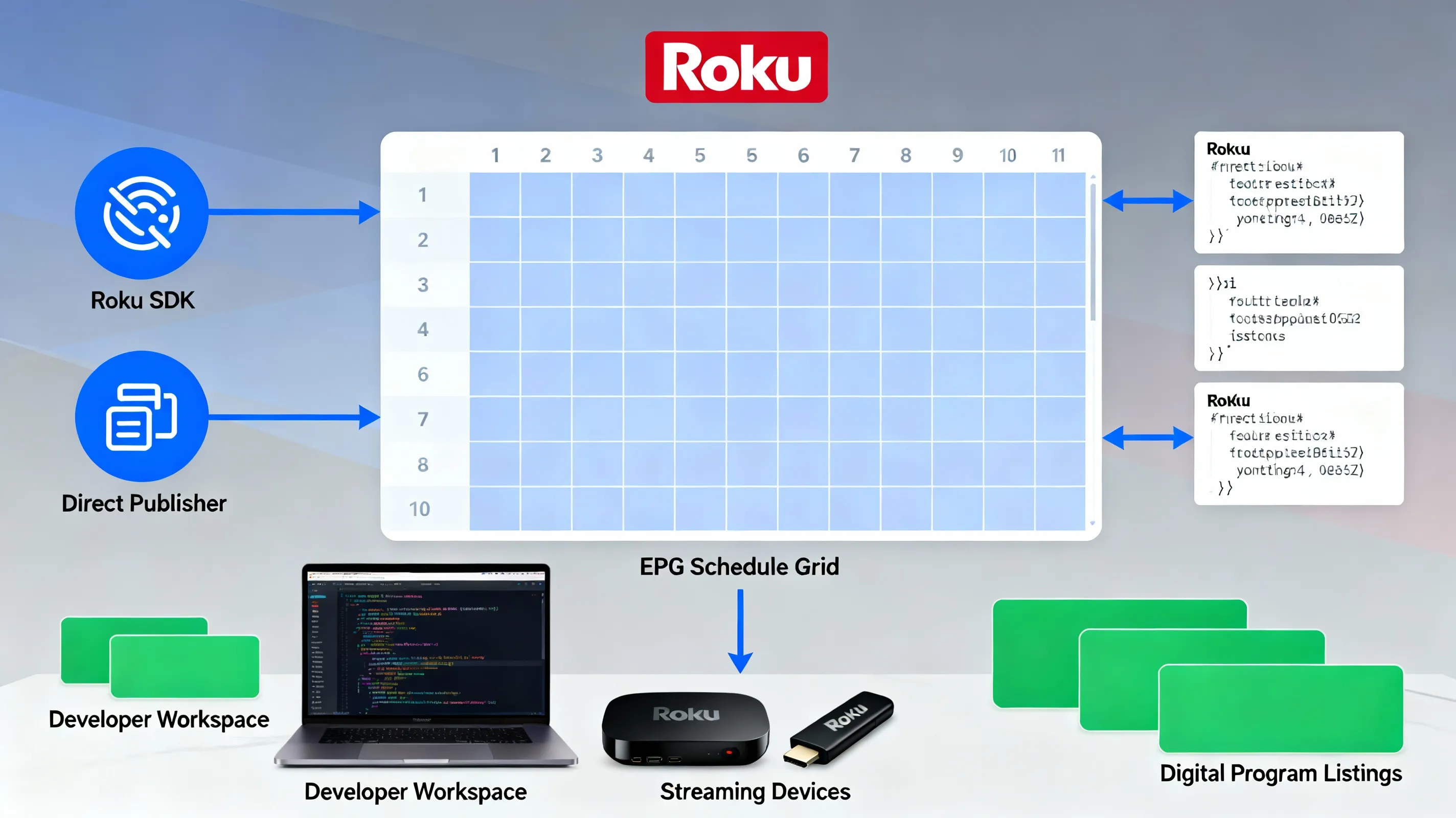
Roku devices come in different forms:
- Smart TVs
- Streaming sticks
- Set-top boxes
Playout software ensures that content is:
- Properly encoded
- Compatible across devices
- Delivered in the right format and bitrate
So whether someone is watching on a cheap TV or a high-end display, the experience stays consistent.
Why Playout Software Matters More Than You Think
Consistency Builds Trust
If a stream buffers, glitches, or cuts abruptly, users leave. Instantly.
Playout software ensures:
- Smooth playback
- Accurate scheduling
- Seamless transitions
That reliability is what keeps viewers coming back.
Scalability for Growing Platforms
Let’s say you’re building a streaming platform similar to smaller free services.
At first, maybe you upload a few videos.
But then:
- You add live channels
- You expand content libraries
- You introduce ads
Without playout software, scaling becomes messy. Fast.
With it, growth feels structured.
Use Case: Building Your Own Roku Channel
If you’re planning to launch your own Roku app or streaming service, playout software becomes essential.
You’ll need it to:
- Organize your content
- Create linear streaming experiences
- Monetize through ads
- Maintain a professional broadcast feel
Otherwise, your platform risks feeling like a random video collection instead of a real channel.
Common Misconceptions
“Streaming Doesn’t Need Scheduling”
Not true.
Even on-demand platforms benefit from:
- Content rotation
- Featured programming
- Time-based releases
“Roku Handles Everything”
Roku is the interface, not the engine.
It displays content. It doesn’t manage the backend logic of how that content flows.
Conclusion
Roku TV might look simple on the surface, just a grid of apps and channels. But underneath, there’s a layered system making sure everything works when you hit play.
Playout software is a huge part of that system.
It shapes how content is delivered, how channels operate, and how platforms scale. Without it, streaming would feel disorganized, unreliable, and honestly… frustrating.
So the next time a video starts instantly, plays smoothly, and even shows ads at the right moment, there’s a good chance playout software is quietly doing its job in the background.


























Sign in to leave a comment.