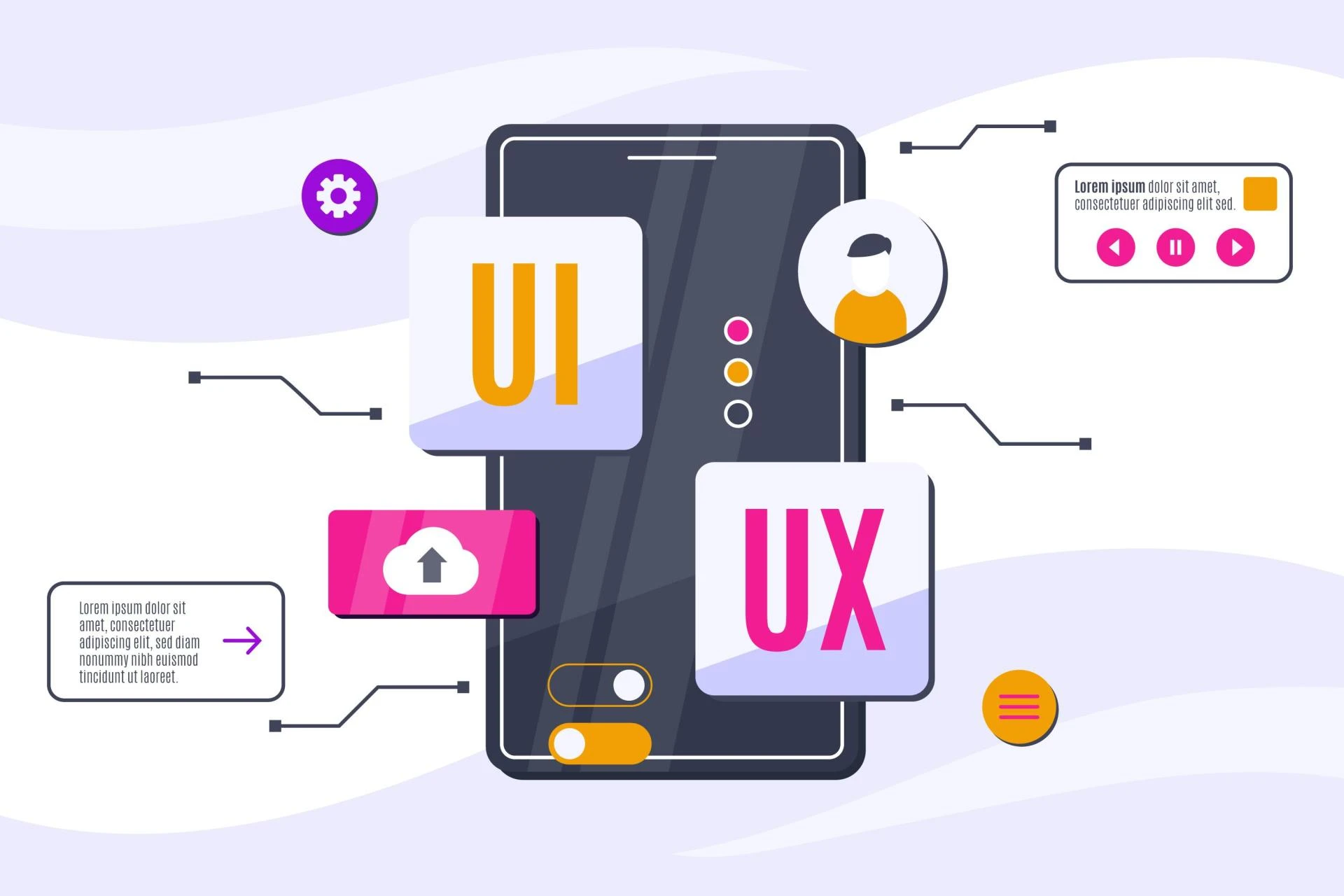

In today’s digital world, design is more than just aesthetics—it’s about creating experiences. When users land on a website or open an app, their first impression is shaped by how easy, clear, and enjoyable it is to interact with. This is where UI and UX design come into play. These two disciplines work together to build digital products that not only look good but also function seamlessly.
Whether you're a business owner, a startup founder, or someone curious about design, understanding the basics of UI/UX is essential. This beginner’s guide will explain what UI and UX design mean, how they differ, and why they matter more than ever.
Understanding UI and UX Design
Before diving deeper, it’s important to understand that UI and UX, although related, are not the same. Both have distinct roles in shaping the user’s journey.
What Is UX (User Experience) Design?
UX refers to the overall feeling a user gets when interacting with a digital product. It involves research, strategy, testing, and improving product usability. UX designers focus on:
- User behavior and needs
- Information architecture
- Wireframes and flowcharts
- User journeys
- Usability testing
The goal of UX design is to reduce friction and make the experience smooth, logical, and enjoyable.
What Is UI (User Interface) Design?
UI focuses on the visual and interactive elements users engage with, such as:
- Buttons
- Color schemes
- Typography
- Layouts
- Icons
- Visual hierarchy
UI designers ensure that every screen is attractive, consistent, and aligned with the brand.
Together, UI and UX design create a product that is both beautiful and functional.
Why Businesses Need Strong UI/UX Design
Around this point, many companies look for a trusted ui ux design agency that can blend aesthetics with usability, ensuring their digital products deliver an exceptional user experience from end to end.
Businesses today operate in a highly competitive digital environment. A well-designed platform helps you:
- Reduce bounce rates
- Improve engagement
- Build trust
- Increase conversions
- Stand out from competitors
UI/UX design is no longer optional—it’s a core business strategy.
Key Components of the UI/UX Design Process
To understand UI/UX design fully, it helps to break down the process step-by-step.
1. User Research
Design begins with understanding your users. This includes:
- Surveys
- Interviews
- Market analysis
- Competitor research
User research helps identify pain points, goals, preferences, and challenges.
2. Creating User Personas
Personas represent your target users. They help designers create experiences tailored to:
- Age group
- Profession
- Goals
- Challenges
Personas ensure the design aligns with real user needs.
3. Wireframing and Prototyping
Wireframes are basic layouts showing structure without visuals. Prototypes are interactive versions that simulate user journeys. These help teams test ideas early before going into full design.
4. Visual Design
This is where UI design comes in. Designers add colors, typography, icons, spacing, and brand elements to bring the interface to life.
5. Usability Testing
Testing helps identify:
- Confusing navigation
- Hard-to-read content
- Broken user flows
- Slow interactions
Refining these helps deliver a smoother experience.
6. Development Handoff
Designers collaborate with developers to ensure the final product reflects the intended experience.
The Difference Between Good and Bad UI/UX
To understand UI/UX better, let’s compare examples:
Characteristics of Good UI/UX
- Simple and intuitive navigation
- Visually balanced layouts
- Accessible and inclusive design
- Fast loading times
- Clear call-to-action buttons
- Mobile-friendly responsiveness
Characteristics of Poor UI/UX
- Slow loading pages
- Confusing menus
- Inconsistent colors and typography
- Overly cluttered pages
- Hard-to-click buttons on mobile
Good UI/UX design puts the user first, while poor design pushes them away.
Why UI/UX Design Matters for Startups and Small Businesses
Startups often assume they need to focus only on product development or marketing. However, design plays a vital role in customer retention and conversions.
Here’s why startups especially benefit from strong UI/UX:
- It reduces user frustration
- It builds brand credibility
- It speeds up user onboarding
- It increases product adoption
- It differentiates your product in a crowded market
With a limited budget and high competition, a strong UI/UX approach ensures lasting impact.
Latest Trends in UI/UX Design
UI/UX design evolves rapidly. Staying updated helps businesses build future-ready products.
1. Minimalist and Clean Layouts
Users prefer uncluttered screens with more white space.
2. Micro-Interactions
Small animations that guide users or provide feedback.
3. Dark Mode
More apps now provide darker themes for comfort and style.
4. Voice User Interfaces (VUI)
Voice-activated interactions are becoming common in apps and devices.
5. 3D Elements and Neomorphism
Modern visuals and soft shadows give interfaces a futuristic look.
6. Personalized User Journeys
Tailored content and experiences based on user behavior.
Future of UI/UX Design
The future of UI/UX design is exciting. As technology advances, user expectations grow. Designers are beginning to integrate:
- AI-powered personalization
- Augmented reality interfaces
- Advanced gesture controls
- Context-aware design
- More accessible and inclusive experiences
This ensures digital interactions will feel more natural and human-centered over time.
Conclusion
UI/UX design shapes how users perceive and interact with your digital product. Understanding the basics helps businesses create better websites and apps that are user-friendly, visually appealing, and highly effective.
As more industries go digital, strong UI/UX design will continue to play a major role in attracting users and keeping them engaged. Whether you’re building a simple landing page or a full-scale product, investing in UI/UX early leads to long-term success.


























Sign in to leave a comment.