
A few years ago, I sat with an IT manager who was trying to explain a sudden spike in cloud costs. He had spreadsheets open, emails flagged, and a growing sense that something wasn’t adding up. The numbers were there, technically, but connecting them to actual services and usage felt like detective work.
That situation isn’t unusual. IT teams today deal with complex financial data spread across tools, departments, and billing systems. And while the data keeps growing, the time to analyze it doesn’t. This is where automation quietly steps in, not as a flashy upgrade, but as a practical necessity.
Turning Scattered Data into Clear Insights
Financial data in IT rarely lives in one place. There are invoices, usage reports, internal cost allocations, and vendor contracts, all moving at different speeds.
Automation helps bring these pieces together. Instead of manually consolidating reports, automated systems pull data from multiple sources and organize it in a consistent format. This reduces errors and, more importantly, makes the data usable.
With IT Financial support management practices supported by automation, teams can quickly answer questions like:
- Which services are driving costs this month?
- Are we overprovisioning resources?
- How do actual costs compare to forecasts?
The difference is subtle but important. It’s not just about having data but being able to trust and interpret it quickly.
Reducing Manual Work Without Losing Control
There’s often a concern that automation removes visibility or control. It tends to do the opposite.
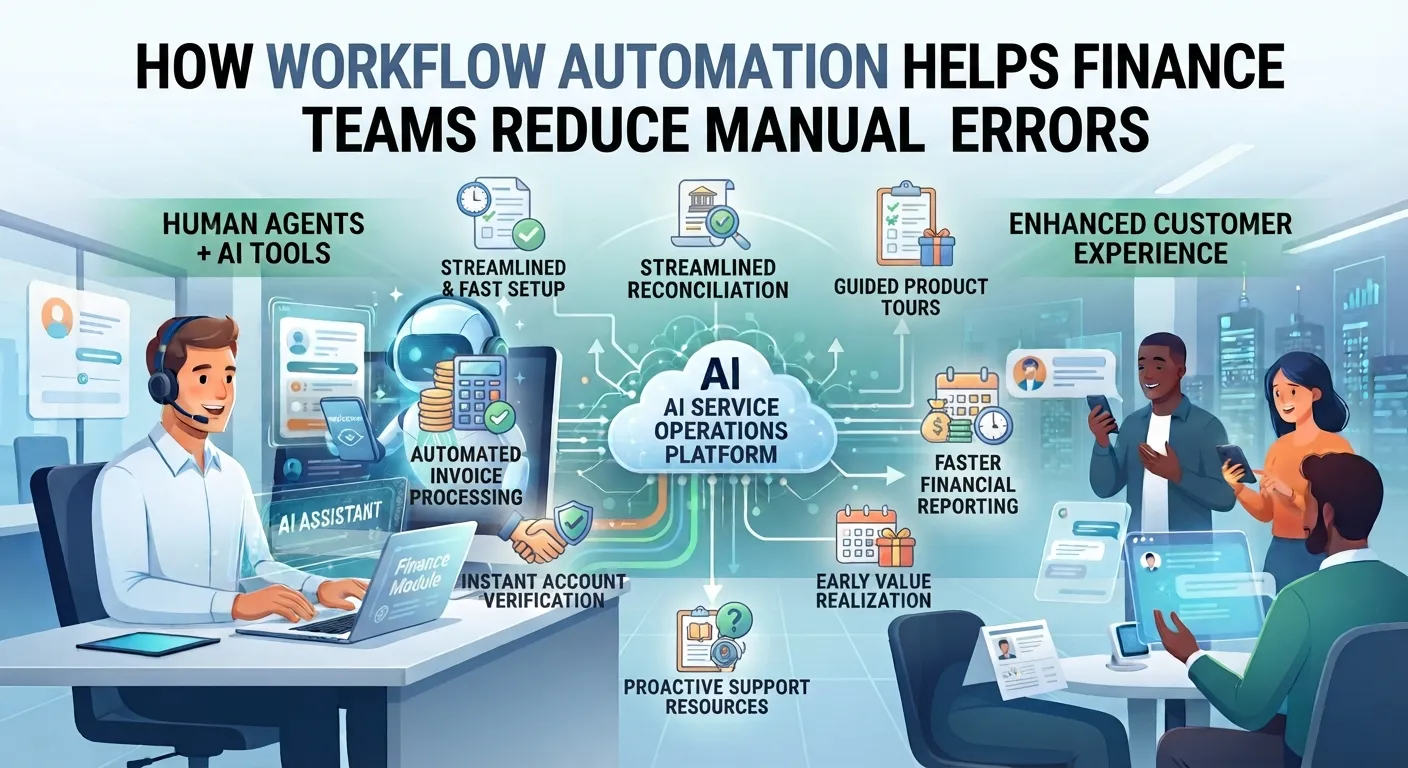
Manual processes, especially in financial tracking, are prone to inconsistencies. A missed entry or delayed update can throw off an entire report. Automation standardizes these workflows, ensuring that data is updated regularly and accurately.
Tasks that benefit most include:
- Cost allocation across departments or projects
- Budget tracking and alerts
- Invoice validation and reconciliation
Instead of spending hours updating spreadsheets, IT teams can focus on reviewing insights and making decisions. That shift alone can significantly improve operational efficiency.
Supporting Accountability Across Teams
One challenge in IT financial management is shared responsibility. Costs often span multiple teams, but ownership isn’t always clear.
Automation helps by linking expenses directly to services, users, or departments. When teams can see how their actions impact costs, accountability improves naturally.
For example, a development team might notice that a testing environment is running longer than needed. With clear cost visibility, they are more likely to shut down or optimize usage.
This kind of behavior change doesn’t come from policies alone. It comes from making financial data visible and relevant.
Improving Forecasting and Budget Planning
Forecasting IT costs have always been tricky. Usage patterns change, new services are added, and pricing models evolve. Static spreadsheets struggle to keep up.
Automation introduces a more dynamic approach. By analyzing historical data and current trends, automated systems can generate more realistic forecasts. These forecasts aren’t perfect, but they are far more responsive to change.
This is where IT financial service management solutions play a role. They combine financial data with service-level insights, allowing organizations to see not just what they are spending, but why.
Over time, this leads to better budgeting conversations. Instead of reacting to surprises, teams can plan with more confidence.
Creating Space for Strategic Decisions
When routine financial tasks are automated, something interesting happens. Teams get time back.
Instead of focusing on data collection and validation, IT leaders can look at bigger questions:
- Are we investing in the right technologies?
- How can we optimize vendor contracts?
- Where can we reduce waste without affecting performance?
Automation doesn’t answer these questions directly, but it creates conditions for better decision-making.
Toward the end of a recent project, I noticed a shift in how one organization approached its financial reviews. Conversations moved from “what happened” to “what should we do next.” That change alone was worth the effort.
Tools like those offered by ITBMO Software, including EZTBM®, are sometimes mentioned in this space, though the real value lies less in the tool itself and more in how effectively automation is applied.























Sign in to leave a comment.