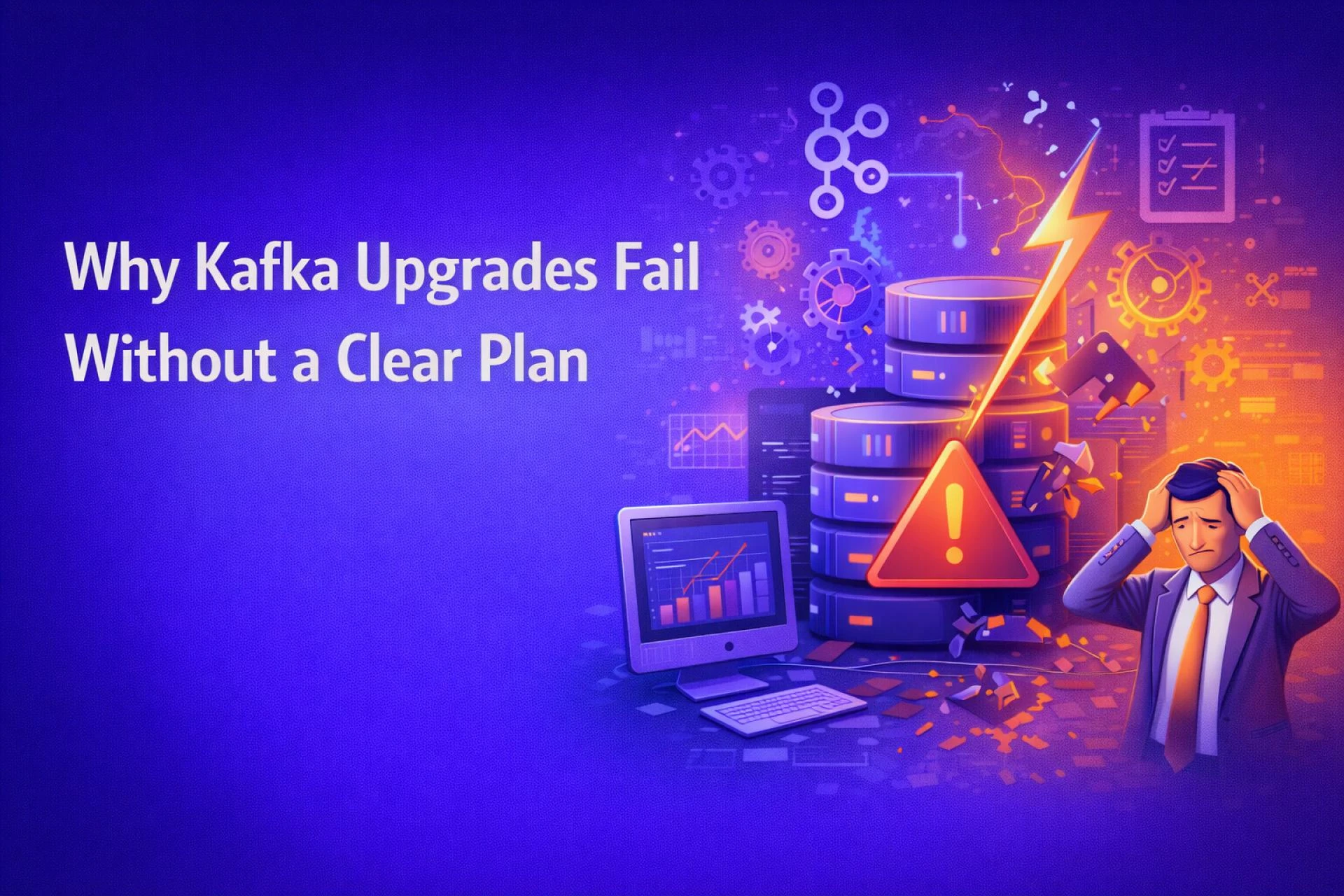

An Apache Kafka upgrade is rarely “just a version bump.” For organizations running event-driven architectures, Kafka sits at the center of data flow powering analytics, microservices, and customer-facing applications. A poorly planned upgrade can introduce lag, consumer failures, or, worse, complete service outages.
That’s why Apache Kafka upgrade planning deserves the same rigor as a major production release. Teams that succeed usually combine technical discipline with operational foresight, often supported by Apache Ksfka Development Services that understand Kafka’s internals and production realities.
This guide breaks down how to upgrade Apache Kafka with zero downtime, using a structured, field-tested approach. Drawing inspiration from top-ranking industry resources, we go deeper into practical execution, trade-offs, and lessons learned from real environments without repeating generic documentation.
Understanding the Risks of a Kafka Upgrade Without Downtime
Why “Zero Downtime” Is Harder Than It Sounds
A Kafka upgrade without downtime isn’t just about keeping brokers running. Risks typically appear in three areas:
- Protocol incompatibility between brokers and clients
- Leader re-elections causing temporary consumer lag
- Operational blind spots due to insufficient monitoring
For example, a fintech company upgrading from Kafka 2.7 to 3.x discovered that older consumer libraries silently failed after broker restarts not during testing, but under peak load.
Zero downtime requires anticipating these edge cases before they surface.
Step-by-Step Kafka Upgrade Process That Actually Works
1. Audit Your Current Kafka Ecosystem
Before touching versions, document:
- Broker version, protocol version, and inter-broker protocol
- Producer and consumer client versions
- Topic configurations (replication factor, min ISR, retention)
This inventory becomes your upgrade blueprint. Skipping this step is one of the most common causes of failed upgrades.
2. Validate Backward and Forward Compatibility
Kafka supports mixed-version clusters within limits. Confirm:
- The target version supports your current inter-broker protocol
- Client libraries are compatible with the upgraded brokers
Many teams upgrade brokers first, then clients. This works only if compatibility is explicitly validated.
3. Design a Rolling Broker Upgrade Strategy
A rolling upgrade is the backbone of a zero-downtime Apache Kafka upgrade.
Best-practice sequence:
- Disable automatic leader rebalancing
- Upgrade one broker at a time
- Restart and verify broker health
- Reassign leadership only after stability is confirmed
This approach keeps partitions available while traffic continues to flow.
4. Monitor the Right Metrics During the Upgrade
Generic “broker up/down” checks aren’t enough. Track:
- Under-replicated partitions
- Consumer lag by group
- Request latency (produce/fetch)
- ISR shrink/expand events
Teams using detailed metrics dashboards consistently complete upgrades faster and with fewer rollbacks.
Apache Kafka Upgrade Best Practices That Reduce Risk
Use Replication as Your Safety Net
A replication factor of three isn’t just a recommendation it’s an upgrade requirement. During broker restarts, replicas absorb the load and prevent data unavailability.
Control Traffic Spikes Proactively
If possible, schedule upgrades during predictable traffic windows. Some organizations temporarily throttle producers or pause non-critical consumers to reduce pressure during broker restarts.
Automate, but Don’t Blindly Trust Automation
Automation tools speed up upgrades, but every step should include validation gates. A failed broker restart should pause the process not cascade into a full cluster issue.
Real-World Insight: A Mid-Scale SaaS Kafka Upgrade
A SaaS analytics platform handling 2 million events per second planned a Kafka upgrade across six brokers.
What worked:
- Staged client validation using canary consumers
- Rolling broker upgrades with strict health checks
- Temporary increase in retention to handle lag
Result:
The entire upgrade completed with no message loss and sub-second latency increases — a textbook example of minimizing downtime during Kafka upgrade through preparation rather than heroics.
Where Many Teams Still Go Wrong
Even experienced teams stumble when they:
- Skip client version audits
- Ignore consumer lag trends
- Upgrade ZooKeeper and brokers simultaneously
- Treat Kafka like stateless infrastructure
Kafka is resilient, but only when its guarantees are respected.
Conclusion: Turning Kafka Upgrades into a Repeatable Process
A successful zero-downtime Apache Kafka upgrade isn’t luck it’s the outcome of disciplined planning, careful sequencing, and continuous validation. From compatibility checks to rolling restarts and metric-driven decisions, every step matters.
Organizations that treat upgrades as a repeatable operational process rather than a one-off task experience fewer outages and faster innovation cycles. For teams lacking in-house Kafka expertise, partnering with a Trusted Apache Kafka Upgrade Service can significantly reduce risk while accelerating execution.
Whether you’re planning your first major Kafka version jump or refining your upgrade playbook, following proven Apache Kafka upgrade best practices ensures your data pipelines stay reliable, scalable, and interruption-free.































Sign in to leave a comment.