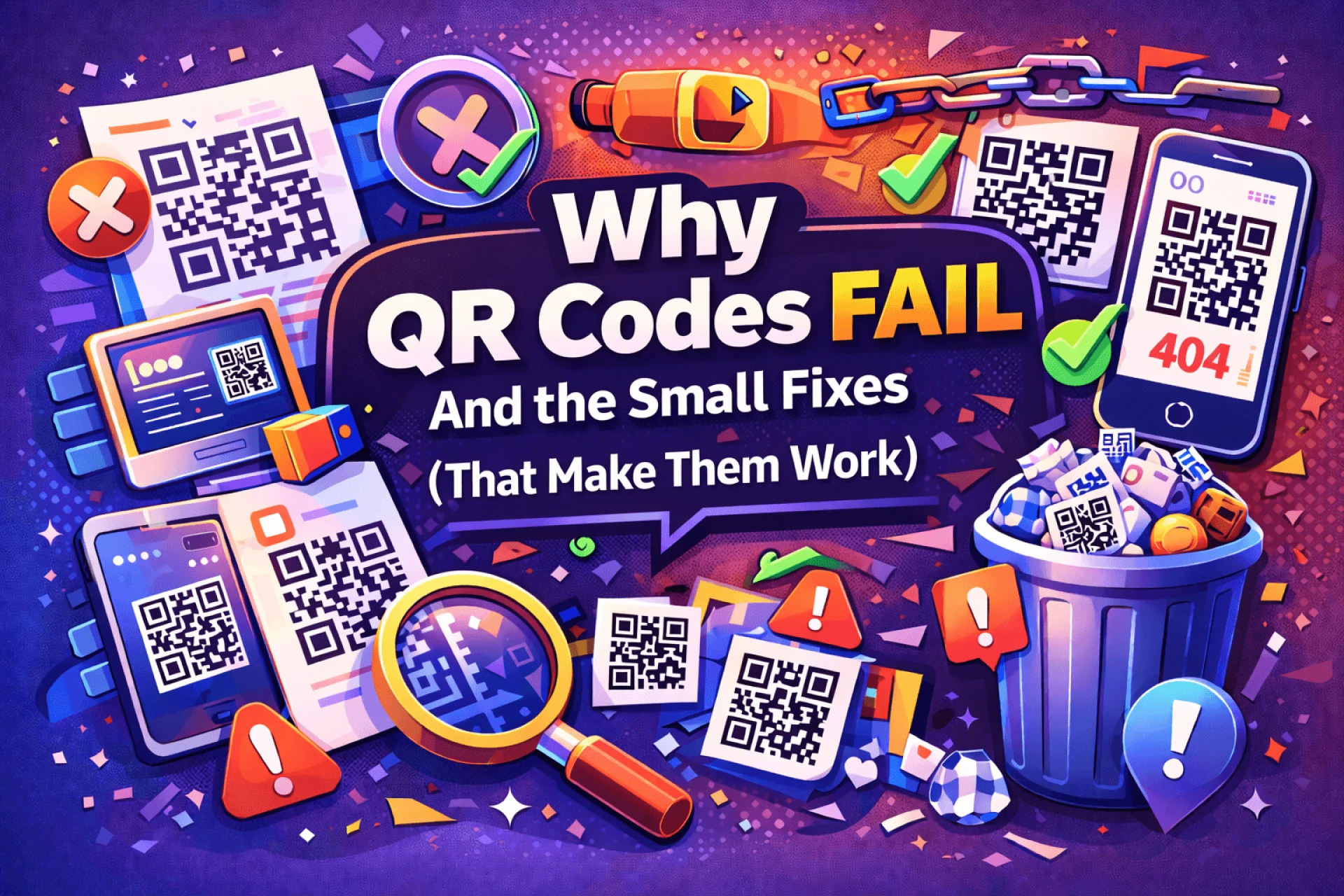

QR codes rarely fail in dramatic ways. They don’t crash or throw errors. Instead, they quietly underperform—fewer scans, less engagement, and little return.
In most cases, the problem isn’t the QR code itself. It’s how it’s planned, placed, and tested. Below are the most common reasons QR codes fail, and how to correct them.
Treating the QR Code as the Message
A QR code by itself doesn’t communicate anything. Without context, it’s just a square that asks for trust.
Most people hesitate because they don’t know:
- What they’ll get after scanning
- Whether it’s worth their time
- Where the link leads
Better approach:
Always explain the outcome:
- “Scan to see the full menu”
- “Scan to access the guide”
- “Scan for today’s offer”
When the benefit is clear, scanning feels safe.
Sending Users Somewhere Vague
Many QR codes still point to homepages, which creates friction.
Homepages:
- Rarely match the reason someone scanned
- Force extra decisions
- Slow down the experience
Better approach:
Link to a page with a single purpose:
- A campaign landing page
- A demo or explainer
- A short form
- A specific promotion
One scan should equal one clear next step.
Locking the Link Too Early
Static QR codes permanently embed the destination. If the link changes, the QR code becomes useless.
This is especially risky for printed materials that stay in circulation.
Better approach:
Use dynamic QR codes whenever there’s a chance the destination may need updating. Flexibility matters more than simplicity in most real-world cases.
Ignoring Physical Scanning Conditions
QR codes don’t exist in perfect conditions. Lighting, distance, and angle all matter.
Common issues include:
- QR codes that are too small
- Poor contrast with the background
- Placement that requires awkward scanning
Better approach:
Design for real environments:
- Use adequate size
- Maintain strong contrast
- Place codes where phones can easily reach
If scanning feels inconvenient, most people won’t try.
Forgetting Everything Is Mobile
Every QR code scan happens on a phone. If the destination isn’t mobile-friendly, engagement drops immediately.
Common problems:
- Slow load times
- Tiny text
- Long or complex forms
Better approach:
Test the entire experience on a smartphone:
- Does it load quickly?
- Is it easy to read?
- Is the action simple?
Mobile experience determines whether the scan was worth it.
Skipping Final Testing
QR codes can fail due to small mistakes:
- Incorrect URLs
- Broken redirects
- Export or design issues
Once printed, these mistakes are expensive.
Better approach:
Before publishing or printing:
- Scan the code with multiple devices
- Test in different lighting conditions
- Confirm the correct page opens every time
Testing takes minutes and prevents long-term problems.
Letting Design Get in the Way
Custom QR codes can support branding, but excessive design often breaks scannability.
Low contrast, heavy decoration, or distorted shapes reduce reliability.
Better approach:
Always prioritize function. Branding should enhance clarity, not compete with it.
Tools like QRColor make it easier to customize QR codes while keeping them reliable.
Example here:
👉 https://qrcolor.com
Never Looking at Results
Many QR codes are launched and forgotten.
Without reviewing performance, you won’t know:
- Whether people are scanning
- Which placements perform best
- What should be improved
Better approach:
When possible, use QR codes that provide basic scan data. Even simple insights help refine placement, messaging, and design.
Final Thoughts
QR codes don’t fail because they’re outdated. They fail because of unclear intent, overlooked details, or poor execution.
Fixing these small issues turns QR codes from ignored squares into useful, reliable tools that connect interest with action.































Sign in to leave a comment.