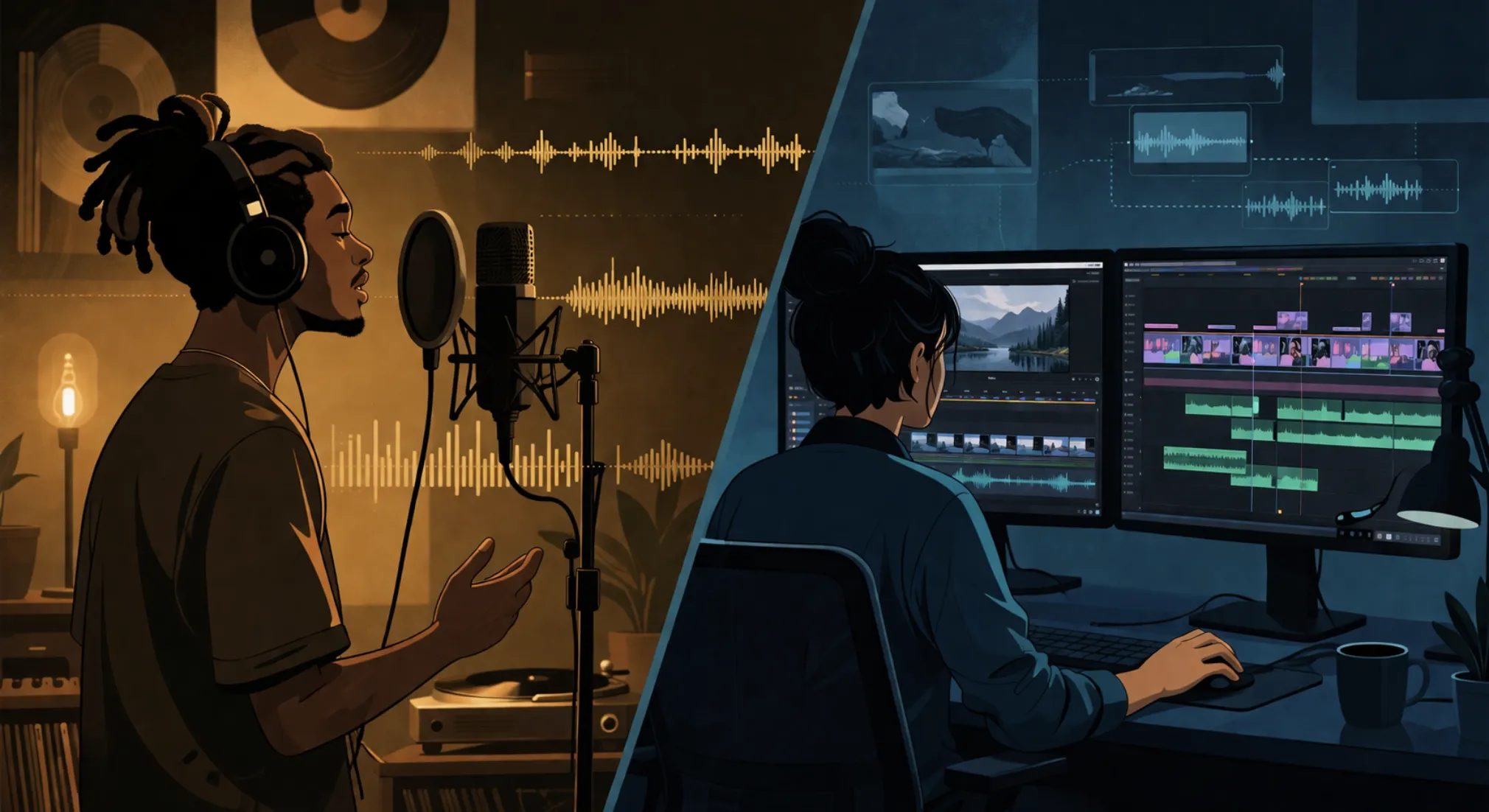
Every few weeks, another AI music generator launches with a better demo than the last one. The vocals are cleaner. The mix is punchier. The genre coverage is wider. And every few weeks, video creators try to use them for actual work and run into the same wall: generating a song and scoring a video are not the same problem.
This is a piece about that wall. Not about which tool is "best," but about why the entire category of "AI music generator" keeps disappointing people who edit video for a living — and what the category should look like if it were built for them instead.
Why Do AI Music Generators Fail as Video Soundtracks?
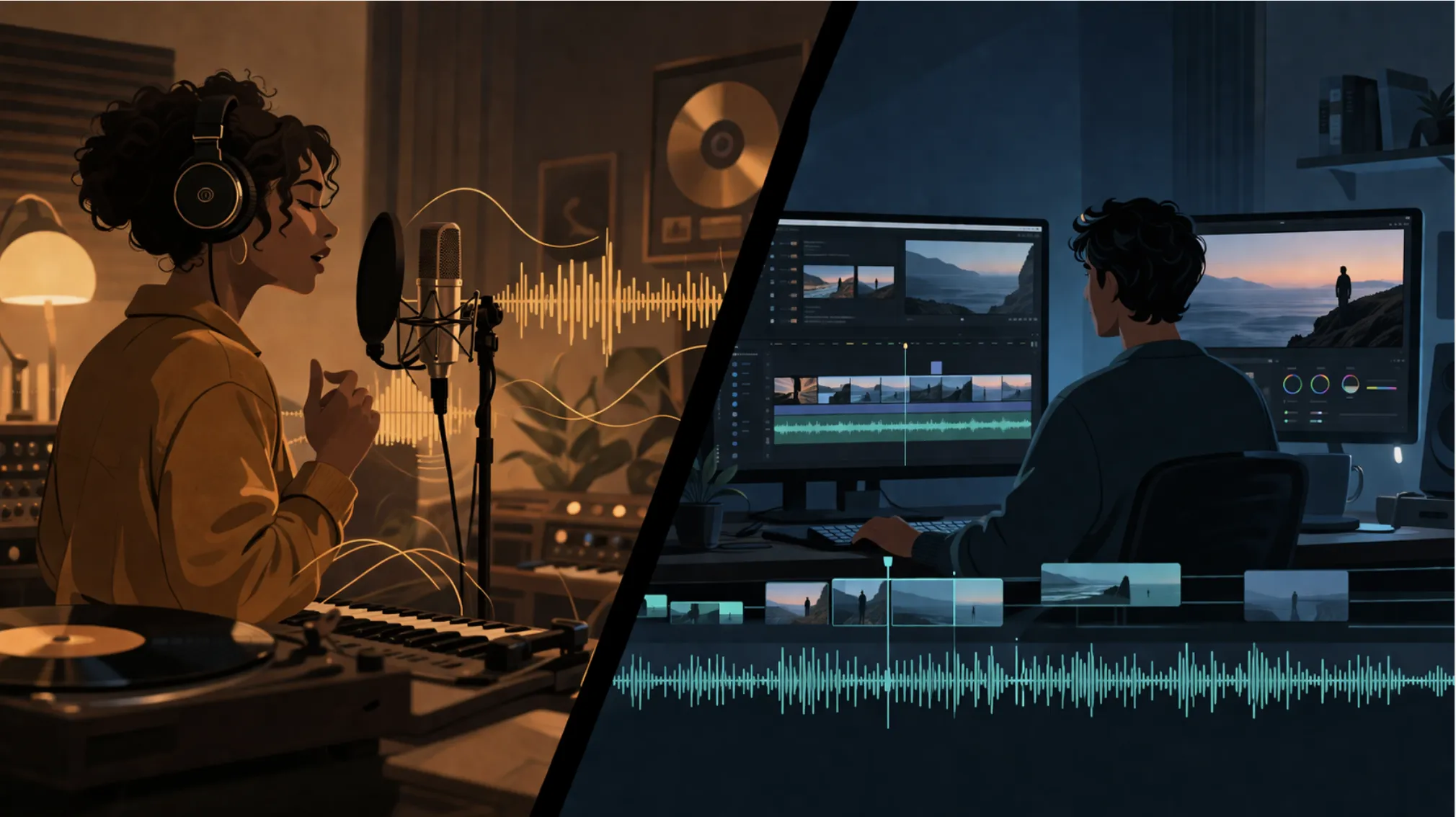
Short answer: AI music generators optimize for "does this sound like a hit song?" — full runtime, vocals, verse-chorus structure. Video soundtracks optimize for serving picture: exact duration, instrumental-first output, and energy that tracks the edit. Same underlying technology, opposite product targets.
An AI video music generator — the kind that dominates YouTube tutorials and Product Hunt launches — is trained to produce a finished piece of music. A verse, a chorus, a bridge, vocals, a three-minute runtime. The benchmark is "does this sound like a song I'd hear on Spotify?"
A video creator needs something different. They need audio that serves a visual story they've already shot and cut. The music is not the destination; it's the connective tissue between picture, voiceover, and pacing. The benchmark is "does this make my cut feel more alive without competing with it?"
Those are two entirely different product targets. And when you use a tool built for the first target to solve the second problem, the output fights you at every step — in ways that cost real time on every project.
What Do Video Creators Need from an AI Music Generator?
Short answer: Five things that barely overlap with what song generators deliver: emotional curves rather than song structure, cut-aware timing, precise duration, voiceover-friendly instrumental backgrounds, and restrained melodies that don't pull focus from the visual story.
Talk to any working video editor — YouTubers, ad creatives, documentary cutters, tutorial makers — and the list is remarkably consistent. It's also almost nothing like what a music generator optimizes for.
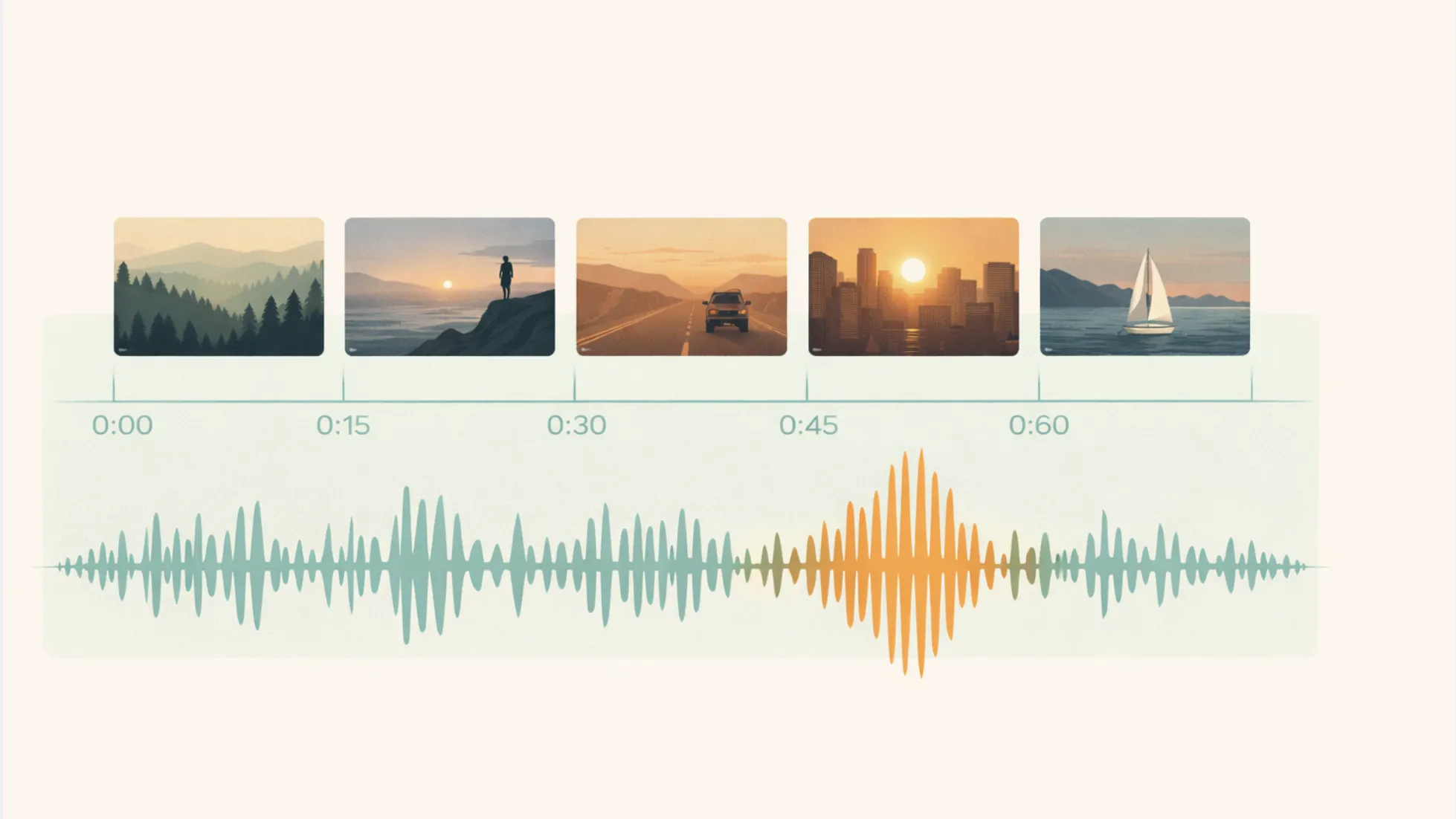
Emotional curves, not song structure. A 45-second vlog intro doesn't need a verse and a chorus. It needs energy that builds from 0:00 to 0:15, holds through the talking-head section, and lifts again at the outro. That's a curve, not a structure. Most music generators give you structure.
Cut-aware timing. The music should respect the edit, not the other way around. When the scene changes at 0:22, ideally something in the track acknowledges it — a snare hit, a filter sweep, a harmonic shift. Generators that output a fixed song don't know your cuts exist.
Precise duration. A 60-second ad is 60 seconds. A 6-second bumper is 6 seconds. A generator that hands you a 2:45 track with a fade-out is handing you homework, not a deliverable.
Backgrounds that stay in the background. Voiceovers, interviews, and talking heads are the foreground. The music has to duck under them, not punch through. This is why instrumental-first output matters so much — and why vocals, no matter how well-produced, are almost always in the way.
Restrained melodies. A melody strong enough to hum is a melody strong enough to pull attention. For most video work, that's bad. Creators want hooks under the content, not around it.
Put those five requirements together and you get a category — video soundtrack AI — that barely overlaps with what "music generator" usually means.
How Much Does This Actually Cost Creators in Time and Money?
Short answer: Mid-range stock music subscriptions (Musicbed at $89/month, Marmoset tracks from ~$200) and per-song fees quickly stack up, while song-generator workflows add 45–90 minutes of editing time per video in trimming, EQing, and re-syncing. For creators shipping multiple videos a week, the cumulative tax is meaningful.
The cost of the mismatch isn't just creative frustration — it's measurable.
Traditional licensed music for video isn't cheap. According to industry breakdowns, Musicbed runs $89 per month for indie creators or $199 per song for business use, while Marmoset tracks for small businesses typically start around $200 per placement. Subscription services like Artlist and Epidemic Sound are more accessible but still require monthly commitment regardless of how much you actually use them.
AI music generators promised to collapse that cost. For songwriters, they did. For video creators, the cost mostly moved from a licensing bill to a time bill — ~45–90 minutes of post-production per video spent trimming generated songs, EQing out vocals, and re-syncing music to cuts that don't match the song's internal structure. Multiply by a channel shipping 3–5 videos a week, and you've traded money for hours without actually solving the workflow problem.
The right frame isn't "free vs. paid." It's "does this tool output a deliverable or homework?"
The Licensing Stakes: What Happens When You Get It Wrong?
Short answer: YouTube processes over 1.5 billion Content ID claims per year, and Shorts between 1–3 minutes with an active claim are blocked outright regardless of monetization policy. For creators, a single unlicensed AI-generated track can mean blocked uploads, redirected ad revenue, or channel-level consequences.
It's tempting to treat AI music licensing as a paperwork issue. It isn't. The platform consequences are concrete and, at scale, substantial.
YouTube's Content ID system processes over 1.5 billion claims per year, according to data published by royalty-free music platform Uppbeat. Most claims are routine, but the downstream actions on a flagged video are not trivial: monetization can redirect entirely to the claimant, the video can be geo-blocked in specific countries, and — critically for anyone making short-form content — YouTube Shorts 1–3 minutes long with an active Content ID claim are blocked from the platform outright, regardless of whether the claimant chose a "monetize" or "track" policy. That's per Google's own published Content ID documentation.
For AI-generated music specifically, three failure modes worth understanding:
- Training-data matches. Generators trained on copyrighted catalogs occasionally produce outputs close enough to existing tracks to trigger Content ID, even when you generated the audio yourself.
- Platform-level fingerprinting. Some platforms have started fingerprinting AI-generated audio itself, meaning another creator using the same tool can — in theory — claim a track you also generated independently.
- Ad-platform escalation. Meta's ad review systems don't evaluate "I made it with AI" as a license. Unverified music rights can pause ads, creatives, or — in repeat cases — entire Business Manager accounts.
The practical rule: if you can't point to a written commercial license with the tool's name on it, you don't have one. Whatever you saved in generation cost gets spent on claim disputes, lost monetization, or — worst case — lost distribution.
Four Real Workflows Where the Mismatch Becomes Obvious
The gap is abstract until you watch it play out in real workflows. Here are four where it shows up hardest, with what works and what doesn't in each.
How to Score AI Music for YouTube Vlogs
A travel vlogger is cutting a 90-second Tokyo highlight reel. They want something cinematic, atmospheric, builds to the first on-camera line at 0:18.
What a song generator delivers: a three-minute track with vocals and full song structure. The "cinematic feel" lasts 20 seconds before the vocals come in. They trim the intro, lose the build, and the track ends abruptly when the vlog does.
What actually works for vlogs: AI music for vlogs tuned to short-form structure — 90 seconds exactly, instrumental, builds once, resolves cleanly. Specify duration and mood arc upfront. One generation replaces five.
How to Choose Background Music for Ad Creatives
A performance marketer is shipping a 15-second Meta ad with three cuts: hook, product, CTA. Each cut needs a different energy beat. Total runtime is non-negotiable because the platform cuts anything longer.
What a song generator delivers: a full-length track where the "energy beat" lands wherever the song structure puts it — usually nowhere near 0:05 or 0:12. The marketer ends up syncing the video to the music, which is backwards.
What actually works for ads: a background music generator that takes cut timing as input and builds audio around it. The video is fixed; the music is the variable. Time-to-deliverable drops from an hour to minutes.
Best Practices for AI Background Music in Tutorial Videos
A software educator is recording a 12-minute walkthrough. The entire thing is voiceover on top of screen recording. They want gentle background music — present enough to avoid silence, quiet enough to never compete with the narration.
What a song generator delivers: a three-minute track that either loops obviously or ends four minutes into the tutorial. Melodic moments distract from instruction. Vocals, even faintly mixed, are an absolute deal-breaker.
What actually works for tutorials: a long-form ambient bed, instrumental, melodically restrained, with built-in looping or extended-duration generation. This is squarely AI music for YouTube videos with long-form intent — a different generation target from "write me a song."
How to Score AI Music for Product Launch Videos
A brand team is cutting a 60-second launch film. The piece has a three-act structure — problem, reveal, aspiration. They want a soundtrack that mirrors the narrative arc, with a real climax at the product reveal around 0:42 and a resolved ending at 0:60.
What a song generator delivers: something with its own arc, which is almost never the arc the video has. The chorus hits at 0:24 when the product is still offscreen.
What actually works for launch videos: a tool that takes narrative structure as input — not just a genre prompt — and builds music with the arc embedded. Fundamentally different from "write me a song."
Why Do General-Purpose Music Generators Keep Failing at Video Work?
Short answer: Because the training objective is "sound like music in the dataset" — and the dataset is mostly commercial songs. The model optimizes for song conventions no matter what you prompt. The fix isn't a better prompt; it's a tool trained on a different objective.
It's tempting to assume this is a temporary gap — that the next model release from a big music generator will fix it. Probably not. The reason sits at the model level, not the UI level.
General-purpose music generators are trained on music. Their training objective is "produce audio that sounds like the music in the dataset." The dataset is mostly commercial songs, which means the model learns song conventions: verse-chorus structure, vocal prominence, three-to-four-minute runtimes, full mixes with strong melodies. Good outputs by that training objective are bad outputs for video work, almost by definition.
You can paper over this with prompt engineering — "instrumental, 30 seconds, no chorus" — and the model will try, but it's fighting its own training. The output drifts back toward song conventions because that's what the gradient reinforced during training.
The fix isn't a better prompt. It's a model trained on a different objective — one where the target is "audio that serves picture" rather than "audio that sounds like a song." That's what the emerging category of video-first tools is actually trying to do, and it's why a growing set of creator-focused alternatives to MiniMax Music 2.6 and similar song-first models have started showing up. Different objective, different product.
Why Are Vocals Such a Consistent Deal-Breaker for Video?
Short answer: Human speech and vocal music occupy the same frequency range (~200 Hz to 4 kHz), so they can't be cleanly separated with EQ. Vocals also split narrative attention with your voiceover and carry heavier copyright footprints. For most video work, instrumental is the only viable default.
One failure mode is worth isolating because it sinks more video projects than any other single issue: vocals.
A generator that prioritizes vocal quality — Mureka is a recent example — will put vocals front and center even when you explicitly ask for instrumental. The vocals might be technically impressive. They will also, in most video contexts, be unusable:
- They collide with voiceover. Human speech occupies roughly 200 Hz to 4 kHz. Vocal music occupies the same range. No amount of EQ cleanly separates them.
- They pull narrative attention. Lyrics tell a story. If your video is also telling a story, you now have two narratives competing for the viewer's brain.
- They date badly. Instrumental tracks age slowly. Vocal tracks age in specific genres and sound stale within a couple of years.
- They create licensing exposure. Vocal performances have stronger copyright footprints than instrumental beds — both in Content ID matching and in legal risk for ads.
This is why video editors who've been burned repeatedly end up looking specifically for alternatives to Mureka v9 built for video workflows — tools where instrumental is the default, not a setting you have to fight for every generation.
The rule is simple: if vocals are the headline of the demo, the tool isn't built for video.
Are Big-Model AI Music Tools (Like Lyria) Automatically Better for Video?
Short answer: No. Larger models produce better audio fidelity, but fitness for video work is about training objective, not model size. A big song generator is still a song generator. "Large model with great audio" and "tool built for my workflow" are different products.
Google's Lyria 3 Pro is the most visible example. It's a serious model with strong audio quality and an API that developers are starting to build on. It's also, by default, a general-purpose music generator, not a video-soundtrack tool. The same structural mismatch applies: the model is trained to generate music, the creator needs to score video, and the gap between those two objectives doesn't close just because the underlying model is larger.
Big-model generators tend to be better at the things general-purpose generators are already good at — audio fidelity, genre range, vocal realism — and no better at the things video creators actually need, like exact duration, energy arcs mapped to cut timing, and instrumental-first output. That's why you see creators actively searching for practical Lyria 3 Pro alternatives for video creators: not because Lyria is bad, but because "big model with great audio" and "tool built for my workflow" are different products, and the first doesn't automatically become the second.
Size of model ≠ fitness for use case. It's worth saying because the industry narrative often implies otherwise.
How Do You Actually Score a Video with AI? A Practical Workflow
Short answer: Lock the video edit first, derive music specs from the cut (not the other way around), generate with video-first constraints (duration + arc + instrumental), and validate rights before publish. The sequence matters more than the specific tool.
Here's a six-step workflow that treats music as a function of the edit, not a creative wildcard.
Step 1: Finish the picture edit before touching music. Lock your cut. Know your total runtime, scene-change timestamps, and where voiceover or dialogue falls. If you're generating music before this is locked, you'll regenerate it after the inevitable trim.
Step 2: Derive music specs from the edit. Write down: exact duration, energy arc ("low → build at 0:22 → climax at 0:45 → resolve"), instrumental/vocal requirement, and mood descriptor using video-industry vocabulary ("corporate explainer," "documentary reveal," "product drop"), not music-industry vocabulary ("indie pop, 110 BPM"). This doc is your generation prompt.
Step 3: Generate with video-first constraints, not song-first constraints. If your tool lets you input exact duration, use it. If it lets you specify energy curves, use it. If it only accepts genre prompts, you're using the wrong tool for this job — consider whether your next project warrants switching.
Step 4: Audition against the timeline, not in isolation. Drop every candidate track into the edit before making a decision. Music that sounds great on its own will sometimes fight the cut; music that sounds unremarkable solo will sometimes disappear perfectly into the video. Only the timeline tells you which.
Step 5: Mix for voiceover before mixing for music. If there's dialogue or VO, duck the music 4–6 dB under speech at minimum. Sidechain compression works if your tool supports it; manual volume keyframes work if it doesn't. A beautiful track mixed too loud is a bad track.
Step 6: Validate commercial rights before you publish. Confirm the license covers your specific use case — monetized YouTube, paid social ads, client deliverable, whatever it is. Save the license certificate. If it's a client project, attach it to the deliverable documentation. This takes two minutes and prevents most worst-case outcomes.
Do this consistently and the "AI music problem" for video mostly disappears — not because the tools got better, but because the workflow got aligned with what the tools are actually good at.
What Does a Real Video-Creator Tool Look Like?
Short answer: A tool where the primary input is the video itself (duration, cuts, arc), output matches the deliverable exactly, instrumental is the default, commercial licensing is explicit, and the style library uses video-genre vocabulary.
If you collapse everything above into a product spec, you get something that looks materially different from a song generator. The core design decisions invert.
- Primary input is the video, not the prompt. Duration, cut timing, and narrative arc come from the footage. The prompt adds mood on top.
- Output format matches the deliverable. Exact seconds, real intro, real ending, no faded-out crops.
- Instrumental-first, vocals-optional. The default matches how video is actually scored.
- License is clear and commercial-ready. No "check the TOS" gray zones. Explicit rights for ads, client work, and monetized channels, ideally with Content ID protection.
- Style vocabulary matches video genres. "Corporate explainer," "documentary reveal," "product drop," "tutorial bed" — not "indie pop in the style of [artist]."
That's not a redesigned song generator. It's a different category of tool. The question for any video creator evaluating AI audio isn't "which generator sounds best" — it's "which tool was designed around my actual workflow."
FAQ
What's the difference between an AI music generator and an AI video soundtrack tool? A music generator is optimized to produce finished songs — complete with vocals, song structure, and multi-minute runtimes. A video soundtrack tool is optimized to produce audio that serves video: precise duration, instrumental-first output, energy arcs matched to cut timing, and restrained melodies that don't compete with voiceover. They use similar underlying technology but target different outputs.
Can I use an AI music generator for YouTube videos safely?
You can, but post-production and copyright exposure both go up. For monetized or client work, a tool specifically built for AI music for YouTube videos — with exact duration control, instrumental-first defaults, and commercial licensing — saves hours per video and reduces Content ID risk, which matters given YouTube processes over 1.5 billion Content ID claims annually.
Are vocals ever acceptable in video soundtracks?
Rarely. Vocals work when there's no voiceover, no interview audio, and no other narrative element — think a pure montage or a music video. For vlogs, ads, tutorials, and most brand content, vocals compete with speech and split viewer attention. Instrumental is the safer default.
Why don't big AI models like Lyria solve this problem automatically?
Because the problem isn't model quality — it's training objective. A model trained to generate music will generate music, even when prompted for "video soundtrack." Solving the video-creator use case requires tools designed around video workflows, not just larger underlying models.
What should I look for in a background music generator for video?
Five things: exact duration matching, energy arcs over time, instrumental-first output, explicit commercial licensing (including Content ID protection), and a style library organized around video genres rather than music-chart categories. If any of those are missing, you'll feel the gap on every project.
How much time does switching to a video-first AI tool actually save?
In practice, per-video editing time drops from 45–90 minutes (trimming generated songs, EQing out vocals, manually re-syncing cuts) to 5–10 minutes (generating audio that already fits the spec). For creators shipping multiple videos a week, that's the difference between music being a workflow bottleneck and being a non-issue.
The Takeaway
Generating music is a solved problem. Scoring video with AI is not — at least not yet, and definitely not with the tools most people reach for first. The demo-reel gap between "this sounds amazing" and "this works in my edit" is where video creators keep losing time.
If you make video for a living, the mental shift is worth making: stop evaluating AI audio tools on how their songs sound and start evaluating them on how their output behaves inside your timeline. Duration accuracy, instrumental defaults, energy arcs, and licensing clarity matter more than vocal realism or genre range. Tools built around those priorities will feel qualitatively different from the music generators dominating the headlines — because they're solving a different problem, and it happens to be yours.

























Sign in to leave a comment.