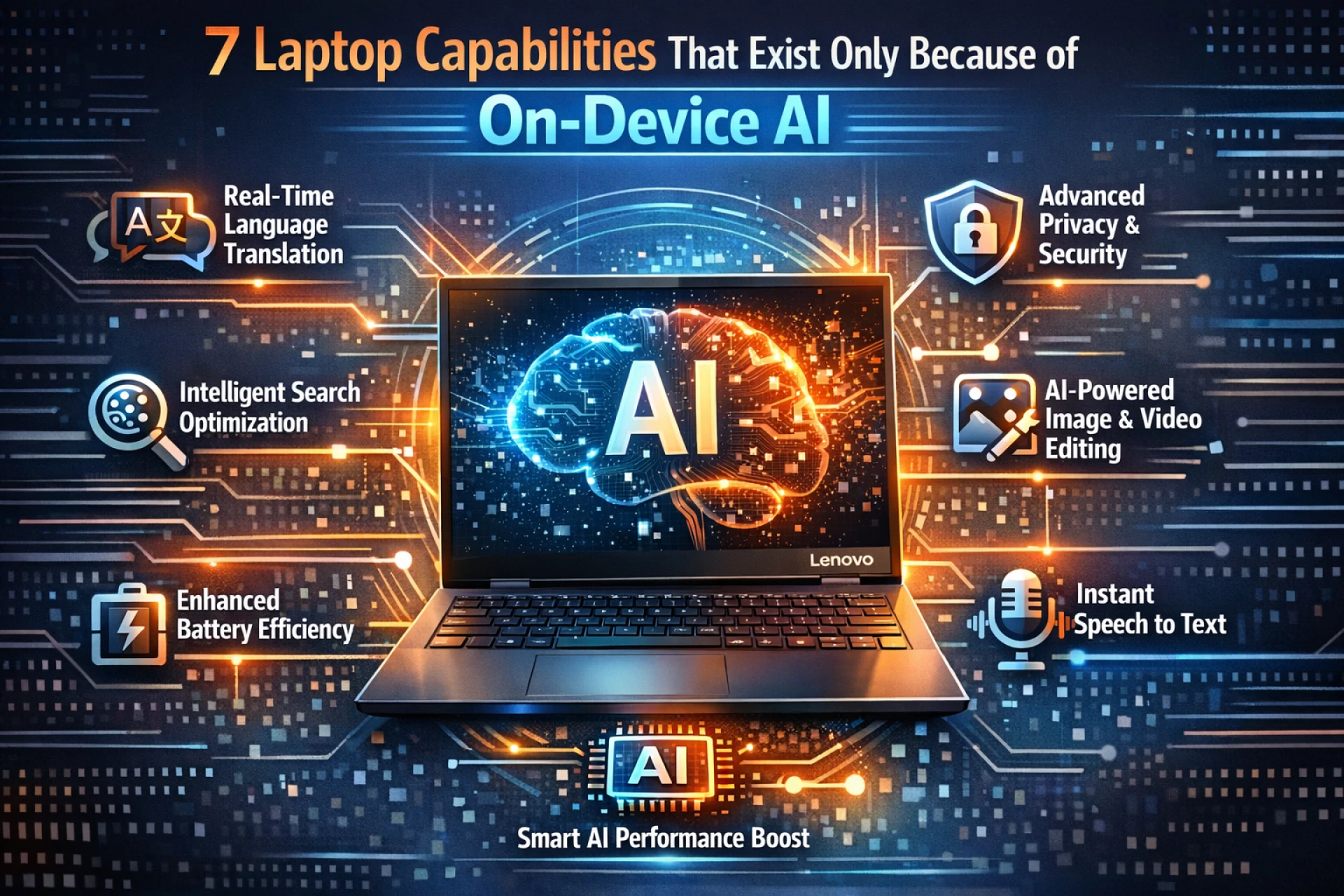

Your laptop has become smarter than ever before. You might not notice it at first, but Artificial Intelligence now lives right inside your device. This isn't the cloud-based AI that needs an internet connection. We're talking about real processing power that works directly on your machine. On-device AI has transformed ordinary laptops into intelligent AI laptops that understand you better.
On-device AI is the processing of Artificial Intelligence models and data directly on a user's device, such as a laptop or smartphone, rather than sending the data to the cloud for processing.
The technology processes everything locally, which means faster responses and better privacy. Your personal information stays on your device where it belongs. This shift has unlocked features that seemed impossible just a few years ago.
The features we'll explore today wouldn't exist without this revolutionary technology sitting right under your keyboard.
1. Real-Time Language Translation Without Internet
You can now communicate across language barriers instantly. On-device AI makes this possible through local Neural Processing Units that handle complex translation tasks. The system works by analyzing text or speech patterns directly on your AI laptop using on-device AI processing to interpret speech and text instantly while keeping data local and secure. The translation happens in milliseconds right where you sit.
Key benefits include:
- No data sent to external servers.
- Works perfectly on flights and remote locations.
- Translates screenshots and images in real-time.
- Maintains context better than older systems.
The technology learns from your usage patterns, too. It remembers industry-specific terms you frequently use and adapts translations accordingly.
2. Smart Background Blur That Tracks Movement
Video calls have never looked more professional. The AI constantly monitors your position and adjusts the background effect frame by frame. Many laptops even come with a smart collaboration mode that carries out these functions.
Your AI laptop processes video feeds through specialized AI chips that separate you from your surroundings. The system recognizes human shapes and movements with incredible accuracy.
Real-world applications show impressive results:
- Perfect blur even when you move around.
- No awkward glitches or floating body parts.
- Works in any lighting condition.
- Adjusts automatically when others enter the frame.
- Maintains quality during screen sharing.
Remote workers save hundreds on professional equipment. The AI handles everything through software alone.
3. Intelligent Battery Management Systems
Your AI laptop now predicts exactly how you'll use it throughout the day. On-device AI monitors every application and learns your daily patterns. The system makes split-second decisions about power allocation. High-performance tasks get more juice when needed. Background processes slow down when the AI detects you're working on something important.
Extending Your Workday Naturally
Power management has evolved beyond simple battery saving modes. The AI considers dozens of factors simultaneously.

Smart features include:
- Predictive charging that stops at 80% overnight.
- App-specific power allocation based on priority.
- Screen brightness adapts before you notice.
- CPU throttling during non-intensive tasks.
Are you aware of the fact that the worldwide AI laptop sector is predicted to reach over $124.214.7 million by 2033. Such statistics indicate that AI-powered computers are becoming the main choice for both individuals and companies in order to improve their capabilities and facilitate their growth.
4. Automatic Photo Enhancement Before You Save
Photography editing happens instantly now. Your AI laptop analyzes every image the moment you capture or download it.
The AI examines thousands of elements in each photo. Lighting levels get balanced. Colors become more vibrant. Faces appear clearer without looking artificial. All of this processing occurs before you even open an editing app.
Content creators appreciate the time savings:
- No manual adjustment needed for basic corrections.
- Maintains original files separately.
- Works with RAW and standard formats.
- Recognizes photo types automatically.
- Adjusts settings based on subject matter.
5. Voice Commands That Work Offline Everywhere
Speaking to your laptop feels natural now. The technology uses local speech recognition models trained on millions of voice samples. Your accent and speaking style get recognized within days of regular use. Commands execute faster because there's no network delay.
Privacy-conscious users love this advancement:
- Complete voice processing stays on your device.
- Works in areas with zero connectivity.
- Responds three times faster than cloud-based systems.
- Understands context from previous commands.
- Never stores audio recordings externally.
Accessibility features have improved dramatically. People with mobility challenges can control their entire AI laptop through voice alone.
6. Predictive Text That Actually Knows You
Writing emails and documents has become eerily efficient. The AI suggests complete sentences based on your unique writing style.
This goes far beyond basic autocorrect. The system goes through thousands of your previous documents and messages. It recognizes your vocabulary and sentence structure. Professional terminology you use regularly appears in suggestions automatically.
Writers and professionals see immediate productivity gains:
- Completes technical terms specific to your field.
- Suggests entire paragraphs in your voice.
- Adapts tone based on the recipient.
- Never suggests inappropriate content.
- Works across all applications.

7. Real-Time Content Moderation For Safety
Parents and educators now have powerful protection tools. On-device AI scans content continuously without compromising privacy.
The AI laptop identifies potentially harmful material before it appears on screen. Inappropriate images get flagged instantly. Suspicious websites trigger warnings. All analysis happens locally, so browsing history stays private.
Safety features include:
- Age-appropriate content filtering.
- Detection of cyberbullying language.
- Phishing attempt identification.
- Malware behavior recognition.
- Privacy leak prevention.
Conclusion
On-device AI has fundamentally changed what laptops can accomplish. These seven features represent just the beginning of a technological revolution. Your AI laptop now understands context and learns from experience, and adapts to your needs automatically. The best part is that everything happens right on your machine.
The future holds a promise of even more astonishing functionalities as this technology gets better and better. The AI laptop you are working with right now has more intellect than the supercomputers of ten years back.























Sign in to leave a comment.