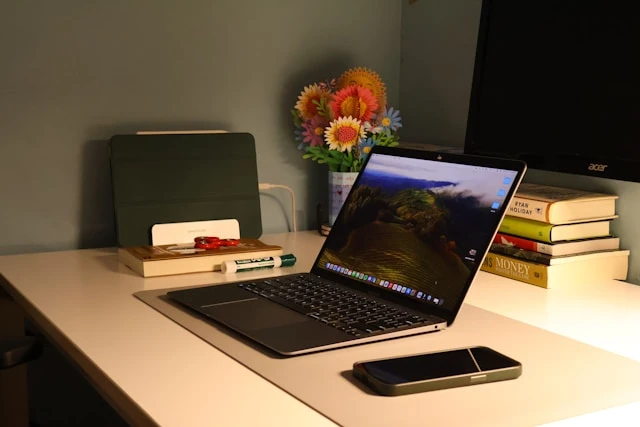

A mobile workstation is more than a desk that moves. It’s a tool for staying flexible and productive in fast-paced environments. Whether in healthcare, education, or logistics, the right habits can unlock its full potential. Many rely on these setups daily but miss small details that boost performance. A well-used workstation can cut down wasted time and improve comfort. Getting the most out of it takes more than just rolling it into place. It’s about making it work smarter with you. These eight tips help make that happen.
1. Set the Right Height Every Time
Adjusting the height isn’t just about comfort—it’s about safety and speed. Working too low or too high can lead to aches and slow down tasks. Make height checks part of the routine, especially during shift changes. Quick tweaks can prevent long-term strain. Most workstations have simple levers or buttons. Using them often helps reduce posture issues. It also keeps focus sharp and hands ready—every second counts when tasks repeat all day.
2. Don’t Overload the Surface
It’s easy to crowd the top with gear, tools, or papers. But too much clutter turns a helpful space into a problem. Keep only the daily essentials on the surface. Group items by task to avoid confusion. Use trays or holders for pens, cables, or labels. A clean top lets you move quickly without knocking things over. It also helps when cleaning or wiping down the unit. Less mess means less stress.
3. Use Cable Management Wisely
Loose wires cause tangles and trip hazards. They can also slow down your work when something snags or pulls. Take time to tie or clip cables into place. Many stations have built-in paths or hooks—use them. Label power cords if you’re switching gear often. It makes it easier to unplug the right one. Neat cables also keep the whole setup looking professional. That’s helpful in spaces where clients or patients are watching.
4. Lock the Wheels When Stationary
It sounds simple, but it’s often missed. A rolling station that won’t stay put can cause frustration or even accidents. Always lock the wheels before starting a task. This gives you a steady base and avoids shifting during use. Unlock them again before moving—forcing stuck wheels can break them. Many models have silent-locking casters that hold well on tile or carpet. It’s a small habit that builds confidence and control.
5. Charge Devices Before Each Shift
Running low on battery mid-task is a major disruption. If the workstation has built-in power, plug everything in before the day starts. Check battery packs if your station uses them. Charging overnight or during breaks can prevent downtime. Some setups even offer USB ports and outlets. Keeping cords handy for charging helps, too. Start each shift fully powered to stay on track. Avoid waiting around for tools to come back to life.
6. Choose Storage with a Purpose
Storage isn’t just about space—it’s about smart use. Pick compartments based on what’s used most often. Place quick-grab tools up top and rare items down low. Locked drawers are good for sensitive materials. Open shelves work best for general supplies. Keep an inventory if you restock often. Knowing where things are saves time and limits distractions. A well-organized station becomes a smooth part of your day.
7. Keep It Clean and Ready
Mobile workstations see a lot of action. Wipe down handles, buttons, and surfaces at the start and end of each shift. Use simple cleaners that won’t damage parts. This keeps the setup safe and hygienic, especially in shared areas. Clean workstations also reflect good habits. Dirt and dust can clog wheels or ports if left too long. A quick clean takes minutes but adds hours of smooth use later.
8. Match the Model to the Task
Not all mobile setups fit every job. If working with computers all day, pick a mobile computer cart that’s built for screens and keyboard use. If the work is hands-on or physical, choose one with a tough, steady surface. Some carts are designed for labs, others for patient care. Knowing the difference helps you pick the right one. The wrong type can hold you back without realizing it. Picking based on task needs boosts flow and cuts frustration.
Conclusion
A mobile workstation should work with the user—not against them. Simple habits, smart setups, and regular checks go a long way. From stable wheels to organized Storage, every detail plays a part in smoother work. These small tips build into better routines. And better routines bring better results. In busy settings, every bit of saved time and effort adds up. With the right approach, a mobile workstation becomes more than gear—it becomes a key part of the workflow.

























Sign in to leave a comment.