
Introduction
In today’s digital world, children spend more time online than ever before. From social media and online gaming to educational apps and video streaming platforms, smartphones have become a major part of daily life. While technology offers many benefits, it also exposes children to online risks such as cyberbullying, inappropriate content, screen addiction, and online predators.
This is where an Android parental control app becomes important. These apps help parents create a safer online environment for their children by managing screen time, monitoring online activity, and blocking harmful content.
In this guide, we will explain how parental control apps work, their key features, benefits, and how parents can use them responsibly to support healthy digital habits.
What is an Android Parental Control App?
An Android parental control app is a digital safety tool designed to help parents supervise and manage their child’s smartphone activities. These apps allow parents to monitor app usage, track screen time, filter inappropriate websites, and receive alerts about suspicious online behavior.
The main goal of parental control software is not to invade privacy but to ensure children use technology safely and responsibly.
Why Parents Need Parental Control Apps
Children today are exposed to the internet at a very young age. Without proper guidance, they may encounter several online dangers, including:
- Cyberbullying
- Adult or violent content
- Online scams
- Social media addiction
- Excessive gaming
- Unsafe communication with strangers
- Mental health impacts caused by overuse
Parental monitoring apps help parents stay informed and encourage balanced digital habits while protecting children from harmful online experiences.
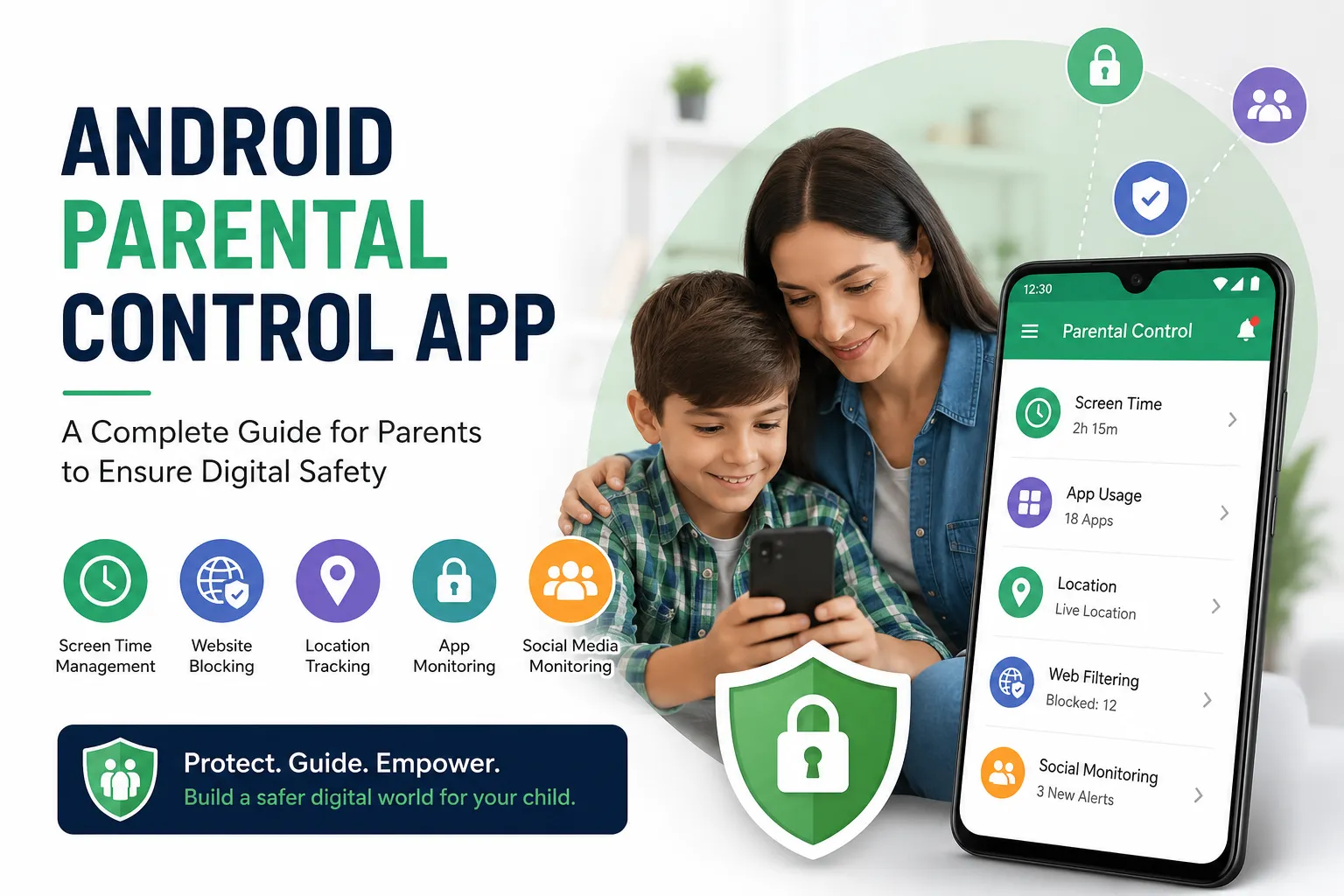
Key Features of an Android Parental Control App
1. Screen Time Management
One of the most useful features is screen time control. Parents can set daily limits for app usage and smartphone activity.
Benefits include:
- Reducing mobile addiction
- Improving focus on studies
- Encouraging outdoor activities
- Supporting healthy sleep habits
2. App Monitoring and Blocking
Parents can monitor which apps their child uses most frequently and block applications that are inappropriate for their age.
This helps protect children from:
- Harmful gaming apps
- Adult content platforms
- Unsafe social media applications
3. Website Filtering
A parental control app can block harmful or inappropriate websites automatically.
This feature helps prevent access to:
- Adult content
- Gambling websites
- Violent material
- Scam or phishing sites
4. Location Tracking
Many parental control apps include GPS location tracking to help parents know their child’s real-time location.
This feature is useful for:
- School safety
- Travel monitoring
- Emergency situations
5. Social Media Monitoring
Social media platforms can expose children to online bullying, fake profiles, and harmful conversations.
Parental monitoring tools may help parents:
- Detect risky behavior
- Monitor suspicious interactions
- Encourage safe communication habits
Parents should always use monitoring tools ethically and communicate openly with their children.
Benefits of Using an Android Parental Control App
Better Digital Safety
Parental control apps help reduce exposure to harmful online content and unsafe interactions.
Healthy Technology Habits
Children learn to maintain a balance between online and offline activities.
Peace of Mind for Parents
Parents feel more confident knowing they can guide and support their child’s digital activities.
Improved Family Communication
Using parental controls responsibly can create discussions about internet safety and responsible smartphone use.
How to Choose the Best Android Parental Control App
When selecting a parental control solution, parents should look for the following features:
- Easy-to-use dashboard
- Screen time controls
- Website filtering
- GPS tracking
- App blocking
- Activity reports
- Data privacy protection
- Customer support
It is also important to choose software that follows legal and ethical monitoring practices.
Tips for Responsible Parental Monitoring
Parental control apps work best when combined with trust and communication. Here are some healthy digital parenting tips:
Talk Openly With Your Child
Explain why digital safety matters and how monitoring helps protect them online.
Set Clear Internet Rules
Create rules for:
- Screen time
- Social media usage
- Online gaming
- Safe browsing
Encourage Offline Activities
Support hobbies, sports, reading, and family time to reduce excessive screen dependence.
Respect Privacy
Avoid aggressive or secret monitoring. Responsible parenting focuses on guidance, safety, and trust.
Common Online Risks for Children
Parents should stay aware of common online threats such as:
- Cyberbullying
- Fake online identities
- Inappropriate content
- Gaming addiction
- Social media pressure
- Online scams
- Privacy leaks
Parental control apps help reduce these risks while educating children about online responsibility.
Are Android Parental Control Apps Safe?
Most reputable parental control apps are designed with security and privacy in mind. However, parents should always:
- Download apps from trusted providers
- Read privacy policies carefully
- Use apps legally and ethically
- Avoid invasive or hidden surveillance practices
The purpose of parental control software should always be child protection and digital wellness.
Final Thoughts
Technology is an important part of modern childhood, but children need guidance to use it safely. An Android parental control app can help parents create a safer and healthier digital environment by managing screen time, filtering harmful content, and encouraging responsible internet use.
The best approach combines parental monitoring tools with trust, communication, and education. By teaching children safe online habits early, parents can help them enjoy technology responsibly while staying protected from digital risks.
FAQs
What is the best Android parental control app?
The best parental control app depends on your needs. Look for features like screen time management, app blocking, website filtering, and GPS tracking.
Can parental control apps block harmful websites?
Yes, most parental control apps can filter and block adult or unsafe websites automatically.
Are parental control apps legal?
Yes, parental control apps are legal when used responsibly by parents to protect their children.
Can I limit my child’s screen time using parental control apps?
Yes, screen time management is one of the main features of parental control software.
Do parental control apps work on social media apps?
Some parental control tools can monitor social media activity and alert parents about potential online risks.
How can parents use monitoring apps responsibly?
Parents should communicate openly with children, explain safety concerns, and use monitoring tools ethically rather than secretly.


























Sign in to leave a comment.