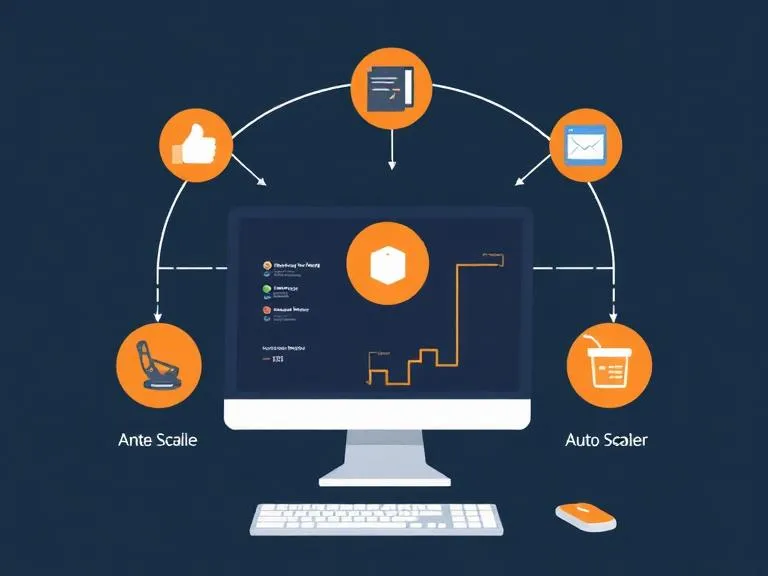

Auto-scaling automation tools are cloud infrastructure systems that automatically adjust computing resources based on real-time demand, ensuring applications remain performant, available, and cost-efficient without manual intervention. Platforms such as Amazon EC2 Auto Scaling, Microsoft Azure Autoscale, and Kubernetes Horizontal Pod Autoscaler continuously monitor workload indicators like CPU usage, memory consumption, and network traffic to dynamically scale resources up during high demand and down during low usage. By optimizing resource utilization, reducing operational overhead, and preventing performance bottlenecks or downtime, these tools are essential for building scalable, resilient, and cost-effective modern cloud applications.
What Are Auto-Scaling Automation Tools?
Automation tools for auto-scaling are software-based solutions that automatically scale the infrastructure capacity based on real-time metrics, pre-defined policies, or predictive forecasting.
These tools execute important tasks such as:
- Monitoring system load and performance.
- Adding new compute instances when demand increases.
- Removing idle instances during low-traffic periods.
- Ensuring the system stays highly available.
- Reducing cloud resource bills by preventing over-provisioning.
They are widely used in cloud environments such as AWS, Azure, Google Cloud, Kubernetes clusters, and hybrid infrastructures.
Why Auto-Scaling Matters
1. Cost Optimization
Static infrastructure results in waste of unnecessary cloud expenses, especially in environments that don’t require peak capacity 24/7. Auto-scaling dynamically adjusts resources, lowering the costs by shutting off unused instances during off-peak hours.
2. Increased Performance and Reliability
Autoscaling instantly responds to workload spikes, so applications remain fast and responsive. Downtime is reduced, improving end-user experiences.
3. Operational Efficiency
It saves time for the DevOps teams because scaling workloads no longer requires manual monitoring or intervention. That’s why deployments happen faster, and the CI/CD workflows are smoother.
4. Business Growth & Flexibility
Companies can grow without having to worry about limits on infrastructure. Auto-scaling supports everything, from small startups to enterprise-level systems.
How Auto-Scaling Automation Works
Most auto-scaling systems follow a standard workflow:
- Monitor Metrics
Tools analyze performance indicators such as CPU utilization, memory, latency, or custom metrics like queue depth. - Trigger Events Based on Thresholds
When metrics exceed (or fall below) a predefined threshold, policies activate scaling actions. - Provision or Decommission Resources
New VMs, containers, or nodes are deployed automatically—or removed when no longer needed. - Load Redistribution
Traffic is automatically balanced across all active resources. - Continuous Optimization
Tools evaluate resource performance and adjust further if needed.
This process occurs continuously to maintain optimal system health.
Read more: Auto-Scaling Automation Tools






























Sign in to leave a comment.