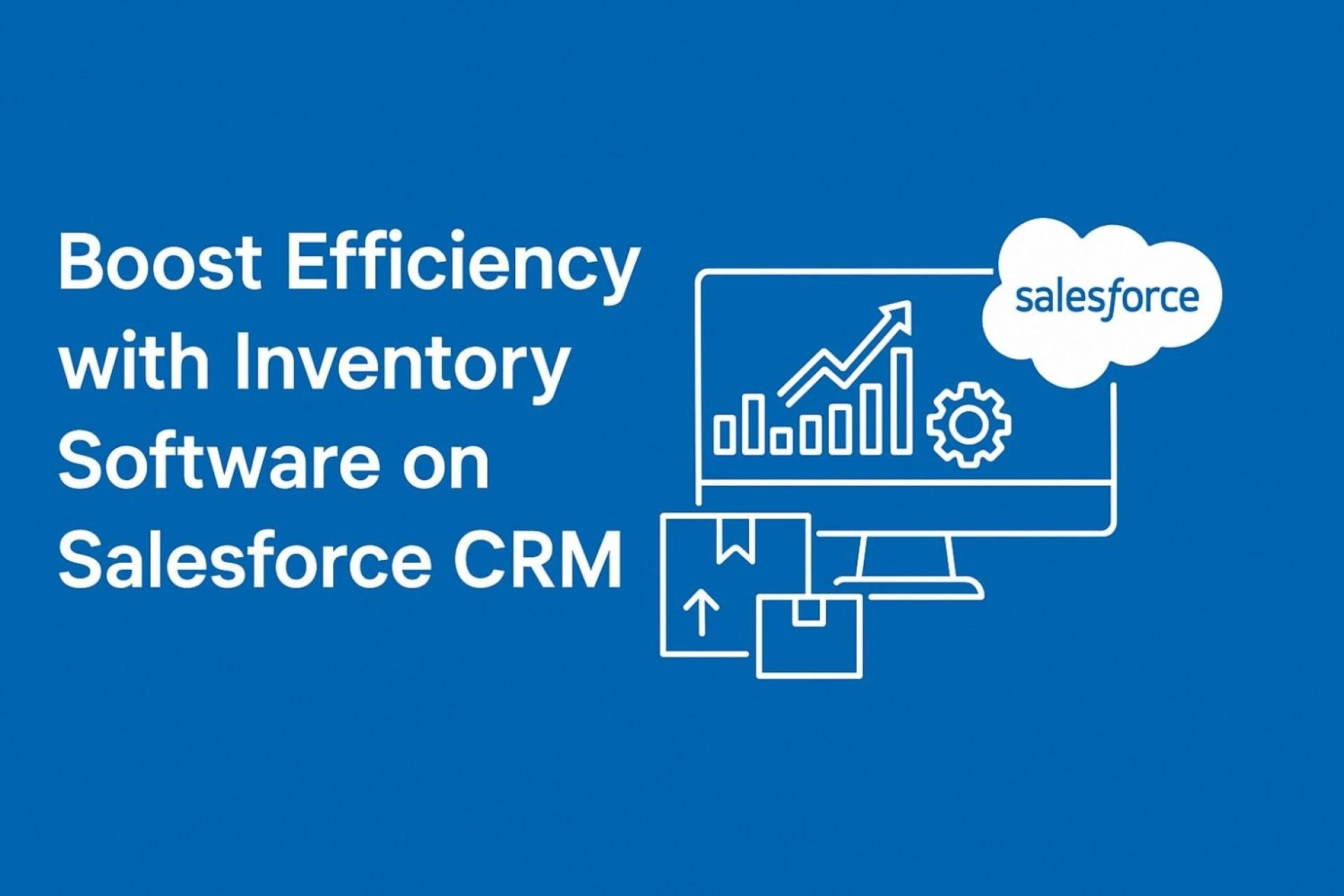
At Kanhasoft, we believe technology should make your life easier—(yes, even before your first cup of chai). We also believe that too often businesses settle for “good enough” systems. But when you mix inventory software with Salesforce CRM, you get something much stronger than “good enough”—something that actually moves the needle. In this post we’ll explore how inventory software on Salesforce can improve process speed, reduce waste (literal and figurative), and help you make better decisions. And yes, there’s a story toward the end to show how messy things can be without the right tools.
Why Inventory Software + Salesforce CRM Is Not Just a Nice Idea but a Necessity
We often see businesses where inventory is tracked in spreadsheets, or different teams use different systems. The result? Overstocks, stockouts, manual errors, miscommunications. Meanwhile sales reps promise availability, but the warehouse can’t confirm. That’s painful. The business loses money. The customer loses trust.
Salesforce CRM is already a strong backbone for customer data, sales pipelines, and forecasting. Add inventory software on top of it, and you:
- get real-time stock visibility across locations,
- reduce double entry (we hate doing the same thing twice),
- synchronize inventory levels with orders, quotes & fulfillment,
- improve order accuracy and delivery times.
For companies operating at scale—or aiming to scale—this integration isn’t luxury; it’s survival.
Key Features We Look For in Inventory Software (on Salesforce)
Because not all inventory software is built equal. When we at Kanhasoft evaluate inventory modules to pair with Salesforce CRM, we check:
- Real-Time Stock Tracking: across multiple warehouses, locations, perhaps even in-transit goods.
- Automated Reorder Points & Alerts: so you don’t run out of a critical item—or worse, overstock perishables.
- Batch / Lot Tracking & Traceability: for industries where expiry, manufacturing lots, or serial numbers matter.
- Seamless Integration with Sales & Finance: quotes, invoicing, shipping, returns—all linked.
- Reporting & Forecasting: predictive insights so you can anticipate demand (or avoid being surprised when a big order shows up).
These features reduce friction. They give you data you can act on, not data you merely look at.
How CRM Development Company in India Can Help You Do This Faster, Cheaper, Better
Here’s something many underestimate: the partner matters. A lot. Especially when you’re integrating inventory software into Salesforce CRM.
We’ve worked with clients from Ahmedabad to Chennai, from startups to mid-sized manufacturers, and here’s what we see: a CRM Development Company in India typically offers
- deep technical skills at more accessible cost,
- flexibility and willingness to iterate (yes, sometimes implementing in phases),
- strong understanding of local business practices (GST, multi-location warehouses, transport delays, etc.),
- responsive support (we know 24-hour response isn’t always realistic, but working across timezones helps).
So when you pick a partner who knows both Salesforce and inventory best practices—and understands how Indian logistics, supply chains, and businesses behave—you save avoidable mistakes. Integration goes smoother. ROI comes sooner.
Real-World Anecdote: When Things Go Wrong Without Integration
Back in one of our projects (let’s call it “Project Red Tape” for dramatic flair), the client had their sales team sharing quotes using Salesforce, warehouse tracking inventory in Excel, and purchasing in yet another software. One day, the sales rep quoted a client delivery of a set of items that the warehouse had already committed elsewhere. The client was furious. We fixed this by building an integrated inventory module in Salesforce: when a quote is issued, it checks available stock in real time; when purchase orders are placed, inventory reserves accordingly; when fulfillment happens, inventory decremented. After that, such mis-commits dropped almost to zero. The client saved thousands—not just rupees but headaches.
This taught us that no matter how clever your sales pitch or marketing is, if your backend doesn’t match what you promise, your reputation (and profit) suffers.
How To Implement Inventory Software in Salesforce: Steps We Recommend
We’ve said it before, and we’ll say it again—knowing what to do is great, but knowing how to do it is what separates the dreamers from the doers. When it comes to implementing inventory software in Salesforce, there’s a method to the madness. Over the years, we’ve refined a tried-and-true approach that keeps projects on track, users happy, and surprises to a minimum (well, almost).
Discovery and Requirements Phase
Before writing a single line of code, we start with discovery. This is where we dive deep into your business processes—inventory workflows, warehouse layouts, lead times, purchase cycles, and replenishment rules. We identify pain points, redundancies, and opportunities for automation. The goal? To build a solution that fits your actual operations, not just a theoretical model. You’d be surprised how often this step uncovers issues even seasoned managers didn’t know existed.
Design and Architecture
Once we’ve mapped your requirements, we get into system design. This involves defining your data model—how inventory items, warehouses, lot or batch numbers, and transactions will connect inside Salesforce. We determine which Salesforce objects to extend or customize, and how the system will talk to external modules like purchasing or accounting. A solid design at this stage prevents a world of headaches later on. (Think of it as laying the foundation before painting the walls.)
Implementation and Configuration
Here’s where the magic (and the caffeine) happens. Our team configures the inventory module inside Salesforce, integrating it with existing sales and service workflows. We automate repetitive tasks—like updating stock levels after sales orders are confirmed or sending reorder alerts when inventory drops below threshold levels. Permissions and user roles are configured carefully, ensuring warehouse staff, managers, and executives see only what they need to.
Testing and Validation
If there’s one thing we’ve learned, it’s that testing isn’t optional. Before anything goes live, we test every process—order creation, stock transfers, returns, and even what happens when something goes wrong (because something will go wrong). Integration points with other systems are validated, and every edge case—like negative stock or delayed purchase orders—is simulated. We’d rather break it in testing than have you break it in production.
Training and Change Management
This is the phase that determines whether your investment actually pays off. We train every user group—sales teams, warehouse staff, finance, and management—to understand the new workflows. Resistance is natural; change can be intimidating. But once people realize they’ll spend less time chasing data and more time doing their jobs efficiently, enthusiasm usually follows. (Pro tip: celebrate small wins early. It keeps morale high.)
Monitoring and Continuous Improvement
Even after go-live, the journey doesn’t stop. We monitor how the system performs in real-world conditions. Metrics like order fulfillment rate, inventory turnover, and stock accuracy are tracked closely. Any hiccups are addressed, and the system evolves based on user feedback and business growth. Continuous improvement is part of the process—because what works for 10,000 transactions today might need refinement when you’re handling 100,000 tomorrow.
By following these steps, we ensure that implementing inventory software in Salesforce isn’t just a technical upgrade—it’s a full operational enhancement. Done right, it becomes the foundation for smarter decisions, smoother workflows, and a happier team across departments.
And trust us, when your sales and warehouse teams stop blaming each other for “missing” stock, you’ll know it was worth every step.
Benefits You Can Expect (Once It's Set Up Smoothly)
We won’t oversell (we try to be honest). But here’s what clients after implementation tell us repeatedly:
- Faster order fulfillment — orders shipped sooner because stock data is accurate.
- Reduced carrying costs — less idle stock, less wastage.
- Fewer errors in orders, returns, invoices — better alignment between “what was said” and “what was delivered”.
- Better decision-making — because you can run reports: which products are killers; which are drains; where to expand warehouses; when to reorder.
- Happier customers and internal teams — fewer disruptions, fewer last-minute surprises.
All of that translates into tangible ROI (return on investment). You’ll see it in reduced costs, improved cash flow, less firefighting.
Common Challenges & How We Overcome Them
Because yes, nothing is completely smooth. In our experience a few challenges recur. Knowing them helps avoid losing sleep.
- Data Cleanliness: If your inventory data is messy (wrong counts, missing lot numbers, duplicate items), integration struggles.
- → We clean and map data first; sometimes run pilot in one warehouse.
- System Resistance: Staff used to Excel or manual logs resist change.
- → Training, showing quick wins, making UI simpler.
- Complex Logistics: Multiple warehouses, in-transit items, returns, damaged goods, cross-border shipping.
- → Modular architecture; using robust inventory software or custom logic for edge cases.
- Performance & Scalability: As usage grows, queries get heavy; stock updates happen frequently.
- → Efficient database design; queues and batch processes; caching where appropriate.
- Keeping Integration in Sync: Sales, finance, supply chain modules must talk. If one fails, chaos.
- → Monitoring, alerts; fallback logic; sometimes transactional processes.
Why Choosing a CRM Development Company Makes Sense (Especially for This Kind of Work)
We don’t bring this up just for pride (well, maybe a little). It’s because there are specific advantages in our region that align with this task.
- Cost-efficiency without compromising skill. You often get highly competent Salesforce developers, QA engineers, integration specialists at rates lower than many western firms.
- Cultural flexibility: many clients globally find Indian firms open to time-zone flexibility, changes, feedback loops.
- Local legal/logistical know-how: if you deal with Indian warehouses, GST, interstate transport, seasonal demand (monsoons! Diwali!), return flows in local markets—you need someone who’s seen it. We have.
- Strong support ecosystem: lots of partner tools, third-party apps, integrations available, plus local talent to maintain and customize.
So when you work with a great CRM Development Company in India (yes, like us), you get both technical excellence and business practicality.
Case Study Snapshot
To illustrate, here is a distilled case (names anonymized) of what we helped one client achieve:
- Client: mid-size furniture manufacturer in Gujarat
- Problem: inventory overstocks (slow-moving items), mismatches between sales and warehouse, delayed deliveries to retailers → losing contracts.
- Intervention: We built custom inventory module inside Salesforce; integrated purchasing, batch tracking; set reorder alerts; dashboards for slow/fast movers; trained staff.
- Outcome within 6 months: inventory carrying cost dropped by ~30%; stockout events down by ~70%; order delivery delays reduced by half; customer complaints dropped; internal morale improved (warehouse staff felt less blamed for “mistakes”).
Some Best Practices (from Our Trenches)
Here are a few tips we’ve learned (sometimes the hard way):
- Always build for mobile / offline (if warehouses have weak connectivity)
- Use barcode or RFID scanning if feasible—manual entries always invite human error
- Don’t try to fix everything at once—start small, roll out by location or category, learn, iterate
- Monitor metrics daily at first (e.g. stock variances, fulfillment times), then weekly/monthly
- Foster a feedback loop: warehouse, sales, finance should talk regularly about what’s working, what isn’t
Final Thought
We’ve seen too many enterprises try to patch things together: “We’ll use Excel for inventory, Salesforce for customer, email for updates” (you can sense where that leads). But when you commit to having inventory software integrated into Salesforce CRM, especially with a competent partner say, a CRM Development, you’re investing in clarity, speed, and predictability. And yes—sometimes you’ll have to deal with messy data, pushback from staff, or edge-cases that surprise you. Yet when those are handled, you’ll wonder why you didn’t do this sooner. Because efficiency isn’t glamorous—but it is everything.
Here’s hoping your next inventory report is clean, your stockouts rare, your sales promises solid, and your customers (and warehouse folks) smiling.
Until next time—keep optimizing, keep innovating, and don’t let the spreadsheets win.
FAQ
What is inventory software on Salesforce CRM?
It’s software (sometimes a module or app) that integrates with your Salesforce CRM to track stock levels, manage warehouses, synchronize orders and fulfillment—all within or connected to Salesforce so your sales, customer, and operations data live more harmoniously.
How much does integrating inventory software with Salesforce cost?
Costs vary: depends on number of warehouses, complexity (batch/serial tracking, returns, logistics complexity), data cleaning, UI customization, and support. Working with a CRM Development Company in India often makes this more affordable, but expect initial investment plus ongoing maintenance.
How long does implementation take?
For a “medium” complexity business (a few warehouses / standard products / moderate transactions) maybe 8-12 weeks. For complex setups (many locations, special tracking, high volume) could be 3-6 months or more.
Will existing data errors derail the project?
They can. Dirty or inconsistent inventory or product master data is one of the biggest hidden drains on efficiency. We always schedule a data audit & clean-up early to reduce risk.
How do we ensure adoption by staff?
Training, clear documentation, user-friendly interfaces, involving users early in testing. Demonstrating quick wins is crucial: when staff see that mistakes, delays, or manual tasks drop, they become ambassadors, not resistors.
What if our business changes fast (new warehouse, new product lines)?
Choose a scalable and modular system. Ensure architecture allows adding new warehouses, categories, new features without rewriting core. Also partner with a responsive CRM Development Company in India that supports future change.



























Sign in to leave a comment.