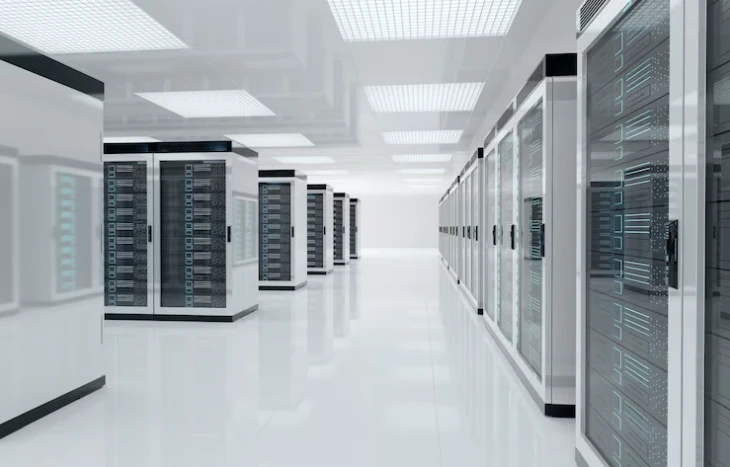

Data storage needs are rapidly evolving. Businesses and individuals alike grapple with the challenge of securely storing critical data while ensuring seamless access at the point of need. Enter NAS—Network Attached Storage—the unsung hero of modern data management. But what is NAS, and how can NAS storage solutions bridge the gap between storage and accessibility?
This guide dives deep into the concept of NAS, explores how it solves storage challenges, and uncovers why it's an essential component of IT infrastructure today.
What is NAS?
NAS stands for Network Attached Storage. It’s a centralized data storage system that connects to a network, allowing multiple devices to access and share files seamlessly. Unlike traditional external drives that require direct connection to devices, NAS functions as a dedicated server for data storage and retrieval over a network.
The system typically consists of a NAS device (often a purpose-built enclosure) housing one or more hard drives, powered by its own operating system. This setup enables NAS to act as a private cloud solution, offering more control, scalability, and robust functionality than consumer-level cloud storage platforms.
Key Features of NAS
- Centralized Storage - Store all your files in one secure location and access them anytime across multiple devices.
- Scalability - Easily expand your storage capacity by adding more drives or upgrading to higher-capacity models.
- Accessibility - Access files remotely via internet-connected devices, making NAS ideal for remote teams or individuals working across multiple locations.
- Automation - Schedule backups, data syncing, and even media server functions without manual intervention.
- Energy Efficiency - Many NAS devices are optimized to consume less power than traditional servers.
Why Are Businesses Turning to NAS Storage Solutions?
Whether you’re a small business or an enterprise-level organization, the ability to access your data across multiple devices or locations while maintaining security is critical. NAS is often the go-to choice for addressing these demands, offering key advantages over other storage options like external drives or cloud-only solutions.
1. Achieving the Perfect Balance Between Cost and Performance
NAS provides an affordable yet high-performing solution for businesses that require shared storage without investing in a full-scale data server. Unlike enterprise-grade storage servers, most NAS devices are cost-efficient while still offering impressive speeds and the ability to handle concurrent users efficiently.
2. Enhanced Collaboration
One of the greatest strengths of NAS is its ability to foster seamless collaboration. Employees across departments or even different geographical locations can store, share, and access files in real time. This makes a significant difference in industries that rely heavily on file sharing, such as media production or software development.
3. Data Security and Redundancy
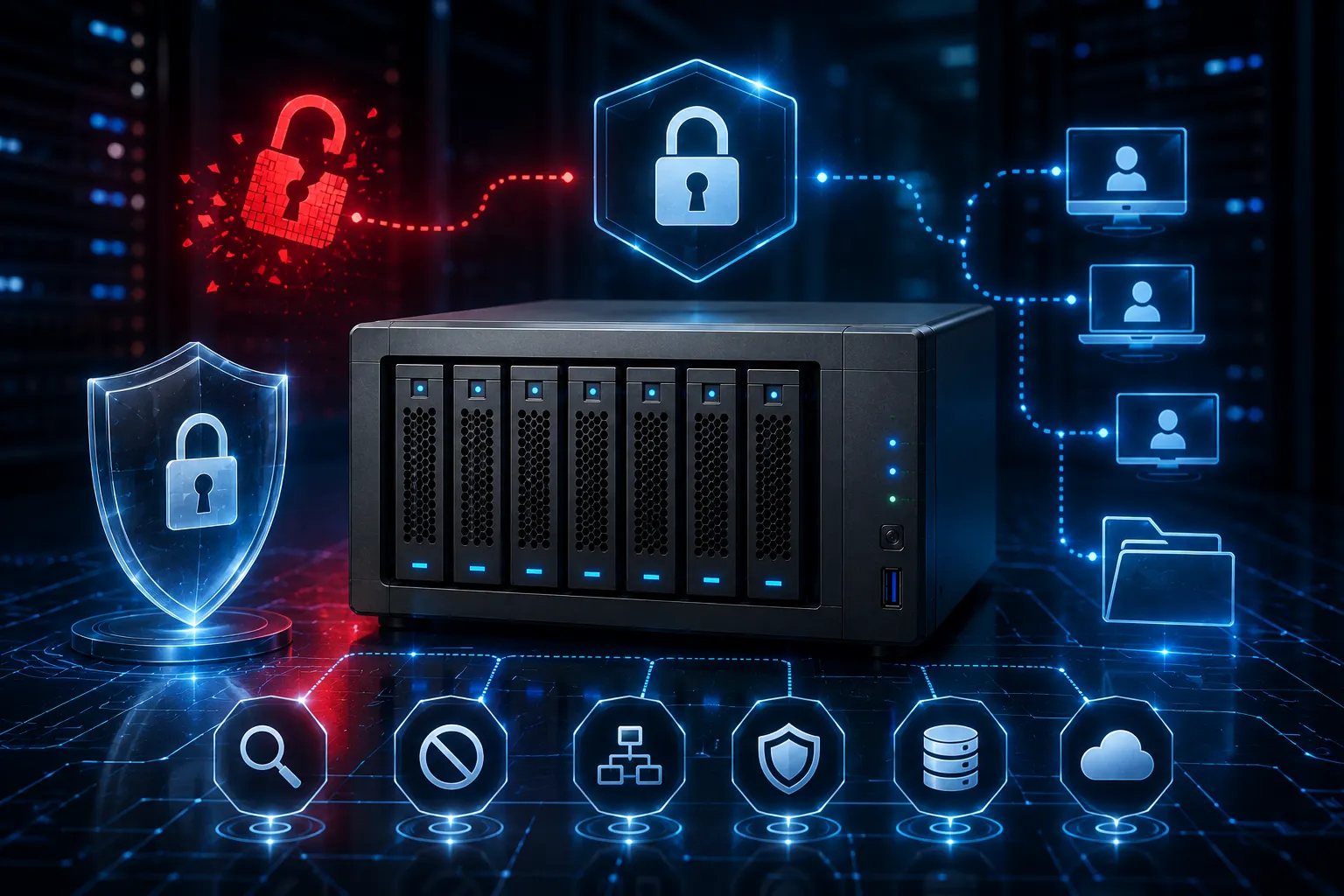
A hallmark of NAS storage solutions is the option to configure the system in RAID (Redundant Array of Independent Disks). RAID ensures data remains secure even if one of the drives fails. Advanced NAS models come equipped with built-in encryption, firewalls, and two-step authentication to further bolster security protocols.
4. Cloud-Like Flexibility Without the Drawbacks
A NAS device can serve as your private cloud by offering access to data anytime, anywhere while eliminating ongoing subscription costs associated with larger cloud platforms like Dropbox or Google Drive. Since it remains within your control, you can address data sovereignty or compliance issues more effectively.
5. Seamless Backup Management
NAS systems enable automated backups, ensuring critical data is safeguarded without manual intervention. Integration with backup protocols such as rsync or third-party services adds flexibility, making NAS an ideal disaster recovery solution.
How to Select the Right NAS Storage Solution?
Choosing the right NAS storage solutions can feel daunting without a clear understanding of your storage requirements. Here's how to make the right decision for your business or personal needs.
Step 1: Assess Your Storage Needs
Are you looking for a solution for personal use, or is this intended for business purposes? Evaluate the type of files you'll typically store—high-resolution images and videos will require higher storage and faster write speeds compared to document files.
Step 2: Consider Scalability Options
Look for NAS systems designed to accommodate future growth. Expansion bays, for instance, allow you to add hard drives as your data needs increase.
Step 3: Evaluate Connection Ports and Compatibility
Modern NAS devices often come equipped with multiple Ethernet ports, USB connectivity, and even Thunderbolt interfaces to connect with your existing devices. Ensure compatibility with your operating systems, such as Windows, macOS, or Linux.
Step 4: Check Processing Power and RAM
The processor and RAM of the NAS device determine its speed and ability to handle simultaneous requests. For intensive tasks like multimedia streaming or running databases, opt for models with multi-core processors and higher memory capacity.
Step 5: Prioritize Security Features
Built-in security measures like encryption, firewalls, and regular firmware updates should be standard considerations. For businesses, NAS devices supporting compliance standards like GDPR or HIPAA can add further peace of mind.
Step 6: Think Beyond Storage—Additional Features Matter
Many NAS devices double as media servers or even virtual machine hosts. Assess features such as app ecosystems, AI monitoring for organized backups, and multimedia streaming capabilities to maximize utility.
Real-Life Examples of NAS Functionality
- Creative Agencies use NAS storage for managing high-resolution files while enabling cross-team collaboration.
- Startups leverage NAS as their central file-sharing hub, replacing costly public cloud subscriptions.
- Photographers and Videographers use NAS to store and access their vast libraries of media from any location.
- Home Users rely on NAS to manage backups, stream personal media collections, or create shared family folders.
Overcoming Common NAS Misconceptions
“Isn’t NAS Just an External Hard Drive on the Network?”
Unlike external drives, NAS is more powerful and versatile. Running its own OS, NAS enables advanced configurations like RAID, media streaming services, and integration with other software solutions.
“Doesn't Cloud Storage Make NAS Redundant?”
NAS offers advantages that cloud storage cannot, such as reduced dependency on third-party vendors, greater control over your data, and no recurring fees. For many, it’s about using NAS and cloud as complementary solutions rather than competitors.
Where NAS Fits Into Future IT Infrastructure?
The increasing demand for scalable, secure, and accessible storage ensures NAS will continue to play a foundational role in future IT ecosystems. Its compatibility with edge computing, IoT (Internet of Things) expansion, and hybrid cloud environments makes NAS storage solutions a forward-looking investment.
Take the First Step Toward Better Data Accessibility
NAS is no longer a luxury but a necessity for businesses and individuals seeking efficient and secure storage. It bridges the gap between traditional storage options and cloud solutions, empowering users with greater control and flexibility.
By investing in a NAS storage solution tailored to your needs, you’ll be better equipped to manage your growing data requirements while staying competitive in a data-driven world.























Sign in to leave a comment.