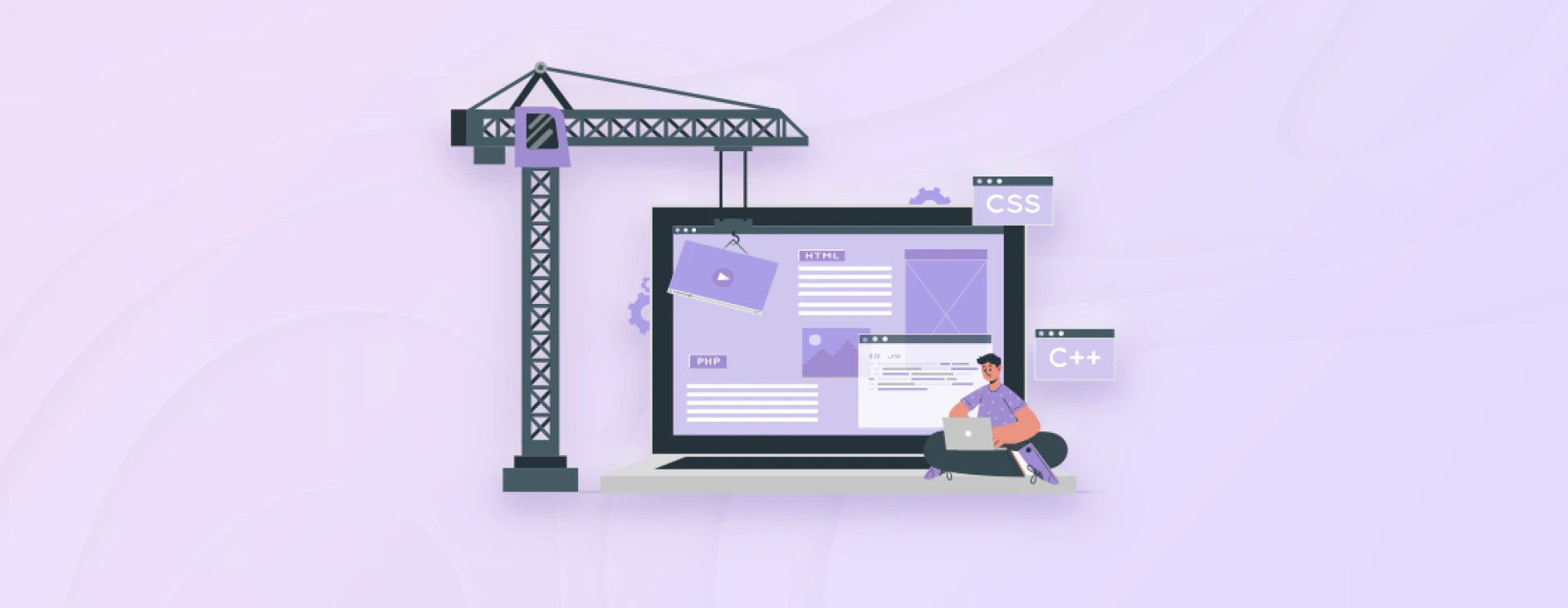

There are several website builders available online. Most of them often come with built-in features such as domain registration, hosting, security, and SEO tools. That means the users can manage most aspects of their website within a single platform. That streamlines the entire website creation and maintenance process.
1. WordPress.org
Let’s start with the most popular CMS and website builder of them all, WordPress. This free, open-source platform offers unparalleled flexibility and customization options. Although it requires separate hosting, WordPress provides complete control over your website’s design, functionality, and content.
With a vast library of themes and plugins, a WordPress development company can create virtually any type of website, from a blog or one-page website to e-commerce stores. These themes serve as the visual framework, easily customizable through the intuitive dashboard interface. But where WordPress really shines is its plugin ecosystem.
From e-commerce solutions like WooCommerce to SEO optimization tools, there’s a plugin for almost every need. While it demands some technical knowledge, you can create and launch high-quality websites with WordPress quite easily.
A few of the key features of WordPress.org:
WordPress.org is open-source software, which means its core code can be modified by the developers for extensive customizations.
Thousands of free and premium themes to help you change the look and feel of your website.
A vast repository of free and premium plugins that allows you to add a variety of features and functionalities and edit your website.
WordPress developers use the block-based Gutenberg editor to create rich, multimedia-rich content with a more flexible layout.
You can find tutorials, forums, and resources to help you troubleshoot and enhance your website.
WordPress supports custom post types to create unique content structures, such as portfolios, testimonials, and events.
Price: WordPress.org is free. But the WordPress website development costs include a domain, hosting service, and premium themes and plugins.
2. WordPress.com
Now, after the standard WordPress, we’ll move on to its advanced paid version, WordPress.com. The simple difference between WordPress.com and WordPress.org is that the former is paid and includes hosting, while the latter is free and requires external hosting.
Unlike WordPress.org, you don’t have to worry about server maintenance, updates, or security measures. WordPress.com website builder is easy to use and offers various plans, from free to premium, allowing users to choose the features that best match their needs. However, customizations are limited since you can’t install third-party plugins.
Essentially, WordPress.com is a suitable solution for individuals and small businesses seeking a hassle-free way to create a website or blog. It’s also a great option for those who want the best website builder for quality content creation rather than dealing with the technicalities of hosting.
A few key features of WordPress.com:
WordPress.com provides hosting for your website, eliminating the need to manage separate hosting services.
Includes Gutenberg block-based editor (similar to WordPress.org) to simplify content creation.
Business and eCommerce plans are available with advanced tools like custom domain names, eCommerce capabilities, and access to premium themes.
The built-in Jetpack plugin enhances your website’s performance, security, and SEO.
WordPress.com plans include built-in features like daily backups, security measures, and automatic updates.
Jetpack, a powerful plugin developed by Automattic, is integrated into WordPress.com. It offers features like site analytics, social sharing, and performance enhancements.
Price: WordPress.com has a free version. But the paid premium plans start at $4 per month (if billed yearly). There’s also WordPress VIP, starting at $25K yearly.

























Sign in to leave a comment.