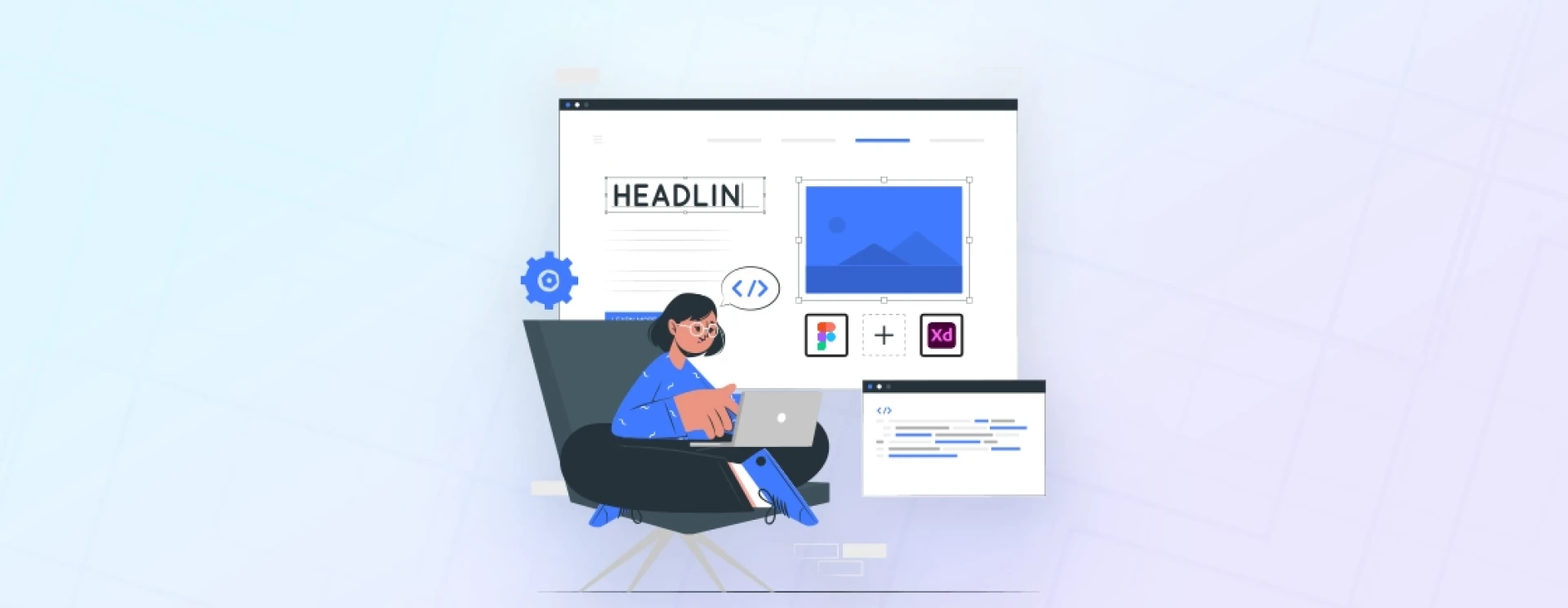

Best Web Design Tools for Website Creation in 2023?
here is the list out the best design tools that can work out best for your web app. Based on the information, your preference might change as you are looking for a tool that offers web design tools for collaboration or web design tools for marketing, price models, and additional features such as prototyping, animation, and web hosting.
Figma
Figma is a great and most recommended web-based interface design tool, having approx. 4 million active users in 2023. It consists of powerful features, including design systems and component libraries, which allow you to design, organize, and share web design layouts among the design teams.
With this popular web design tool, you can perform various graphic design work simultaneously, including vector illustration, web app design, user interface design, mobile app design, and prototyping.
As a web-based design tool, it allows you to design on various browsers, including Google Chrome, Mozilla Firefox, and Internet Explorer. Figma also includes exceptional sync features allowing users to work on projects online and offline, whether you are on Mac, Windows, or Linux.
Features of Figma
Whether planning to do simple web design or top website designs for your client, features by Figma can cover all your requirements.
Auto Layout: This enables users to develop responsive web design layouts. The auto layout also offers flexibility as it adjusts automatically based on the user’s content.
Instant Arc Designs: Includes an arc tool that can be used to design watch screens, clocks, and pie charts.
Other Plugins: These are available for designing flow diagrams, charts, stock imagery, and color accessibility.
Flexible Styles: Offers flexibility to maintain consistent styles in elements, including grids, effects, text, color, and other objects or text.
Accessible Libraries: These consist of libraries with availability to decide the type of distribution the designer wants to do as if the web designer wants to keep all library elements visible or hide some of them, making the entire design workflow smooth and powerful.
Figma Pricing
Figma pricing plans are distributed in two different segments; Figma for design + dev and FigJam for whiteboarding. Figma also offers a completely free starter pack in which you’ll get to access 3 files from each Professional, Organization, and Enterprise. For long-term uses, you can check out pricing plans and select monthly or yearly packages accordingly.
Adobe XD
Adobe XD is a robust vector-based web design tool for developers. Its prototyping features offer smooth integration of user interfaces (UI) and user experiences (UX) between various application types, such as web applications, mobile applications, software applications, and anything that works with a UI.
If you are even familiar with graphical terms, Adobe must be a familiar name to you, as it has been stunning the evolving world for the last 40+ years. Users looking for a web design directly converted to HTML, CSS, and Javascript coding files mostly go for PSD to WordPress web design.
But if you are unaware of the right practices, Photoshop files can quickly turn into multiple GBs balloons, resulting in heavy application. If you are browsing advanced web tools for creating graphical elements, choosing Adobe XD is the right option.
Features of Adobe XD
Renowned for its prototyping tools, Adobe Experience Design (XD) offers top-notch and unpredictable UI designing features that can help you conclude with a well-designed website.
Repeat Grid: It helps to create a duplicate of a group or selected element; with adjustable spaces between elements.
Libraries: You can save a standard color, character styles, and components and share them as document assets later so that the development team can follow the same collaboration during the design.
3D Transforms: To navigate to this feature, go to the property panel. After this, you can apply 3D effects to any element or group.
Responsive Constraints: By grouping the elements, these content-aware layout controls will help you align objects vertically or horizontally while the upper layer adapts the background layers.
Lottie Animation: It is a tool to help designers add animation within the interactive elements. This feature helps with the web design process and adds a layer of engagement to the user experience.
Adobe XD Pricing
Adobe XD pricing plans are distributed in three different segments; Adobe XD for individuals, Adobe XD for teams, and Adobe XD for teachers and students.


























Sign in to leave a comment.