
Staying safe online doesn’t mean you have to be a tech expert. With headlines full of cyber breaches and phishing attack stories, everyone—even casual internet users—should take practical steps to secure their digital life. The good news? Simple habits make a big difference. This guide gives you easy, actionable tips for keeping your devices and accounts secure every day, with a special focus on cyber security daily best practices and safeguarding yourself from common phishing attack attempts.
Whether you’re a student, remote worker, or anyone who relies on the internet, these tweaks will help you protect your information, your identity, and your peace of mind.
Why Does Cyber Security Matters Every Day?
Digital threats aren’t rare. According to a 2023 Verizon Data Breach Investigations Report, 36% of data breaches involved phishing attacks and more than 80% of breaches were linked to weak, stolen, or reused passwords. The risks aren’t limited to big companies; individuals are popular targets, too.
That’s why making cyber security daily a part of your routine is just as essential as locking your front door.
7 Everyday Cyber Security Hacks You Can Start Now
Feeling overwhelmed by cyber threats? Take it one step at a time. Here are seven daily strategies you can use right away to level up your digital security.
1. Create Strong, Unique Passwords
Your password is your first line of defense. Don’t make it easy for hackers.
- Use a mix of uppercase and lowercase letters, numbers, and special symbols.
- Never reuse passwords across different accounts.
- Avoid predictable combinations like "password123" or your birthday.
Hack: Use a reliable password manager (like LastPass, 1Password, or Bitwarden) to generate and store strong passwords. Most password managers also alert you if your passwords are weak or reused.
2. Enable Two-Factor Authentication (2FA)
Even if someone cracks your password, two-factor authentication (2FA) adds a crucial extra layer of protection.
- Set up 2FA wherever it’s available, especially for email, banking, and social media.
- Common 2FA methods include SMS codes, authenticator apps (like Google Authenticator or Authy), or physical security keys.
Hack: Authenticator apps are more secure than SMS, which can be intercepted. Prioritize apps when possible.
3. Keep Your Devices and Apps Updated
Software updates aren’t just about new features; they patch security holes cyber criminals love to exploit.
- Enable automatic updates on your phone, computer, and apps.
- Restart your devices regularly to complete pending updates.
Hack: Schedule a weekly “update check” (Friday afternoons work well) to be sure nothing is missed.
4. Learn to Spot a Phishing Attack
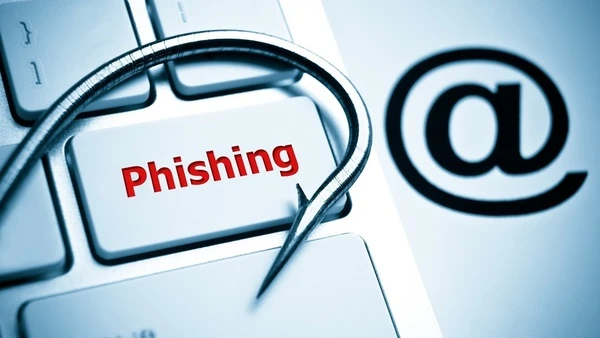
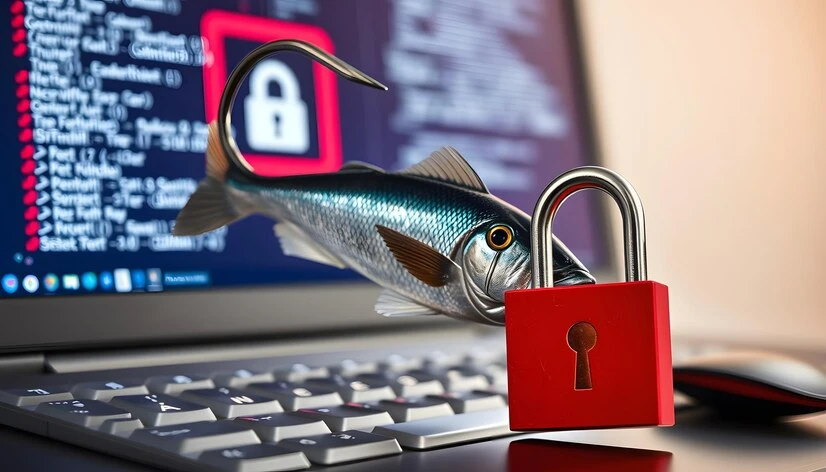
Phishing attacks are the leading trick used by cyber criminals to steal your data or money. These often arrive as emails, texts, or phone calls that appear legitimate but aim to lure you into clicking malicious links or sharing sensitive info.
Look out for:
- Urgent or threatening language (“Your account will be closed if you don’t act now!”)
- Requests for personal details (passwords, payment info) via email or SMS
- Suspicious-looking URLs or email addresses (look for misspellings or odd domains)
Hack: Hover over links with your mouse before clicking to see the real destination. When in doubt, contact the company directly through official channels.
5. Use Secure Networks
Public Wi-Fi at cafes, airports, or hotels is convenient but risky.
Do’s and Don’ts:
- Don’t sign in to sensitive accounts (like online banking) over public Wi-Fi.
- Use a Virtual Private Network (VPN) to encrypt your data when you need to access the internet on public networks.
- Opt for your phone’s hotspot if VPN isn’t an option.
Hack: Install a reputable VPN app on your devices for easy, secure browsing anywhere.
6. Back Up Your Data Regularly
Even with top-notch cyber security daily practices, disasters (ransomware, hardware failure, accidental deletion) can still strike.
- Set up automatic backups to the cloud (Google Drive, iCloud, Dropbox) or an external hard drive.
- Test your backups occasionally to ensure files can be restored.
Hack: Consider the “3-2-1” backup rule: Keep three copies of your data, on two different media, with one stored offsite.
7. Minimize What You Share Online
Oversharing on social media makes you an easier target for scams and phishing attacks. Hackers scour the internet for clues to answer security questions, guess passwords, or craft convincing phishing messages.
Smart habits to try:
- Review your social media privacy settings.
- Avoid posting personal details like your full birthday, address, or travel dates.
- Search your own name online to see what information is publicly visible, then update settings or delete as needed.
Hack: Treat anything you post online as public, even if your profiles are “private.” Screenshots travel fast.
Staying Ahead of Cyber Threats
Cyber security daily habits are like brushing your teeth: the more you do them, the safer you’ll be. Set reminders for regular tasks such as updating software, running antivirus scans, and reviewing your digital footprint.
Other smart moves to try:
- Sign up for account breach notification services like Have I Been Pwned to get alerts if your credentials appear in a data breach.
- Set up alert notifications with your bank and email providers to spot suspicious activity early.
What To Do If You’ve Been Targeted?
No one is immune to digital threats. If you suspect you’ve fallen for a phishing attack or notice unauthorized account activity:
- Change passwords immediately for any affected accounts.
- Enable 2FA if not already active.
- Run a comprehensive antivirus scan on all devices.
- Contact your bank and relevant services to alert them and review recent activity.
- Report phishing attempts to the appropriate service (for emails, forward to [email protected]).
Remember, quick action limits damage.
Building a Digital Security Mindset
Good cyber security isn’t about paranoia, but about building routines. The more you treat these daily habits as a regular part of your routine, the less likely you are to fall victim. Share tips with family and colleagues to help everyone stay safe online.
Take Charge of Your Cyber Security Daily
Staying ahead of cyber threats is about making simple, smart decisions each day. By following these easy steps, you’ll protect yourself from phishing attack, data breaches, and digital headaches. For even more tips on boosting your cyber security daily, subscribe to reputable cyber security blogs or set up Google alerts on key topics like “phishing attack prevention” and “password safety.”
Strong digital security starts with small changes. Which hack will you start using today?





















Sign in to leave a comment.