

UAE corporate landlords and enterprises are standardizing on a Facial Recognition System to secure office towers, executive floors, and server rooms without relying on cards that can be lost, cloned, or shared. As tenants demand faster, touchless entry and facility managers face rising scrutiny over who can reach sensitive zones, biometric authentication is quickly becoming the default expectation rather than a premium add-on for new commercial fit-outs.
Why UAE Corporate Workplaces Are Adopting Biometric Security
Office towers across Dubai and Abu Dhabi face a specific set of pressures: multi-tenant buildings need to segment access by company without slowing lobby throughput, executive and finance floors require an auditable record of every entry, and facility teams are under growing pressure to demonstrate SIRA-aligned security practices to landlords, insurers, and regulators. A biometric layer answers all three by tying every access event to a verified individual rather than an anonymous card number that could belong to anyone holding it.
Tektronix LLC has implemented workplace security technology across developments linked to G42, DIFC, RTA Dubai, and EXPO 2020, giving the company direct, on-the-ground experience with the access patterns and compliance expectations of Gulf commercial real estate. That experience informs how corporate facial recognition rollouts are specified today, not as a single camera at the front door, but as a layered system spanning detection, matching, and integration with existing building management platforms.
Understanding Facial Recognition Access Control for Office Environments
At the building level, Facial Recognition Access Control replaces or supplements card readers at turnstiles, elevator lobbies, and floor-specific doors, granting or denying passage based on a live facial match rather than a physical token presented to a reader.
How Access Decisions Are Made
A camera captures the approaching face, the system matches it against an enrolled database, and a decision, grant or deny, is sent to the door controller within a fraction of a second, all without the person breaking stride or reaching for a badge.
Comparing to Card and PIN-Based Systems
Unlike a card, a face cannot be handed to a colleague to sign someone else in, and unlike a PIN, it cannot be shoulder-surfed and reused. This closes two of the most common failure modes in traditional office access control without adding a step to the employee's daily routine.
Face Detection and the Recognition Pipeline
Before any match can occur, the system must first perform Face Detection, locating and framing a human face within the camera's field of view, separate from and prior to the identity-matching step that follows.
Detection Versus Recognition: What's the Difference
Detection simply confirms that a face is present and extracts its key landmarks; recognition takes that extracted data and compares it against stored templates. Conflating the two in a vendor evaluation often leads to disappointment when a camera that detects faces well turns out to have a weaker underlying matching engine.
Handling Masks, Lighting, and Angle Variance
Modern detection engines are tuned to cope with partial obstructions such as sunglasses or face coverings, uneven lobby lighting, and off-axis approach angles, all common realities in a working office lobby rather than a controlled testing lab.
Facial Identification: One-to-Many Matching for Workplace Security
Where a system needs to recognize any of hundreds or thousands of enrolled employees without a claimed identity in advance, it performs Facial Identification, searching an entire database in real time to find the closest match rather than confirming a single specific person.
Watchlists and VIP Recognition
The same one-to-many matching engine can flag a person on a security watchlist or silently recognize a VIP visitor as they approach reception, alerting the appropriate host before the individual reaches the front desk.
Database Scale and Matching Speed
As enrolled populations grow into the thousands across a multi-tenant tower, matching speed and accuracy both depend on the underlying algorithm's efficiency, making this a key differentiator between consumer-grade and enterprise-grade platforms.
Facial Authentication: One-to-One Verification for Sensitive Zones
For server rooms, finance floors, and other restricted areas, Facial Authentication confirms that a person claiming a specific identity, often via a badge tap or PIN entry first, actually matches the face on file for that credential, adding a verification layer beyond simple identification.
Server Rooms and Executive Floors
High-value zones commonly require this one-to-one confirmation precisely because the consequence of a false grant is more severe than in a general lobby, justifying the extra verification step for a small number of doors rather than every entry point in a building.
Multi-Factor Combination with Badge or PIN
Pairing a facial check with a badge or PIN creates a genuine two-factor control, since an intruder would need both the physical credential and a matching face to gain entry, a materially higher bar than either factor alone.
Choosing the Right Facial Recognition Device for Corporate Deployments
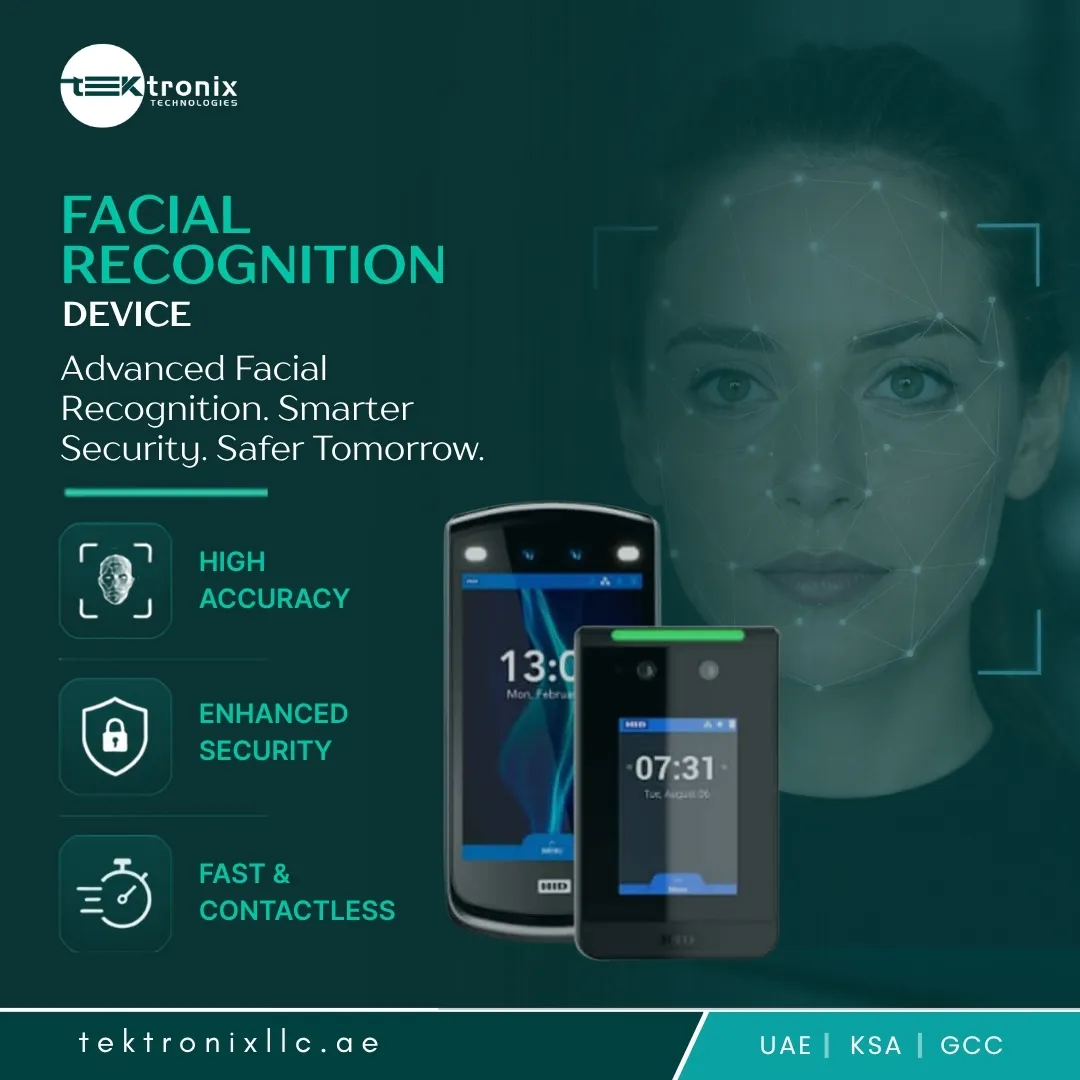
Hardware selection is where many corporate projects succeed or fail. A Facial Recognition Device chosen for a bright, glass-fronted lobby needs different optics and dynamic range than one destined for a dim basement turnstile, and specifying a single hardware SKU across every door type is a common source of underperformance.
Indoor Versus Outdoor-Rated Hardware
Covered drop-off areas and open-air staff entrances demand weatherproof, glare-resistant units, while interior lobby devices can prioritize aesthetics and slimmer form factors since they are shielded from direct sun and rain.
Edge Processing Versus Cloud Matching
Devices that match faces locally keep door response times consistent even during a network interruption, while cloud-dependent units can offer easier centralized management at the cost of a dependency on constant connectivity, a trade off worth weighing against a building's actual network reliability.
Facial Recognition Software and Platform Capabilities
The hardware is only half the system. Facial Recognition Software running behind the cameras handles enrollment, template storage, reporting, and the administrative rules that determine which doors any given employee can pass through.
Enrollment, Template Management, and Reporting
A well-designed platform lets HR or security teams enroll new staff in seconds, deactivate departing employees instantly, and pull a complete access report for any door or individual on demand, rather than exporting raw logs that require manual reconciliation.
Integration with HR, Visitor Management, and Time Attendance
Linking the platform to HR systems automates enrollment and offboarding directly from an employee's record, while integration with visitor management and time-attendance modules turns a single facial database into the backbone for several workplace processes at once.
Selecting a Facial Recognition Solution: Beyond the Camera
Evaluating a complete Facial Recognition Solution means looking past the camera spec sheet to the surrounding package: installation quality, software licensing terms, local support response times, and a vendor's track record on similar commercial projects.
Hardware, Software, and Support Bundles
Facilities that purchase cameras and software from separate vendors often struggle to establish accountability when something goes wrong, whereas a single-vendor bundle typically includes a unified support contract covering the entire chain from lens to access decision.
Vendor Evaluation Criteria for Corporate Buyers
Procurement teams should weigh matching accuracy under real lobby conditions, integration flexibility with existing building systems, data handling practices, and the vendor's demonstrated experience with comparable local deployments, rather than selecting on hardware price alone.
Industry Use Cases Across UAE Corporate Sectors
Banking and Financial Services
Banks apply biometric verification to trading floors, vaults, and back-office processing centers, where a named, auditable entry record supports both internal security policy and external regulatory review.
Government and Semi-Government Offices
Ministries and government-linked entities favour biometric checkpoints for restricted floors and control rooms, where the risk of a shared or cloned badge represents an unacceptable exposure.
Co-Working and Multi-Tenant Towers
Shared office operators use facial recognition to segment access by member company without issuing a fresh badge for every new sign-up, streamlining onboarding for fast-growing tenant rosters.
Data Centers and Critical Infrastructure
Data center operators combine facial verification with mantrap doors and CCTV to ensure only authorized personnel physically reach server racks, an increasingly standard expectation from enterprise clients auditing their colocation providers.
Data Privacy, Compliance, and Regional Regulatory Fit
Corporate deployments handling employee biometric data are expected to demonstrate reasonable safeguards: encrypted template storage rather than raw image retention, role-based administrative access, and clear policies on how long data is kept after an employee departs. As UAE data protection expectations continue to mature, facilities that can produce a documented data-handling policy alongside their access logs are better positioned to satisfy both internal audit committees and external regulatory reviews, particularly in SIRA-regulated sectors where structured reporting is already the norm.
Total Cost of Ownership: Facial Recognition Versus Traditional Badge Systems
Card systems carry a recurring cost that is easy to overlook at procurement time: replacement cards for loss or damage, reception time spent issuing and deactivating credentials, and periodic reader upgrades as card technology ages. A biometric credential removes that consumable entirely, since the enrolled employee is the credential. Facility teams modeling the switch typically weigh eliminated card-stock spend and reduced administrative time against the incremental hardware and software cost, with many mid-size office towers reaching payback within two to three years once the stronger audit trail and reduced help-desk tickets are factored in.
Deployment Roadmap: What to Expect
Site Assessment and Camera Placement
A site survey confirms lighting conditions, sightlines, and mounting options at each proposed door before equipment is ordered, ensuring camera placement accounts for direct sunlight, glass reflections, and typical approach angles rather than a generic install pattern.
Enrollment and Change Management
Staff enrollment is typically scheduled by floor or department, paired with a short briefing on how facial data is captured, stored, and used, while running the legacy badge system in parallel for a short transition period avoids access disruption for latecomers.
Ongoing Support and Model Updates
Remote firmware and matching-model updates keep detection accuracy current without a technician visiting every door, while a responsive local support contract keeps any single-door fault from escalating into a building-wide access disruption. Facilities exploring a rollout can review Tektronix LLC's facial recognition solutions to see how hardware, software, and support are typically packaged for a single, coordinated corporate deployment.
Common Mistakes to Avoid in Corporate Facial Recognition Projects
The most frequent misstep is specifying a single camera model across every door type regardless of lighting or traffic pattern, leading to inconsistent match rates between a bright lobby and a dim basement entrance. A second common issue is neglecting integration planning, resulting in a facial system that runs in isolation from existing HR, visitor management, and building access platforms rather than reinforcing them.
A third mistake is underestimating employee communication before go-live: rolling out biometric enrollment without a clear explanation of data handling policies tends to generate resistance and support tickets that proper change management would have avoided. Finally, some projects skip a documented data governance policy entirely, leaving the organization exposed during an audit or a regulatory inquiry that a small amount of upfront documentation would have addressed.
Regional Adoption: Facial Recognition System UAE and Dubai Deployments
Demand for a properly integrated Facial Recognition System UAE wide has grown alongside the pace of new commercial towers and business park developments, with landlords increasingly specifying biometric-ready infrastructure at the base-building stage rather than retrofitting it after tenant fit-out. A Facial Recognition System Dubai enterprise deploy frequently pairs multi-tenant access segmentation with visitor management integration, reflecting the emirate's dense concentration of multinational occupiers, while government-linked facilities in Abu Dhabi favour heavier compliance documentation and stricter data governance controls reflecting the more security-sensitive nature of those sites.
Conclusion
UAE enterprises seeking stronger workplace security increasingly turn to a proven Facial Recognition System paired with layered Facial Recognition Access Control across lobbies and restricted floors. Reliable Face Detection and accurate Facial Identification keep general access moving quickly, while dedicated Facial Authentication secures the few zones that warrant it. Results ultimately depend on choosing the right Facial Recognition Device running dependable Facial Recognition Software rather than hardware alone. Tektronix LLC's end-to-end Facial Recognition Solution brings regional deployment experience from EXPO 2020 venues to DIFC-linked towers directly into every rollout. Businesses evaluating a Facial Recognition System Dubai or wider Facial Recognition System UAE project can review the full offering on Tektronix LLC's facial recognition service page.
FAQs
1. How is facial recognition different from a card or PIN-based access system?
A face cannot be lent to a colleague, lost, or shoulder-surfed, unlike a card or PIN, which closes two of the most common failure modes in traditional office access control without adding an extra step for employees.
2. Can facial recognition work with an existing badge-based access control system?
Yes. Most corporate deployments run facial recognition alongside existing card readers during a transition period, and many organizations continue using badges as a secondary factor for their highest-security doors.
3. What happens to an employee's facial data if they leave the company?
A properly configured platform allows administrators to deactivate and delete an enrolled template immediately upon offboarding, so departing employees are removed from the system as part of the standard exit process.
4. Does poor lobby lighting affect facial recognition accuracy?
It can, which is why hardware selection should account for each door's specific lighting conditions. Devices with wider dynamic range and infrared assistance handle mixed or low-light lobbies more reliably than standard camera-based readers.
5. How long does a typical corporate facial recognition rollout take?
For a single building with a moderate number of doors, installation and enrollment is commonly completed within a few weeks, while larger multi-tower portfolios with deeper HR system integration can extend the timeline to a couple of months.































Sign in to leave a comment.