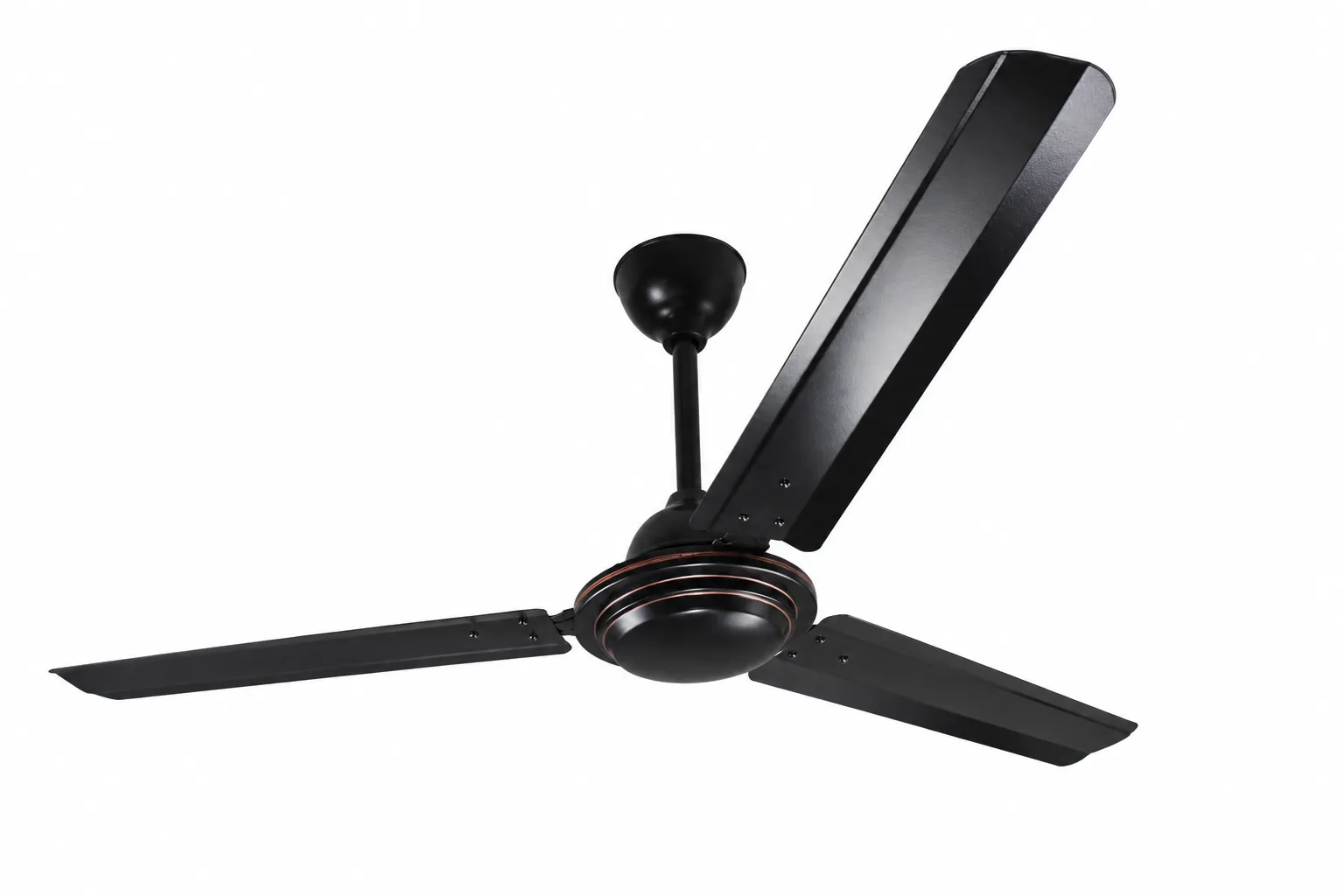

A ceiling fan is one of the most energy-efficient appliances in any home. It improves air circulation, keeps rooms comfortable, and helps reduce dependence on air conditioners. However, many homeowners notice that their ceiling fan gradually starts running slower than before. If you've ever wondered fan speed is slow, you're not alone.
A slow-running ceiling fan can make your room feel warmer, increase energy costs, and indicate an underlying electrical or mechanical issue. Fortunately, many of the common causes are easy to identify and fix without replacing the fan.
In this comprehensive guide, we'll explain why a ceiling fan runs slowly, how to diagnose the problem, practical solutions, and maintenance tips to keep your fan performing efficiently.
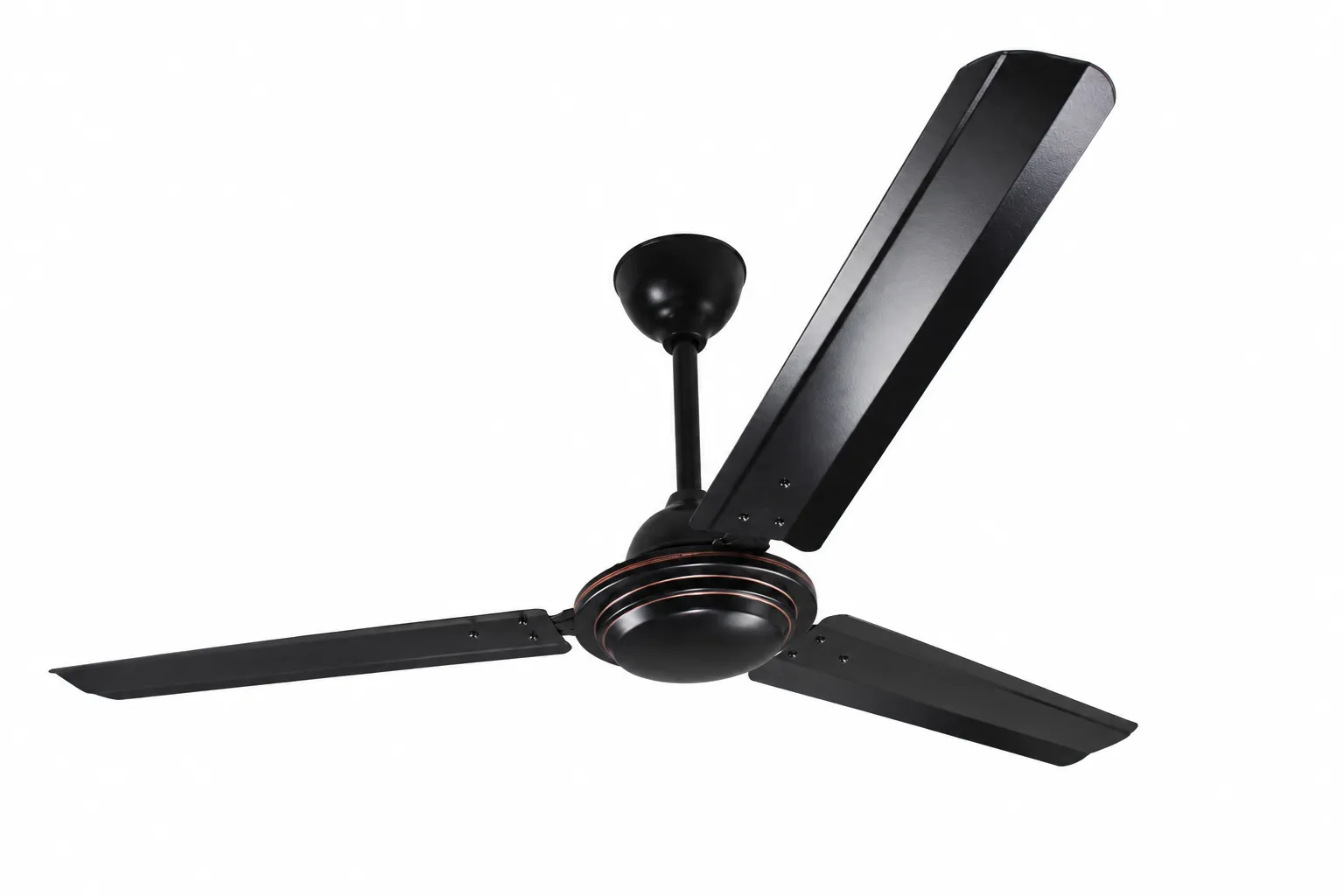
Why Is My Fan Speed is Slow?
There are several reasons a ceiling fan may rotate slower than normal. Some issues are related to dust accumulation, while others involve electrical components like the capacitor, speed regulator, or motor.
Common causes include:
- Faulty capacitor
- Worn-out motor
- Dust buildup on blades
- Defective speed regulator
- Low voltage supply
- Loose wiring
- Aging bearings
- Incorrect installation
- Poor lubrication
- Internal electrical faults
Understanding these causes helps determine whether you can fix the issue yourself or need professional assistance.
1. Faulty Capacitor
One of the most common reasons a ceiling fan runs slowly is a bad capacitor.
The capacitor stores electrical energy and provides the initial boost required to rotate the fan motor. As it ages, its capacity decreases, reducing the motor's efficiency.
Symptoms
- Fan starts slowly
- Reduced maximum speed
- Humming sound
- Fan needs a manual push to start
- Speed gradually decreases over time
Solution
Replacing the capacitor is usually inexpensive and restores normal fan speed.
2. Dust Accumulation on Fan Blades
Dust may seem harmless, but excessive buildup creates additional weight on the blades.
Over time, dirt affects:
- Blade balance
- Airflow
- Motor performance
Dirty blades force the motor to work harder, making the fan appear slower.
Cleaning Tips
- Turn off electricity.
- Use a microfiber cloth.
- Clean both sides of each blade.
- Remove stubborn dirt with mild soap.
Cleaning every two or three months improves airflow and efficiency.
3. Defective Speed Regulator
Traditional ceiling fans often use electronic or resistor-based speed regulators.
If the regulator becomes faulty, it may not deliver enough voltage to the fan.
Signs
- Fan won't reach top speed
- Speed changes randomly
- Fan only works at one setting
Replacing the regulator usually solves the issue.
4. Worn-Out Capacitor Due to Age
Even if the capacitor hasn't completely failed, its performance naturally declines over the years.
Most ceiling fan capacitors last between 5–10 years depending on:
- Usage
- Voltage fluctuations
- Manufacturing quality
- Heat exposure
Replacing an aging capacitor often restores the original speed.
5. Low Voltage Supply
Ceiling fans require a stable voltage supply to operate efficiently.
If your home experiences voltage drops, the motor cannot generate enough torque.
Common causes include:
- Heavy electrical loads
- Poor household wiring
- Utility supply issues
- Long wiring distances
How to Check
If lights also dim while appliances are running, low voltage may be the cause.
6. Loose Electrical Connections
Loose wiring can reduce the electrical current reaching the motor.
Potential locations include:
- Switchboard
- Ceiling junction box
- Fan terminals
- Regulator connections
Loose wires can also become a fire hazard.
Always disconnect power before inspecting wiring or contact a licensed electrician.
7. Dry or Worn Bearings
Ceiling fan motors contain bearings that allow smooth rotation.
Over time, bearings may:
- Wear out
- Lose lubrication
- Become noisy
- Increase friction
Higher friction reduces blade speed and places extra strain on the motor.
Symptoms
- Grinding noise
- Squeaking
- Slow startup
- Vibration
In some cases, lubrication helps. In sealed motors, bearing replacement or motor replacement may be necessary.
8. Aging Motor
Like any electrical appliance, ceiling fan motors lose efficiency over time.
Years of continuous operation can result in:
- Reduced magnetic strength
- Increased winding resistance
- Heat damage
- Lower torque
Older motors simply cannot spin as efficiently as new ones.
If your fan is over 15 years old, replacing the entire fan may be more economical than repairing the motor.
9. Incorrect Blade Installation
Improper blade alignment affects both airflow and speed.
If one blade is bent or installed incorrectly, the motor experiences additional resistance.
Check for:
- Loose blade screws
- Bent brackets
- Uneven blade angles
- Warped blades
Correct alignment improves both speed and balance.
10. Poor Lubrication
Some older ceiling fan models require periodic lubrication.
Without adequate lubrication:
- Bearings wear faster.
- Friction increases.
- Motor temperature rises.
- Fan speed decreases.
Always use the lubricant recommended by the manufacturer.
Many modern fans have permanently lubricated bearings and do not require maintenance.
11. Overheating Motor
Continuous operation during hot weather can cause the motor to overheat.
When this happens:
- Internal resistance increases.
- Motor efficiency decreases.
- Speed reduces.
Allow the fan to cool before using it again.
If overheating occurs frequently, internal motor damage may be developing.
12. Damaged Motor Windings
The motor contains copper windings that generate the magnetic field required for rotation.
Damaged windings reduce motor power.
Causes include:
- Power surges
- Moisture
- Age
- Overheating
Repairing windings is generally not practical for household ceiling fans, making replacement the better option.
13. Voltage Fluctuations
Frequent voltage fluctuations gradually damage electrical components.
Affected parts include:
- Capacitor
- Motor
- Speed regulator
Using a stable electrical supply helps extend the life of your ceiling fan.
14. Excessive Mechanical Resistance
Anything that interferes with blade movement slows the fan.
Examples include:
- Loose decorative covers
- Wiring touching the blades
- Bent blade brackets
- Foreign objects
Turn the blades by hand (with power off). They should rotate smoothly without resistance.
15. Incorrect Speed Setting
Sometimes the issue is surprisingly simple.
Check:
- Remote control batteries
- Wall regulator position
- Smart home settings
- Fan direction switch
Modern fans with remote controls may accidentally remain on a lower speed.
How to Troubleshoot a Slow Ceiling Fan
Follow these steps to identify the problem:
Step 1: Clean the Fan
Remove dust from:
- Blades
- Motor housing
- Vents
Step 2: Check the Regulator
Move through every speed setting.
If only one speed works, the regulator may need replacement.
Step 3: Listen for Unusual Sounds
Grinding, buzzing, or humming often indicates:
- Bearing wear
- Capacitor failure
- Motor issues
Step 4: Inspect the Blades
Look for:
- Loose screws
- Bent blades
- Cracks
- Warping
Step 5: Observe Startup
If the fan starts slowly or requires a push, the capacitor is often the culprit.
Step 6: Check Other Electrical Devices
If lights dim or other appliances also lose power, the issue may be related to your home's electrical supply.
Can a Bad Capacitor Cause a Ceiling Fan to Run Slow?
Yes.
In fact, a failing capacitor is responsible for a large percentage of slow ceiling fan problems.
The capacitor:
- Starts the motor
- Maintains torque
- Supports efficient operation
A weakened capacitor reduces motor power, resulting in lower speeds even when the regulator is set to maximum.
Fortunately, capacitor replacement is usually affordable and can significantly improve performance.
Should You Repair or Replace the Fan?
The decision depends on the age and condition of the fan.
Repair the Fan If:
- Capacitor is faulty
- Speed regulator has failed
- Blades need cleaning
- Wiring is loose
- Bearings need servicing
Replace the Fan If:
- Motor windings are damaged
- Fan is over 15–20 years old
- Repairs cost nearly as much as a new fan
- Multiple electrical components have failed
- The fan remains slow after replacing the capacitor and regulator
Modern ceiling fans are generally quieter, more energy-efficient, and often include remote controls or smart features.
Preventing Ceiling Fan Speed Problems
Regular maintenance can help keep your ceiling fan operating at peak performance.
Here are some practical tips:
- Clean the blades every 2–3 months.
- Tighten screws during routine cleaning.
- Avoid running the fan continuously for very long periods without breaks.
- Replace faulty capacitors promptly.
- Protect your home's electrical system from voltage fluctuations where possible.
- Lubricate older fan models if recommended by the manufacturer.
- Inspect wiring if you notice flickering lights or inconsistent fan speeds.
- Schedule professional servicing if unusual noises or persistent speed issues develop.
Consistent maintenance not only improves airflow but also extends the lifespan of the fan.
Safety Tips
Before inspecting or repairing a ceiling fan:
- Turn off the power at the switch and circuit breaker.
- Use a sturdy ladder placed on a stable surface.
- Never touch exposed wires while the power is on.
- Use replacement parts that match the fan's specifications.
- If you're unsure about electrical work, contact a qualified electrician.
Electrical repairs can be hazardous if performed incorrectly.
Conclusion
If you're asking why ceiling fan running slow, the answer often lies in a handful of common issues such as a failing capacitor, dust buildup, a faulty speed regulator, low voltage, worn bearings, or an aging motor. Fortunately, many of these problems are straightforward to diagnose and repair.
Start by cleaning the fan, checking the speed settings, and observing how it starts and runs. If the fan still performs poorly, replacing the capacitor or regulator is often an effective next step. For older fans with significant motor wear or multiple failing components, investing in a new, energy-efficient ceiling fan may be the most practical long-term solution.
With regular maintenance and timely repairs, your ceiling fan can continue providing reliable airflow and comfort for years to come.






















Sign in to leave a comment.