

Introduction
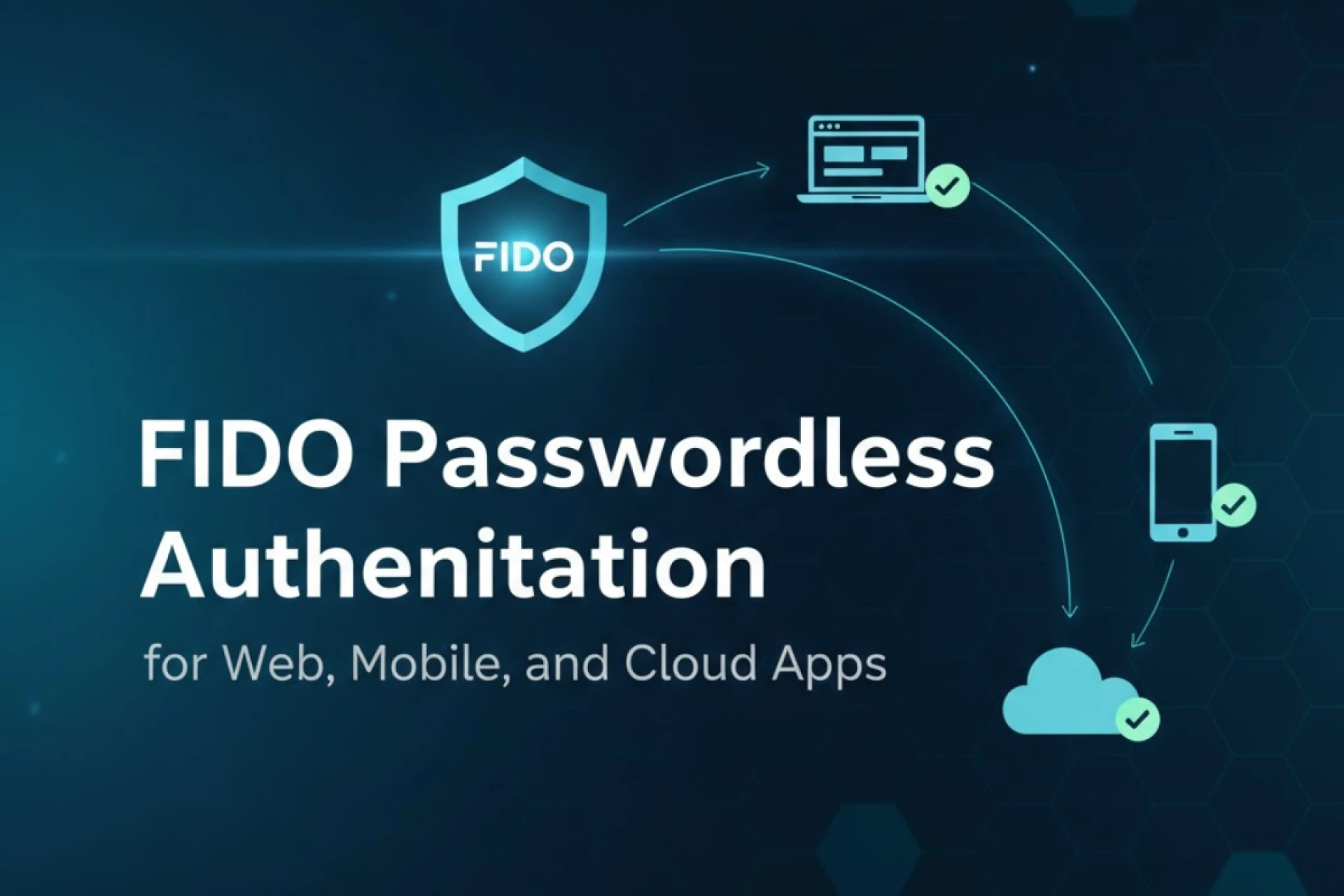
Passwords have long been the primary method of securing online accounts, yet they remain one of the weakest links in digital security. Phishing, credential stuffing, and data breaches continue to expose billions of usernames and passwords every year. To reduce this growing risk, security experts have introduced FIDO passwordless authentication, a method designed to remove the reliance on traditional passwords.

This guide is written for beginners who want to understand what FIDO authentication is, how it works, and why it is becoming a preferred standard for secure and user-friendly sign-ins.
What Is FIDO Passwordless Authentication?
FIDO, short for Fast Identity Online, is an open standard developed by the FIDO Alliance, an industry group focused on creating safer authentication methods. Instead of asking users to create and remember complex passwords, FIDO authentication uses strong cryptography and device-based security to verify identities.
In simple terms, FIDO authentication replaces the password with something you have (such as a security key, smartphone, or biometric device) and something you are (such as a fingerprint or face scan).
Why Are Passwords No Longer Enough?
Traditional passwords face several issues:
- Weak password habits: Many users reuse passwords across multiple accounts.
- Phishing attacks: Hackers trick users into revealing their login details.
- Credential stuffing: Stolen passwords are used to access other accounts.
- High management costs: Reset requests burden IT teams and frustrate users.
These challenges demonstrate why the digital world is moving toward passwordless solutions like FIDO.
How Does FIDO Authentication Work?
FIDO authentication is based on public key cryptography, which is the same technology that secures internet traffic (HTTPS). Here’s a beginner-friendly explanation:
- Account Registration
- When you register on a service that supports FIDO, your device generates two keys: a public key and a private key.
- The public key is stored with the online service.
- The private key never leaves your device and remains securely stored.
- Authentication (Logging In)
- When you attempt to log in, the service sends a challenge (a random piece of data).
- Your device signs this challenge with the private key.
- The service checks the response using the public key.
- If the verification matches, you are authenticated without needing a password.
This process protects users from phishing since the private key cannot be shared, guessed, or stolen through fake login pages.
What Is the Role of Biometrics in FIDO?
FIDO supports biometrics such as fingerprints, face recognition, and voice authentication. These methods act as convenient ways to unlock the private key on your device. Importantly, biometric data never leaves the device; it is not stored on servers or shared across networks.
This design adds both privacy and security, making FIDO a strong solution for personal and enterprise use.
Types of FIDO Authentication
The FIDO Alliance has developed several standards:
1. FIDO U2F (Universal 2nd Factor)
- Introduced in 2014.
- Requires a physical security key (like a USB device) for two-factor authentication.
2. FIDO UAF (Universal Authentication Framework)
- Allows passwordless login with biometrics or PINs.
- Designed for mobile-first authentication.
3. FIDO2
- The latest standard, combining WebAuthn (a web API) with the Client to Authenticator Protocol (CTAP).
- Enables passwordless logins across browsers, devices, and operating systems.
- Supported by major companies including Google, Microsoft, and Apple.
FIDO2 is currently the most widely adopted and future-facing version of the FIDO standard.
Benefits of FIDO Passwordless Authentication
1. Phishing Resistance
Since authentication relies on cryptographic keys, attackers cannot trick users into sharing login credentials.
2. Better User Experience
No need to remember or reset complex passwords. Login can be as simple as tapping a device or scanning a fingerprint.
3. Lower IT Costs
Password reset requests are one of the most expensive support tickets in IT. Removing passwords reduces these costs.
4. Cross-Platform Support
FIDO2 works across modern browsers, operating systems, and devices, making it easy to adopt without significant infrastructure changes.
5. Enhanced Security
Private keys are device-bound, meaning even if a service is breached, attackers cannot steal login credentials.
Where Is FIDO Authentication Used Today?
- Big Tech Ecosystems: Microsoft accounts, Google accounts, and Apple services support FIDO sign-ins.
- Banking & Finance: Many financial institutions are adopting FIDO to protect sensitive transactions.
- Healthcare: Hospitals and medical portals use FIDO authentication to safeguard patient data.
- Enterprises: Corporate environments are increasingly deploying FIDO-based login systems for employees.
Challenges in Adopting FIDO Authentication
While FIDO is gaining popularity, there are still some challenges:
- Device Availability: Not all users own security keys or biometrics-enabled devices.
- Adoption Curve: Businesses need to upgrade systems and train users.
- User Habits: Many people are still accustomed to passwords and may resist change at first.
Despite these challenges, adoption is accelerating due to growing cyber threats and regulatory pressure for stronger authentication methods.
The Future of Passwordless Authentication
Industry experts predict that FIDO-based systems will become the global standard for digital authentication. With major technology providers actively supporting the standard, the shift away from passwords is already happening. Over time, FIDO authentication is expected to replace passwords entirely for most digital services.
FAQs on FIDO Passwordless Authentication
Q1. What does FIDO stand for?
FIDO stands for Fast Identity Online, a global standard for passwordless authentication.
Q2. Do I still need passwords with FIDO?
Not necessarily. FIDO2 allows full passwordless login, while older standards like FIDO U2F work as a second factor alongside passwords.
Q3. Are biometrics safe to use in FIDO authentication?
Yes. Biometric data stays on your device and is never sent to servers. Only cryptographic keys are exchanged.
Q4. What devices support FIDO authentication?
Security keys (USB, NFC, Bluetooth), smartphones, laptops with fingerprint scanners, and even modern browsers all support FIDO.
Q5. Can FIDO be hacked?
While no system is 100% immune, FIDO significantly reduces risks such as phishing and credential theft. Its cryptographic design makes it far stronger than password-based security.
Q6. Is FIDO authentication only for enterprises?
No. FIDO is widely available for individual users as well. Services like Google, Microsoft, and Apple accounts already support it.
Q7. Will passwords disappear completely?
Passwords may continue to exist for some time, but FIDO adoption is accelerating. Over the next few years, passwordless systems will dominate mainstream authentication.
Final Thoughts
FIDO passwordless authentication is not just a technological advancement—it represents a much-needed step toward safer and simpler digital interactions. By removing passwords from the equation, users gain stronger security and greater peace of mind. For businesses, it reduces risks and costs associated with password management.
As adoption spreads across industries, FIDO authentication is shaping the future of digital security—making passwordless sign-ins the new standard for both individuals and organizations.

























Sign in to leave a comment.