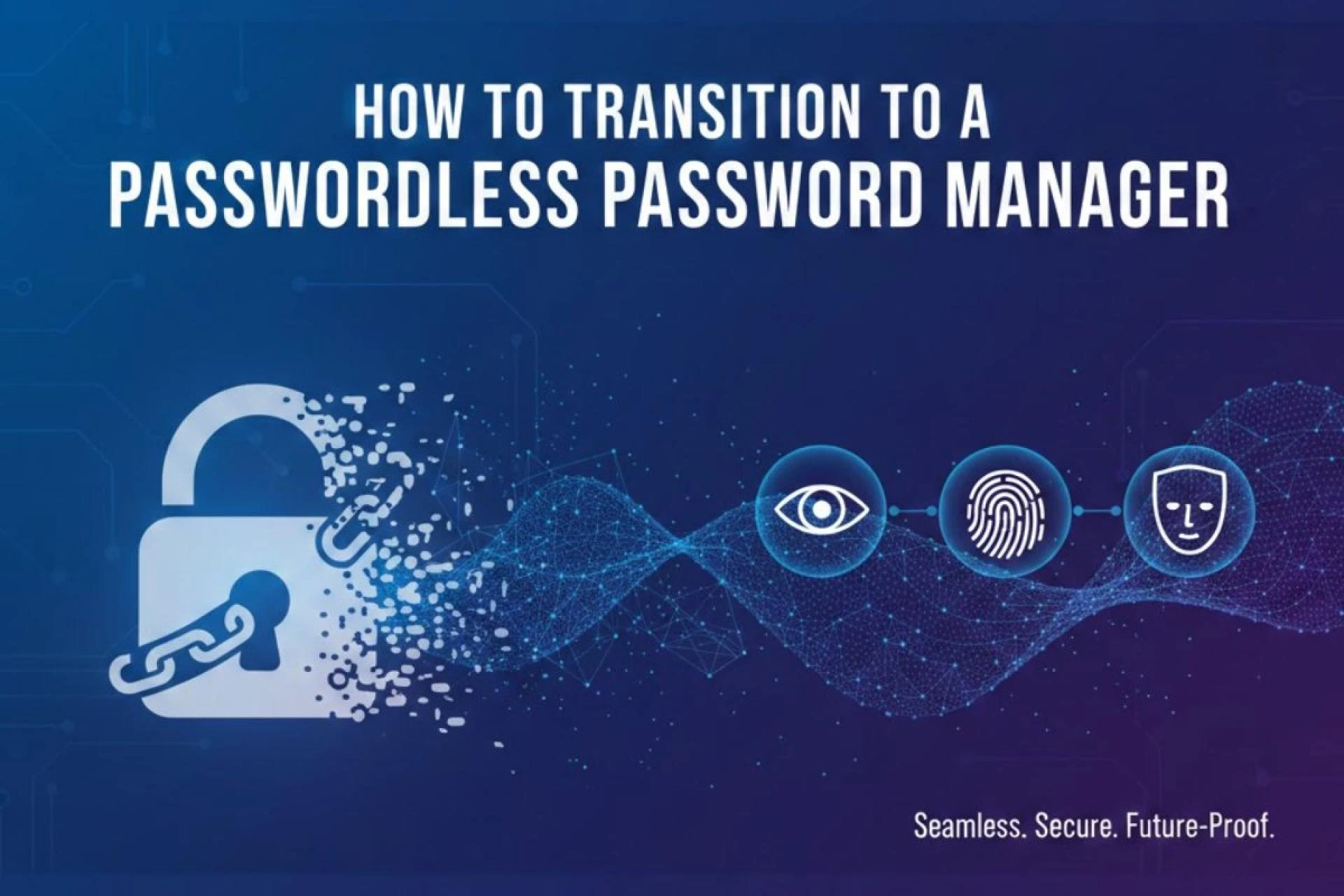

Digital identity management has reached a point where traditional secrets no longer provide dependable protection. Users seek stronger methods that reduce credential fatigue and strengthen login security. The shift toward a Passwordless Password Manager reflects this change, offering a safer and simpler way to manage authentication without relying on typed passwords. This guide outlines the full process of transitioning, helping organizations and individuals adopt a safer, user-friendly model grounded in cryptography and device trust.
Why the Move Toward Passwordless Management Matters
Traditional password managers store passwords securely but still depend on a master password. This creates a single point of failure: if an attacker gains access to that master key, all stored accounts become vulnerable. Moving toward a model that removes this dependency enhances both security and user experience.
The rise of phishing-resistant technology, device-based authentication, and hardware-backed keys has opened the door to passwordless vault access. This approach not only improves everyday workflows but also reduces human error. Transitioning is no longer about convenience alone—it is a foundational step toward stronger digital identity practices.
Understanding How Passwordless Password Managers Work
A passwordless system uses cryptographic authentication factors stored securely on user devices. These factors may involve:
- Biometrics like fingerprints or facial recognition
- Hardware-backed security keys
- OS-level passkeys that remain bound to the device
Local Verification as the Access Method
Instead of typing a master password, users authenticate using a local factor. The vault only opens once the device confirms the person’s presence. This eliminates guessable or stolen secrets and reduces entry points for attackers.
Cryptographic Keys Replacing Memorized Secrets
Access relies on private keys that never leave the device. Servers only receive public keys, removing any stored secrets that attackers could steal.
Cross-Platform Access Using Passkeys
Passwordless password managers now support passkeys across mobile, desktop, and browser platforms, allowing secure synchronization without depending on passwords.

Preparing for the Transition
Before switching, users and organizations should understand what the transition process involves. Preparation reduces disruptions and helps teams adopt new authentication flows confidently.
Identify How the Current Vault Is Used
Start by listing:
- How many accounts are stored
- Which devices access the vault
- Which platforms require frequent login
- Whether team-sharing or enterprise policies are involved
This helps determine the right passwordless migration path.
Update All Devices to Support Passkeys or Hardware Keys
Modern OS versions—Windows, macOS, iOS, and Android—must be updated to support platform authenticators or FIDO-compatible keys.
Choose a Password Manager with Passwordless Support
Not all vault providers support full passwordless access. Select one that offers:
- Passkey-based login
- Hardware security key authentication
- Biometric unlocking
- Encrypted device sync with zero-knowledge protection
This foundation helps ensure long-term security.
Step-by-Step Guide to Transitioning
This structured process helps users shift safely without losing access to saved credentials.
Step 1 — Enable Passwordless Login on Your Account
Most managers allow converting the master password into a hardware-backed login factor. Users typically:
- Register a passkey
- Enroll a security key
- Activate biometric authentication on supported devices
This becomes the new login method for the vault.
Step 2 — Add Backup Authentication Methods
A passwordless system must include reliable fallback options. Suitable backups include:
- Multiple hardware security keys
- Biometrics across all personal devices
- Platform passkeys stored in secure device enclaves
Having more than one device bound to the account protects against lockouts.
Step 3 — Migrate Stored Credentials
Existing passwords stay in the vault but are now protected by passwordless mechanisms. Users can:
- Review saved accounts
- Update compromised or weak entries
- Add passkeys for accounts that support them
This strengthens overall identity security.
Step 4 — Transition Accounts to Passkeys Where Possible
Modern websites now offer passkey authentication. Users can replace typed passwords with device-bound passkeys, gradually reducing the number of stored secrets in the vault.
Step 5 — Disable Master Password Access
Once fully set up, the password manager can disable password-based login. This marks the final transition to full passwordless identity management.
Advantages of Moving to a Passwordless Password Manager
Reduced Exposure to Credential Theft
Typed passwords can be guessed, phished, intercepted, or reused. Device-bound authentication removes these risks entirely.
Faster Access Across Devices
Users unlock their vault with biometrics or hardware keys. No typing. No password resets.
Stronger Protection Against Phishing
Because authentication depends on cryptographic exchange and device presence, password-stealing websites cannot trick users.
Lower Support Costs for Organizations
Password resets often dominate helpdesk requests. A passwordless model significantly reduces support workloads.
Better Alignment With Modern Zero-Trust Security Models
Zero-knowledge encryption and device-bound credentials support modern identity security requirements.
Common Questions About Switching to Passwordless Management
Can users get locked out?
Only if no fallback authenticator has been added. Adding multiple passkeys or hardware keys prevents lockout situations.
Are biometrics stored on the server?
No. Biometrics remain on the device in secure hardware enclaves.
What if a device is lost?
Users can authenticate with a registered backup key or a passkey stored on another device.
Can teams use passwordless vaults?
Yes. Modern enterprise vaults support shared access, device registration policies, and admin-level recovery options.
Creating a Long-Term Passwordless Strategy
Transitioning to a passwordless system is more than a technical upgrade—it is a shift in how identity is managed. A successful strategy includes:
- Educating users
- Deploying hardware keys organization-wide
- Encouraging passkey adoption for all supported applications
- Phase-out timelines for master passwords
- Review processes to monitor adoption and safety
Over time, organizations can retire outdated password policies and shift to a simpler, stronger identity model.
Conclusion
Moving to a passwordless password manager supports a safer identity experience for individuals and teams. By replacing master passwords with cryptographic, device-bound authentication, users reduce risk, improve login convenience, and adopt a security model designed for modern digital environments. With the right preparation, careful migration, and adoption of passkeys across services, anyone can transition smoothly into a future where typed passwords no longer hold the keys to their most sensitive accounts.


























Sign in to leave a comment.