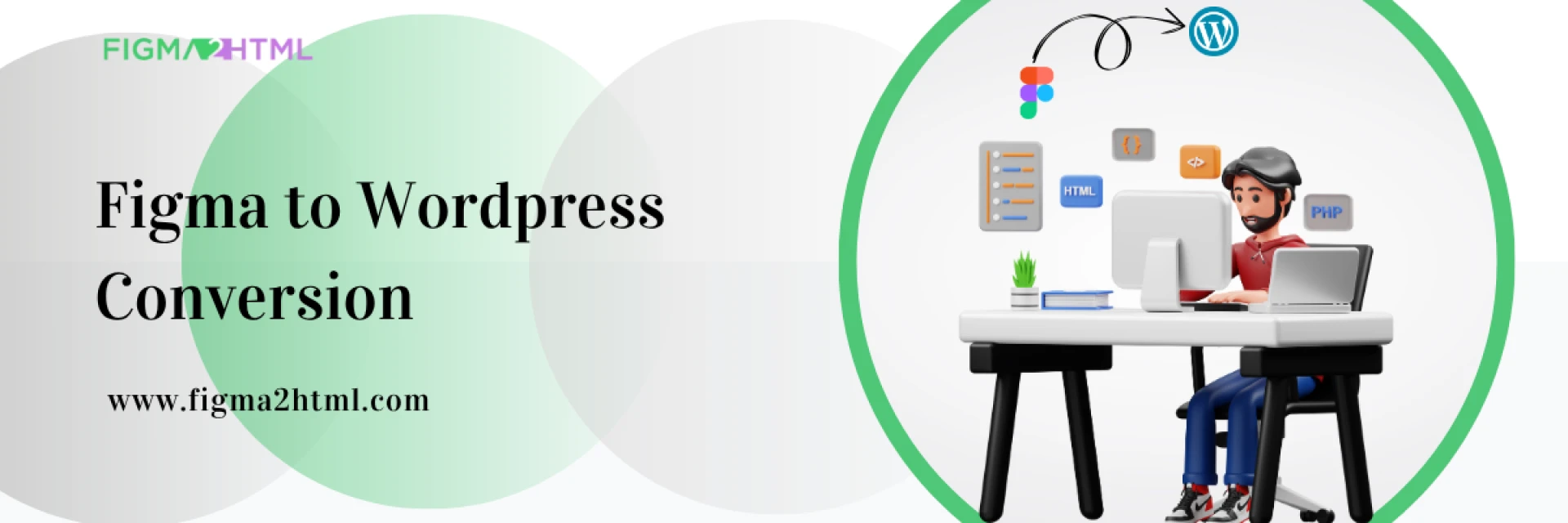
In 2025, the digital design and development landscape continues to evolve at lightning speed. One major shift gaining momentum is the move from traditional web development workflows to modern design-to-code pipelines—particularly the ability to convert Figma to WordPress seamlessly. As businesses and creatives aim to build scalable, responsive, and visually compelling websites faster than ever, choosing the right approach can make or break a project’s success.
So how does Figma to WordPress stack up against traditional development in 2025? Let’s break it down.
The Traditional Web Development Approach
Traditionally, website creation followed a linear path: wireframes and mockups (often done in tools like Photoshop or Illustrator) were handed over to developers who manually coded the HTML, CSS, JavaScript, and PHP to bring the design to life. WordPress, with its PHP-based architecture and theme system, would then be integrated as the CMS.
Key Characteristics:
- Manual translation of design to code
- Heavy reliance on front-end and back-end developers
- Longer development timelines
- High opportunity for miscommunication between design and dev teams
Pros:
- Full flexibility and control over every line of code
- Easier to build complex custom features from scratch
- More suitable for enterprise-grade applications
Cons:
- Slower turnaround time
- Higher cost due to specialized roles
- Room for error in design translation
- Designer-developer feedback loop delays
The Figma to WordPress Workflow in 2025
Figma has become the go-to UI/UX design platform thanks to its cloud-based collaboration, real-time editing, and extensive plugin support. In 2025, its integration with modern development tools and no-code/low-code platforms has redefined how we convert Figma to WordPress.
This method allows designers to create high-fidelity prototypes in Figma and either export assets to developers or use automated tools and services—like Figma2HTML—to convert those prototypes directly into WordPress-ready themes.
Key Characteristics:
- Automated or semi-automated conversion
- Pixel-perfect accuracy from design to code
- Streamlined collaboration between designers and developers
- Compatible with Gutenberg and Full Site Editing (FSE)
Pros:
- Much faster development cycles
- Lower cost for standard websites
- Reduces back-and-forth between design and code teams
- Great for MVPs, marketing sites, and portfolios
Cons:
- Less flexible for extremely custom back-end logic
- May require manual tweaks for advanced functionality
- Quality depends on the conversion service or plugin used
Why the Shift? Key 2025 Trends Driving Figma to WordPress
Several industry trends are fueling the rise of Figma to WordPress conversion in 2025:
1. Full Site Editing (FSE) Adoption
WordPress's Gutenberg editor and FSE capabilities make it easier than ever to manage layouts and styling directly in the dashboard. With well-structured code from a Figma design, content editors can customize layouts without developer input.
2. Demand for Faster Time-to-Market
Startups and small businesses don’t have time (or budget) for lengthy dev cycles. A reliable Figma to WordPress pipeline can reduce project delivery time by up to 50%.
3. Collaboration-First Workflows
Figma’s real-time collaboration tools integrate better into agile development models. Designers, developers, and stakeholders can all work from the same file, reducing communication gaps.
4. Rise of Design-to-Code Automation
Tools like Figma2HTML are bridging the gap between design and development. These services generate clean, semantic code while preserving design fidelity—eliminating most of the tedious front-end work.
When to Use Figma to WordPress (vs. Traditional Development)
✅ Use Figma to WordPress When:
- You’re building a landing page, marketing site, portfolio, or small business site.
- Time and budget are limited.
- Your design is finalized and ready for a pixel-perfect conversion.
- You want fast iteration and direct visual control.
- You're using Gutenberg or a modern block-based editor.
❌ Stick with Traditional Development When:
- You need complex custom plugins or APIs.
- You’re building an enterprise SaaS platform or multi-site network.
- The project has ongoing back-end scalability requirements.
- You require total control over server-side logic and infrastructure.
The Hybrid Future: Best of Both Worlds
In reality, the best workflow in 2025 may be a hybrid approach—using Figma to WordPress conversion tools to jumpstart development and layering in custom code for added complexity.
Here’s how that might look:
- Design in Figma: Create a complete prototype with defined styles and breakpoints.
- Convert to WordPress: Use a service like Figma2HTML to generate a base theme.
- Customize: Add or modify PHP, JS, or Gutenberg blocks as needed.
- Optimize: Enhance performance, accessibility, and SEO.
This approach minimizes redundancy while maximizing control and speed.
Why Choose Figma2HTML for Your Figma to WordPress Projects?
At Figma2HTML, we specialize in taking your Figma designs and transforming them into production-ready WordPress websites. Unlike generic auto-export tools, we combine automation with expert oversight to ensure:
- Clean HTML, CSS, and PHP structure
- Compatibility with modern WordPress features like Gutenberg and FSE
- Fully responsive design implementation
- SEO-optimized and performance-tuned output
Whether you’re building a business website, blog, or landing page, we make it easy to convert Figma to WordPress—quickly and with pixel-perfect precision.
Conclusion
In 2025, the choice between Figma to WordPress and traditional development depends on your project goals, timeline, and technical needs. For most modern use cases—especially for designers, marketers, and agencies—Figma to WordPress offers an agile, scalable, and cost-effective solution that significantly shortens the path from concept to launch.
That said, traditional development still holds its place for large-scale, complex applications requiring deep customization. The key is understanding which tool fits which task—and leveraging the power of both when needed.


























Sign in to leave a comment.