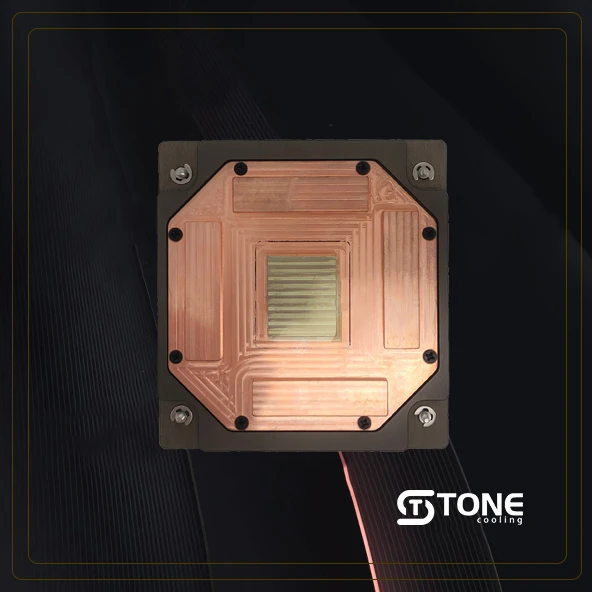

If you've ever watched your GPU temps spike during an intense gaming session or while rendering high-definition video, you know how critical effective cooling is. With modern graphics cards packing more power and consuming more energy than ever, traditional air cooling is starting to fall short. Enter GPU cold plates—the advanced thermal solution that’s changing how we think about cooling. From quieter operation to enhanced overclocking potential, cold plates are quietly becoming the unsung heroes of high-performance computing.
What Is a GPU Cold Plate?
Basic Definition and Function
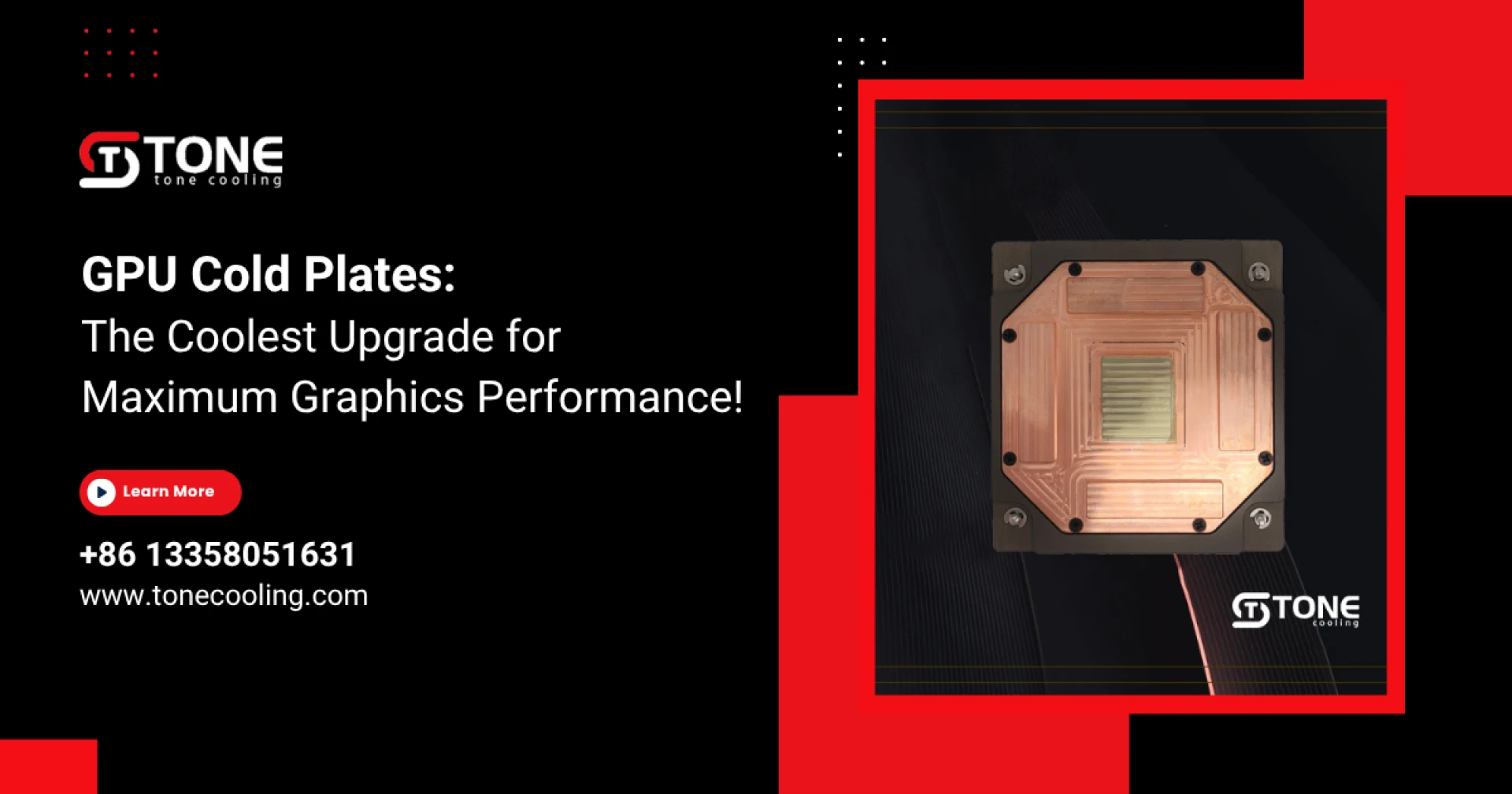
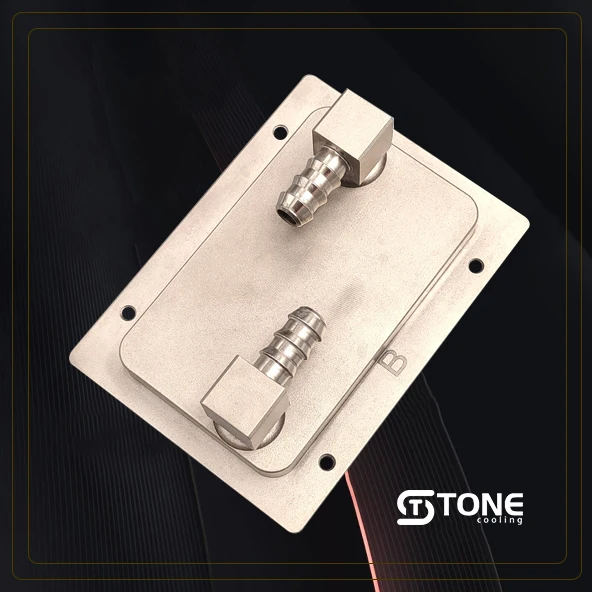
A GPU cold plate is a flat, thermally conductive surface, often made of copper or aluminum, that sits directly on the GPU chip. It forms the base of a liquid cooling system by absorbing heat from the GPU and transferring it into a coolant flowing through embedded channels.
Key Materials Used in Construction
Copper's great thermal conductivity makes it a common material for high-quality cold plates. Some designs integrate nickel plating or even aluminum for lighter-weight configurations. Performance and cost are directly impacted by the material selection.
Liquid vs. Air Cooling Comparison
Liquid-cooled cold plates are much more effective than traditional air cooling, which relies on fans and heatsinks to transfer heat away. They absorb and dissipate heat faster, allowing your GPU to run cooler and quieter even under full load.
How GPU Cold Plates Work
-Principles of Liquid Cooling and Heat Transfer
At the core of every GPU cold plate is a system of microchannels or fins through which coolant flows. The coolant absorbs the heat from the GPU and transfers it to a radiator where it is ejected.
-Internal Structure and Fluid Pathways
The best cold plates use finely engineered pathways that maximize contact with the coolant, allowing rapid heat dissipation. This efficient design enables faster cooling cycles.
-Integration with Other Cooling Components
A cold plate alone won’t cool your GPU. It must be connected to a loop including a pump, radiator, reservoir, and tubing. Together, these closed-loop components help regulate the temperature.
Benefits of Using GPU Cold Plates
-Improved Thermal Conductivity
With better contact and faster heat transfer, cold plates keep your GPU much cooler compared to air-cooled systems, reducing the risk of thermal throttling.
-Greater Overclocking Potential
Lower temps mean more headroom for overclocking. Enthusiasts can safely push their GPUs further without damaging hardware.
-Quieter Operation
Fans don’t have to work as hard (or at all), resulting in a much quieter system—ideal for streamers, creators, or anyone who values peace and quiet.
-Longer Hardware Lifespan
Keeping components cool reduces wear and tear, extending the life of your expensive graphics card.
Why High-End GPUs Need Advanced Cooling
-The Rise of 4K and 8K Gaming
High-res gaming demands enormous graphical power. GPUs like the RTX 4090 generate serious heat that needs serious cooling.
-AI and Rendering Applications
Beyond gaming, professionals running AI models or 3D renderings also need stable performance under prolonged stress, making effective cooling critical.
-VR and AR Graphics Demands
Real-time rendering for immersive environments is intense. GPU cold plates help maintain consistent performance throughout these high-load tasks.
Key Features to Look for in a GPU Cold Plate
-Material Quality
Copper wins in thermal performance, but it's heavier and more expensive. Aluminum offers a lighter and cheaper alternative but sacrifices a bit on efficiency.
-Precision Engineering and Surface Contact
Look for cold plates that ensure uniform contact with the GPU die. Poor contact leads to uneven cooling and higher temps.
-Compatibility and Custom Design Options
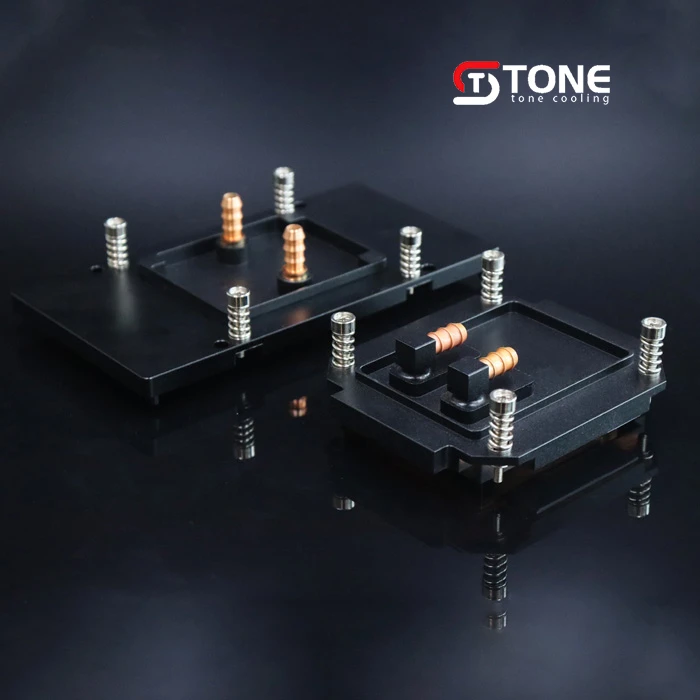
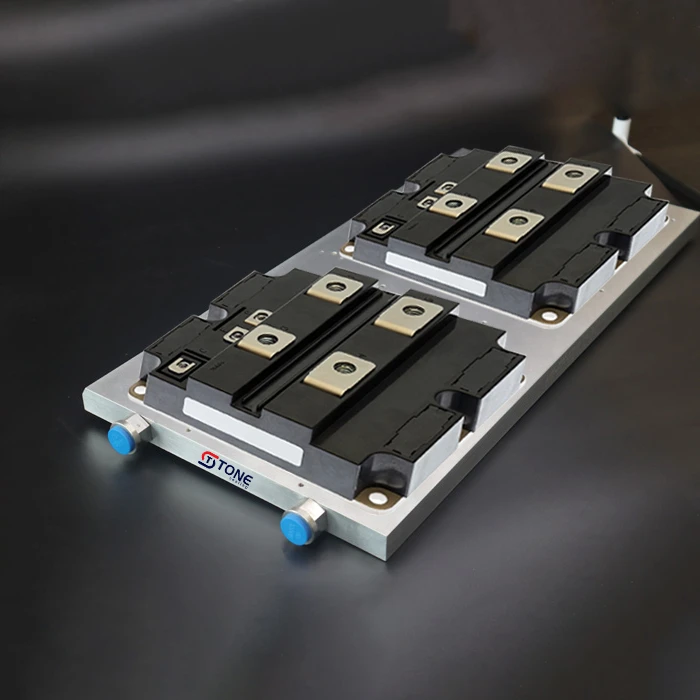
Not all cold plates fit all GPUs. Custom designs like those from Tone Cooling Technology Co., Ltd. ensure perfect fit and optimal performance.
GPU Cold Plates vs Traditional Cooling Solutions
-Comparison with Heatsinks and Fans
Heatsinks are cheap and effective for lower power GPUs. But as performance demands increase, they can't keep up.
-Limitations of Air Cooling
Air-cooled systems often struggle with thermal hotspots and loud noise. They're less efficient and less scalable.
-Hybrid Cooling Systems
Some systems combine both approaches—air for overall case airflow and cold plates for GPU-specific cooling. A great middle-ground.
Tone Cooling Technology Co., Ltd. Custom GPU Cold Plates
-Company Overview
Tone Cooling Technology Co., Ltd. specializes in custom thermal solutions, including advanced GPU cold plates designed to meet specific performance requirements.
-Customization Services and Engineering Precision
Whether you're a hardware brand, a PC builder, or an enthusiast, their custom-built cold plates offer unmatched precision and performance.
-Use Cases in Commercial and Gaming Rigs
Their cold plates are already being used in high-end workstations, esports rigs, and even AI data centers.
Installation and Setup Considerations
-GPU Compatibility
Always check if your GPU model is supported or if a custom plate is needed. Tone Cooling offers consultation services to ensure compatibility.
-Mounting and Sealing Tips
Proper installation is key—thermal paste application, even pressure, and leak-proof sealing all matter.
-Required Peripherals and Maintenance
A cold plate needs a full loop system. Don’t forget the radiator, pump, and regular maintenance to keep performance at its peak.
Real-World Performance Metrics
-Temperature Benchmarks
Cold plates, according to tests, can lower GPU temperatures by 15 to 25° C. That’s a massive performance gap.
-FPS and Thermal Throttling Impact
Cooler GPUs maintain higher FPS and prevent thermal throttling during long sessions.
-Noise Level Comparisons
Cold plate systems operate at whisper-quiet levels, making them perfect for noise-sensitive environments.
Environmental Impact and Energy Efficiency
Reduced Fan Usage = Lower Energy Draw
Less power for fans means more energy efficiency—great for the environment and your power bill.
Sustainable Material Options
Tone Cooling is exploring recyclable materials to reduce environmental impact.
Greener Gaming and Computing Practices
Cold plates support sustainability without sacrificing performance. Win-win.
Future of GPU Cooling
-Trends in Microchannel and Vapor Chamber Integration
Next-gen cold plates are adopting microchannel tech and even hybrid vapor cooling designs for next-level performance.
-AI-Optimized Thermal Systems
Current dynamic cooling management techniques are being used. Imagine fans and pumps responding in real time to your system’s needs.
-3D-Printed and Nanotech Cold Plates
We’re on the edge of even more revolutionary materials and manufacturing methods—3D-printed cold plates with nanofins could be the next big thing.
Industry Testimonials and Case Studies
-Brands Using Tone Cooling Solutions
Tone Cooling is trusted by a number of top-notch PC companies and esports organizations worldwide.
-Performance Gains Reported
Users have reported up to 20% performance increases just from upgrading to a cold plate system.
-Gamer and Creator Feedback
Gamers praise the silence and stability, while content creators love the cooler, faster renders.
Choosing the Right Cold Plate for Your Setup
-Factors to Consider
Think about your GPU, workload, case size, and budget before choosing a cold plate.

Working with a Manufacturer Like Tone Cooling
Their team helps guide you through selection, customization, and even installation support.
If you want the ultimate in GPU cooling, it’s time to step up from air to liquid—and a custom GPU cold plate is the way to do it. With better temps, quieter operation, and longer GPU life, the investment is well worth it, especially for power users. Tone Cooling Technology Co., Ltd. is at the top of the market for customization and quality.
FAQs
1. Can I install a GPU cold plate myself?
Yes, but it requires technical knowledge. If you're unsure, seek help from a pro.
2. Do cold plates need regular maintenance?
Yes—check coolant levels, clean filters, and inspect for leaks every few months.
3. Will it void my GPU warranty?
It might. Always check with your GPU manufacturer before installing third-party cooling.
4. What temperatures can I expect?
On average, expect GPU temps 15–25°C lower than air cooling.
5. How long do GPU cold plates last?
With proper maintenance, a cold plate can last 5–10 years.
























Sign in to leave a comment.