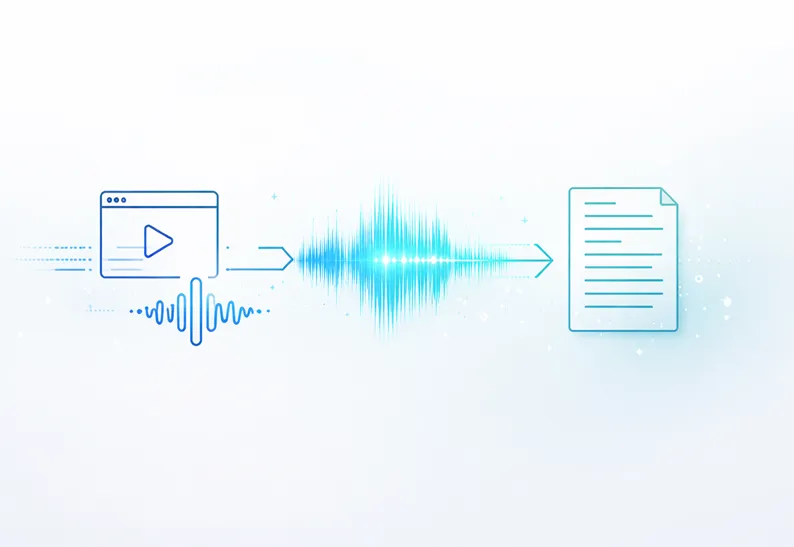

A while ago, I found myself sitting on hours of recorded content—webinars, Zoom calls, a couple of podcast interviews I had done—and none of it was actually usable.
Not because the content wasn’t valuable.
But because it was trapped inside video and audio files.
You can’t search it.
You can’t skim it.
And more importantly—you can’t repurpose it.
That’s when I started looking into transcription tools. At first, I thought it would be a quick fix. Upload a file, get some text, done.
Turns out, there’s a bit more to it.
If you’re dealing with media content regularly, here’s what I’ve learned about turning video and audio into something you can actually use.
Why I Even Bother With Transcription Now
I used to think transcription was only for journalists or researchers.
It’s not.
Once you start working with content seriously—especially if you care about SEO or content reuse—it becomes almost necessary.
Here’s what changed for me:
- I could turn one video into a full blog post
- I stopped rewatching recordings just to find one quote
- My content started ranking better because it was actually indexable
Search engines don’t “watch” your videos. They read text. That alone is reason enough.
What Worked for Me: Converting Video Files
Most of my content started as video. Webinars, tutorials, recorded demos—you name it.
At first, I tried doing it manually. That didn’t last long.
Now, whenever I need to process a video, I just look for a reliable MP4 to text free workflow - SoundWise.ai, that doesn’t slow me down.
Here’s the simple process I stick to:
1. Upload the file
Nothing fancy. Just drag and drop.
2. Let the tool do its job
Modern tools are surprisingly good at picking up speech, even in longer recordings.
3. Clean it up quickly
I don’t obsess over perfection. Just fix obvious errors.
4. Turn it into something useful
Blog post, outline, notes—whatever fits.
That’s it.
If your audio is clear, the whole thing takes minutes instead of hours.
Audio Content Is Even Easier (Honestly)
At some point, I realized that not everything needs to go through video.
A lot of the time, I’m working with:
- Voice notes
- Podcast recordings
- Internal meetings
And for those, using a free audio transcription online tool is usually faster and cleaner.
Why?
- Smaller files
- Less noise (usually)
- Faster processing
I’ve used this for everything from quick idea capture to full interview breakdowns. It’s one of those things that quietly saves you a lot of time.
The Tool Choice Actually Matters More Than You Think
I’ve tried a mix of tools—some decent, some frustrating.
The biggest difference isn’t just accuracy. It’s how well the tool fits into your workflow.
For example, I don’t just want raw text anymore. I want something I can actually work with.
That’s why I ended up sticking with platforms like Soundwise.ai.
Not because it’s “another transcription app,” but because it helps me move from:
audio → text → usable content
without jumping between five different tools.
If you’re only transcribing once in a while, almost anything works.
If you’re doing this regularly, the workflow matters.
Where This Actually Helps (Real Use Cases)
This isn’t just a productivity trick—it changes how you use content.
For content creators
Turn one video into multiple pieces of content without starting from scratch.
For marketers
Pull insights from webinars or customer calls instead of letting them sit unused.
For teams
Stop losing information in meetings that no one revisits.
For researchers
Skip the manual note-taking part entirely.
A Few Things I Wish I Knew Earlier
If you’re just getting started, here are a couple of things that make a big difference:
- Clean audio matters more than anything
- Don’t aim for perfect transcripts—aim for usable ones
- Always think about what you’ll do with the text afterward
Transcription isn’t the goal.
What you do with it is.
Final Thoughts
I didn’t expect transcription to become part of my regular workflow—but now it is.
Whether I’m working with video and need a quick MP4 to text free solution, or handling audio through a free audio transcription online tool, the end result is the same:
I get content I can actually use.
And once you start doing that consistently, you’ll wonder why you didn’t start earlier.





























Sign in to leave a comment.