AI in software testing can be beneficial or detrimental. It may, on the one hand, accelerate test creation and execution, working in tandem with development to allow for faster release velocities. On the other, it may introduce minimal, but expensive, errors into the process when teams place too much reliance on automation. Quality assurance (QA) teams will adopt testing tools driven by AI for the prospect of more efficiency, however they will find themselves with flaky builds, still missing edge cases, and limited traceability. While these issues may seem small at first, if left unchecked, over time they can erode QA efficiency and quality of the product.
The good news is that these are all avoidable. Through the use of AIO Tests, a test management app that lives inside Jira natively, your team will have AI assisted speed without lacking control , stability or visibility. In this post , we will highlight four of the most common pitfalls related to AI Testing and review how AIO Tests helps you avoid them.
Pitfall #1: Over-Reliance on AI
Is blind trust in AI hurting test quality?
AI can generate test cases quickly, but if left unchecked, it may create shallow coverage. Teams often accept AI-suggested tests without review, skipping critical edge cases. The result? Missed bugs, hotfixes, and wasted cycles fixing production issues.
How AIO Tests Solves It
AIO Tests uses generative AI to convert Jira issues into structured test cases, whether classic or BDD. But it doesn’t remove human judgment. Every test remains editable, reviewable, and customizable. Predefined templates—positive, negative, end-to-end—offer a starting point, but QA teams always stay in control.
Instead of auto-filling steps blindly, AIO Tests reinforce QA principles like reusability, clarity, and coverage-first thinking. The AI helps with grammar and structure, while humans ensure accuracy. The result is faster test authoring without compromising quality.
Pitfall #2: Poor Jira Traceability
Is your AI testing tool failing on traceability?
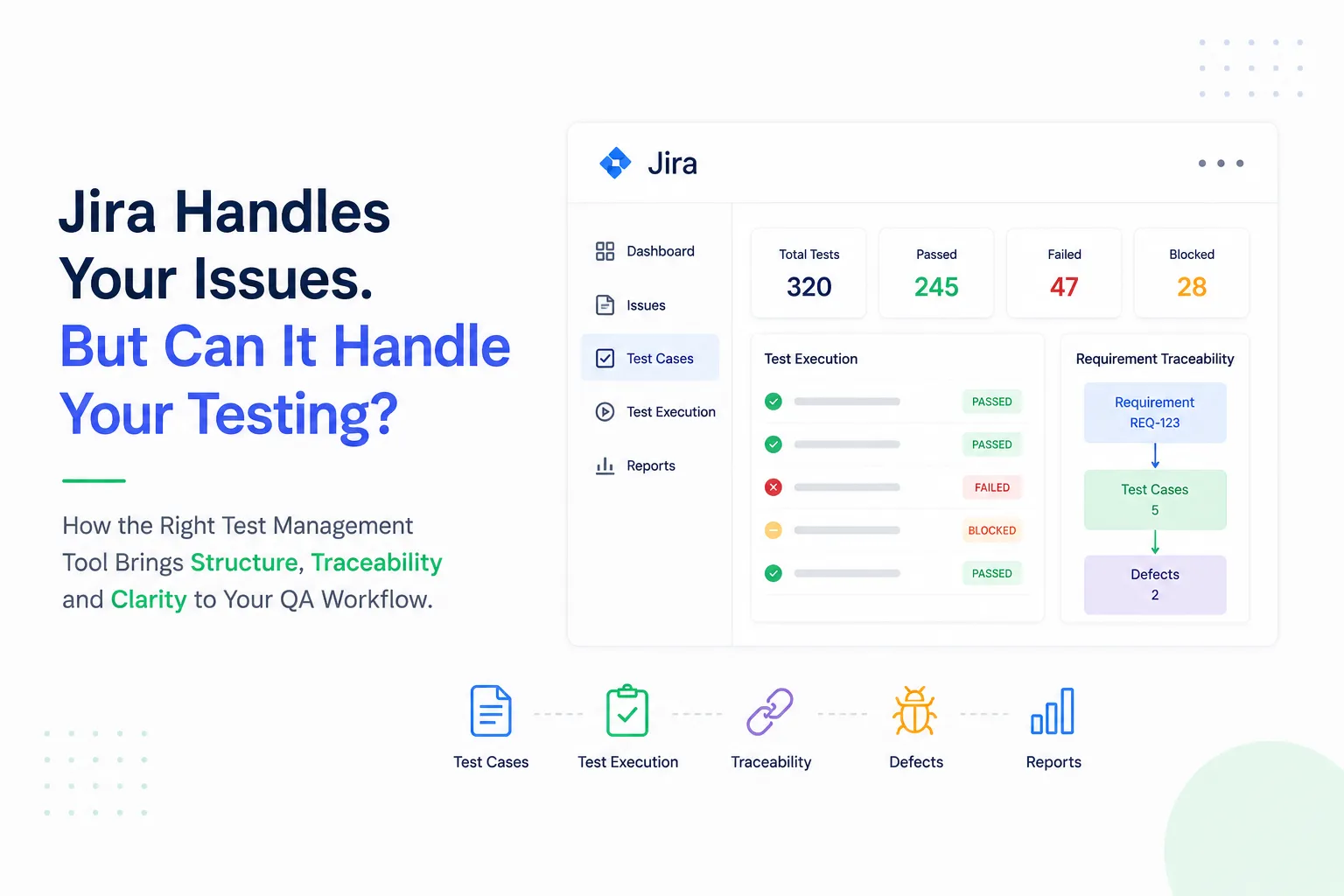
Many AI test tools sit outside your core workflow, creating a disconnect between requirements, tests, and defects. Without proper links, QA and Dev teams lose visibility into what was tested, where it failed, and whether requirements are covered. Worse, compliance and audit reporting become a headache.
How AIO Tests Solves It
AIO Tests is built inside Jira, making traceability automatic. By simply entering a Jira Story ID, test cases link directly to requirements. Failed executions connect back to bugs, and every artifact cases, cycles, runs, defects—stays within Jira.
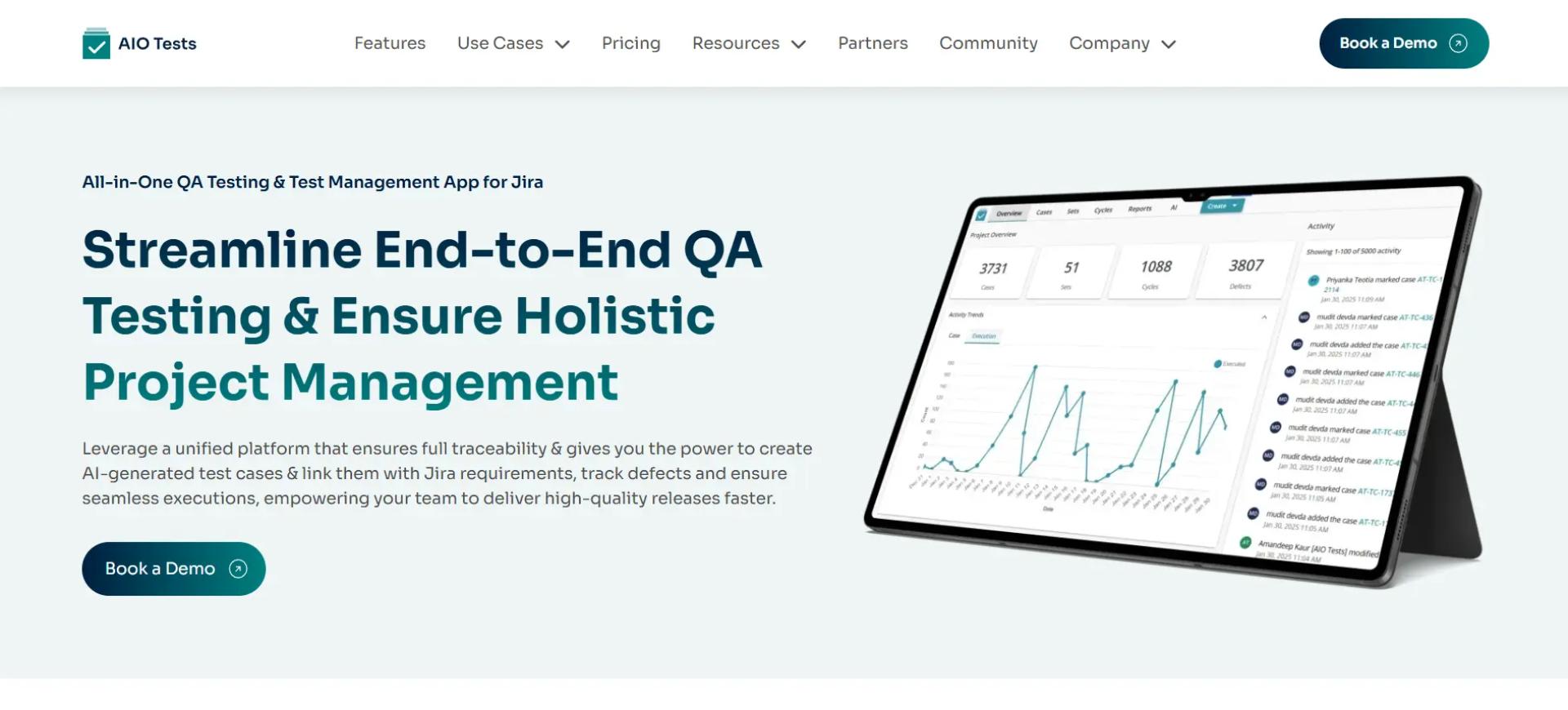
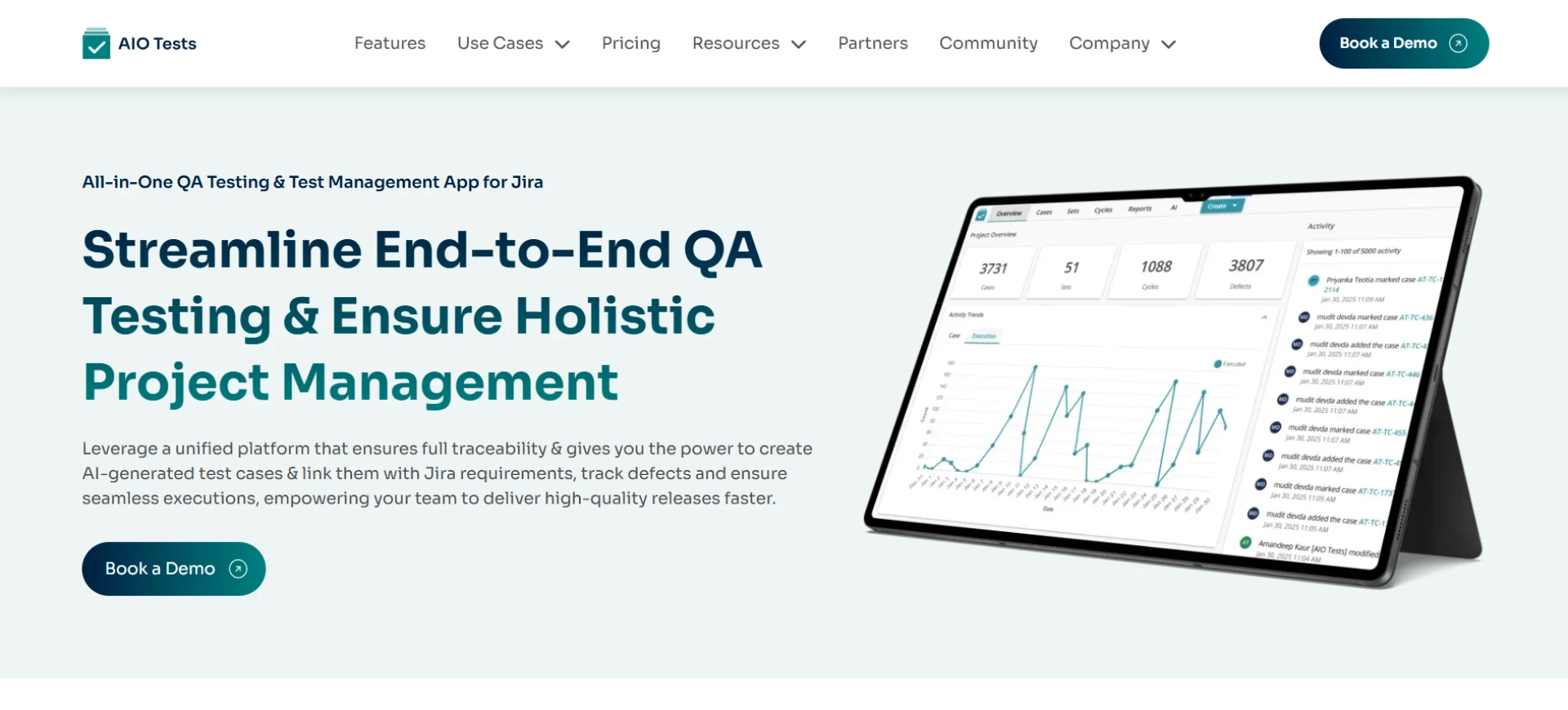
Teams get end-to-end visibility: which stories are covered, which tests failed, and what needs fixing. Built-in dashboards and 19+ reports provide insights into coverage, defect trends, and release readiness. Whether for internal tracking or external audits, reporting is always audit-ready and reliable.
Pitfall #3: AI Tools That Don’t Fit Into Existing QA Processes
Can an AI tool really adapt to your workflow?
Some AI testing platforms force teams into rigid structures or new interfaces, disrupting established QA processes. Instead of saving time, they add confusion and training overhead.
How AIO Tests Solves It
AIO Tests work the way your team already tests. Whether you follow classic cases, BDD frameworks, or Agile sprints, it adapts to your setup inside Jira. You can organize cases into folders, reuse test steps, and manage versions or execution cycles without changing your habits.
Since it lives directly in Jira, there’s no learning curve—teams continue working in the environment they already know. The result: streamlined adoption with zero disruption.
Pitfall #4: Limited Test Execution Visibility
Are you losing track of test runs and outcomes?
Creating tests is only half the battle. Many AI tools lack robust execution tracking, leaving teams uncertain about what was run, who executed it, and why it failed. Without this visibility, QA leads struggle to prioritize fixes, and product managers can’t confidently assess release readiness.
How AIO Tests Solves It
AIO Tests lets teams plan, assign, and run cycles directly in Jira. Every execution is logged with outcomes, comments, and metadata, making it easy to see who ran what and when.
Dashboards slice test results by sprint, feature, or team member, giving QA managers and product owners clear visibility into progress. Instead of chasing down test results, teams get instant clarity, helping them make release decisions faster.
Recap & Conclusion
Test automation powered by AI can indeed speed up QA, but blindly relying on it often leads to coverage gaps, traceability issues, workflow sprawl, and blind spots during execution.
AIO Tests avoids these pitfalls by:
- Speed + human oversight assisted by AI.
- End-to-end traceability, natively in Jira.
- Works around your QA workflows rather than disrupting them.
- Visibility into the execution of tests and test results.
If you want the speed of test automation while maintaining control, AIO Tests is your answer. AIO Tests enables QA teams to write better tests, track every version, and link requirements, tests, and defects in real time - all while enjoying the peace of mind of having everything done in Jira.
Book a demo today to see how AIO Tests can transform your QA process.



























Sign in to leave a comment.