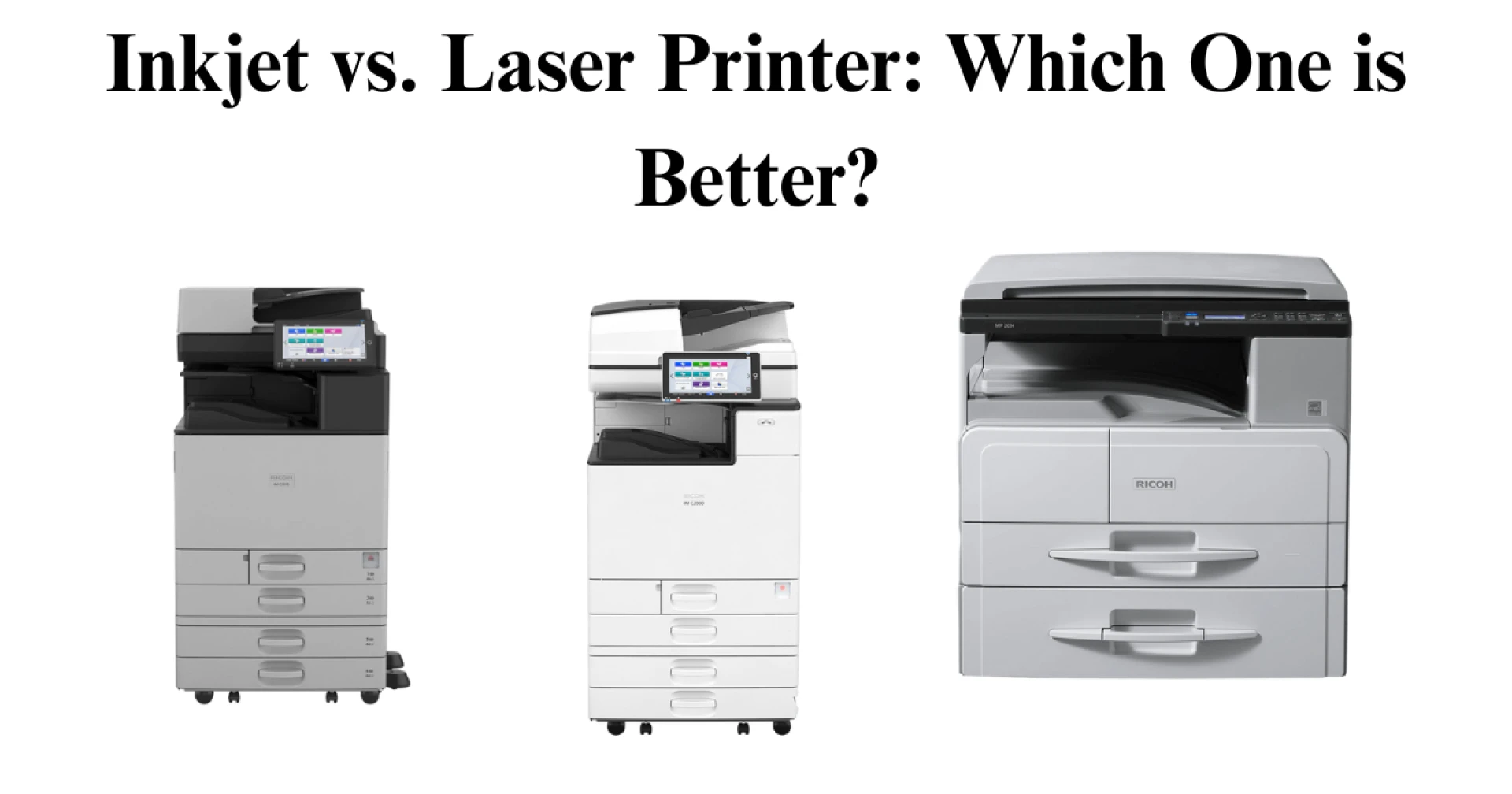
Choosing the right printer can be confusing with so many options available. The three most common types are inkjet, deskjet, and laserjet. Each has its own advantages and disadvantages. Your choice depends on what you need the printer for. Some are better for printing high-quality photos, while others are more efficient for documents. In this blog, we will break down the differences between inkjet, deskjet, and laser printers to help you make an informed decision.
Understanding Printer Types
Before comparing, let’s first understand how each type of printer works.
Inkjet Printers
Inkjet printers use tiny nozzles to spray liquid ink onto paper. These printers are widely used at home and in offices because they can print in both black and white and color. They are compact and generally affordable.
Deskjet Printers
Deskjet is a brand name for a type of inkjet printer made by HP. It is essentially an inkjet printer but has some design modifications. When you hear "deskjet," think of it as an inkjet printer with HP branding.
Recommended Read - Inkjet vs. Laser Printers
Laser Printers
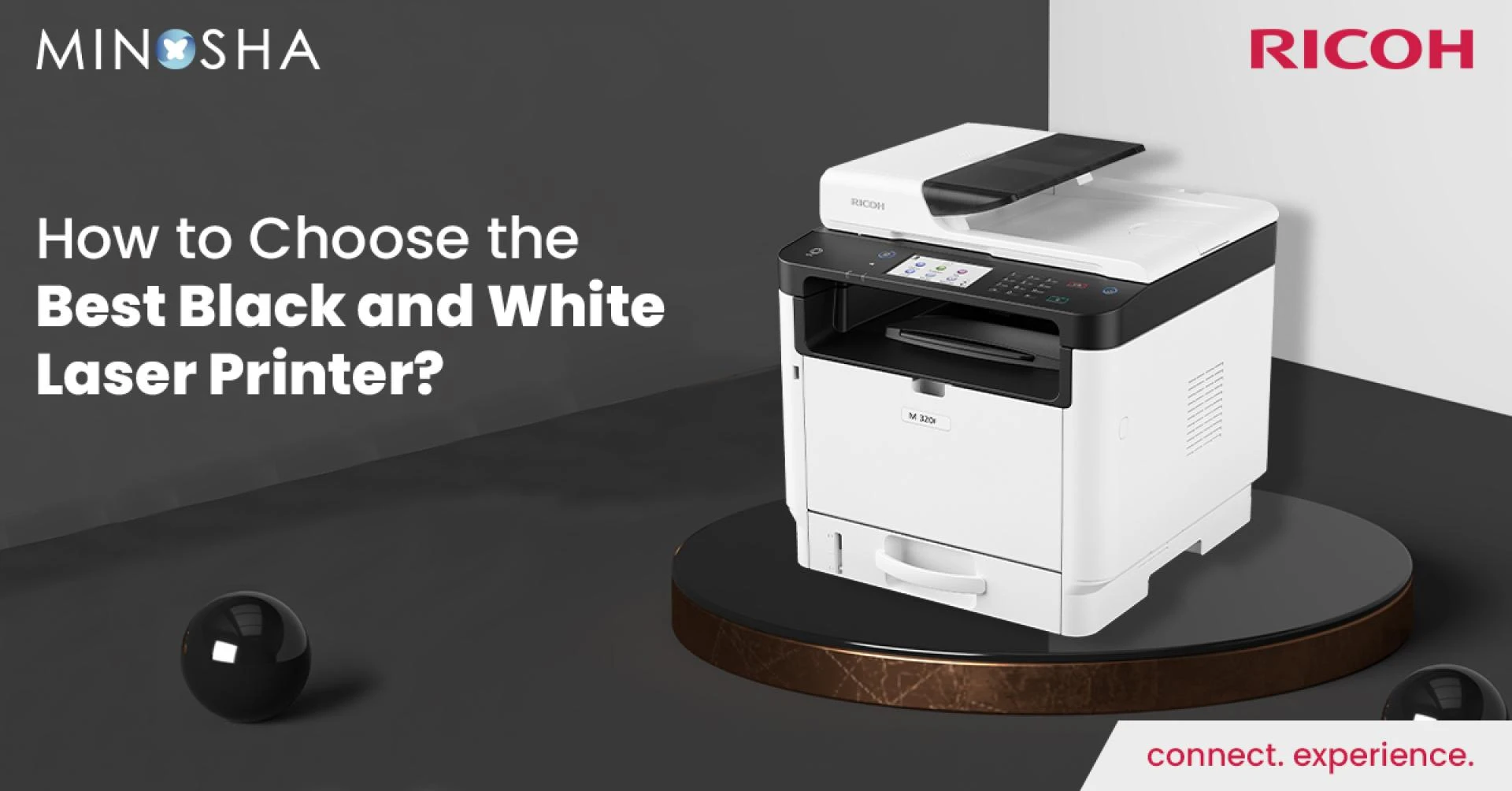
Laser printers use toner powder and a laser beam to print text and images. Instead of spraying ink, they use static electricity to transfer toner onto paper, then apply heat to fuse the toner. These printers are best for text-heavy documents and high-speed printing.
Key Differences Between Inkjet and Laser Printers
Let’s compare inkjet and laser printers in detail.
1. Printing Technology
- Inkjet Printers: Spray liquid ink onto the paper through tiny nozzles.
- Laser Printers: Use a laser to create static electricity that attracts toner onto paper, which is then heated to fuse the image.
2. Print Quality
- Inkjet: Excellent for photos and color images due to smooth color blending.
- Laser: Best for sharp text and black-and-white documents.
3. Printing Speed
- Inkjet: Slower because ink needs time to dry.
- Laser: Much faster, ideal for offices with high-volume printing.
4. Cost of Printer
- Inkjet: Usually cheaper to buy.
- Laser: More expensive upfront but cost-efficient in the long run.
5. Cost of Ink/Toner
- Inkjet: Ink cartridges are expensive and need frequent replacement.
- Laser: Toner cartridges cost more initially but last much longer.
6. Durability and Maintenance
- Inkjet: Ink dries out if not used regularly.
- Laser: More durable and requires less maintenance.
7. Paper Compatibility
- Inkjet: Works well with various types of paper, including glossy photo paper.
- Laser: Best with standard paper; struggles with specialty papers.
8. Size and Space Requirement
- Inkjet: Compact and fits in small spaces.
- Laser: Bulkier and requires more desk space.
Real-World Scenarios: Which Printer Should You Choose?
Choose an Inkjet Printer If:
- You print high-quality photos, color images, or graphics.
- You print occasionally and don’t need high-speed printing.
- You have limited space and need a compact device.
- You want a more affordable printer upfront.
Choose a Laser Printer If:
- You print a lot of text-heavy documents.
- You need high-speed printing with less maintenance.
- You want lower long-term printing costs.
- You need smudge-proof and durable prints.
Environmental Impact
Printers impact the environment in different ways. Understanding this can help you make a more sustainable choice.
Inkjet Printers
- Use liquid ink, which can dry out and lead to waste.
- Ink cartridges are small and require frequent replacement.
- Lower energy consumption compared to laser printers.
Laser Printers
- Toner lasts longer, reducing waste.
- Higher power consumption due to heating elements.
- Toner cartridges are larger but last longer than ink cartridges.
If sustainability is a priority, consider:
- Using remanufactured ink or toner cartridges.
- Choosing Energy Star-certified printers.
- Recycling old cartridges.
Troubleshooting Common Issues
Regardless of the printer type, you may face common printing issues. Here’s how to fix them:
Ink Drying Issues (Inkjet Printers)
- Print a test page every few weeks to prevent ink from drying.
- Store ink cartridges properly when not in use.
Paper Jams
- Use the correct paper type and avoid overloading the tray.
- Keep the paper tray clean and free from dust.
Recommended Read - Enter the new world of possibilities with Production Printer
Poor Print Quality
- Check ink or toner levels.
- Align print heads (for inkjet printers).
- Clean the printer’s interior regularly.
Slow Printing
- For inkjets, choose “Draft Mode” for faster prints.
- Upgrade printer drivers and use a faster connection (USB instead of Wi-Fi).
Deskjet vs. Inkjet vs. Laserjet: Final Comparison
Inkjet Printers
- Technology: Uses liquid ink.
- Best For: Photos and color prints.
- Speed: Slower compared to Laserjet.
- Cost: Cheaper upfront cost.
- Ink/Toner Cost: Expensive, requires frequent ink replacement.
- Durability: Needs regular ink refills, less durable.
- Size: Compact and space-saving.
Deskjet Printers (HP Inkjet)
- Technology: Uses liquid ink (similar to Inkjet).
- Best For: General home use.
- Speed: Slower, similar to Inkjet.
- Cost: Affordable, slightly higher than Inkjet but lower than Laserjet.
- Ink/Toner Cost: Moderate, less expensive than Inkjet but still requires refills.
- Durability: Similar to Inkjet, not as durable as Laserjet.
- Size: Compact, easy to fit in small spaces.
Laserjet Printers
- Technology: Uses toner and laser technology.
- Best For: Text-heavy documents and office use.
- Speed: Faster than both Inkjet and Deskjet.
- Cost: Higher upfront investment.
- Ink/Toner Cost: Cost-efficient in the long run (toner lasts longer than ink).
- Durability: More durable, requires less maintenance.
- Size: Bulkier compared to Inkjet and Deskjet.
Conclusion
Choosing between an inkjet, deskjet, or laser printer depends on your printing needs.
- If you need high-quality color prints or occasional use, an inkjet (or deskjet) printer is a great choice.
- If you print a lot of documents, need high speed, and want lower long-term costs, a laser printer is a better investment.
Consider long-term costs, available space, and what you print most often. This way, you can make a smart choice that fits your budget and needs. Happy printing!
























Sign in to leave a comment.