
Choosing the best black and white laser printer can be challenging with so many options available. Whether you need one for your home, office, or business, the right choice depends on factors like printing speed, print quality, and additional features. This guide explains how to evaluate these aspects so you can make an informed decision.
Step 1: Assess Your Printing Needs
Before exploring features, identify how you plan to use the printer. Ask yourself these questions:
- How often will you print?
- What types of documents will you print?
- Will you need scanning or copying features as well?
- How many users will share the printer?
Your answers will help determine the ideal printer type for your situation.
Step 2: Understand Key Printer Specifications
When evaluating black and white laser printers, these specifications matter most:
1) Print Speed (Pages Per Minute - PPM):
- If you print frequently or in large volumes, choose a printer with a higher PPM rating. For offices, speeds of 30-50 PPM are ideal. For home use, 20-30 PPM should suffice.
2) Resolution (DPI - Dots Per Inch):
- A higher DPI ensures sharper text and graphics. For everyday text printing, 600 x 600 DPI is sufficient. For presentations or professional documents, opt for at least 1200 x 1200 DPI.
3) Paper Capacity:
- Larger input trays minimize refills during high-volume printing. Printers with multiple trays also allow easier management of different paper sizes.
4) Monthly Duty Cycle:
- This indicates the printer's maximum recommended monthly print volume. Choose a model with a duty cycle that exceeds your expected workload for durability.
5) Warm-up Time:
- Fast warm-up times are useful if you frequently need quick prints. Models designed for energy efficiency often have shorter warm-up times.
Recommended Read - 4 Things To Know Before You Buy A Production Printer
Step 3: Evaluate Connectivity Options
Modern ricoh laser printers offer various connection types. Consider the following:
- USB: Reliable for direct connection to a single computer.
- Ethernet: Ideal for office networks where multiple users share the printer.
- Wi-Fi: Enables wireless printing from laptops, smartphones, and tablets.
- Cloud Printing: Some models support printing directly from cloud services like Google Drive or Dropbox.
Choosing the right connectivity option ensures convenient access for all intended users.
Step 4: Choose Between Single-Function and Multifunction Models
A single-function printer only prints, while a multifunction printer includes additional features like scanning, copying, and faxing.
- For home use or small businesses, a multifunction printer can save space and improve productivity.
- Offices with dedicated scanners may prefer a single-function printer for faster output and lower costs.
Step 5: Consider Operating Costs
Printer costs go beyond the purchase price. Pay attention to:
1) Toner Cartridge Yield:
- Toner cartridges with higher yields last longer and reduce replacement frequency.
2) Energy Efficiency:
- Look for Energy Star-certified printers to minimize power consumption.
3) Maintenance Needs:
- Models with fewer moving parts or self-cleaning features require less maintenance.
Step 6: Look for Advanced Features
Some additional features improve convenience and functionality:
1) Duplex Printing:
- Enables automatic double-sided printing, reducing paper consumption and costs.
2) Automatic Document Feeder (ADF):
- Ideal for scanning or copying multiple pages quickly.
3) Touchscreen Control Panels:
- Simplifies navigation and customization of print settings.
4) Secure Printing:
- Features like PIN-protected printing are useful in offices handling sensitive information.
Step 7: Evaluate Build Quality and Design
The printer's build quality affects its longevity and ease of use. Key considerations include:
- Compact Designs: Suitable for home offices or limited workspace.
- Sturdy Trays and Covers: Ensure smooth paper feeding and durability.
- Noise Levels: Quieter models may be preferable for shared or home environments.
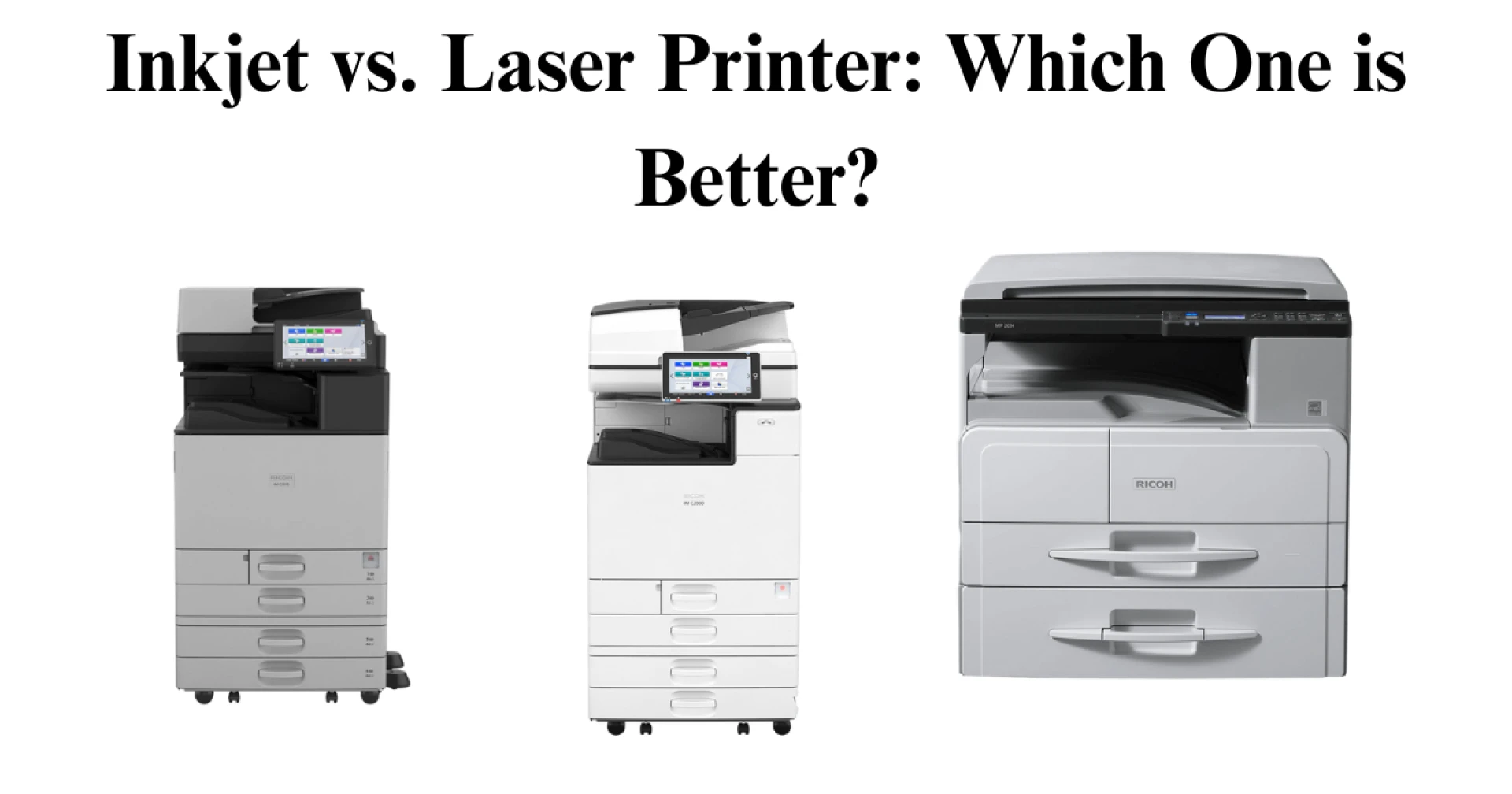
Recommended Read - Inkjet vs. Laser Printers
Step 8: Check Software and Driver Support
Ensure the printer is compatible with your operating system and preferred software. Key points include:
- Driver Availability: Modern printers should support Windows, macOS, and Linux.
- Mobile Printing Apps: These simplify wireless printing from smartphones and tablets.
Step 9: Review Warranty and Support
A solid warranty can save you from unexpected repair costs. Consider:
- Standard Warranty Period: Most printers offer one-year warranties, but extended coverage may be available.
- Customer Support Quality: Choose brands with strong customer support reputations.
Step 10: Compare Brands and Models
Research user reviews and expert ratings to compare reliability, durability, and performance. Trusted sources provide insights on real-world experiences with each model.
Step 11: Calculate Total Cost of Ownership (TCO)
The TCO includes:
- Initial purchase price
- Toner and drum replacement costs
- Energy consumption
- Maintenance expenses
Choosing a printer with low running costs ensures long-term savings.
Step 12: Plan for Future Growth
If your workload is expected to increase, invest in a scalable solution:
- Expandable Paper Trays: Accommodate growing print demands.
- Memory Upgrades: Improve performance for complex print jobs.
- Cloud Integration: Ensures compatibility with evolving digital workflows.
Conclusion
Selecting the best black and white inkjet printer involves understanding your needs, evaluating features, and considering long-term costs. By assessing print speed, resolution, connectivity, and functionality, you can find a model that enhances productivity and fits your budget. Whether you need a printer for occasional use or heavy-duty printing, this guide will help you make a confident and informed decision.





























Sign in to leave a comment.