

Designing a Focus-Driven Environment
A productive home office starts with a clean, well-structured layout that supports focus and efficiency. With more professionals working remotely, creating a dedicated workspace has become important for better time management and productivity. Proper lighting, minimal clutter, and smart organization help reduce distractions and improve concentration during long working hours. A well-planned setup also ensures that everything needed for work is within easy reach, reducing unnecessary interruptions.
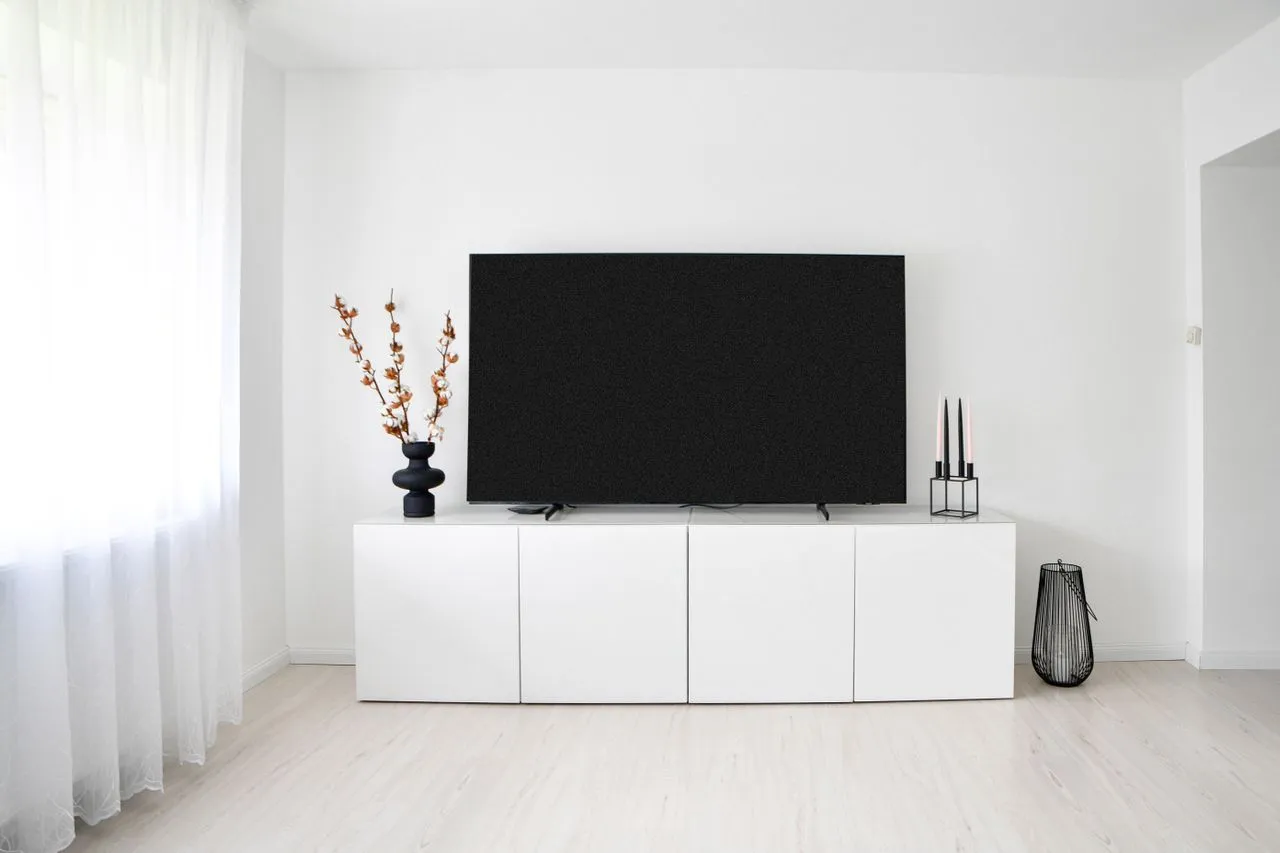
A high quality monitor plays a central role in shaping this environment. It improves visual clarity, supports multitasking, and enhances overall workflow efficiency. Whether handling documents, attending virtual meetings, or managing creative tasks, a clear and wide display reduces strain and increases productivity.
Key elements of a focus-oriented home office setup:
- Clean and clutter-free desk arrangement.
- Proper natural or adjustable lighting setup.
- Dedicated area for work without distractions.
- Comfortable seating with posture support.
- Organized placement of essential tools and devices.
Technology That Boosts Daily Output
Modern home offices are powered by digital tools that simplify communication and task management. Cloud storage platforms, video conferencing apps, and project management software help professionals stay connected and organized. These technologies ensure smooth collaboration even when working remotely, making workflows more efficient and structured.
In many setups, a secondary monitor is used to separate tasks like emails, chats, and reference materials from primary work activities. This helps reduce switching time between applications and improves focus on important tasks.
Essential tech upgrades for productivity:
- High-speed and stable internet connection.
- Cloud-based collaboration tools.
- Wireless keyboard and mouse setup.
- Task management and scheduling apps.
- Secondary display for multitasking efficiency.
Ergonomics and Comfort for Long Hours
Comfort is a major factor in maintaining productivity in home offices. Poor posture or improper screen placement can lead to fatigue and long-term health issues. Ergonomic furniture helps support the body during extended working hours, reduces strain, and improves focus.
The correct position of a monitor is especially important. Keep it at eye level to prevent neck strain and support a healthy working posture the whole day.
Ergonomic best practices:
- Adjustable chair with lumbar support.
- Desk at an appropriate height for comfort.
- Screen aligned at eye level.
- Regular breaks to reduce eye fatigue.
- Proper wrist positioning for typing.
Organized Workflow for Better Efficiency
A structured workflow ensures tasks are completed smoothly without confusion or delays. Digital calendars, reminders, and productivity apps help users plan their day effectively. Keeping communication tools separate from work documents improves clarity and reduces mental clutter.
A dual-screen setup with an extra monitor allows users to manage multiple tasks simultaneously. This setup improves efficiency by reducing the need to switch between tabs and applications repeatedly.
Workflow improvement tips:
- Use digital planners for task tracking.
- Separate communication and work applications.
- Maintain clear daily priorities.
- Use multiple screens for better organization.
- Reduce unnecessary digital distractions.
Creating a Distraction-Free Zone
A dedicated workspace helps establish boundaries between personal and professional life. This separation is important to maintain focus and productivity. Simple design choices like minimal décor, proper lighting, and noise control can significantly improve concentration levels.
A well-positioned monitor ensures that attention remains on work-related tasks, reduces distractions, and improves efficiency throughout the day.
Ways to maintain focus:
- Dedicated work area or room.
- Noise-reducing environment setup.
- Minimal desk accessories.
- Balanced lighting conditions.
- Clear separation from personal spaces.
The Future of Home Workspaces
Home offices will continue to evolve with smart technologies and integrated systems. AI-powered tools, advanced displays, and connected ecosystems will further simplify work processes. These innovations will help professionals achieve higher productivity while maintaining comfort and flexibility. A well-designed home office is no longer just a convenience; it is an essential part of modern working life.





















Sign in to leave a comment.