
Every vendor says their OCR is accurate, fast, and easy to integrate. Most of them are partially right. Knowing what to actually evaluate before you commit can save months of rework.
OCR — Optical Character Recognition — has been around long enough that it's easy to assume it's a commodity. You upload a document, it reads the text, you get data back. What's there to differentiate?
Quite a lot, it turns out. The gap between a basic OCR tool and a well-engineered OCR service shows up not in demos, but in production — when documents are blurry, rotated, multilingual, or structurally inconsistent. That's when the quality differences become very visible, very quickly.
What Basic OCR Does — And Where It Stops
Classic OCR engines were built to read clean, typed text from standardised documents. They work well on printed invoices with consistent formatting, or typed letters with high contrast.
The real world is different. KYC documents arrive as smartphone photos taken in poor lighting. Invoices come from dozens of vendor formats. Forms are partially handwritten. Multilingual content mixes scripts. Standard OCR engines were not designed for this — and when they encounter it, accuracy drops significantly.
The Five Dimensions That Actually Differentiate OCR Services
1. Document Intelligence vs. Raw Text Extraction
The lowest tier of OCR services returns raw text — a string of characters extracted from the image without context or structure. You then have to parse that string yourself to find which part is the name, which is the date, which is the document number.
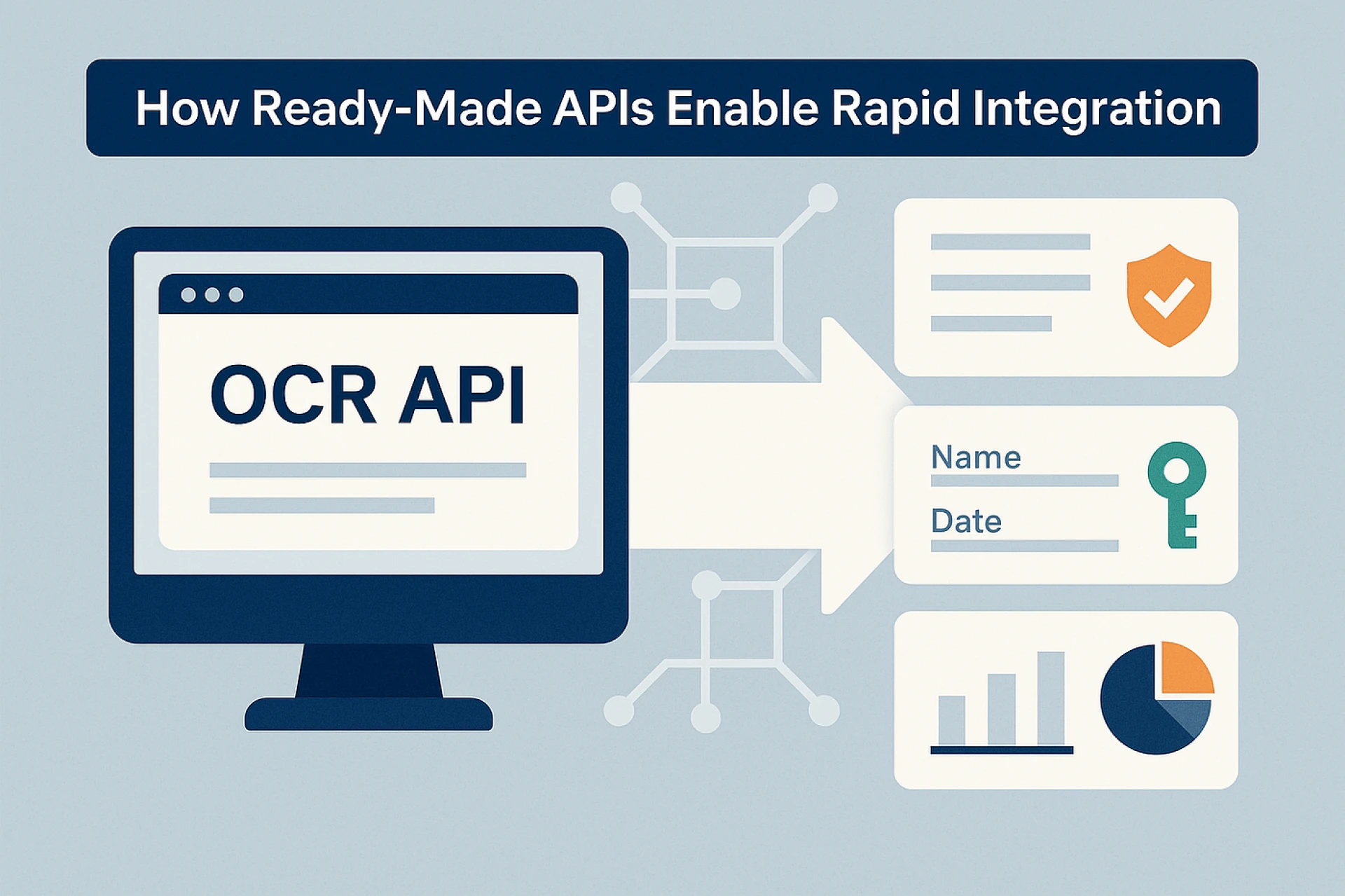
Higher-quality OCR services return structured, field-level data. They know that on an Aadhaar card, the 12-digit number appears in a specific position, that the DOB follows a standard format, that the address spans multiple lines. They extract and label each field separately, returning clean JSON that maps directly to your data schema.
This distinction matters enormously for downstream automation. Parsing raw text requires custom logic per document type. Structured output means integration is immediate.
2. Handling Real-World Document Quality
In production environments, documents are rarely ideal. OCR services handle document quality through preprocessing — image deskewing, noise reduction, contrast normalisation, and orientation detection before extraction even begins.
The quality of this preprocessing layer directly determines accuracy on real-world inputs. A service that performs well on clean scans but degrades on smartphone photos is not production-ready for consumer-facing workflows.
3. India-Specific Document Coverage
For businesses operating in India, generic international OCR services present a real challenge: they are typically not trained on India's document formats. Aadhaar cards, PAN cards, Voter IDs, Driving Licences — each has a specific layout, security features, and font characteristics that require specialised training data.
OCR services built specifically for the Indian market support these document types natively, with models trained on the actual document formats issued by Indian authorities. This is not a minor difference — it directly affects extraction accuracy for the documents most commonly used in Indian KYC workflows.
4. Multilingual and Handwritten Text Support
India has 22 officially recognised languages and numerous regional scripts. Documents often mix English with Hindi, Tamil, Bengali, or other regional languages. An OCR service that cannot handle this multilingual reality will fail on a significant proportion of real Indian documents.
Similarly, many government-issued documents and application forms contain handwritten sections. Handwritten OCR (sometimes called ICR — Intelligent Character Recognition) requires different models from printed text OCR. Services that advertise OCR without specifying handwritten support should be evaluated carefully.
5. Validation Layer Post-Extraction
Extraction and validation are different functions. A service that only extracts data gives you text — it cannot tell you whether that text is plausible.
A service with built-in validation checks extracted fields against expected formats: does the PAN number match the alphanumeric pattern issued by the Income Tax Department? Does the date of birth result in a plausible age? Is the Aadhaar number structurally valid?
This validation layer is what separates OCR services designed for KYC and compliance from those designed for general-purpose data capture.
What to Look For in the API Itself
Beyond accuracy and document coverage, the API design matters for real integration:
- Response format: Does the API return clean, labelled JSON? Or does it require post-processing on your end?
- Speed: What is the average extraction time? For real-time onboarding flows, latency matters.
- SDK and language support: Are SDKs available for your stack — Python, Node.js, Java, PHP?
- Bulk processing: Can the service handle high-volume document batches for enterprise workflows?
- Security and compliance: Is data processed in India? What are the data retention policies?
The Cost of Getting This Wrong
Teams that choose OCR services based on demo performance rather than production criteria tend to discover the problem at the worst possible time — when they're processing real customer documents at scale and error rates spike.
Rework at that stage is expensive: re-engineering extraction logic, re-training manual review teams to catch errors, and managing customer experience failures during verification.
The right approach is to test OCR services on a representative sample of your actual document population — not vendor-provided samples — before committing to integration. The variation in performance across providers on real-world inputs is often significant.
The Bottom Line
OCR services are not commodities. The differences are real, and they compound at scale. Evaluating on structured output quality, India-specific document support, preprocessing robustness, multilingual capability, and built-in validation will give you a much clearer picture of which service will actually perform in production.























Sign in to leave a comment.