
Overheating is one of the most common yet dangerous issues plaguing Dell laptop users. If your laptop frequently shuts down unexpectedly, the fan sounds like a jet engine, or the keyboard becomes uncomfortably hot, your device is sending distress signals. Ignoring these signs can lead to permanent hardware damage, data loss, and costly repairs.

At Dell Service Center In Nagpur, we specialize in diagnosing and resolving overheating issues with expert precision. Whether it’s dust-clogged vents, failing cooling systems, or software-related thermal mismanagement, our certified technicians use genuine Dell parts and advanced diagnostic tools to restore your laptop’s performance.
In this comprehensive guide, we’ll explore:
✔ Why Dell laptops overheat
✔ Common symptoms of overheating
✔ DIY fixes vs. professional repair
✔ Our specialized overheating solutions
✔ Preventive measures to keep your laptop cool
By the end, you’ll know exactly when to seek professional help and why Dell Service Center Nagpur is your best bet for a long-lasting fix.
🔥 Why Is My Dell Laptop Overheating? Common Causes Explained
Overheating doesn’t happen without a reason. Here are the top culprits our technicians encounter daily:
1️⃣ Dust and Debris Clogging Air Vents
Laptops rely on airflow to dissipate heat. Over time, dust accumulates in the vents, fans, and heat sinks, blocking proper ventilation. This forces the cooling system to work harder, leading to:
- Loud fan noise (struggling to cool the system)
- Heat buildup (even during light tasks)
- Sudden shutdowns (thermal protection kicking in)
🔹 Solution: Professional deep cleaning at Dell Service Center Nagpur removes dust from internal components, restoring airflow.
2️⃣ Failing Cooling System (Fans & Thermal Paste)
The cooling system consists of fans, heat pipes, and thermal paste that transfer heat away from the CPU/GPU. Common failures include:
- Broken or stuck fans (not spinning properly)
- Dried-out thermal paste (loses conductivity over time)
- Damaged heat pipes (reduced heat dissipation)
🔹 Solution: We replace faulty fans, reapply high-quality thermal paste, and check heat pipes for damage.
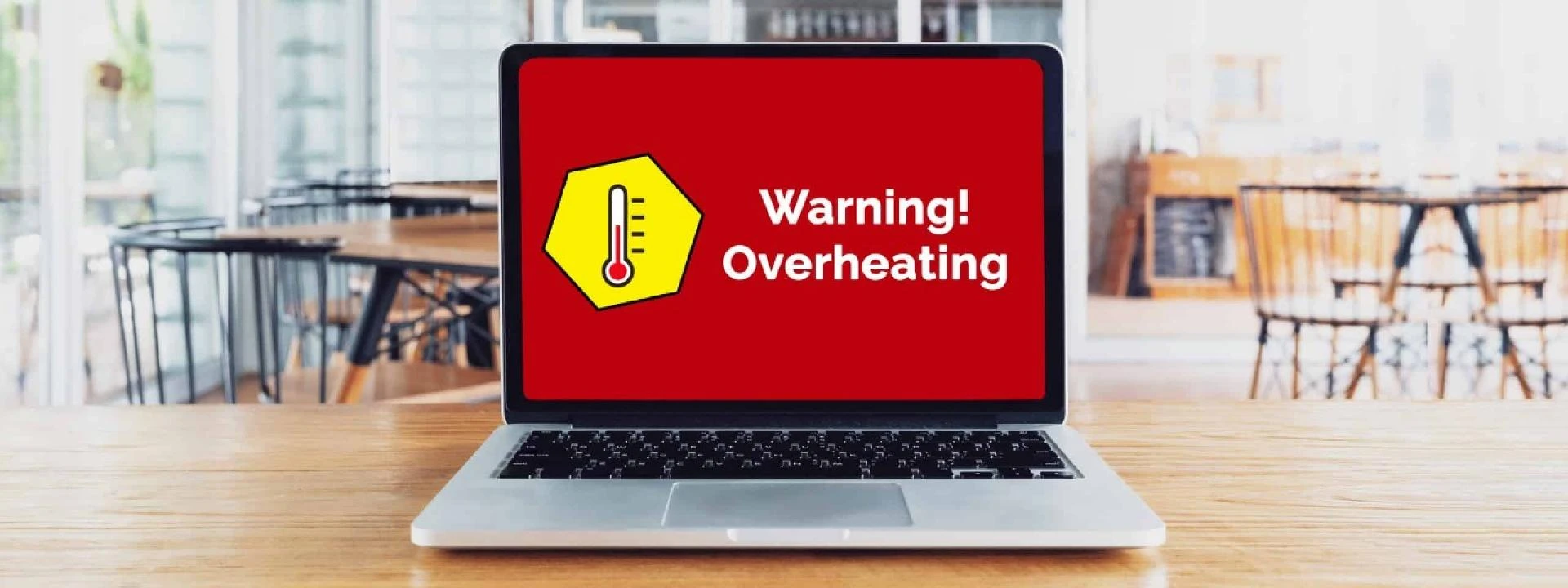
3️⃣ Overworking the CPU/GPU
Intensive tasks like gaming, video editing, or running multiple apps push your laptop’s hardware to its limits. Other factors include:
- Poor ventilation (using the laptop on beds or pillows)
- Outdated drivers (causing inefficient power management)
- Background apps consuming CPU (malware or bloatware)
🔹 Solution: Our technicians optimize system performance by updating drivers, removing bloatware, and recommending cooling pads.
4️⃣ Software & Firmware Issues
Sometimes, overheating is caused by software glitches, such as:
- Outdated BIOS (poor thermal management)
- Firmware bugs (misreporting temperatures)
- Malware or crypto-mining viruses (silently overloading CPU)
🔹 Solution: We perform BIOS updates, malware scans, and system tuning to eliminate software-related overheating.
🚨 Warning Signs: When Should You Visit Dell Service Center Nagpur?
Don’t wait until your laptop crashes permanently. Watch for these red flags:
✔ Frequent Sudden Shutdowns → Overheating triggers safety cutoffs.
✔ Extreme Heat Even During Light Use → Cooling system failure.
✔ Loud or Grinding Fan Noises → Dust buildup or fan damage.
✔ Slow Performance & Throttling → CPU reducing speed to cool down.
✔ Burning Smell or Keyboard Too Hot to Touch → Immediate repair needed!
DIY Fixes vs. Professional Repair
While cleaning vents or using a cooling pad can help temporarily, deep internal issues require expert attention. Opening the laptop yourself can:
- Void the warranty
- Damage delicate components
- Misapply thermal paste (leading to worse overheating)
For safe, long-lasting repairs, trust Dell-certified technicians in Nagpur.
🛠 Our Overheating Solutions at Dell Service Center Nagpur
We don’t just patch the problem — we fix it for good. Here’s what we offer:
✅ In-Depth Thermal Diagnostics
- Infrared thermal scans to identify hotspots.
- Stress testing to replicate overheating conditions.
- Hardware inspection (CPU, GPU, motherboard health).
✅ Professional Internal Cleaning
- Complete disassembly for thorough dust removal.
- Fan & heatsink cleaning to restore airflow.
- Compressed air & anti-static tools for safe servicing.
✅ Genuine Component Replacement
- OEM Dell fans & heat sinks (no cheap knockoffs).
- High-performance thermal paste application.
- Motherboard & power circuit checks (if overheating caused damage).
✅ Software Optimization
- BIOS & driver updates for better thermal control.
- Malware removal to stop hidden CPU overloads.
- Power management tweaks for efficient cooling.
✅ Preventive Maintenance Tips
- Use a laptop cooling pad for better airflow.
- Avoid soft surfaces (beds, couches) that block vents.
- Schedule annual professional cleaning.
🏆 Why Choose Dell Service Center Nagpur?
✔ 100% Genuine Dell Parts – No compromises on quality.
✔ Dell-Certified Technicians – Trained for precise repairs.
✔ Same-Day Service – Fast turnaround for most issues.
✔ Transparent Pricing – No hidden charges.
✔ Warranty Protection – Safe repairs that don’t void coverage.
💡 Did You Know?
Regular servicing can prevent 80% of overheating issues before they damage your laptop.
📞 Don’t Wait Until It’s Too Late—Contact Us Today!
Ignoring overheating can fry your motherboard, kill your battery, or destroy your data. If your Dell laptop is running hot, bring it to Nagpur’s most trusted repair center.
📞 Call Now: +91 7770012802
📍 Visit Us: Anand Govind Apartment, Beside Raghukul Shop, New Dhyaneshwar Nagar,Manewada Rd,Nagpur, Maharashtra 440027
Stay cool. Stay protected. Choose Dell Service Center Nagpur. �💻




























Sign in to leave a comment.