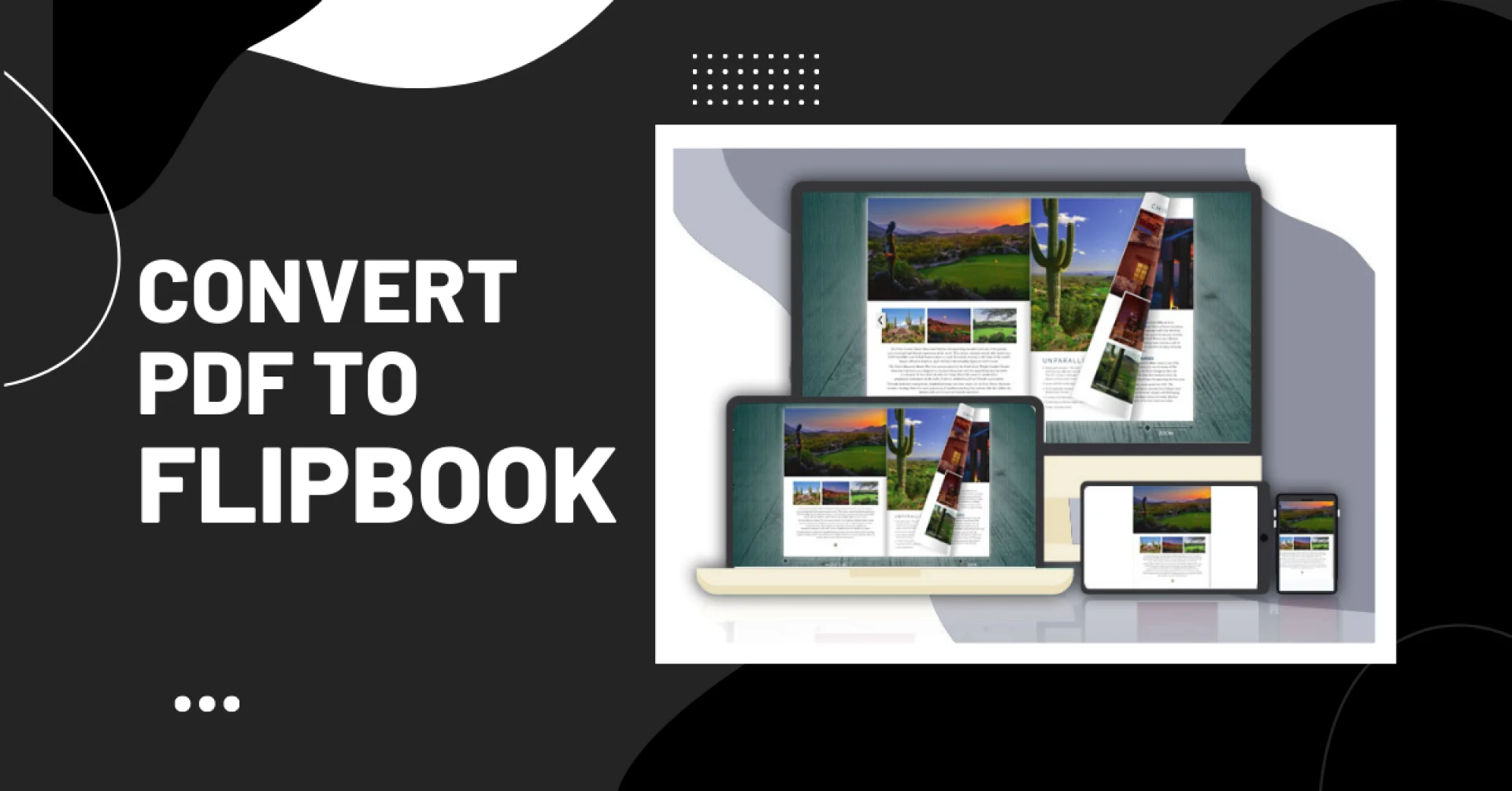

The PDF to flipbook converter or page flip software evolved significantly over the past decade alongside advances in HTML5 and mobile optimization. Modern solutions allow for cross-device publishing, responsive design, analytics integration, and accessibility features like oral narration. While originally used for ebooks and catalogs, page flip software now serves diverse applications from magazines to interactive reports.
What are the benefits of PDF to flipbook converter or page flip software?
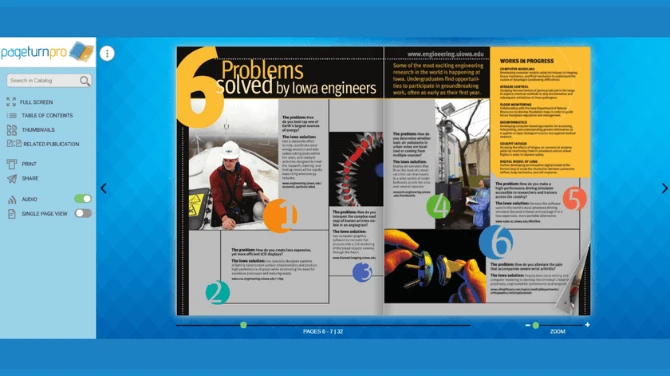
Page flip software provides a more engaging and interactive reading experience compared to traditional PDF files. Instead of simply scrolling through static pages, page flip software recreates the natural experience of flipping through a physical book, magazine, or catalog. This helps bring publications to life in a digital format.
Some key benefits of using page flip software include:
- More engaging and interactive experience - Readers can actively flip through pages with the swipe of a finger, click on navigation buttons, zoom in on content, listen to embedded multimedia, and more. This interactivity keeps readers more focused on consuming the content.
- Ability to embed multimedia - Page flip software enables embedding video, audio, animations, slideshows, and other multimedia content seamlessly into digital publications. This brings an extra layer of engagement that plain PDFs lack.
- Mobile and tablet-friendly formats - Page flip publications are designed for optimal viewing and navigation on mobile devices and tablets. This makes the content easily accessible on screens of any size. The responsive design ensures a comfortable user experience on smartphones and tablets specifically.
With these core benefits, page flip software provides a much more immersive and interactive way to engage readers compared to standard PDFs. The multimedia integration, mobile-friendly interface, and natural page-flipping function give publications a big boost in capturing user attention and interest in the digital realm.
What are the use cases and applications?
Page flip software offers numerous potential use cases and applications to engage users and add interactivity. Some of the most common and impactful uses include:
Digital Magazines and Catalogs
Page flip software can help bring digital magazines and catalogs to life through dynamic page-turning, zooming, and multimedia effects. It creates a more immersive reading experience compared to static PDFs. Brands use page flip catalogs to showcase product lines and collections in an interactive format optimized for web and mobile. Readers can virtually flip through pages just like a print publication.
Interactive Reports and Presentations
Businesses are leveraging page flip software to create interactive annual reports, company reports, whitepapers, and presentations. Page-turning animations and multimedia integration make these documents more visually compelling. The interactivity keeps audiences engaged as they consume complex data, narratives, and ideas. Interactive reports also enable easier sharing and navigation compared to traditional static reports.
EBooks
Digital publishing platforms frequently integrate page flip capabilities to enhance eBook reading experiences. Readers can turn pages, zoom, search text, jump to sections, and more. Page flip eBooks promote deeper engagement as readers consume long-form content. It brings convenience and versatility that print books lack while preserving the familiar page-turning metaphors.
Photo Albums
Both professional photographers and everyday users are creating interactive photo albums with page flip software. Viewers can admire photos by flipping through pages just like a physical photo album. It enables more visually immersive and seamless viewing of images compared to separate files. The interactivity makes digital albums more engaging and fun to explore.
Page flip software provides diverse applications to engage audiences while preserving familiar print metaphors. The interactivity makes digital content more compelling and interactive across devices.
How to use PDF to flipbook converter?
The below-given points can give you an idea of how to use the PDF to flipbook converter:
- Upload PDFs into the converter
- Add interactive components to your flipbook
- Add branding to your flipbook
- Promote your flipbook on different online platforms
- Track the analytics






























Sign in to leave a comment.