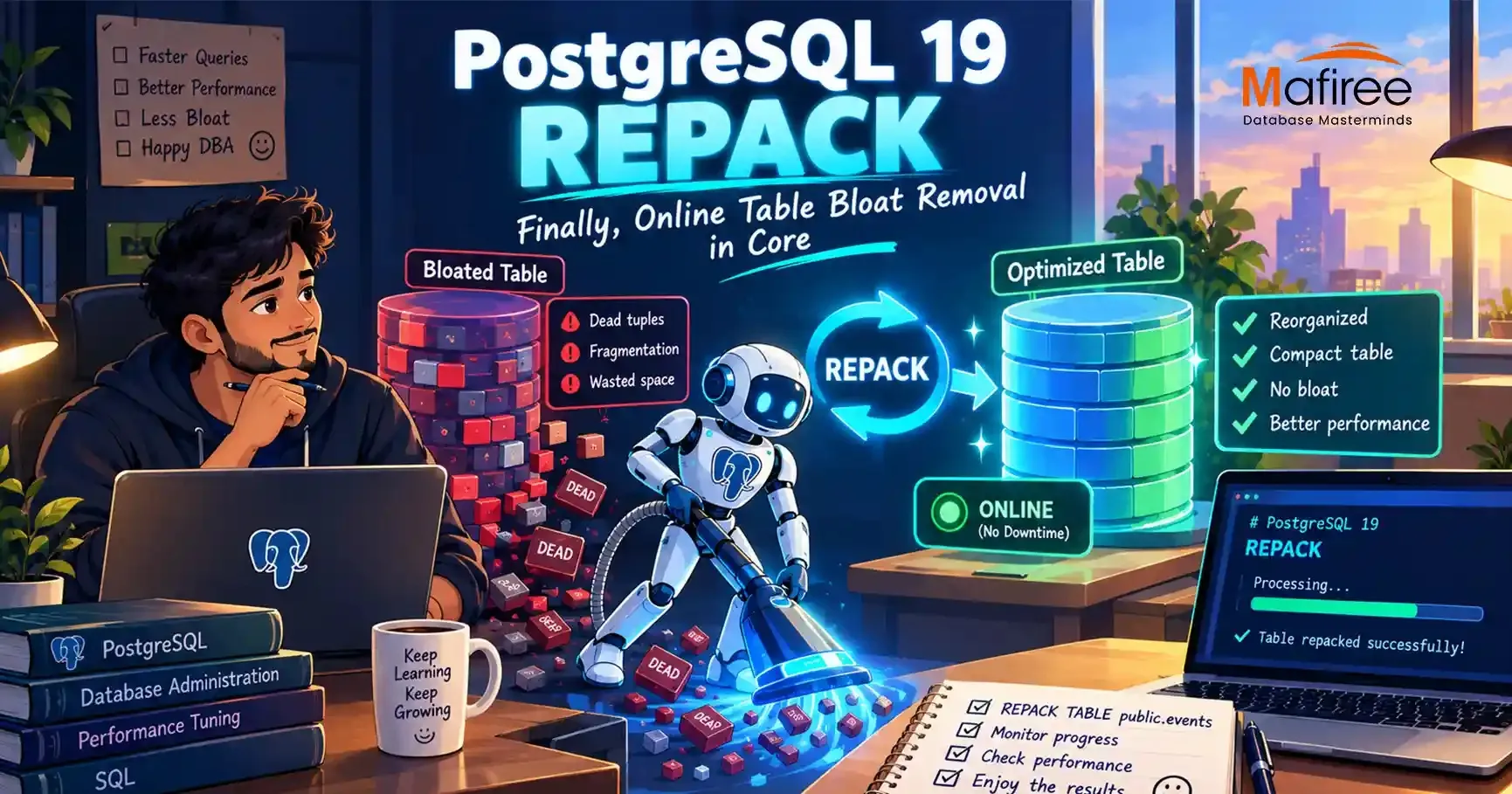

PostgreSQL 19 REPACK is a native command that unifies VACUUM FULL and CLUSTER and adds a CONCURRENTLY option to cut downtime. After a large delete or update-heavy workload, a table can bloat, and autovacuum can't return that space to the operating system. DBAs faced two poor choices: VACUUM FULL, which locks the table for the entire rewrite, or the third-party pg_repack extension, with the hope that version, permissions and maintenance window all line up.
PostgreSQL VACUUM FULL vs REPACK:Why the Old Tools Fell Short
VACUUM FULL rewrites a table into a new file, discards dead tuples and returns space to the OS. CLUSTER does the same but also reorders rows by an index, which helps range scans. Both hold an ACCESS EXCLUSIVE lock throughout, so on a multi-hundred-GB table that means a scheduled outage. This is why pg_repack became a standard tool: it builds a shadow table, captures changes with triggers, and swaps the tables at the end.
What REPACK Is
Both older commands were doing the same job of copying live tuples into a new file and swapping it in, differing only in whether index order was preserved. REPACK treats them as two modes of one operation, giving the project a single place to add features like concurrency. It copies live rows, rebuilds every index into new files, and swaps them in.
Its options are VERBOSE, ANALYZE and CONCURRENTLY. Plain REPACK table; behaves like VACUUM FULL, adding USING INDEX makes it behave like CLUSTER, and specific columns can be named. The \h repack command in psql shows the full syntax, and the official PostgreSQL 19 documentation is the source of record.
How CONCURRENTLY Works
With CONCURRENTLY, REPACK avoids holding an ACCESS EXCLUSIVE lock during the main table-copy operation. Changes made during the copy are captured using logical decoding and applied before the final file swap. The ACCESS EXCLUSIVE lock is acquired only for that swap and is typically held for a short period.
The Hands-On Test
The author built a one-million-row table with a primary key and two secondary indexes, then simulated churn with repeated updates (all rows twice, then half, then a third) and a 10% delete. The table used 1341 MB, its indexes 241 MB, and the total was 1582 MB, despite holding under a million live rows.
REPACK (VERBOSE, ANALYZE) took about 27 seconds and reported removable and nonremovable row versions plus CPU, buffer and WAL statistics. Afterward the table was 370 MB, the indexes 89 MB, and the total 459 MB.
Monitoring with pg_stat_progress_repack
This new view lets you watch a running repack from another session. It exposes the phase, command, relation ID, index in use, heap tuples scanned, inserted, updated and deleted, block progress, and index rebuild count. The phase column shows which stage the job is in, so you needn't guess whether it's stuck.
Limitations
REPACK (CONCURRENTLY) cannot be used when:
- the table is UNLOGGED;
- the table is partitioned (individual partitions can be repacked one at a time);
- the table lacks a primary key and index-based replica identity;
- the command runs inside a transaction block.
Any repack also requires the MAINTAIN privilege on the table, which matters for lower-privileged automation users.
Should You Keep pg_repack?
Yes, until you are on PostgreSQL 19 GA, since it is the only online option on version 18 and earlier. It may also remain useful for edge cases such as partitioned tables as a whole, thanks to its per-partition batch tooling and its record on very large jobs. For a single logged table with a primary key, native REPACK (CONCURRENTLY) removes an extension dependency and a maintenance window, and adds a progress view.
Conclusion
Bloat has always been well understood. What was missing was a fix that didn't force a choice between reclaiming space and staying online. VACUUM FULL gave the first at the cost of the second, and pg_repack gave both but needed a version-matched extension everywhere. REPACK in PostgreSQL 19 brings that into core, with progress monitoring included.






























Sign in to leave a comment.