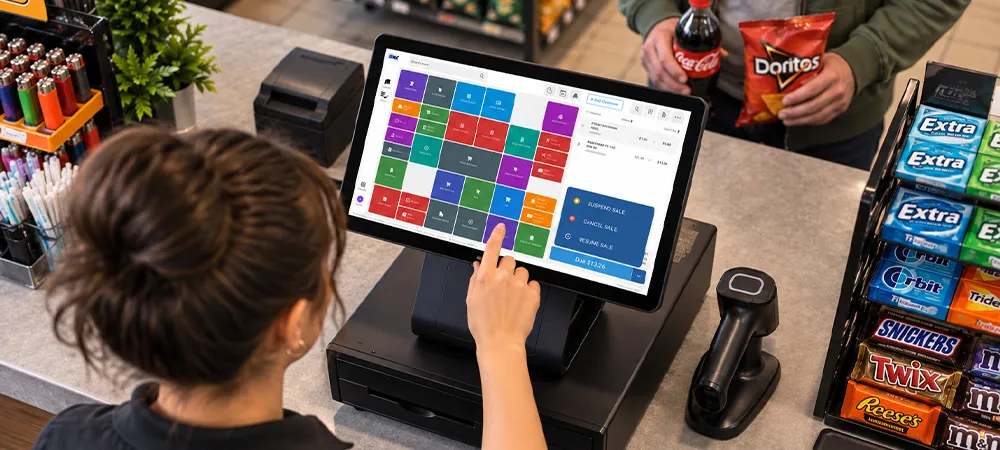

The U.S. has 151,975 convenience stores, and many are run by small businesses. In fact, 63% are owned by companies with 10 or fewer locations, according to the National Association of Convenience Stores (NACS).
That means most of your competitors are small operators just like you. And when customers have other options nearby, a rough first week can be enough to send them down the street. Careful preparation before opening a convenience store can help you avoid those early headaches and start your store on the right foot.
If you’re figuring out how to start your own convenience store, there's a lot to think about before you unlock the doors for the first time. Follow along to learn about selecting products for local demand, finding reliable suppliers, setting up your checkout system, and more.
1. Choose the Right Products for Your Store
Shelf space is limited, so every slot has to earn its keep.
Identify Everyday Essentials
Start with what people run out of at 9 p.m.: milk, bread, eggs, bottled water, pain relievers, and more. These everyday essentials should be easy to find and consistently in stock, since an empty shelf sends customers elsewhere for everything else.
Select Products Based on Customer Demand
Analyze the store location and who lives and works there. For example, a store near a university campus may see strong demand for evening snack sales, while a store near an employment area may see more customers looking for coffee and breakfast before 6 a.m.
Foodservices made up 28.5% of in-store sales and 38.9% of in-store gross profit dollars in 2025, according to NACS’ 2025 industry data, so a coffee station is worth pricing out. Record your choices in your convenience store business plan.
2. Organize Your Store for Easy Shopping
A good convenience store setup lets someone grab a drink and a snack in a couple of minutes.
Plan an Efficient Store Layout
Audit your store as if you were a customer, holding a stopwatch. Think about where customers naturally go for everyday items and where you can make frequently purchased products easy to find. Store items such as milk and bread in areas where consumers will pass snack items and beverages, and ensure that aisle widths accommodate strollers.
Create Clear Product Displays
Group similar products together, use readable price stickers, and make sure impulse purchases such as gum and candy are located near the cash register. Products should be pulled forward to the very front edge of each shelf to keep displays looking full and make empty spaces easier to spot.
3. Build Relationships with Suppliers
Suppliers set what you can stock, what it costs, and how often the truck arrives.
Compare Wholesale Suppliers
Get quotations from a cash-and-carry club, a regional distributor, and a few brand representatives. Compare prices per unit, minimum purchase amounts, delivery schedules, and return policies. There is no use having a low price when deliveries occur once every two weeks.
Plan Regular Stock Replenishment
Set reorder points for each fast-moving item, including bottled water and energy drinks, to ensure that orders are placed before you run out of stock. Have a secondary source for the top ten selling items and review the list regularly.
4. Prepare Your Employees for Opening Day
Shelves and signage can't make up for a cashier who's guessing.
Train Staff on Checkout and Customer Service
Make all employees enter trial transactions prior to the launch date: cash sales, card sales, voids, returns, and restricted-age products. Don’t forget to practice some uncomfortable scenarios, like denying a sale of tobacco/alcohol products to customers without proper identification.
Set Daily Store Procedures
Create a one-page list for the end-of-day close-out routine, including drawer count, cooler checks, sweeping, stocking, and locking up. It allows new employees to follow along while you handle other responsibilities, helping keep daily routines consistent and your store looking just as good on day 30 as it did on day one.
5. Prepare Your Checkout and POS System
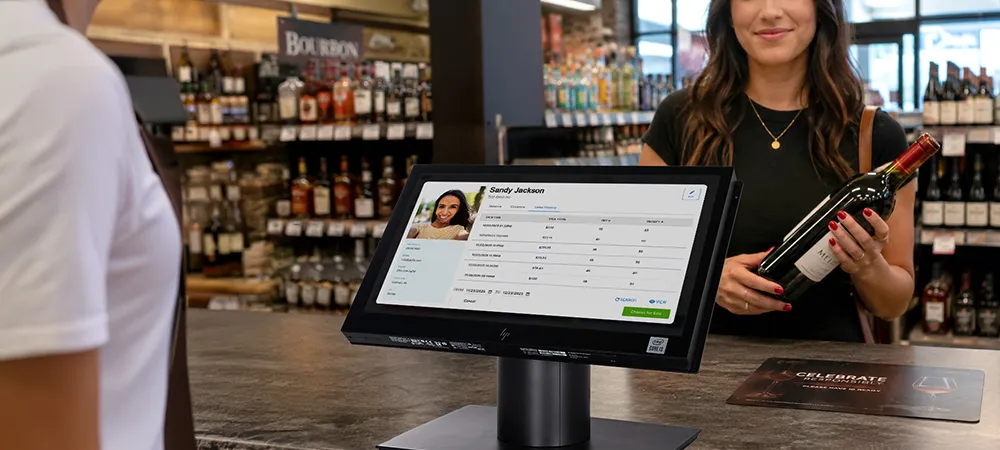
In 2025, according to NACS, the typical U.S. convenience store processed around 1,484 transactions daily, including fuel. Even a small mistake on the point of sale (POS) can occur rapidly due to this high volume.
Set Up Barcode Scanning and Payments
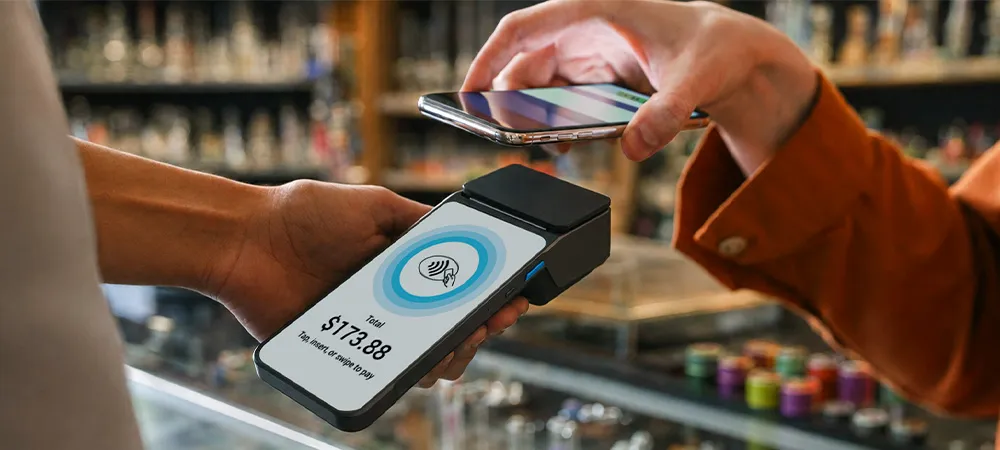
Scan all products into the POS before opening and correct any problems with misreadings and incorrect pricing before opening day. Manually enter products without barcode scanning capabilities. Finally, perform tests of cash, debit/credit cards, tap, and mobile wallet payment transactions.
Test Inventory Tracking and Sales Reports
Manual counting of inventory becomes repetitive fast. Choose an electronic tracking solution that logs inventory, lottery sales, and reporting into one platform. Make a few sales and confirm that your inventory decreases as expected while the end-of-day report accurately reflects your sales and payment totals.
6. Create a Pre-Launch Checklist
Use this step-by-step convenience store checklist during your final week.
Organize Shelves and Verify Product Prices
Fill each shelf, check 20 or 30 price stickers to ensure they match the prices charged at checkout, and remove any expired or spoiled items. Make sure that signs match the promotions programmed into your system.
Test Equipment Before Opening
Make sure that all equipment runs properly for an entire day. Set up temperature-controlled coolers, receipt printers, scanners, camera systems, alarms, and wireless internet access before opening the doors. Keep the phone numbers of repair technicians and POS support teams near the cash register.
Plan a Soft Opening
Invite local neighbors, friends, and employees from nearby companies to visit your retail establishment for one or two days prior to the grand opening. Listen carefully to any concerns regarding confusion or difficulty finding certain things. Use that feedback to make final adjustments before announcing your grand opening.
Conclusion
The opening day of any convenience store puts all aspects of the business to the test. Owners who prepare ahead of time can catch small issues before they become bigger headaches. Stocking the shelves with products that fit local demand, ensuring customers can move easily through the store, and familiarizing employees with procedures all help keep the sales process running smoothly.
Reliable POS software ties those pieces together once the doors open. It records every sale, keeps stock counts current, and shows in week one which products move, so your second order is smarter than your first.
























Sign in to leave a comment.