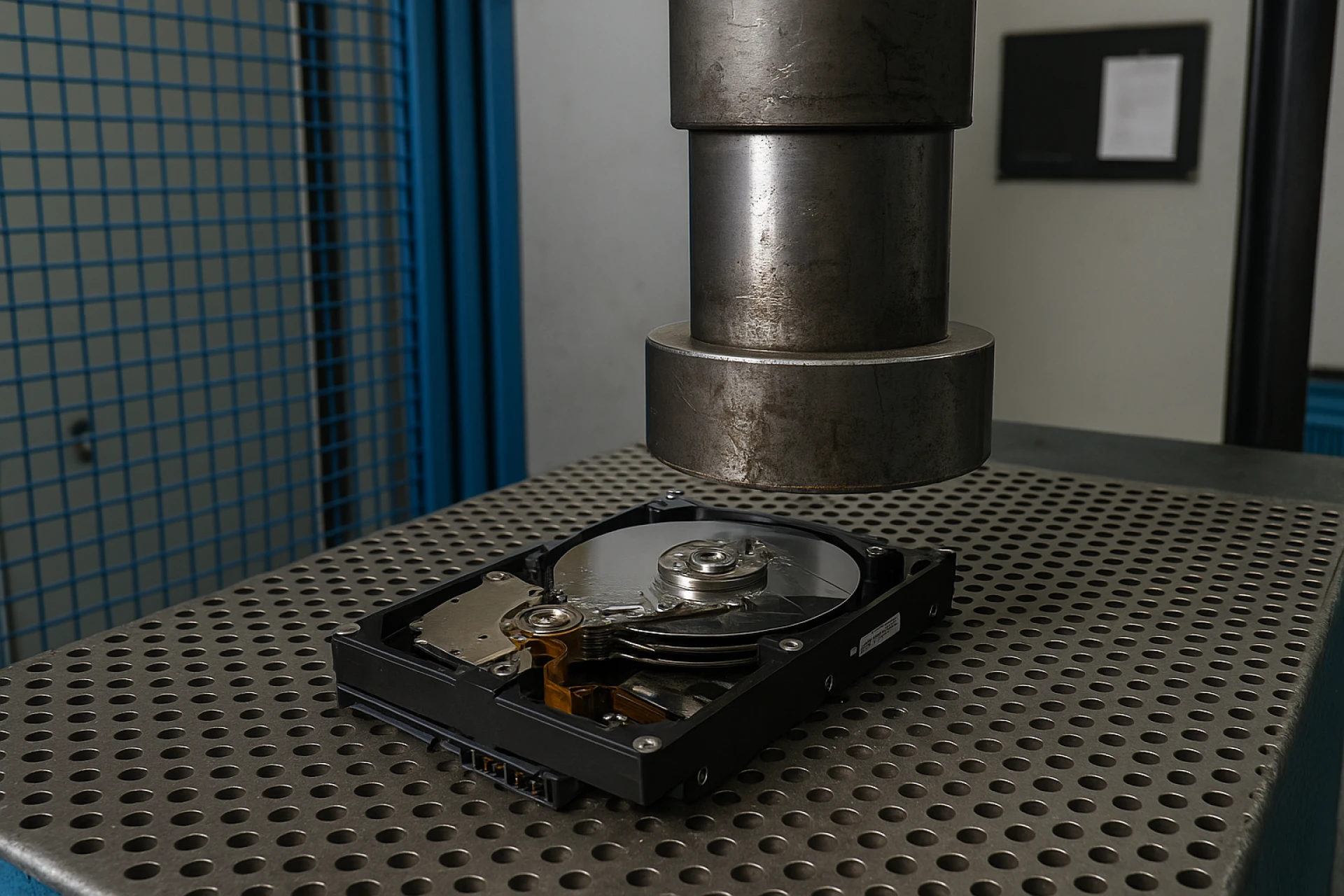

Data is your most valuable asset—and your biggest liability when end-of-life devices aren’t handled correctly. Whether you’re upgrading workstations, decommissioning a data center, or consolidating offices, proper hard drive disposal service is not optional. It’s a compliance requirement, a brand-protection move, and a core part of any responsible IT asset disposition (ITAD) program. In this guide, we’ll break down what secure hard drive destruction really means, where companies go wrong, and how to build a repeatable process for secure hard drive disposal at scale.
Why Secure Disposal Matters (More Than You Think)
Discarded media keeps turning up with recoverable data—customer records, source code, PHI/PII, even credential caches. Beyond the reputational risk, multiple frameworks mandate verifiable destruction:
- HIPAA/HITECH for healthcare data
- GLBA for financial institutions
- FACTA Disposal Rule for consumer information
- SOX and SEC guidance for public companies
- State privacy laws (e.g., CCPA/CPRA) and contractual obligations
A certified hard drive disposal service gives you documented proof that data is irretrievable, materials were handled responsibly, and your organization stayed on the right side of audit trails.
Destruction vs. “Deletion”: What Counts as Secure?
Dragging files to the recycle bin isn’t destruction. Neither is a basic format. To meet legal and security standards, choose one (or a combo) of the following:
1) Cryptographic Erasure / Certified Wipe
Software-based wiping overwrites data to NIST-recognized standards (e.g., NIST SP 800-88 Rev. 1 “Clear” or “Purge”). It preserves device resale value when performed and verified correctly. Best for healthy HDDs and certain SSDs.
2) Degaussing (for Magnetic Media)
A controlled magnetic field neutralizes the platters inside traditional HDDs. It renders drives inoperable and data unreadable. Note: degaussing does not work on SSDs or flash-based media.
3) Physical Destruction (Shredding / Crushing / Shearing)
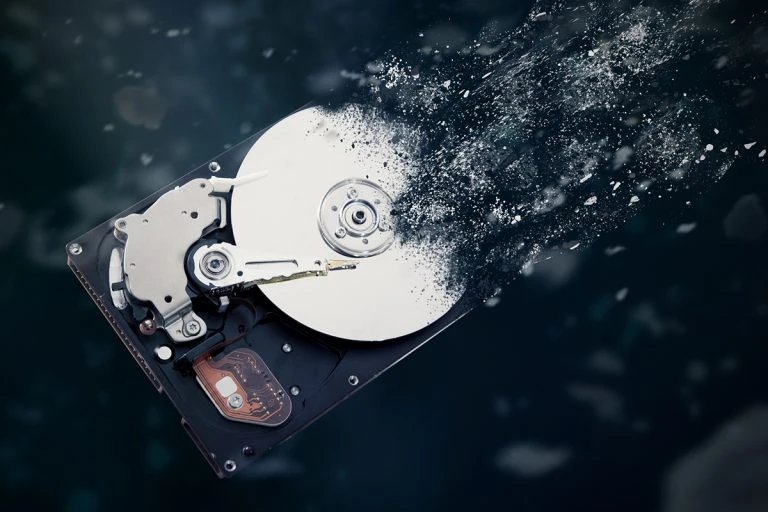
Industrial shredders reduce drives to small, uniform particles—meeting NIST “Destroy” guidance. For secure hard drive destruction, particle size matters (many enterprises specify ≤ 2 cm). Crushing and shearing are options, but shredding is the gold standard when absolute certainty is required.
Pro tip: Many programs combine a certified wipe (to capture remarketing value) with shredding for failed drives, SSDs, or high-risk datasets.
Special Handling: SSDs, NVMe, and Flash Media
SSDs store data across distributed cells, which makes traditional overwriting less reliable if not performed with the proper tools and verification. For flash media (SSDs, NVMe, USBs, SD cards):
- Prefer NIST-compliant purge tools that support the drive’s sanitize commands, or
- Go straight to physical destruction via shredding with screens rated for flash media (smaller particle spec).
When in doubt, shred.
On-Site vs. Off-Site: Which Hard Drive Disposal Service Is Best?
You have two secure paths—often used together depending on risk profile and volume.
On-Site (Mobile) Destruction
A certified vendor arrives with a mobile shredder. Your team watches drives destroyed curbside.
Best for: high-risk data sets, executive devices, regulated industries, and tight chain-of-custody control.
Pros:
- Zero media leaves your premises intact
- Immediate, witnessed destruction
- Instant certificates and serialized logs
Considerations:
- Slightly higher cost per unit
- Access/parking/logistics for the shred truck
Off-Site Destruction
Devices are sealed in tamper-evident containers, transported under documented chain of custody, and shredded in a secure facility.
Pros:
- Efficient for large volumes
- Full audit trail and video monitoring available
- Typically lower unit cost
Considerations:
- Your risk tolerance must be comfortable with transport (mitigated by strict custody protocols)
Many programs adopt a hybrid model: on-site for top-risk assets, off-site for bulk.
The Hallmarks of a Secure Hard Drive Disposal Partner
When vetting a provider for secure hard drive destruction, use this checklist:
- Standards & Certifications
- Follows NIST SP 800-88 Rev. 1 guidance (Clear/Purge/Destroy)
- R2/RIOS or e-Stewards certifications (for downstream environmental handling)
- ISO 9001/14001/45001 for quality, environment, and safety
- Chain of Custody
- Serialized asset tracking from pickup to final destruction
- Tamper-evident seals, locked containers, GPS-tracked vehicles
- Dual-personnel handling and secure facilities with access logs
- Destruction Controls
- Documented particle size specifications (e.g., ≤ 2 cm for HDD, ≤ 1 cm for SSD)
- CCTV monitoring and retention, witness options, and signed certificates
- Reporting & Certificates
- Certificate of Data Destruction with serial numbers, method, date, and location
- Audit-ready logs suitable for HIPAA/GLBA/SOX reviews
- Environmental Responsibility
- EPA-compliant downstream recycling and zero-landfill policy for e-waste
- Clear documentation of where metals, plastics, and boards go
- Security Culture
- Background-checked staff, NDAs, trained techs, PPE/safety adherence
- Dedicated point of contact and SLAs for responsiveness
Building a Repeatable, Audit-Proof Disposal Workflow
Here’s a simple, scalable playbook you can adapt across locations:
- Inventory & Classify
- Pull a device list with asset tags/serials. Classify by risk (e.g., executive, PHI/PII, standard).
- Decide the Method
- Wipe remarketable devices; destroy failed/high-risk media on-site.
- Package & Protect
- Use locked bins, tamper-evident seals, and custody forms.
- Schedule & Supervise
- Book on-site shredding or secure pickup. Assign a witness for sign-offs.
- Verify & Document
- Match serialized certificates against your inventory list. Store records centrally.
- Recycle Responsibly
- Ensure materials go to certified downstream recyclers. Request monthly or quarterly environmental impact summaries (e.g., pounds diverted from landfill).
- Review & Improve
- After each cycle, close gaps (e.g., missed serials, timing delays). Update SOPs.
Don’t Overlook These Media Types
A robust secure hard drive disposal program should also cover:
- Backup tapes (LTO/DLT)—often require degaussing or shredding
- External USB drives and SD cards—treat as SSD/flash
- Copiers/MFPs with internal storage
- Networking gear with removable flash (firewalls, routers, switches)
- Medical or lab devices containing embedded drives (follow PHI/PII rules)
If it stores data, it deserves a data-destruction decision.
Cost, Risk, and Value Recovery
Budget decisions should weigh risk exposure far more than per-unit price. That said, you can control cost by:
- Consolidating volumes and scheduling quarterly rather than ad-hoc service
- Wiping healthy drives for resale value, shredding only what’s required
- Using off-site for bulk and on-site for high-risk media
- Contracting a single provider to bundle ITAD, logistics, and hard drive disposal service
The right partner lowers total cost of risk while supplying clean documentation for audits and sustainability reporting.
Key Takeaways
- Deletion isn’t destruction—adhere to NIST 800-88.
- Choose the right method per asset: wipe, degauss (HDD), or secure hard drive destruction via shredding.
- Control chain of custody end-to-end with serialization and sealed containers.
- Demand certificates, CCTV options, and certified downstream recycling.
- Treat SSDs/flash separately; when uncertain, destroy.
- Make it a repeatable SOP so audits are painless and risk stays low.
When it’s time to retire storage media, a certified hard drive disposal service transforms a liability into a documented win for security, compliance, and sustainability. That’s how mature organizations protect their brand—and sleep at night.




























Sign in to leave a comment.