
Introduction
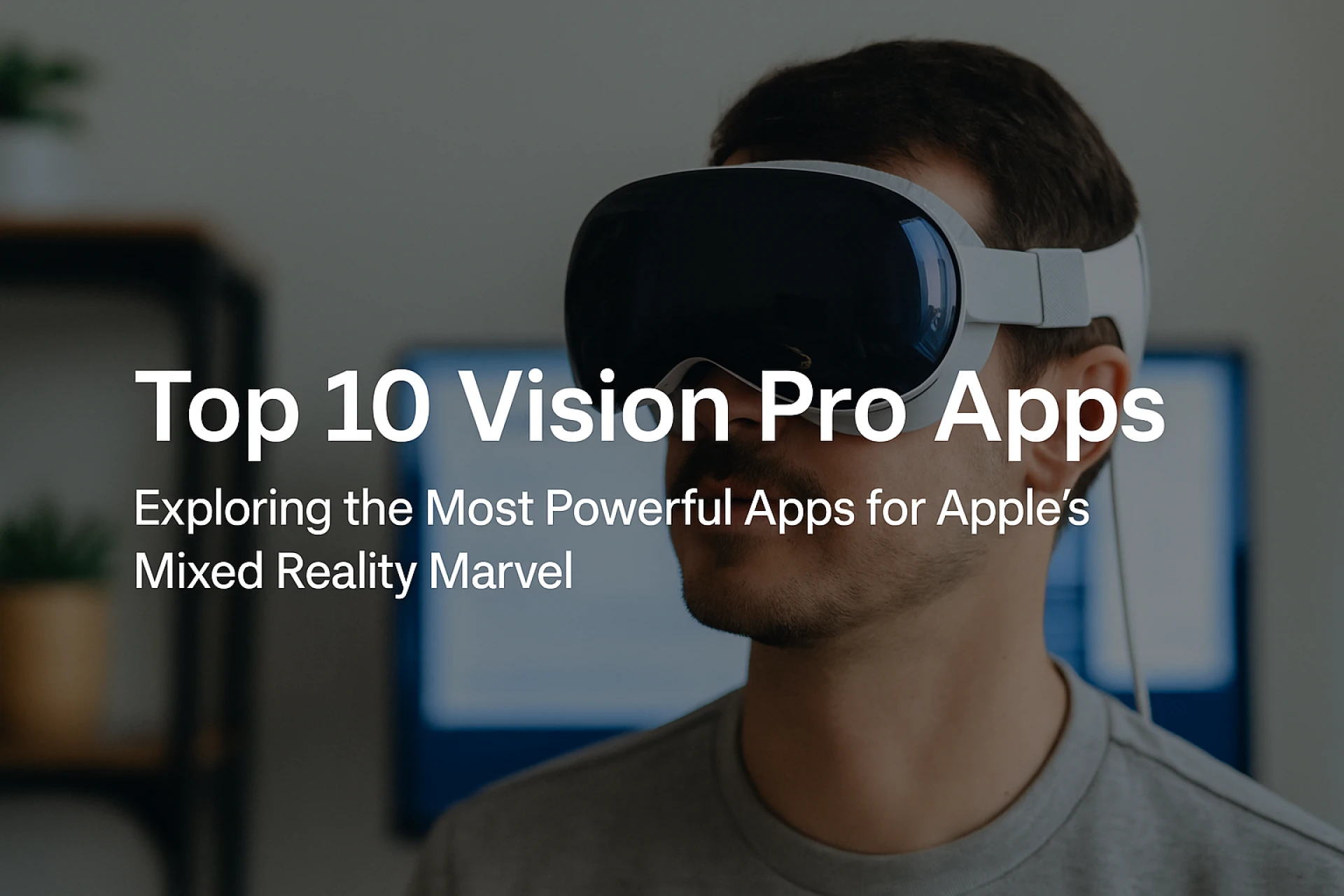
The Apple Vision Pro is not just another wearable device—it’s a revolutionary leap into spatial computing. With immersive augmented and virtual reality capabilities, it blurs the boundaries between the digital and physical worlds. But what truly sets the Vision Pro apart is its ecosystem of apps. These aren’t just mobile apps with 3D skins—they’re native experiences built to redefine how we interact, work, learn, and create.
In this post, we’re exploring the top 10 Vision Pro apps making waves in 2025. Whether you're a developer, early adopter, or business owner, this curated list offers a peek into the future—and why you should pay attention.
1. Microsoft 365 Immersive Suite
Category: Productivity
Microsoft has transformed the workplace by launching immersive versions of Word, Excel, and PowerPoint for Vision Pro. Users can manipulate data in 3D, visualize presentations spatially, and write content while floating in a distraction-free environment.
Why It Stands Out:
Gesture controls and multi-window spatial layouts make productivity futuristic and efficient.
2. Zoom for Vision Pro
Category: Communication
Video conferencing takes a dramatic turn with Zoom’s spatial environment. Picture attending a virtual meeting where participants sit in a simulated boardroom, complete with eye contact, body gestures, and shared virtual whiteboards.
Why It Stands Out:
It enhances remote collaboration with realistic presence and multi-device continuity.
3. SkyGuide AR
Category: Education / Astronomy
Transform your living room into a planetarium. SkyGuide on Vision Pro allows users to explore constellations and planets in real-time with an interactive spatial overlay.
Why It Stands Out:
Perfect for students and astronomy buffs who want a hands-on cosmic experience.
4. JigSpace
Category: Industrial Design / Education
JigSpace is your go-to app for 3D presentations, prototyping, and learning. From showcasing mechanical components to creating explorable diagrams, it’s widely used in manufacturing, healthcare, and education.
Why It Stands Out:
It’s a practical tool for industries that rely on physical modeling, now done virtually with precision.
5. Disney+ Immersive
Category: Entertainment
Disney brings storytelling to life. Watch Star Wars or Marvel content in full 3D environments, where you're not just watching a movie—you're in it.
Why It Stands Out:
Exclusive 360-degree environments and spatial sound turn binge-watching into a cinematic escape.
6. EnlightenVR by Headspace
Category: Wellness
This isn’t your average meditation app. EnlightenVR creates serene virtual environments—from oceans to zen gardens—to guide mindfulness, yoga, and stress relief.
Why It Stands Out:
The immersion level helps improve mental health outcomes through environmental stimulation.
7. PGA Vision Golf Simulator
Category: Sports/Fitness
Play golf in your living room with realistic terrain and ball trajectory simulations. It’s not a game—it’s a full-scale golf training simulator with metrics and coaching.
Why It Stands Out:
Loved by both beginners and pros for its hyper-realistic visuals and motion tracking.
8. OmniPlan 3D
Category: Business / Project Management
OmniPlan has gone spatial. Project managers can now manipulate Gantt charts in 3D, assign tasks visually, and walk through workflows like real-world floor plans.
Why It Stands Out:
It’s like holding your project in your hands—making task allocation and risk prediction more intuitive.
9. AR Home Architect
Category: Architecture / Interior Design
From blueprints to built reality—AR Home Architect lets you visualize home decor, renovation plans, and architectural structures before execution.
Why It Stands Out:
Perfect for interior designers, real estate firms, and homeowners wanting a virtual walkthrough.
10. MindNode XR
Category: Productivity / Brainstorming
Mind-mapping takes on a new dimension with MindNode’s Vision Pro version. Create idea trees in 3D space, walk through them, and make brainstorming collaborative like never before.
Why It Stands Out:
It promotes creative flow by literally expanding your mind’s ideas into your environment.
Why Vision Pro Apps Matter More Than Ever
The beauty of these top 10 Vision Pro apps lies in their user-centric design. Apple’s spatial operating system allows for natural interaction, where your eyes and hands become the mouse and keyboard. These apps leverage that by focusing on immersion, efficiency, and innovation.
Businesses can now offer more engaging client presentations, developers can create next-gen learning experiences, and creators have tools that rival real-world studios.
How to Choose the Right App for Your Vision Pro?
Define Your Goal: Is it productivity, creativity, or entertainment?
Check Compatibility: Look for apps optimized for visionOS.
Look for App Reviews & Updates: Apps with active development cycles adapt better.
Trial the Free Versions: Many premium apps offer limited demos.
Final Thoughts
The top 10 Vision Pro apps aren’t just shaping the future—they're shaping the now. From transforming workplaces to redefining entertainment, they’re proving what spatial computing is capable of. Whether you’re just curious or already an owner, now’s the time to dive in and explore what’s possible with Vision Pro.
The future is no longer on a screen. It’s all around you.




























Sign in to leave a comment.