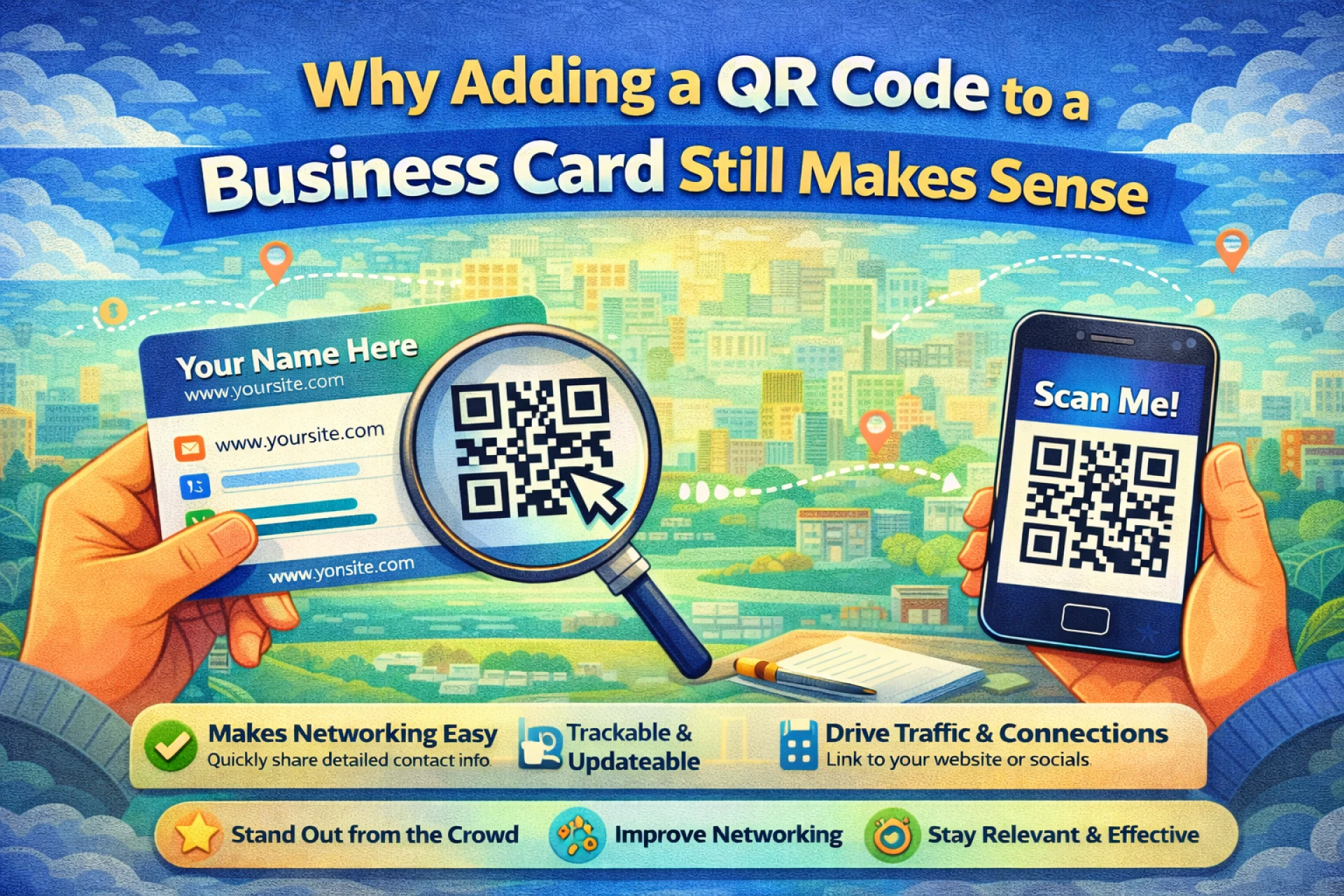

Even though most communication happens online, business cards are still widely used. They’re quick to exchange and don’t require phones, apps, or internet access in the moment. The issue is what happens after the exchange.
A business card usually contains limited information, and once it’s printed, nothing can be changed. If someone loses the card or forgets to save the details, the connection often ends there.
A QR code helps prevent that.
By adding a QR code to a business card, you create a direct link between a physical interaction and your digital presence.
The Problem with Traditional Business Cards
Traditional cards rely on follow-up effort. Someone has to:
- Type in your phone number
- Search for your name online
- Remember to visit your website later
In reality, many people don’t do any of these things. Not because they aren’t interested, but because it takes time and attention.
A QR code removes those extra steps.
What Happens When Someone Scans Your QR Code
A QR code can lead to almost anything, depending on your goal. Common options include:
- A digital contact card that saves details instantly
- A personal or company website
- A portfolio or project page
- A booking or contact form
- A simple page with all relevant links
Creating a QR code for any of these uses doesn’t require technical skills. You can generate one in seconds using an online tool like
https://generate-qr-code.com
Once created, the code can be printed directly on the card.
Static vs Editable QR Codes
Not all QR codes offer the same flexibility.
A static QR code links to a fixed destination. Once printed, it cannot be changed. This works if you’re certain the link will always stay the same.
An editable (dynamic) QR code allows you to change the destination later without printing new cards. This is useful if your contact details, website, or focus might change over time.
For long-term use, flexibility often matters more than simplicity.
Placement and Design Considerations
A QR code needs to be easy to scan to be effective.
Some basic guidelines:
- Use strong contrast between the code and the background
- Avoid making the code too small
- Place it somewhere easy to notice, often on the back of the card
- Add a short line of text explaining what the scan does
Testing the QR code before printing a large batch of cards can help avoid scanning issues later.
Common Mistakes to Avoid
Most problems with QR codes come from small oversights:
- Linking to pages that aren’t mobile-friendly
- Using low-resolution QR images
- Forgetting to test the code after printing
- Sending users to pages without a clear purpose
A few minutes of preparation can prevent these issues entirely.
Final Thoughts
QR codes don’t change what business cards are — they change how useful they are.
By connecting a physical card to a digital destination, you make it easier for people to follow up, save your information, and stay connected. It’s a simple addition that can significantly improve the effectiveness of a traditional networking tool.





























Sign in to leave a comment.