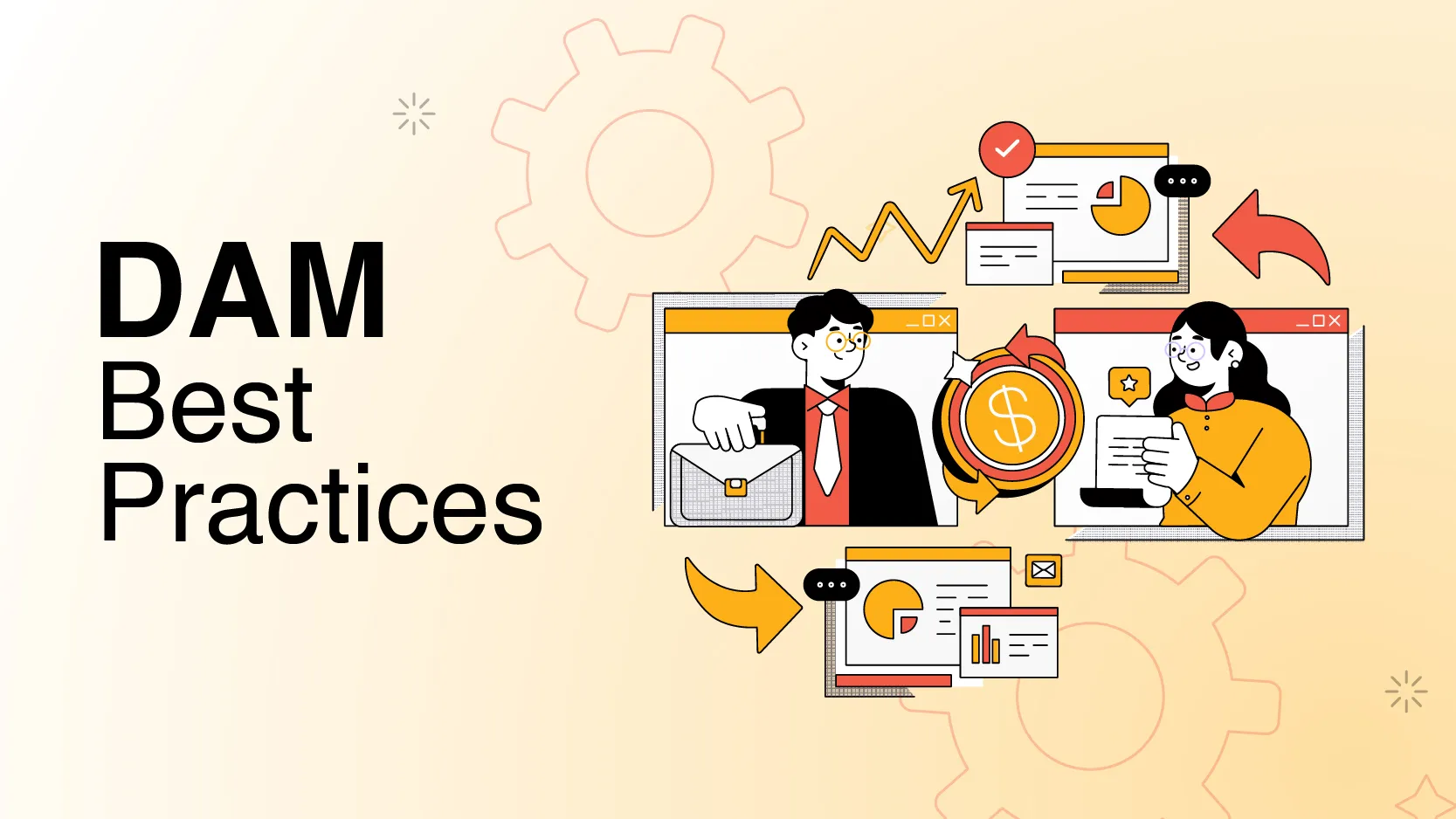

Your company has been promised of save time, enhance productivity and secure your digital asset while you were investing Digital Asset Management (DAM) system. But now months have been passed and your team still struggling. They can’t find the latest version of files; some assets are misnamed, and external partners complain about access issues. The DAM is there, but it’s not delivered on its promise. Why? Many organizations adopt a DAM system but fail to use it to its full potential. DAM doesn’t solve everything on its own. It needs proper setup, consistent processes, and ongoing management to be effective. In this blog, we’ll explore Digital Asset Management best practices that will help you maximize the value of your DAM system. These tips will not only help you organize your assets better but also streamline workflows, enhance security, and drive efficiency across your organization.
What is Digital Asset Management (DAM)?
Before discussing the best practices, let’s quickly recap why a Digital Asset Management system is so important. A DAM isn’t just about storing digital files—it’s about enabling your teams to access the right assets at the right time.
It can help your organization save time by eliminating duplicate files and ensuring version control. A DAM can be a great investment for any company giving return on investment ranging from 8:1 to 14:1.
1. Setting Your DAM Strategy: Define Goals Before You Dive In
Your Digital Asset Management strategy should begin with a clear understanding of what you want to achieve. Identify your key pain points.
Are your teams wasting time searching for assets?
Are outdated versions still floating around?
Is collaboration with external partners a headache?
By clearly defining your goals—whether it’s faster file retrieval, better collaboration, or stronger version control—you can tailor your DAM setup to directly address these issues.
For example, if marketing teams struggle to maintain brand consistency, DAM can provide a single, approved source for all brand assets. The clearer your goals, the more targeted and effective your DAM will be.
2. The Asset Audit: Cleaning the Clutter for a Fresh Start
Before implementing your DAM, it’s crucial to conduct an asset audit. This involves reviewing all DAM Assets to identify what’s important, what’s outdated, and what’s duplicated. For instance, you may discover multiple versions of the same product image floating around in different departments.
Once identified, clean up and categorize your assets. Assign metadata like creation date, asset type, and intended use to each file, which will make searching faster and more efficient in the long run. This also ensures that when you upload assets into the DAM, they’re organized and easy to locate, rather than just dumping everything into one disorganized folder.
3. Centralize to Maximize: Building a Unified Media Library
Many organizations fall into the trap of deploying a DAM while still using external drives, inboxes, and scattered cloud storage. This dilutes the effectiveness of the system. The best practice here is to centralize all digital assets in one unified media library.
By migrating all assets into a single location, your DAM becomes the "single source of truth" for the entire organization. Every stakeholder—whether it’s marketing, sales, or external partners—should access DAM Assets from this central hub, ensuring consistency and eliminating the risk of using outdated or incorrect versions.
4. Controlled Access: Crafting a User Access Hierarchy for Security
Not everyone in your organization needs access to every digital asset. Implementing user access management ensures that each person can only view or edit the files relevant to them. For example, a content creator may need full editing rights, while a partner may only need to view access.
The DAM Best Practices of setting up a hierarchy of permissions reduces the risk of unauthorized access or accidental changes. This system also protects sensitive files while ensuring that teams and collaborators only access what is necessary to do their jobs.
5. Smooth Sailing: Automating DAM Workflows for Seamless Collaboration
Even with DAM, some teams still rely on manual processes for approval, such as emailing files back and forth. This slows things down and leads to version control problems. By using DAM workflows, you can automate approvals and ensure that the right people are notified at each stage of the process.
For example, after a designer uploads an asset, the marketing team can be notified for approval, and once approved, the sales team can get an alert to use it. These automated workflows not only save time but ensure everyone is working with the correct versions.
6. Bridging the Gap: Integrate DAM with Other Business Tools
A Digital Asset Management strategy is most effective when it integrates with your existing business systems, such as your Content Management System (CMS), Product Information Management (PIM), or marketing automation tools.
For example, when a new product image is uploaded to your DAM, it can automatically be synced to your e-commerce platform or marketing tools. This seamless integration ensures that your latest assets are always available across the business without manual uploads or delays.
7. Insight in Action: Using Analytics for Smarter Asset Management
Your DAM is more than a storage tool—it’s a treasure trove of insights. By using DAM analytics, you can track which assets are used most, find workflow bottlenecks, and figure out the overall engagement with your assets.
For instance, noticing that specific files are never used might show a content gap that needs filling. Conversely, high-usage assets can guide future content creation and help allocate resources where they are needed most.
8. Security First: Ensuring Robust Protection and Governance
Your digital assets stand for valuable intellectual property and sensitive information. That’s why security should be a top priority in your Digital Asset Management strategy.
To safeguard your assets, use multi-factor authentication, encryption, and firewalls. Clear governance policies should also define who manages the DAM system, how often security protocols are reviewed, and who has the authority to add or remove users.
9. Assign a Dedicated DAM Team: Ensure Smooth Operations
A well-managed DAM system needs more than just one person to oversee it. Establish a cross-functional team that includes roles like developers, administrators, and content creators. This team can collectively manage the system, enforce standards such as naming conventions, and promote collaboration. Having a dedicated team ensures your DAM system runs smoothly, allowing for efficient management and ensuring that all stakeholders remain aligned on DAM best practices.
10. Keeping the Engine Running: Ongoing DAM Maintenance and Updates
One of the important DAM Best Practices is to schedule regular maintenance to keep your DAM running efficiently. This ensures your system stays relevant, secure, and up to date as your organization grows.
Weekly Clean up unnecessary files, update metadata, and hold training sessions.
Monthly Share system updates, usage reports, and new features with users.
Quarterly Review permissions, update governance rules, and ensure compliance with security protocols. Yearly Conduct a full audit to remove outdated content and find content gaps.
Digital Asset Management Best Practices: The Final Word
If you’ve implemented DAM but aren’t seeing the results you expected, you’re not alone. The key to success lies in following these Digital Asset Management best practices. An optimized DAM system can transform your business from streamlining workflows to securing your assets. Start implementing these strategies today to boost productivity, enhance security, and ensure your digital assets always work for you.























Sign in to leave a comment.