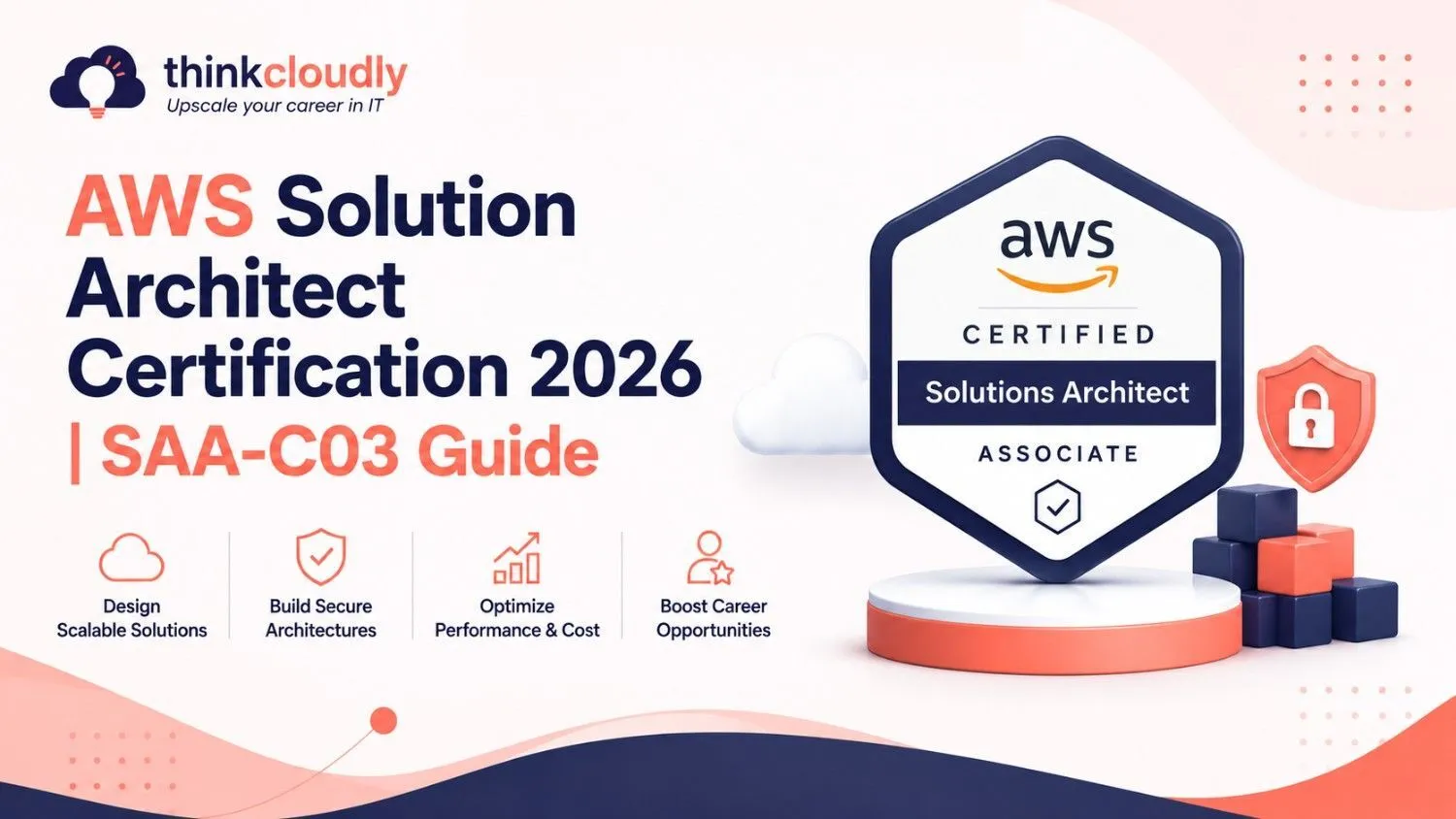

If you’re reading this, chances are you’re thinking about diving into AWS and getting your Solutions Architect Associate certification. Let me tell you — this is one of the best decisions you can make right now for your career.
I’ve seen so many people (including friends and colleagues) completely transform their professional lives after cracking this cert. Whether you’re a fresher, a developer stuck in the same role for years, or an IT admin wanting to future-proof yourself, this guide is written for you — in simple, everyday language, like we’re chatting over coffee.
Why Everyone’s Talking About AWS Solutions Architect in 2026
Cloud computing isn’t the “future” anymore — it’s the present. Almost every company, big or small, is either already on the cloud or moving there fast. And AWS still rules the cloud world with the biggest market share.
The AWS Certified Solutions Architect – Associate (SAA-C03) certification proves that you don’t just know AWS services — you know how to design proper, real-world solutions. Employers love it because it shows you can think like an architect: secure, reliable, fast, and cost-effective.
In simple words: This cert helps you answer questions like —
- How do I make sure this app never goes down?
- How can I keep customer data safe?
- How do I keep costs low without slowing things down?
Getting certified puts you in the “trusted person” category when companies are hiring.
Who Should Actually Go for This Certification?
This certification is ideal for:
- Beginners with some IT or programming background who want to enter cloud computing
- Software developers who want to move into cloud architecture
- System administrators and network engineers shifting to cloud
- DevOps enthusiasts
- Anyone who dreams of becoming a Cloud Architect one day
You don’t need to be an AWS expert already. But if you’ve played around with AWS for a few months (even in the free tier), you’ll have a much easier time.
Real talk: I’ve seen freshers clear this exam in 6–8 weeks with dedicated effort. I’ve also seen experienced people struggle because they only watched videos without building anything. So remember — hands-on practice is everything.
Exam Breakdown – What You’re Really Walking Into
Here’s the plain truth about the exam:
- Exam Code: SAA-C03
- Time: 130 minutes
- Number of Questions: 65
- Format: Multiple choice + multiple response
- Passing Score: 720/1000
- Cost: $150 USD
- Validity: 3 years
Most questions are scenario-based. You’ll get a paragraph describing a customer’s problem, and you’ll have to choose the best AWS solution. That’s why just remembering facts isn’t enough — you need to understand “why” one option is better than another.
The Four Domains Explained in Simple Language
1. Design Secure Architectures (30% – The Heaviest Part)
Security is AWS’s top priority, and it’s the biggest chunk of the exam for a reason.
You’ll learn about:
- IAM (who can do what)
- Encryption (making data unreadable to hackers)
- VPC security, Security Groups, Network ACLs
- Services like AWS Shield, WAF, GuardDuty, and KMS
Think of it like building a house: IAM is giving keys to the right people, Security Groups are your locks and doors, and encryption is putting your valuables in a safe.
2. Design Resilient Architectures (26%)
This is all about making sure your system doesn’t collapse when things go wrong.
You’ll study:
- Auto Scaling
- Load Balancers
- Multi-AZ deployments
- Backup and disaster recovery strategies (RTO & RPO)
It’s like building a bridge that can handle heavy traffic and still stand even if one pillar gets damaged.
3. Design High-Performing Architectures (24%)
Here you focus on speed and scalability.
Key topics:
- Choosing the right EC2 instance types
- Caching with CloudFront and ElastiCache
- Database performance (Aurora vs RDS vs DynamoDB)
- Storage selection (S3 vs EBS vs EFS)
Basically, how to make your application feel lightning fast for users.
4. Design Cost-Optimized Architectures (20%)
Nobody wants to waste money. This section teaches you how to be smart with budgets.
You’ll learn:
- Savings Plans and Reserved Instances
- Spot Instances
- Right-sizing resources
- AWS Cost Explorer and Budgets
It’s the art of getting maximum value while spending minimum.
Must-Know AWS Services (The Real Heroes)
Here’s a quick friendly list you should get comfortable with:
Compute: EC2, Lambda, ECS, EKS
Storage: S3, EBS, EFS, Glacier
Databases: RDS, Aurora, DynamoDB, Redshift
Networking: VPC, Route 53, API Gateway, CloudFront
Security: IAM, Cognito, KMS, GuardDuty
Management: CloudWatch, CloudTrail, AWS Config
Don’t just read about them. Launch them. Break them. Fix them. That’s how you actually learn.
My Recommended 8-Week Study Plan
Week 1-2: Foundations + Security
Focus on IAM, VPC, and all security services. This builds your base.
Week 3: Compute, Storage & Databases
Play with EC2, S3, RDS, and DynamoDB heavily.
Week 4: Networking + Content Delivery
Master VPCs, Route 53, and CloudFront.
Week 5: High Availability, Scaling & Resilience
Auto Scaling, Load Balancers, Multi-AZ, Disaster Recovery.
Week 6: Cost Optimization + Well-Architected Framework
Learn the six pillars deeply.
Week 7: Heavy Practice + Labs
Solve 50–70 questions daily. Do targeted labs on weak topics.
Week 8: Full Mock Exams + Revision
Take at least 4–5 full-length mocks. Review every wrong answer.
Common Mistakes People Make (Learn from Others)
- Watching too many videos without touching AWS console
- Ignoring the Well-Architected Framework
- Memorizing instead of understanding trade-offs
- Not practicing enough scenario-based questions
- Underestimating the security section
Avoid these and you’ll already be ahead of 70% of candidates.
Career Impact & Salary Reality
Getting SAA-C03 certified can genuinely change your life.
In India, certified professionals easily get 8–18 LPA depending on experience. Abroad, salaries commonly range from $120,000 to $190,000 per year.
More importantly, it opens doors. You suddenly become eligible for Cloud Architect, DevOps Engineer, and Senior Cloud Consultant roles. Many people get promotions or better job offers within 3–6 months of clearing this exam.
How to Register & Exam Day Tips
- Go to AWS Certification Portal
- Sign up and schedule your exam
- Choose Online Proctored (from home) or Test Center
Exam Day Tips:
- Take it in the morning when your mind is fresh
- Keep water and ID ready
- Read every question twice
- Eliminate wrong options first
Final Encouragement
Look, this exam isn’t easy — but it’s also not impossible. Thousands of regular people like you and me have cleared it. The only difference between those who succeed and those who don’t is consistency and hands-on practice.
Start small. Open your AWS account today. Launch your first EC2 instance. Celebrate small wins. In a few weeks, you’ll look back and be amazed at how much you’ve learned.
This certification is not just about passing an exam. It’s about becoming someone who can design real cloud solutions — someone companies desperately need.
You’ve got this!
If you want, I can create a super detailed day-by-day 60-day schedule, recommend a complete resource list with links, or even help you with specific topics you find difficult.
Just tell me where you are in your preparation journey right now, and I’ll help you from there.
Would you like me to expand any particular section? Or create practice questions for you? I’m here to help you succeed.
Let’s get you AWS certified!
























Sign in to leave a comment.