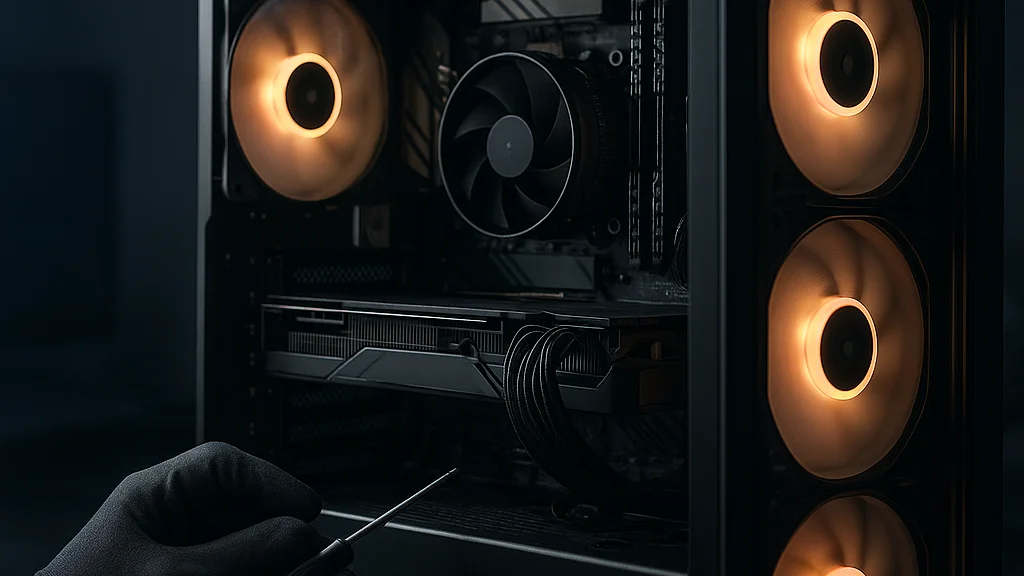

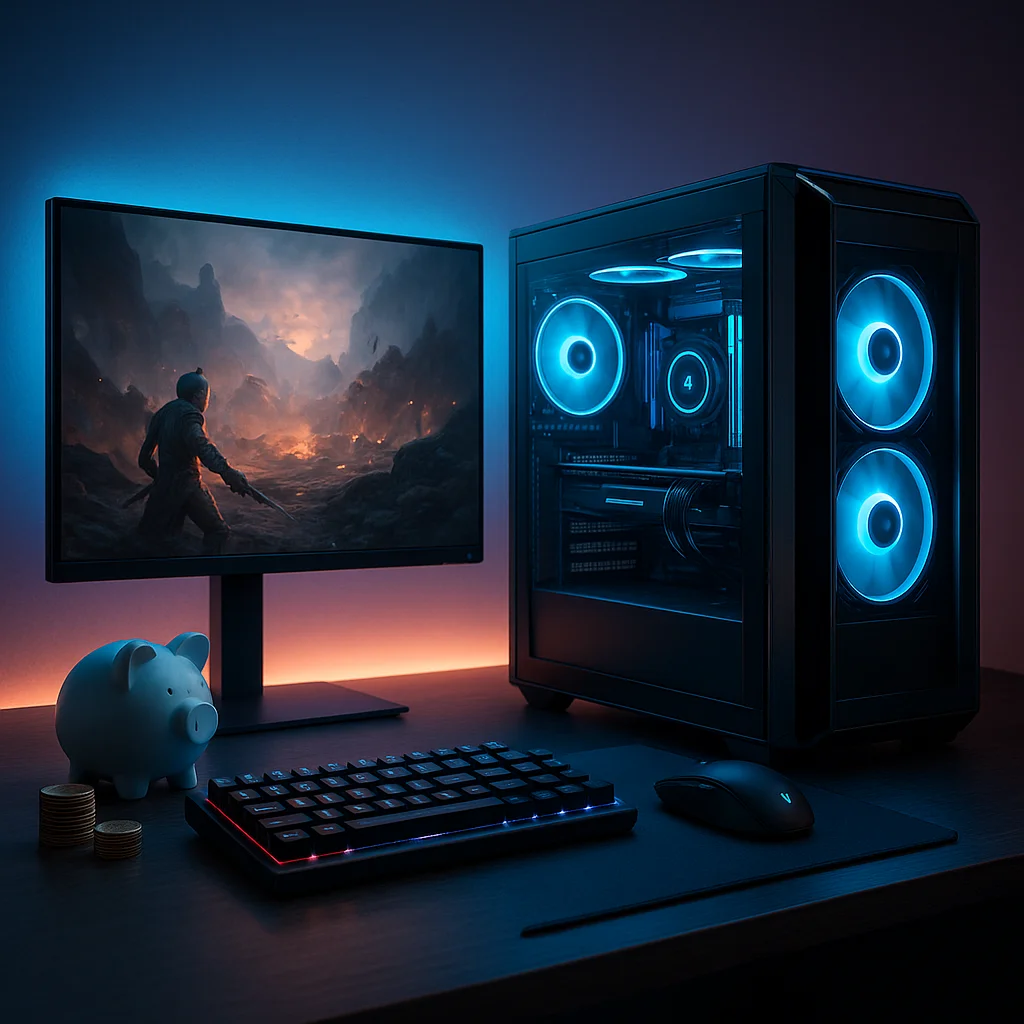
The most exciting budget gaming PC I saw this summer was not a flashy RGB monster at all. It was a modest black tower running a used midrange GPU, a current-value six-core CPU, 32GB of DDR4, and a sensible 1TB NVMe SSD. On paper, it looked ordinary. In motion, it was pure joy! It pushed competitive shooters well above 144 frames per second at 1080p, handled big single-player games with carefully tuned settings, and loaded maps fast enough that nobody in the room complained. That is the real spirit of a budget build: not chasing prestige, but chasing smooth play.
From Tokyo internet cafés to Tokyo Game Show hardware booths, I have watched the same pattern repeat for years. New builders often think budget means compromise everywhere. Actually, the smarter approach is selective ambition. Spend where frame rates are born, save where marketing noise is loud, and leave a clean upgrade path for later. A budget PC should feel like a well-composed bento: every part has a purpose, and nothing is there just to look expensive.
The market in 2026 makes this strategy especially relevant. GPU pricing is calmer than the worst periods of the early 2020s, but not always predictable. New titles continue to demand more VRAM, storage is cheap enough to stop treating 1TB as luxury, and CPU value has shifted toward practical six-core and eight-core options rather than headline-grabbing flagship chips. According to industry reporting from Reuters and regular pricing checks across major retailers, component costs can still swing quickly around launches and promotions, so timing matters almost as much as part selection.
If you are building for esports, streaming light gameplay, or enjoying cinematic RPGs after work, the good news is simple: you do not need a premium tower to get premium fun. You need a plan. And if you want a companion read on pitfalls before ordering parts, this guide to common mistakes in a budget gaming PC build is a very useful reality check.
A budget build succeeds when every dollar buys visible gaming performance, lower noise, better responsiveness, or future upgrade flexibility.
Start with the target, not the shopping cart
The first question is not which graphics card is trendy. It is what you actually want the machine to do. Budget builders waste money when they buy parts for imaginary use cases. A student who mostly plays Valorant, Apex Legends, Fortnite, and EA Sports FC needs a very different balance from someone focused on Black Myth: Wukong, Cyberpunk 2077, or heavily modded Skyrim. Resolution matters too. A 1080p build can be excellent on a restrained budget; a true 1440p machine needs more GPU discipline and less vanity spending elsewhere.
Here is the practical framework I recommend. Decide your monitor first, or at least the performance class you want to match. A 1080p 144Hz screen pairs beautifully with a cost-conscious build. A 1440p 165Hz monitor raises the GPU requirement immediately. Once that target is fixed, the rest of the system becomes easier to balance. This sounds simple, but many first-timers do the opposite: they buy a strong CPU because it feels “future-proof,” then discover they cannot afford the graphics card needed to hit the frame rates they imagined.
Recent budget-focused articles from Geeky Gadgets and The Daily Illini both underline the same broad truth: sensible builds win by matching parts to realistic goals, not by chasing maximum specs in one category. I agree strongly. In my own testing habits, the happiest builders are usually the ones who can explain their target in one sentence: “I want high-FPS 1080p esports with room for one GPU upgrade later,” or “I want quiet 1440p gaming around high settings without overspending on aesthetics.” Clear target, clear build.
- Best budget target for most players: 1080p, high settings, 90–144 FPS depending on genre
- Stretch target: 1440p, medium-to-high settings, 60–100 FPS
- Avoid on a tight budget: building around 4K ambitions or expensive creator features you do not use
That target-first mindset also protects you from marketing traps. You do not need liquid cooling because a video thumbnail shouted about it. You do not need a giant full-tower case for a compact desk. You do not need a motherboard loaded with features for overclocking if you are buying a locked or modest chip. Let the goal lead. The parts will follow.
How to split the budget where it counts most
If I had to summarize the entire budget-building philosophy in one line, it would be this: the GPU still decides the class of gaming experience, but the CPU, memory, storage, and power supply decide whether that experience feels stable and sensible. That balance is where many builds either sing or stumble.
For a gaming-first machine in 2026, the graphics card should usually command the biggest share of the budget. Depending on total spend, that can mean roughly 35 to 45 percent of the build cost. The processor comes next, though budget builders often overspend here. For mainstream gaming, modern six-core chips remain the sweet spot, with eight-core options making sense if the price gap is small or if you multitask heavily. Motherboards should be chosen for reliability, BIOS support, and enough I/O, not for decorative armor.
Memory is one category where the market has become kinder. For a fresh build, 32GB is increasingly the comfortable standard, especially as game memory usage and background app habits continue to grow. That does not mean 16GB is unusable; it means 32GB now offers better long-term breathing room if the price difference is reasonable. Storage is even clearer: 1TB NVMe SSDs are now common-value purchases, and many builders should start there instead of trying to “save” money with a cramped 500GB drive that fills instantly.
The Daily Illini and techtimes both emphasize balanced spending over prestige purchases, and that advice is sound. So is the warning from many experienced builders that a cheap power supply can poison an otherwise smart system. I have seen this too many times. A weak PSU does not just risk instability; it can limit future upgrades and create troubleshooting misery.
- GPU: prioritize this first for gaming performance
- CPU: buy enough cores and modern platform support, but do not overpay
- RAM: 32GB if pricing is close, otherwise 16GB minimum for strict budgets
- Storage: 1TB NVMe is the practical baseline
- PSU: reputable unit with headroom, usually 80 Plus Bronze or better
- Case and cooler: airflow first, looks second
If you want another angle on this philosophy, this WriteUpCafe guide on smart parts and better FPS aligns well with the idea that value is built through proportion, not random bargains.
The cheapest part is not always the budget choice. The budget choice is the part that does the job well, lasts, and does not force you to replace it too soon.
The smartest parts to buy new, used, or on clearance
This is where budget building becomes a little artful, and honestly, this is the fun part! In Akihabara-style shopping energy, there is always high tension around finding the one component that changes the whole value equation. In 2026, the used market remains one of the strongest tools for builders who can inspect carefully and buy from reputable sellers. The GPU is the classic candidate. A used midrange graphics card from the previous generation can deliver excellent 1080p or decent 1440p performance if priced correctly. The risk, of course, is wear, warranty status, and unknown treatment.
Storage, by contrast, is usually better purchased new unless you fully trust the source and can verify health. SSD pricing has stayed competitive enough that the savings on used drives often do not justify the uncertainty. Power supplies should also be approached conservatively. A used PSU from an unknown history is not where I would try to save money. Cases are different again: a clearance or second-hand case with good airflow can be a wonderful budget win, especially if you do not mind a small cosmetic scratch.
The Manchester Evening News recently highlighted how complete sub-£1,000 parts lists can still be assembled with careful selection, and that reflects a wider truth across regions: bundle deals, retailer promotions, and last-generation stock are often more important than chasing the newest release. Meanwhile, the assembly-focused MSN budget build review is a reminder that practical buildability matters too. A cheap case that is painful to work in can turn savings into frustration.
- Usually safe to buy used: GPU, case, sometimes air cooler, sometimes RAM
- Better bought new: PSU, SSD, motherboard unless deeply discounted and trusted
- Watch for hidden costs: missing Wi-Fi, extra fans, thermal paste, adapter cables, Windows license
One more note from experience: do not ignore platform age. An older motherboard and CPU combo may look cheap, but if it traps you on dead-end memory, limited storage standards, or weak BIOS support, the “deal” can become expensive later. Saving money is good. Buying yourself into a corner is not.
What changed recently in 2026 budget building
The budget PC conversation in 2026 is more nuanced than it was a few years ago. The panic era of impossible GPU pricing has eased, but buyers still face uneven value depending on region, launch timing, and inventory. New graphics cards and refreshed product stacks continue to pressure older models downward, which is great for patient shoppers. At the same time, modern games are less forgiving about VRAM and storage capacity. That means old advice like “just get the cheapest card that runs your game” is no longer enough. You need to think one or two years ahead, especially if you want to avoid reducing texture settings too aggressively.
Another shift is that DDR5 has matured, but DDR4 systems still represent strong value in the lower budget tiers when paired with the right CPU and motherboard pricing. This creates an unusual split. If a DDR5 platform deal is close enough in cost, it can be worth taking for upgrade longevity. If not, a well-priced DDR4 build can still be excellent for gaming today. The key is not ideology. It is total platform math.
Cooling and case airflow have also become more important as builders try to stretch performance from modest parts. A badly ventilated budget case can reduce boost behavior, increase fan noise, and make a system feel cheaper than it really is. Good airflow is one of the least glamorous but most visible quality upgrades. I say this with love: a cool-running budget machine feels much more premium than a hot noisy one, even if the frame rate difference is small.
Current advice across enthusiast coverage, including techtimes, points toward flexible builds that can accept a later GPU or storage upgrade without replacing the whole platform. That is exactly right. In 2026, the strongest budget build is not the one that looks perfect on day one. It is the one that remains useful after your next game obsession arrives.
For a broader baseline, this WriteUpCafe article on what you really need to know complements the current-market view well, especially for first-time builders trying to separate essentials from hype.
A sample budget blueprint that actually makes sense
Rather than pretend there is one universal parts list, I prefer a blueprint approach. Prices move too fast for rigid shopping lists to age gracefully. But the structure of a good build remains stable. Here is the kind of configuration that makes sense for many players aiming at strong 1080p and respectable 1440p gaming on a budget in 2026.
Start with a modern six-core CPU from a mainstream platform, ideally one bundled with a decent stock cooler or paired with an affordable tower air cooler. Match it with a motherboard that gives you enough USB ports, at least two M.2 slots if possible, and BIOS support that does not require heroic troubleshooting. Add 16GB if the budget is extremely tight, but 32GB if the difference is manageable. Then place the largest share of your money into a midrange GPU with enough VRAM to stay comfortable in recent games. Finish with a 1TB NVMe SSD, a reputable 550W to 750W PSU depending on the graphics card, and a mesh-front case with at least two included fans.
This blueprint works because it respects real bottlenecks. The CPU is strong enough not to hold back esports titles. The GPU determines your visual settings and frame-rate ceiling. The memory and storage stop the machine from feeling cramped after a few months. The PSU and case protect the system’s long-term health. Nothing is wasted.
- CPU class: modern six-core mainstream chip
- GPU class: current or previous-generation midrange card
- Memory: 16GB minimum, 32GB preferred
- Storage: 1TB NVMe SSD baseline
- PSU: quality unit with upgrade headroom
- Case: airflow-focused, easy cable management
If your priority is maximum competitive FPS, shift a bit more money toward CPU and monitor pairing. If your heart belongs to giant open-world games, feed the GPU first. This is why fixed “best build” lists can mislead. A budget build should reflect your play style, not somebody else’s benchmark chart alone. For readers focused specifically on squeezing higher frame rates without pointless spending, this WriteUpCafe guide on high FPS without waste is a natural next read.
Common mistakes that quietly destroy value
The loud mistakes are easy to spot. Spending too much on RGB. Buying a weak GPU. Forgetting to measure case clearance. The more dangerous mistakes are quieter. Builders often underestimate the total cost of the ecosystem around the tower. A monitor upgrade, extra fans, a Wi-Fi card, a better CPU cooler, or a larger SSD can push a carefully planned build beyond budget very quickly. I always tell friends to reserve a contingency amount before ordering anything. Even a small one helps.
Another mistake is treating “future-proofing” like a magic spell. Real future-proofing is practical: enough PSU headroom, enough RAM slots, a motherboard with sensible connectivity, and a case that can fit a longer GPU later. Unreal future-proofing is paying a large premium today for performance you will not use for years. That money is usually better kept for your next upgrade cycle.
Then there is the software side. Clean Windows installation, current drivers, updated BIOS where appropriate, and sensible fan curves can make a budget machine feel dramatically better. A badly configured PC can leave performance on the table and make builders blame hardware unfairly. This is especially true for memory settings. If you forget to enable the memory profile in BIOS, you may be running below rated speed without realizing it.
Finally, do not overlook the used-market psychology. A “great deal” that pressures you into buying a mismatched platform is not a great deal. Neither is a graphics card from a seller who cannot demonstrate stable operation. Patience is part of budgeting. So is the willingness to walk away.
Budget building rewards discipline more than luck. The best savings often come from the parts you chose not to buy.
How to make the build last longer and feel better every day
A budget PC should not merely boot and benchmark. It should remain pleasant to live with. That means low noise, stable temperatures, enough storage for your actual library, and an upgrade path that does not require a complete rebuild. This is where many successful budget systems separate themselves from merely cheap ones.
First, prioritize airflow and dust management. If you live in a compact apartment or keep your PC close to the floor, dust filters and easy cleaning access matter. Tokyo summers taught me this very clearly! A system that runs hotter over time becomes noisier, and noise fatigue is real. Second, think about storage expansion from day one. Even if you start with one 1TB drive, having another easy slot later prevents a painful migration. Third, pair the PC with a monitor that matches its strengths. A budget tower pushing excellent 1080p performance can feel fantastic on a fast 1080p display, while the same machine can feel disappointing if forced onto an ambitious 1440p panel it cannot fully feed.
Game settings literacy also stretches value. You do not need every slider on ultra. In many modern titles, a carefully tuned mix of high, medium, and selective upscaling can preserve image quality while saving large chunks of performance. This is not “settling.” It is optimization. Competitive players have known this for years.
- For longevity: choose a quality PSU and a motherboard with reasonable expansion
- For comfort: invest in airflow, fan tuning, and a monitor that suits the build
- For performance: learn per-game settings instead of blindly chasing ultra presets
That is the heart of the budget gaming PC story in 2026. Smart builders are not trying to imitate premium systems part for part. They are building machines with intention. They know where the frames come from, where the bottlenecks hide, and where the fake savings live. Build with that mindset and your rig will feel far more expensive than it was. High tension, strong FPS, no waste. Let’s enjoy!
























Sign in to leave a comment.