

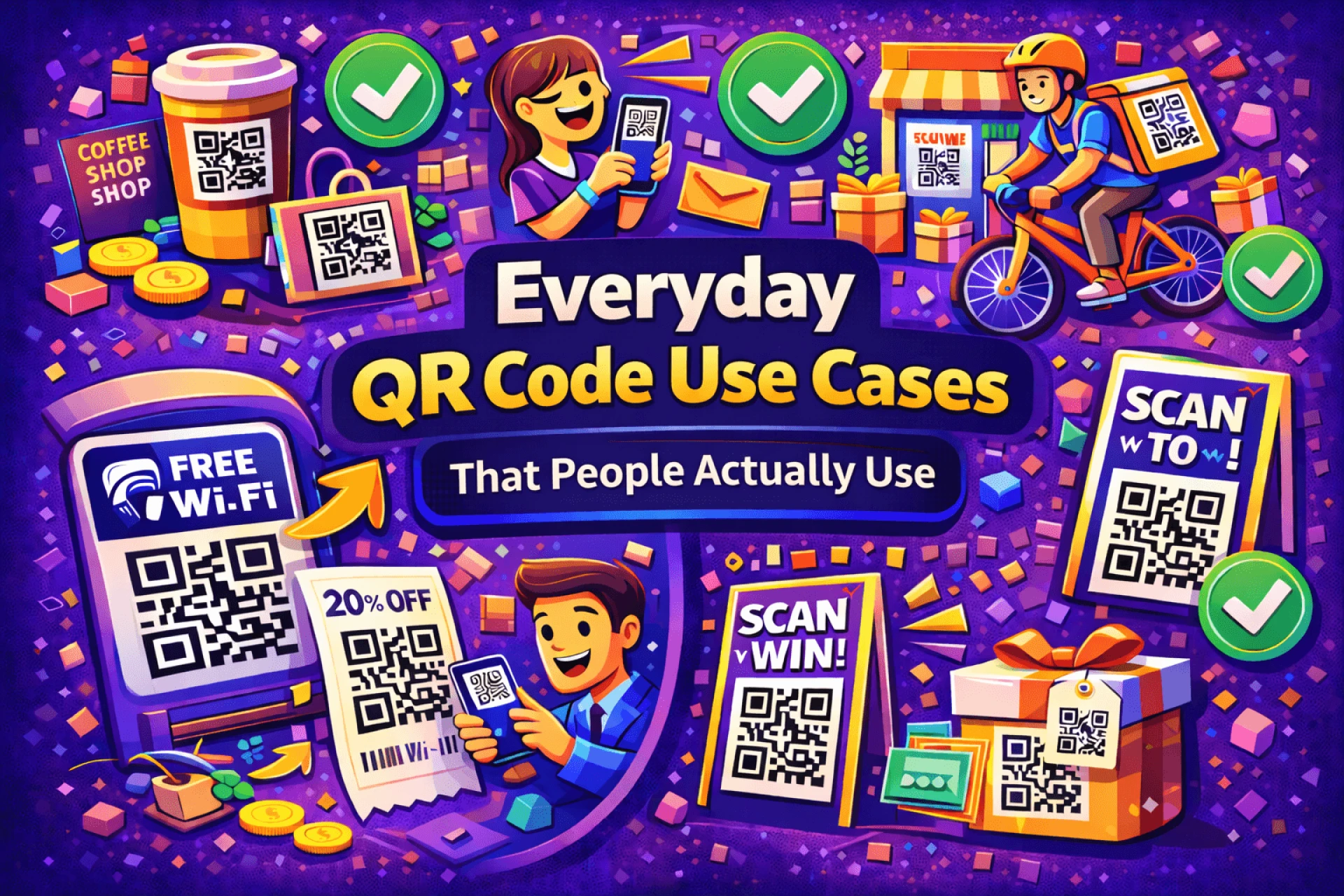
QR codes offer a simple way to connect offline materials with online content. Instead of asking people to type a web address, a QR code lets them reach a page instantly with a quick scan.
This guide explains how to create a QR code for a website or landing page and how to make sure it works reliably once it’s in the real world.
Define the Destination First
Before generating a QR code, decide exactly where it should lead.
Effective destinations include:
- A focused landing page
- A specific product or service page
- A contact or signup form
- A mobile-optimized homepage
Check the page on a smartphone. It should load quickly and clearly communicate what the visitor is supposed to do next. If the page is confusing or slow, the QR code won’t be effective.
Choose the Appropriate QR Code Type
QR codes may look identical, but their behavior can differ.
Static QR codes permanently embed the URL. Once created, the destination cannot be changed.
Dynamic QR codes allow the destination to be updated later and often provide basic scan data. These are usually better for printed materials or campaigns where links may change.
Choosing the right type early can prevent problems later.
Generate the QR Code
Once the destination and QR type are decided, use a QR code generator such as QRColor.com to create the code.
Paste the website or landing page URL into the generator, review the settings, and generate the QR code. The process is quick, but accuracy at this stage is important.
Customize With Readability in Mind
Customization can improve visibility and branding, but it should never interfere with scanning.
Best practices include:
- Maintaining strong contrast between the code and background
- Keeping designs simple
- Avoiding busy or textured backgrounds
After any customization, test the QR code to ensure it scans easily.
Test Across Devices and Conditions
Before publishing or printing, test the QR code using:
- Multiple smartphones
- Different camera applications
- Various lighting environments
Confirm that the correct page opens immediately and displays properly on mobile screens.
Place the QR Code Purposefully
A QR code should always have a clear reason for being scanned.
Common placement options include:
- Printed marketing materials
- Product packaging
- Business cards
- Signage or displays
Adding a short instruction such as “Scan to visit the website” helps set expectations and increases scan rates.
Conclusion
Creating a QR code for a website or landing page is straightforward, but effectiveness depends on planning and testing. Selecting the right destination, choosing the appropriate QR type, and ensuring readability all contribute to better results.
When implemented thoughtfully, QR codes become a reliable bridge between physical touchpoints and digital experiences.































Sign in to leave a comment.