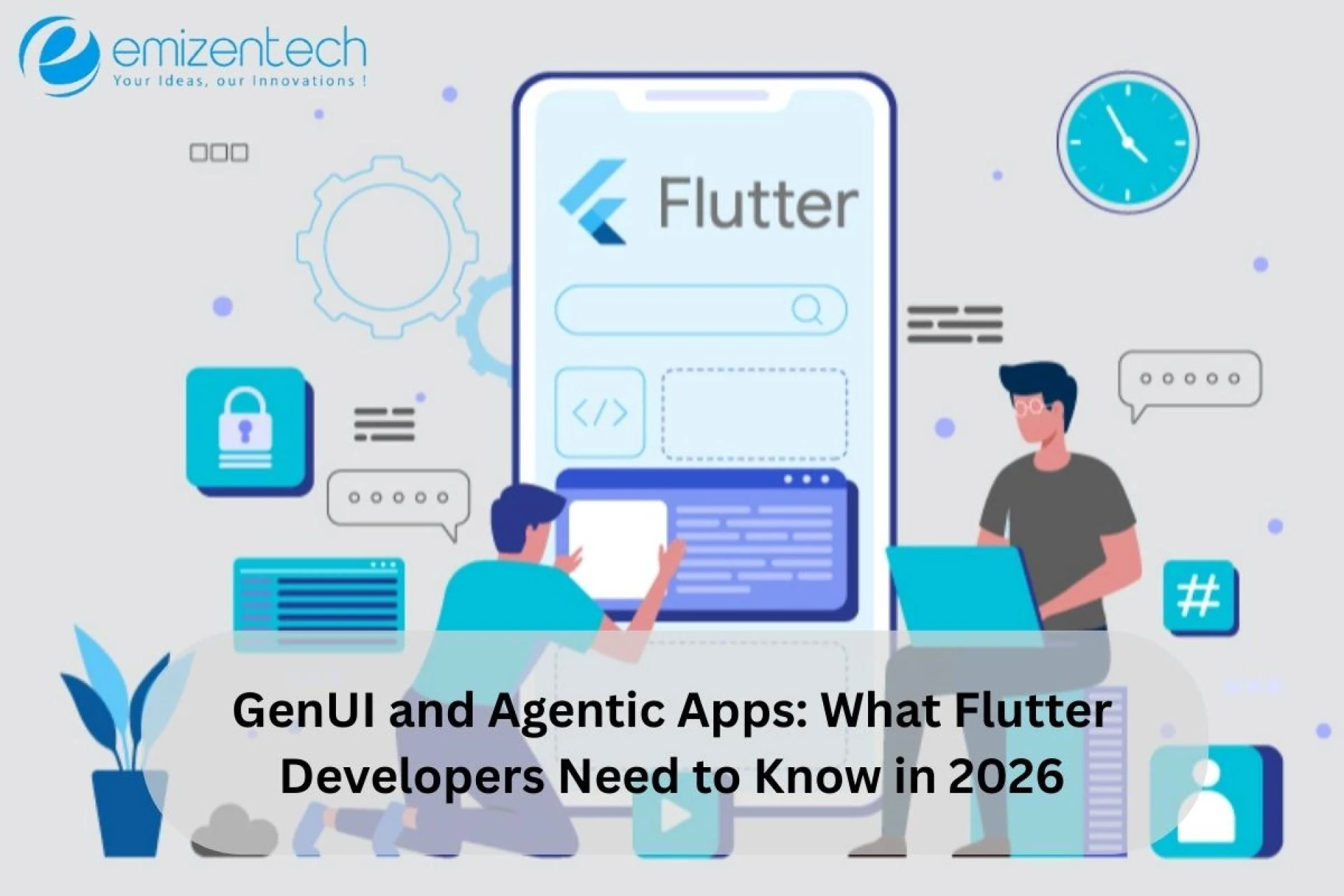

For years, mobile app development has followed a predictable pattern. Developers design screens, menus, and navigation flows, and users interact within a set path. Even with personalization features, most apps remained largely static, showing the same interface regardless of the user’s evolving goals.
In 2026, this is rapidly changing. Artificial intelligence is no longer confined to backend processing- it’s now influencing how user interfaces themselves are designed and delivered. Apps are becoming more adaptive, context-aware, and intelligent, introducing the era of Generative User Interfaces (GenUI) and Agentic Apps, where interfaces can dynamically adjust to user intent and even perform tasks autonomously.
Businesses across industries—from productivity and healthcare to e-commerce—are realizing that AI-driven, adaptive interfaces increase engagement, reduce friction, and improve overall user satisfaction. For Flutter developers, this represents a huge opportunity. Flutter’s reactive, widget-based architecture allows for dynamic UI changes more efficiently than most frameworks, positioning developers to lead the next generation of app experiences.
What is GenUI (Generative User Interface)?
Generative UI, or GenUI, refers to interfaces that adapt or generate themselves dynamically based on AI models, user input, and contextual information. Unlike traditional UIs, which are designed and fixed in advance, GenUI reacts to user intent in real-time, creating interfaces that feel personalized and responsive.
Why GenUI Matters
- Provides a personalized experience tailored to individual user needs
- Reduces friction by showing only relevant actions or content
- Enables real-time dynamic layouts that evolve as the user interacts with the app
- Enhances engagement and user retention, as interfaces respond intelligently
Real-World Examples
- Productivity Apps: A task manager dynamically reorders tasks based on urgency, deadlines, and user behavior.
- E-commerce: Product listings adapt in real-time based on browsing patterns and purchase intent.
- Healthcare: Medical apps adjust dashboards to highlight critical patient information during emergencies.
Consider a Flutter productivity app. A user types:
“Show my most urgent tasks and today’s meetings.”
Instead of navigating multiple screens, the app automatically generates:
- A priority task list
- A timeline of meetings
- Quick-action buttons for completing, rescheduling, or delegating tasks
Flutter’s widget tree architecture makes this possible, allowing developers to insert, remove, or update widgets dynamically, creating a seamless adaptive experience.
Understanding Agentic Apps
While GenUI changes what the interface looks like, Agentic Apps change what the app can do. These apps embed AI agents capable of reasoning, acting, and performing tasks automatically based on user goals. They go beyond passive responsiveness to deliver proactive assistance.
What AI Agents Can Do
- Interpret natural language instructions
- Break down high-level goals into actionable steps
- Interact with multiple UI components simultaneously
- Automate repetitive or complex tasks
Example Scenario
Imagine a Flutter project management app. A user types:
“Generate a weekly report for my team.”
The AI agent can:
- Collect project updates from team members
- Summarize progress in charts and tables
- Generate a report document automatically
- Suggest sharing options via email or chat
From a development standpoint, building such apps requires understanding how AI agents interact safely with dynamic widget trees, ensuring user experience remains smooth and predictable.
Benefits for Users
- Reduced cognitive load: The app does complex work automatically
- Time savings: Routine or repetitive tasks are handled without manual intervention
- Improved accuracy: AI agents can reduce human error by following programmed logic
Compared to traditional apps, agentic apps represent a major leap in both productivity and user satisfaction, especially for enterprise-level applications.
Why Flutter Is Perfect for GenUI and Agentic Apps
Flutter’s architecture is uniquely suited for AI-driven apps due to its reactive model and widget-based UI.
Core Advantages
- Widgets can be created, modified, or replaced dynamically
- Only affected parts of the UI are rebuilt, keeping apps fast and responsive
- Single codebase for mobile, web, and desktop allows cross-platform deployment
Developer Benefits
Declarative UI: Flutter allows developers to describe what the interface should look like, which integrates naturally with AI-generated layouts.
Dynamic Widget Trees: Widgets can be rearranged or replaced at runtime, enabling interfaces that evolve in real time.
Performance Optimization: Flutter provides tools for profiling, memory management, and rendering performance, ensuring AI-generated elements don’t slow down the app.
Cross-Platform Delivery: Adaptive dashboards and AI-powered interfaces can reach multiple platforms without additional development effort, maximizing ROI.
Example in Practice:
A smart productivity app might allow users to rearrange panels automatically based on AI recommendations, while maintaining smooth animations and responsive interactions across mobile and web platforms.
Key Technologies Flutter Developers Should Learn
Building GenUI and agentic apps requires more than standard Flutter skills. Developers must also understand AI integration and supporting technologies.
1. Large Language Models (LLMs)
LLMs interpret user instructions and translate them into structured actions. For instance:
- “Summarize my unread emails”
- “Plan my schedule for tomorrow”
- “Show today’s top priorities”
They are the foundation for intent-driven interfaces in agentic apps.
2. Agent-to-UI (A2UI) Protocols
A2UI protocols allow AI agents to communicate directly with the UI:
- Request interface updates
- Generate widgets dynamically
- Trigger workflows
This ensures AI-generated actions are visible, actionable, and seamless.
3. API Integration
Developers must connect Flutter apps to AI services, databases, and backend platforms via:
- REST APIs and GraphQL
- Async programming patterns
- Workflow orchestration
4. State Management
Dynamic UIs require robust state management. Popular solutions like Riverpod, Bloc, and Provider help maintain stable UI behavior even as AI agents update elements dynamically.
5. Open-Source Tools & Libraries
- Flutter packages for AI integration (TensorFlow Lite, ML Kit)
- Tools for dynamic layouts (Flutter Dynamic Widget, Widgetbook)
- State and performance monitoring tools
These technologies empower developers to create scalable, high-performance, AI-driven Flutter apps.
Skills Flutter Developers Need for GenUI Apps
To build these next-generation applications, developers need a blend of Flutter expertise, AI knowledge, and problem-solving skills.
Core Skills
- Advanced Flutter architecture: Managing dynamic widget trees and reactive layouts
- State management: Handling rapidly changing UI states effectively
- API integration: Connecting to AI services and external platforms
- Dynamic UI design: Crafting interfaces that adapt to user intent
- AI workflow understanding: Knowing how agents interpret tasks and interact with the UI
For companies building AI-powered, adaptive applications, this is the critical point: Hire Dedicated Flutter Developers with experience in GenUI and agentic workflows. These developers can implement intelligent, dynamic interfaces efficiently, ensuring your apps are both scalable and user-focused.
Challenges of Building Agentic Apps in Flutter
Despite the exciting opportunities, AI-driven, adaptive apps bring unique challenges:
UI Consistency: Dynamic interfaces must remain predictable and user-friendly
Performance Management: AI-generated UI updates can slow apps if not optimized
Security Considerations: Agents must have limited permissions to avoid unintended actions
Debugging Complexity: Troubleshooting requires understanding both application logic and AI behavior
Companies often mitigate these challenges through rigorous testing, profiling, and staged AI rollout strategies, ensuring reliability without sacrificing adaptability.
Example: Building a GenUI Flutter App
A smart calendar app illustrates the potential. Instead of navigating multiple tabs, a user types:
“Show my meetings and suggest time for tasks today.”
The AI agent automatically:
- Generates a timeline of meetings
- Suggests time slots for tasks
- Provides quick actions like reschedule or mark as done
Flutter rebuilds only the necessary widgets, keeping the interface smooth and responsive. Developers experienced with AI + Flutter integration can implement these real-world scenarios efficiently, delivering high-impact, intelligent applications.
Why Companies Are Interested in Flutter Developers for AI-Powered Apps
AI-driven applications are gaining traction, and companies are actively seeking developers who can:
- Connect Flutter apps with AI and automation services
- Build dynamic, adaptive interfaces
- Maintain state in highly interactive apps
- Ensure cross-platform scalability and performance
Developers familiar with GenUI and agentic patterns are especially valuable, as they can bridge traditional Flutter development with AI-driven design principles.
The Future of Flutter Development with GenUI
The future points to intent-driven applications, where apps understand user goals and proactively provide solutions.
Emerging trends include:
- AI assistants embedded directly into interfaces
- Adaptive dashboards that reorganize based on user behavior
- Conversational workflows replacing menus
- Automation of repetitive tasks
Flutter’s cross-platform capabilities and reactive architecture make it ideal for this next generation of apps. Developers who master dynamic UI + AI integration will lead the industry forward.
Conclusion
Generative UI and agentic applications are reshaping app development. Interfaces are no longer static—they adapt, generate, and act autonomously.
Flutter developers have a unique advantage thanks to its widget-based, reactive architecture. By combining Flutter with AI, developers can create applications that are dynamic, intelligent, and user-centered.
For companies looking to build AI-driven apps in 2026, it’s the right time to hire skilled Flutter developers with expertise in GenUI and agentic workflows.
FAQs
1. What skills are needed to build GenUI apps in Flutter?
Developers need to manage dynamic widget trees, handle state efficiently with tools like Riverpod or Bloc, integrate AI services, and design interfaces that adapt to user intent. These skills ensure apps are responsive and intelligent.
2. How can Flutter developers implement GenUI effectively?
Flutter developers use dynamic widget trees to update interfaces in real time, integrate AI and backend services, and test interactions to keep the user experience smooth and intuitive.
3. What makes agentic apps different from regular apps?
Agentic apps can perform tasks on behalf of users, such as generating reports or suggesting actions. They combine AI reasoning with adaptive interfaces to reduce manual effort.
4. How do developers stay updated with AI and GenUI trends?
By following Flutter updates, experimenting with AI SDKs like TensorFlow Lite or LLM APIs, participating in developer communities, and reviewing real-world GenUI examples.
5. Why is hiring skilled Flutter developers important for AI-powered apps?
Building adaptive, intelligent apps requires expertise in Flutter, AI integration, and dynamic UI design. Hiring the right Flutter developers ensures your projects are delivered efficiently and future-proofed for evolving user needs.

























Sign in to leave a comment.