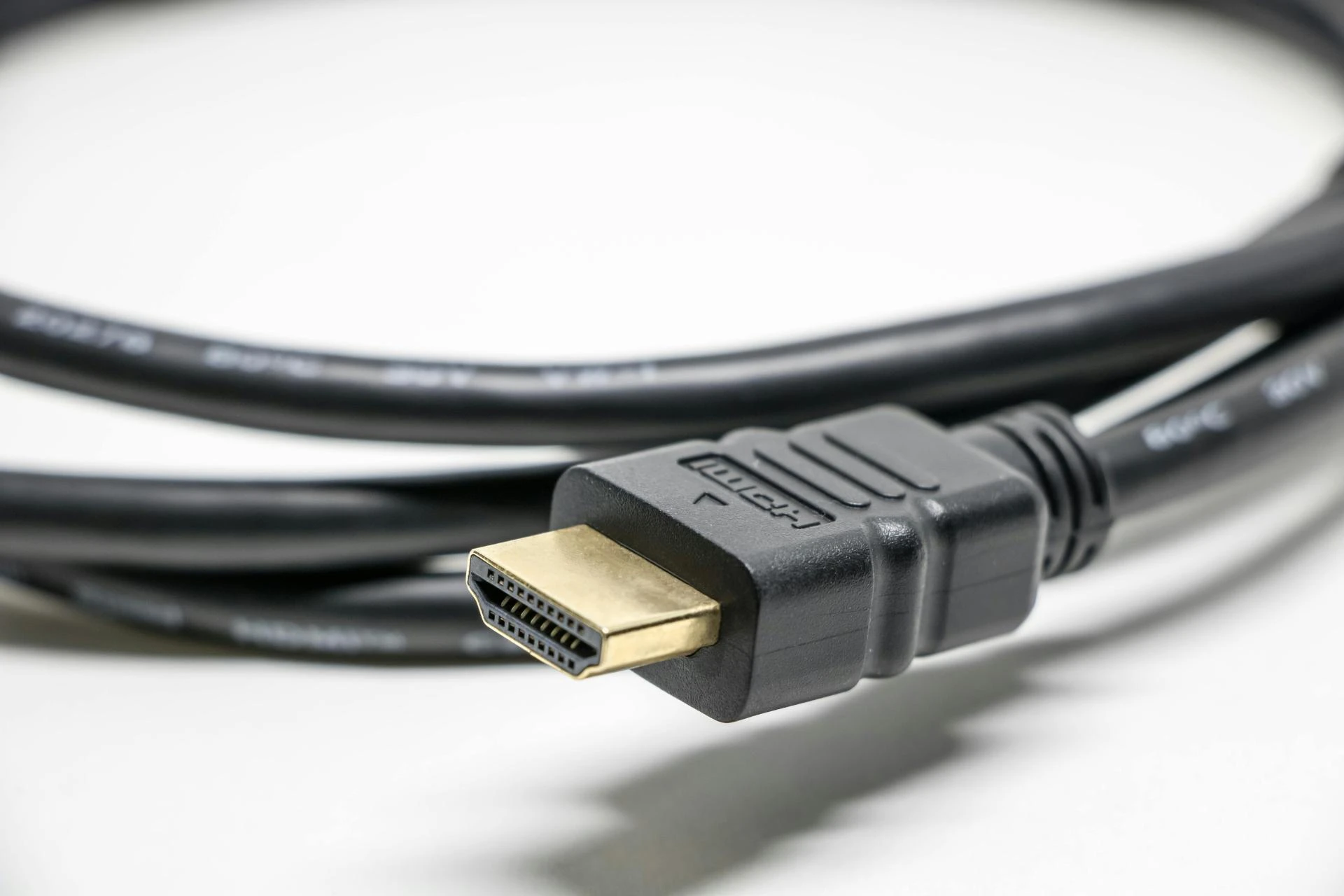

We’ve all faced the frustration of an HDMI cable that’s not long enough. Whether you’re setting up a projector in the back of a room or trying to connect a gaming console to a distant TV, standard cables hit a hard limit around 50 feet before the signal fails.
An HDMI extender is the essential fix for this modern problem. It’s a clever two-part system designed to carry your high-definition video and audio signals over much longer distances, ensuring perfect picture and sound exactly where you need them.
What Exactly Is an HDMI Extender?
Think of an HDMI extender not as a single cable, but as a signal-boosting bridge. It’s a pair of compact devices: a transmitter that connects to your video source and a receiver that connects to your display.
Between these two boxes runs a special long-distance cable. This complete system lets you place your devices wherever you want, overcoming the physical limitations that come with standard, bulky HDMI cables.
How Does an HDMI Extender Work?
The Transmitter box takes the HDMI signal from your game console or laptop and cleverly repackages it. It converts the high-bandwidth video and audio into a robust format ready for a long journey.
This newly packaged signal then travels over a long, affordable cable—most commonly a standard network (Ethernet) cable. This thin, flexible bridge can easily run hundreds of feet through walls to reach another room.
At the destination, the Receiver box performs the final step. It faithfully reconstructs the incoming signal back into a perfect HDMI format for your TV or projector, delivering the original, high-quality picture and sound.
Key Features: What Really Matters
Picture Quality & Distance Specs: Your extender must match your equipment. Start by checking the maximum resolution (4K, 1080p, 8K) and refresh rate (60Hz, 120Hz) it supports. Next, confirm the maximum distance rating, ensuring it comfortably exceeds the length of your planned cable run.
Essential Compatibility Features: Certain features are mandatory for modern content. Your extender must be HDCP 2.2/2.3 compliant to work with streaming services and Blu-ray players. For the best automatic setup, look for models with EDID management, which helps your devices agree on the optimal resolution.
Convenience & Control Capabilities: These extras add polish and ease to your installation. IR or RS-232 passthrough lets you use a remote control from your viewing area. Power over Ethernet (PoE) allows a single cable to carry both data and power to the receiver for a cleaner look.
Audio & Cable Considerations: For a home theater, ensure it’s an eARC HDMI extender if you want to send high-quality audio from your TV to a sound system. Finally, note what cable type your chosen model requires—most use standard Ethernet (Cat6), while others need fiber optic or coaxial.
The 4 Main Types of HDMI Extenders
1.Over Ethernet (Most Popular & Versatile)
Uses standard Cat6 network cables. Ideal for most homes and offices, covering distances up to 330 feet. It offers the best balance of performance, cost, and easy installation.
2.Wireless (For Cable-Free Flexibility)
Transmits signals through the air, perfect for temporary setups or rentals. Best for shorter ranges (typically under 100 feet) where running a permanent cable isn’t possible or desired.
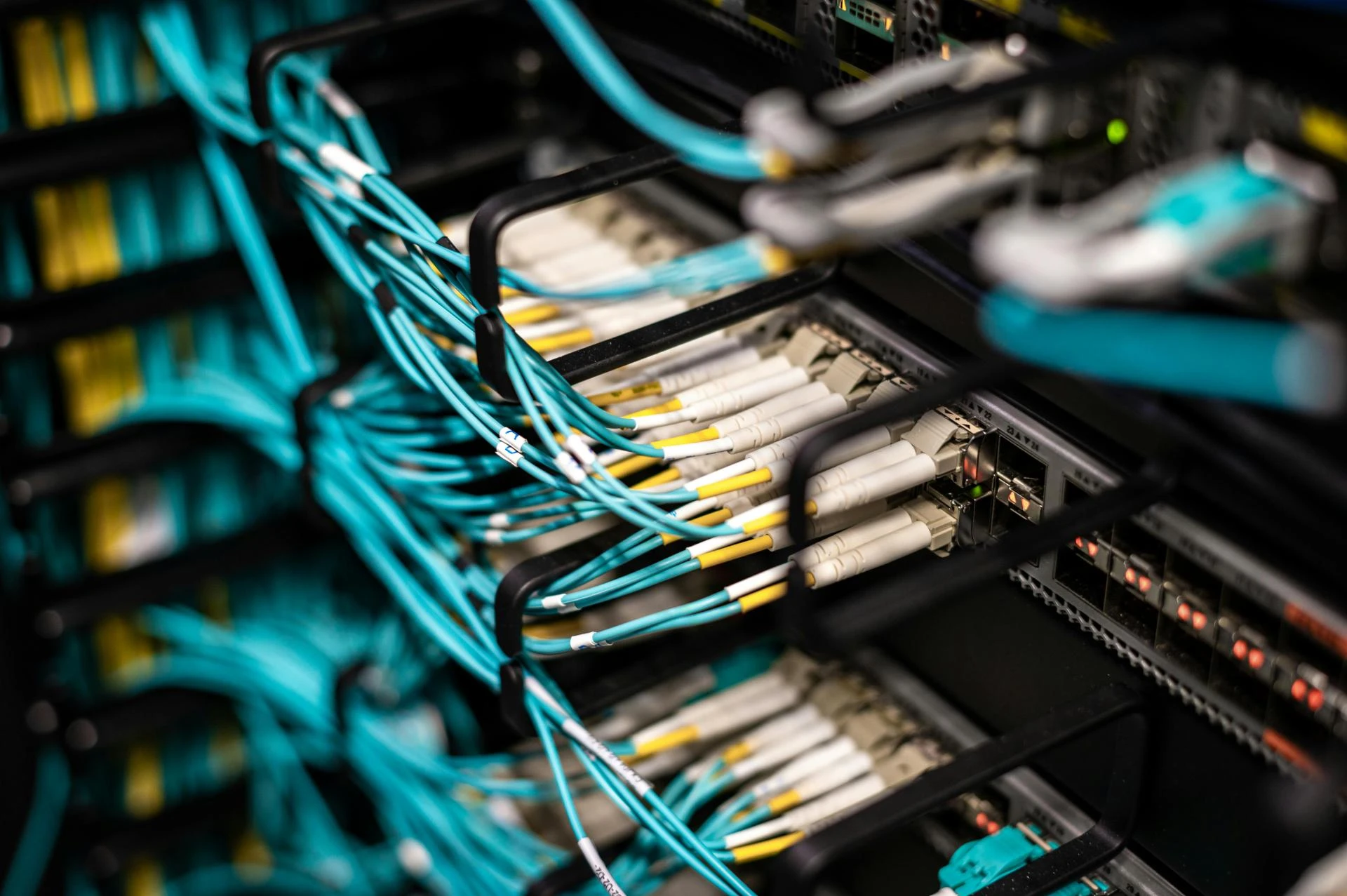
3.Over Fiber Optic (For Pros & Long Runs)
Fiber HDMI extenders use fiber optic cables for runs of several miles with zero interference. This is the premium choice for large venues, campuses, or installations near heavy electrical equipment.
4.Over Coaxial (A Niche Solution)
Leverages existing coaxial (TV cable) wiring in buildings. A smart solution for retrofitting older homes or commercial spaces without pulling new cables through walls.
Real-World Uses: Where You Need One
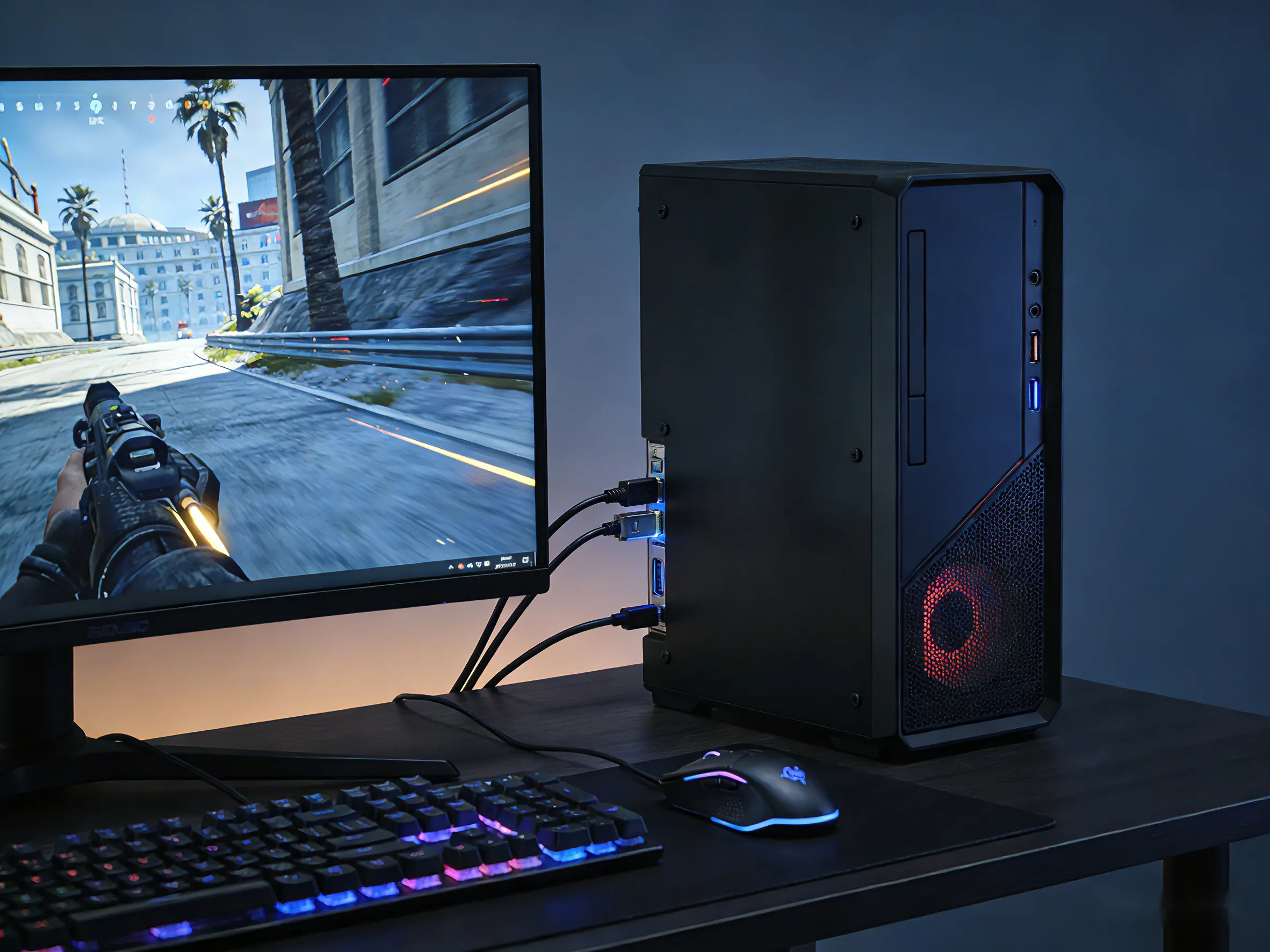
The Ultimate Home Theater & Game Room
You want to keep game consoles and media players in a living room cabinet but display them on a projector in a dedicated basement theater. An HDMI over Ethernet extender makes this clean, long-distance connection possible without lag or quality loss.
Digital Signage for Business
A cafe needs to show menus on TVs in the dining area and at the pickup counter. Using a single media player with multiple HDMI extenders allows centralized control and easy updates for all screens from one location.
The Flexible Conference Room
In a modern office, presenters need to share from any seat. A system with a central switcher and HDMI extenders allows anyone to plug in and display content on the main screen without tripping over cables across the floor.
Conclusion
An HDMI extender is a straightforward yet powerful tool that solves the universal problem of distance. It removes the physical barrier between your devices and your screen, enabling cleaner, more professional, and more flexible installations.
Whether you’re a movie enthusiast, a gamer, or a business owner, the right extender unlocks new possibilities. By understanding the key types and features, you can confidently choose the perfect device to bridge the gap and finally connect your vision.
About WyreStorm
WyreStorm delivers professional-grade AV over IP solutions, HDMI matrix systems, and advanced wireless presentation and conferencing systems for seamless collaboration.
Its portfolio also includes high‑performance HDMI Extender and KVM Extender products designed for reliable, scalable signal distribution.
Explore more innovative solutions at WyreStorm.com and elevate your next project today.
















Sign in to leave a comment.