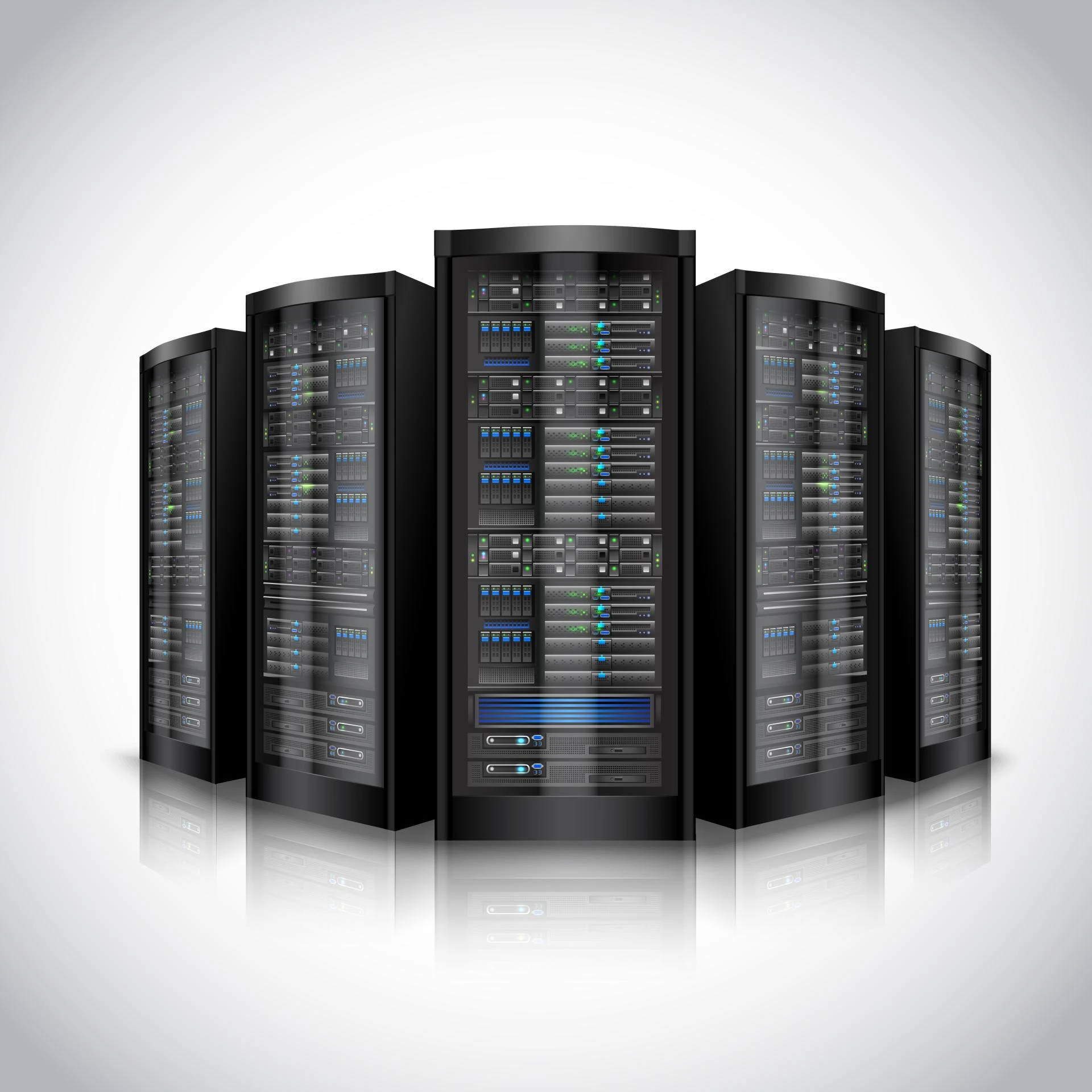

Data regulations are no longer just a checkbox for legal teams; they are a daily operational reality for IT departments. Whether you are navigating GDPR in Europe, HIPAA in healthcare, or SOX in the financial sector, the burden of proof lies with the organization. You must demonstrate that your data is secure, accurate, and hasn't been tampered with.
This pressure has transformed how businesses view their infrastructure. Storage is no longer just a digital warehouse where files collect dust. It is now an active participant in your security and compliance strategy. This is where Network Attached Storage (NAS) has evolved significantly. Modern NAS storage solutions offer sophisticated tools designed specifically to handle the rigors of compliance, audit trails, and immutable data retention.
Understanding how to leverage these features can turn your storage infrastructure from a passive cost center into a robust line of defense against both regulatory penalties and cyber threats.
The Role of Enterprise NAS in Modern Compliance
Compliance is rarely about a single feature. It is a framework of controls, and your storage hardware needs to support that framework. Enterprise NAS systems are distinct from consumer-grade models because they are built with these rigorous controls in mind.
For highly regulated industries, the primary concern is data integrity. You need to ensure that the financial record you pull up today is identical to the one created five years ago. Enterprise NAS storage addresses this through advanced file locking and checksum processes. When a file is stored, the NAS storage system continuously verifies its integrity. If bit rot or corruption occurs, the system can self-heal or alert administrators immediately.
Furthermore, access control lists (ACLs) and integration with directory services (like Active Directory) allow granular control over who can see what. In a compliance audit, being able to prove that only authorized personnel had access to sensitive PII (Personally Identifiable Information) is often half the battle.
Establishing Accountability with Detailed Audit Trails
One of the most critical questions during a security audit or a post-breach investigation is: "Who did this?"
If a sensitive document is deleted or modified, you need to know the user account responsible, the timestamp of the event, and the IP address from which the request originated. Standard file servers might offer basic logging, but dedicated NAS storage appliances often provide granular, searchable audit trails that are much easier to manage.
These audit logs serve two main purposes:
- Forensics: In the event of a data breach or internal misconduct, the audit trail allows investigators to reconstruct the timeline of events. You can see exactly which files were copied or moved, helping to assess the scope of the data loss.
- Deterrence: When employees know that file access is logged and monitored, it discourages casual browsing of sensitive folders or malicious internal behavior.
Many modern systems also support pushing these logs to external SIEM (Security Information and Event Management) tools. This separation ensures that even if a hacker gains admin access to the NAS, they cannot alter the logs that recorded their intrusion because those logs are stored elsewhere.
Immutable Data Retention: The Defense Against Ransomware
Ransomware remains one of the biggest threats to data availability. Modern ransomware doesn't just encrypt your production data; it actively hunts for your backups to delete or encrypt them too. If your backups are accessible and writable, they are vulnerable.
This is where immutable data retention comes into play. Often referred to as WORM (Write Once, Read Many), this technology allows you to designate certain data sets as unchangeable for a set period. Once a file is written to a WORM-compliant share on your NAS storage, it cannot be modified or deleted by anyone—not even the system administrator—until the retention period expires.
For compliance, this ensures that historical records remain authentic. For security, it creates a "safe zone." If ransomware hits your network, it might lock your active files, but it cannot touch the immutable snapshots on your NAS. You can restore your data from that clean, locked state without paying the ransom.
Hybrid Cloud Scenarios and Azure Disk Storage
While on-premises hardware provides speed and control, many organizations are moving toward hybrid models to gain flexibility. This is where Enterprise NAS becomes a critical bridge, combining the performance and governance of traditional NAS with the scalability of cloud infrastructure. At this intersection, organizations gain the best of both worlds—local control for sensitive workloads and cloud integration for agility and growth.
Cloud providers offer block-level storage options that act as the backend for virtualized NAS appliances. Azure disk storage, for example, is frequently used to extend the capabilities of enterprise storage into the cloud. It offers high-performance, durable block storage that can host critical applications or serve as a tier for colder data moving off on-premises hardware.
Integrating Azure disk storage with your NAS strategy offers several compliance benefits:
- Geographic Redundancy: You can easily replicate data to a different geographic region to satisfy disaster recovery requirements without building a second physical data center.
- Scalability: As your retention requirements grow (e.g., needing to keep data for 7 years instead of 3), you can expand your capacity instantly without waiting for new hardware shipments.
- Encryption at Rest: Managed cloud disks typically come with robust encryption standards by default, adding another layer of security to your compliance posture.
By tiering older, immutable data to the cloud, you free up your high-performance on-premise Enterprise NAS for active workloads while ensuring long-term archives remain compliant and secure.
The Importance of Encryption and Physical Security
Software locks are essential, but physical and encryption security remains the foundation of compliant storage.
Data encryption needs to happen in two states: in transit and at rest. Your NAS should be configured to force encryption for any data moving across the network (using protocols like SMB 3.0 or HTTPS). More importantly, the drives themselves must be encrypted. If a hard drive fails and needs to be replaced, you must be certain that the data on that physical disk is unreadable once it leaves your facility.
Many enterprise units utilize Self-Encrypting Drives (SEDs). With SEDs, the encryption is handled by the drive hardware itself, which creates zero performance impact on the system. If the drive is removed from the chassis, it is instantly unreadable without the authentication key.
Building a Future-Proof Storage Strategy
The landscape of data regulation is shifting. New laws are being drafted, and existing standards are becoming stricter. Relying on basic file servers or unmanaged storage creates a liability that most organizations cannot afford.
Investing in robust NAS storage is an investment in risk management. By utilizing features like immutable snapshots, detailed audit logging, and hybrid integrations with Azure disk storage, you build a storage environment that does more than hold data—it protects your business.
As you review your infrastructure this year, look beyond capacity and speed. Ask how your storage supports your audit requirements. If your current system cannot guarantee file integrity or tell you who accessed a folder last Tuesday at 2:00 PM, it is time to upgrade to a solution that can.



























Sign in to leave a comment.